







The people who use our boards.
423 interviews since 2018


Matthew
Castrillon-Madrigal
Lead UI Dev
Who are you, and what do you do? What do you like to do outside of work?
I’m a lead UI dev and a massive typing enthusiast. My day-to-day is a mix of heavy coding, deep-diving into documentation, and collaborating with my team. I'm constantly improving things in my work, so I need to improve how I work. I'm in this for a long time, and I’ve heard too many stories of devs suffering with RSI later in their careers.
Outside of tech, I’m a bit of a gym rat: CrossFit, calisthenics, and climbing six days a week. It keeps me sane, but it also means my upper body is perpetually tight. This actually dictates my keyboard choices; I need a layout that lets my chest open up so I’m not hunched over a tiny laptop/keyboard all day.
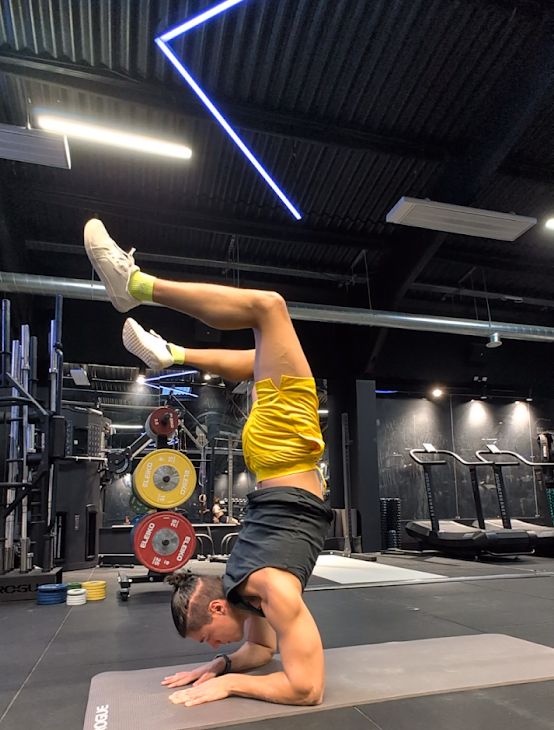
Note: With a baby on the way and a five-day return-to-office mandate looming, my three-hour gym sessions are about to get a reality check!
What hardware do you use?
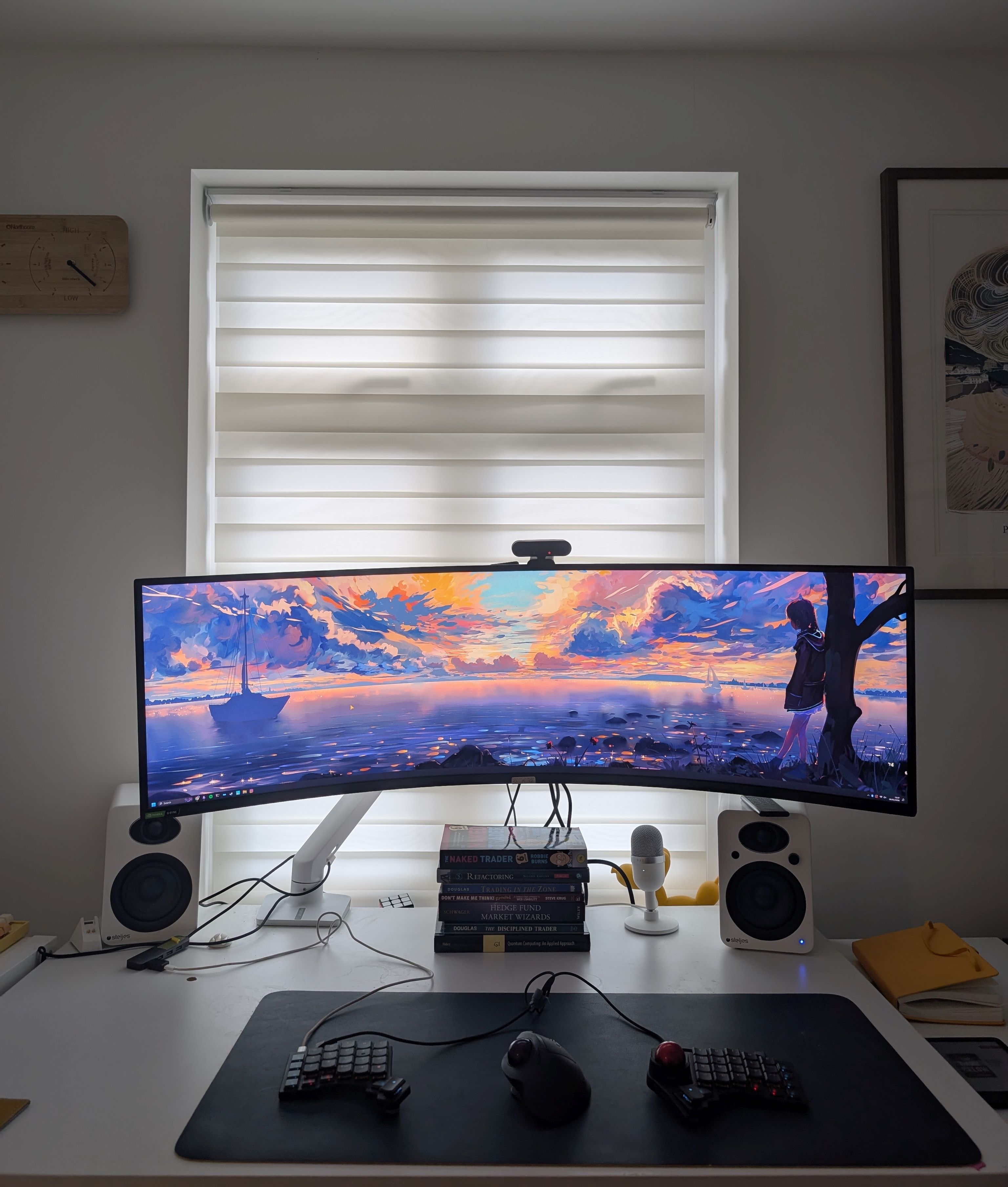
I’m mostly a UNIX/OSX dev, and my home office now just makes it easy to enter work mode, where before as shown I was very proud to make my setup as aesthetic as possible.
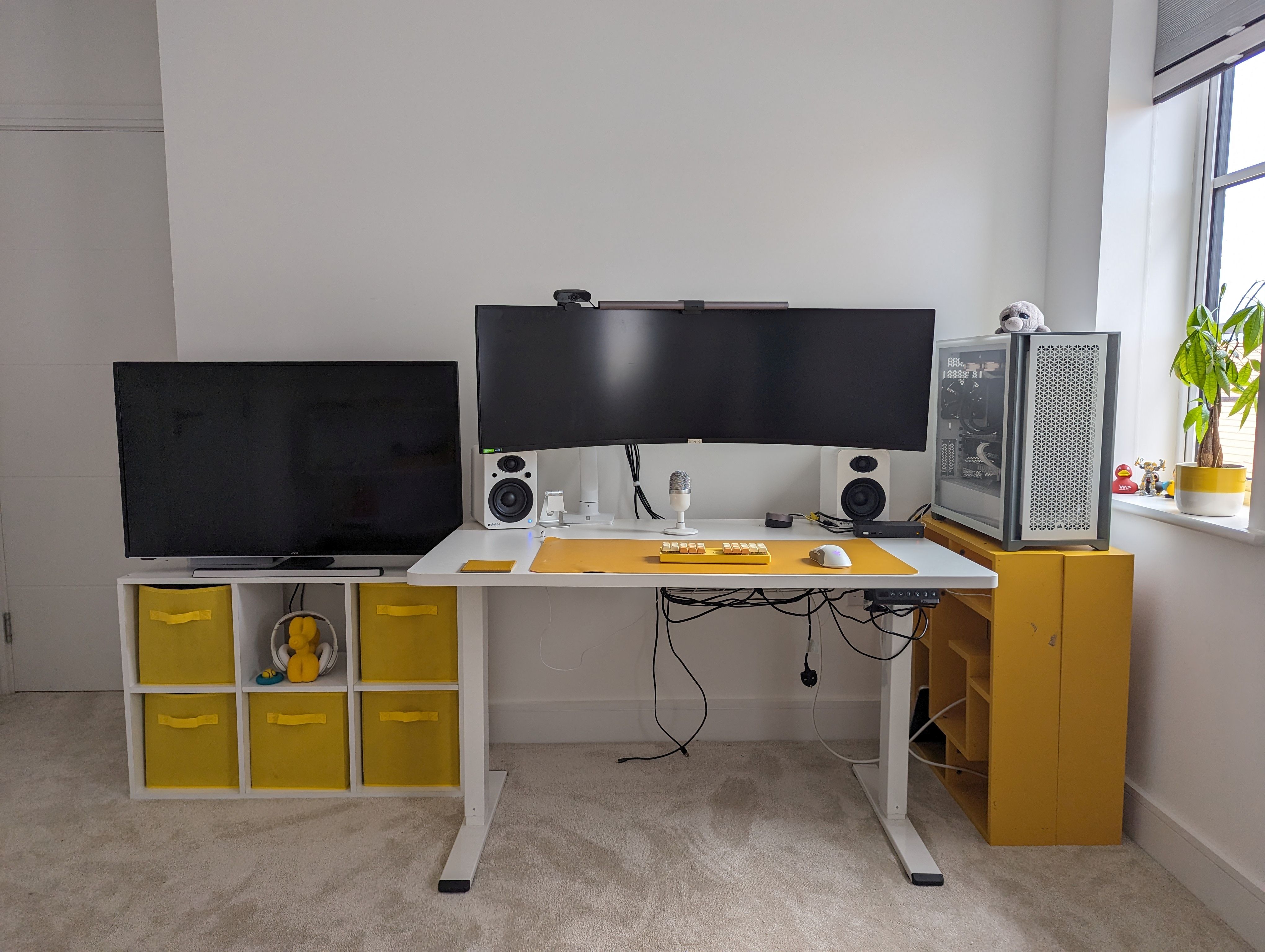
My daily drivers are a MacBook Pro M1 Max + a Windows PC for variety. The Samsung Odyssey G9 (Super Ultrawide) is amazing for multitasking and tiling windows, though sharing my screen on calls is a nightmare. I’ve learned to share specific apps instead of the 49 inches of screen destroying a Teams/Zoom session. I use a Dell USB dock to hot-swap between my personal, work, and gaming rigs.
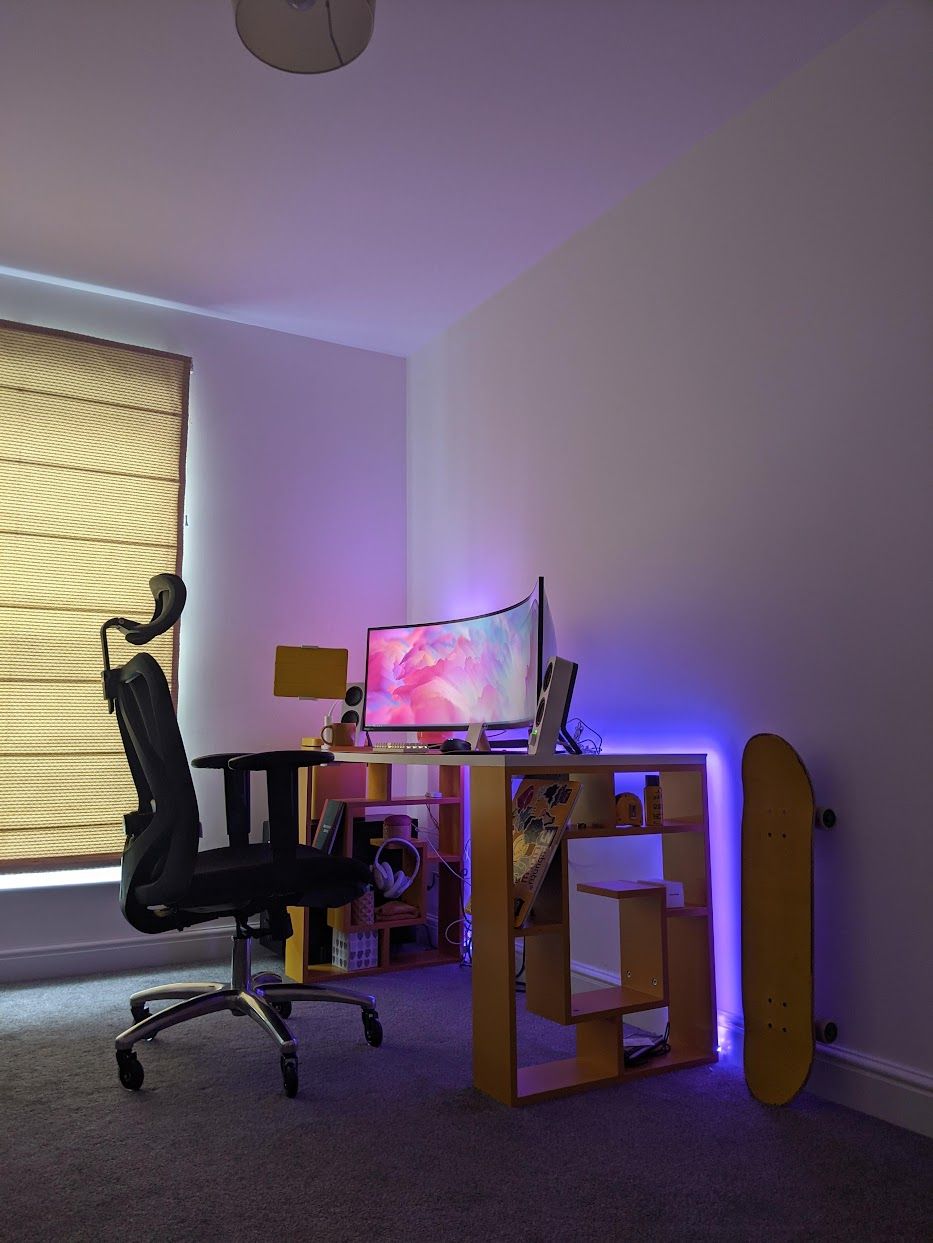
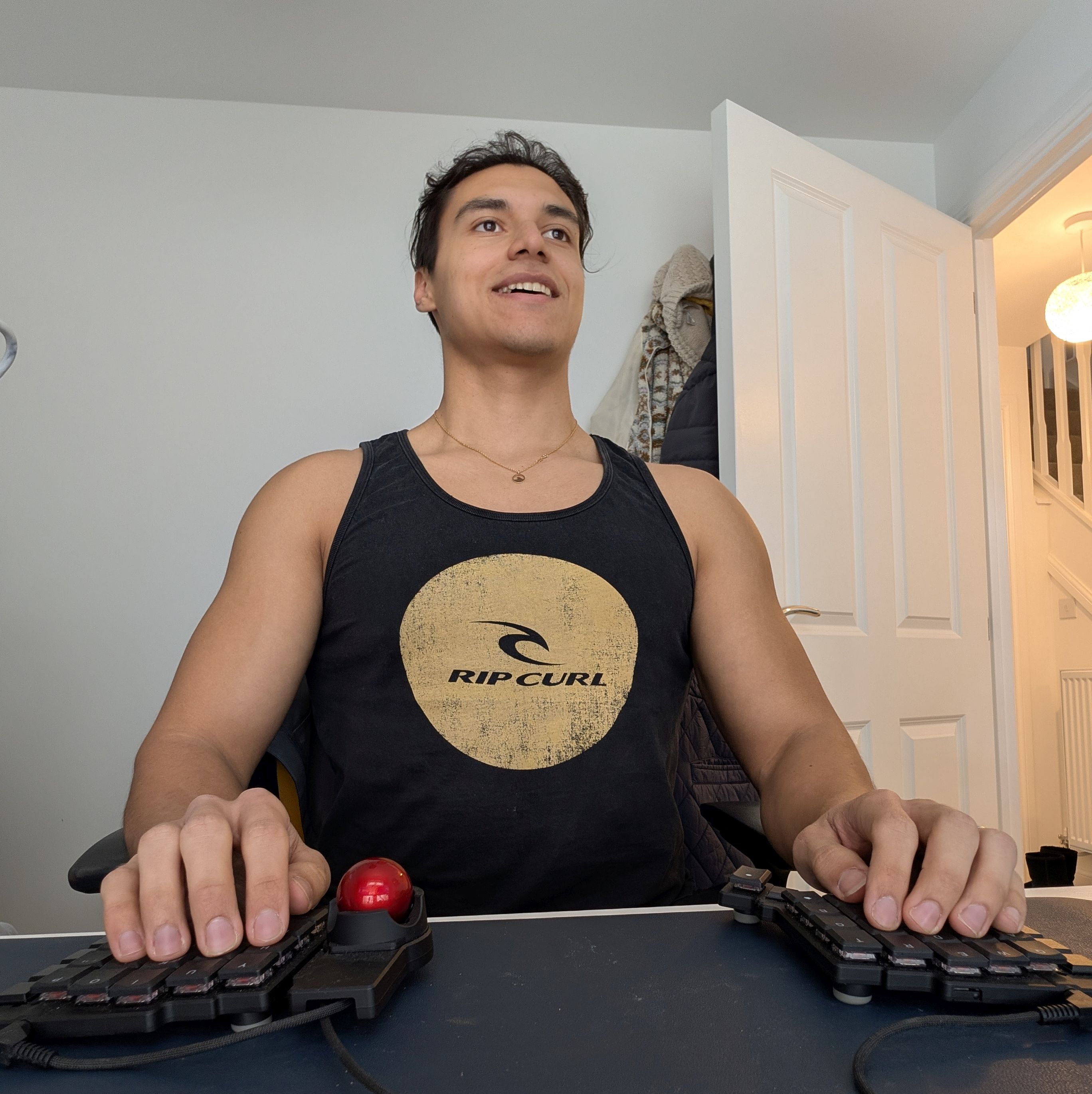
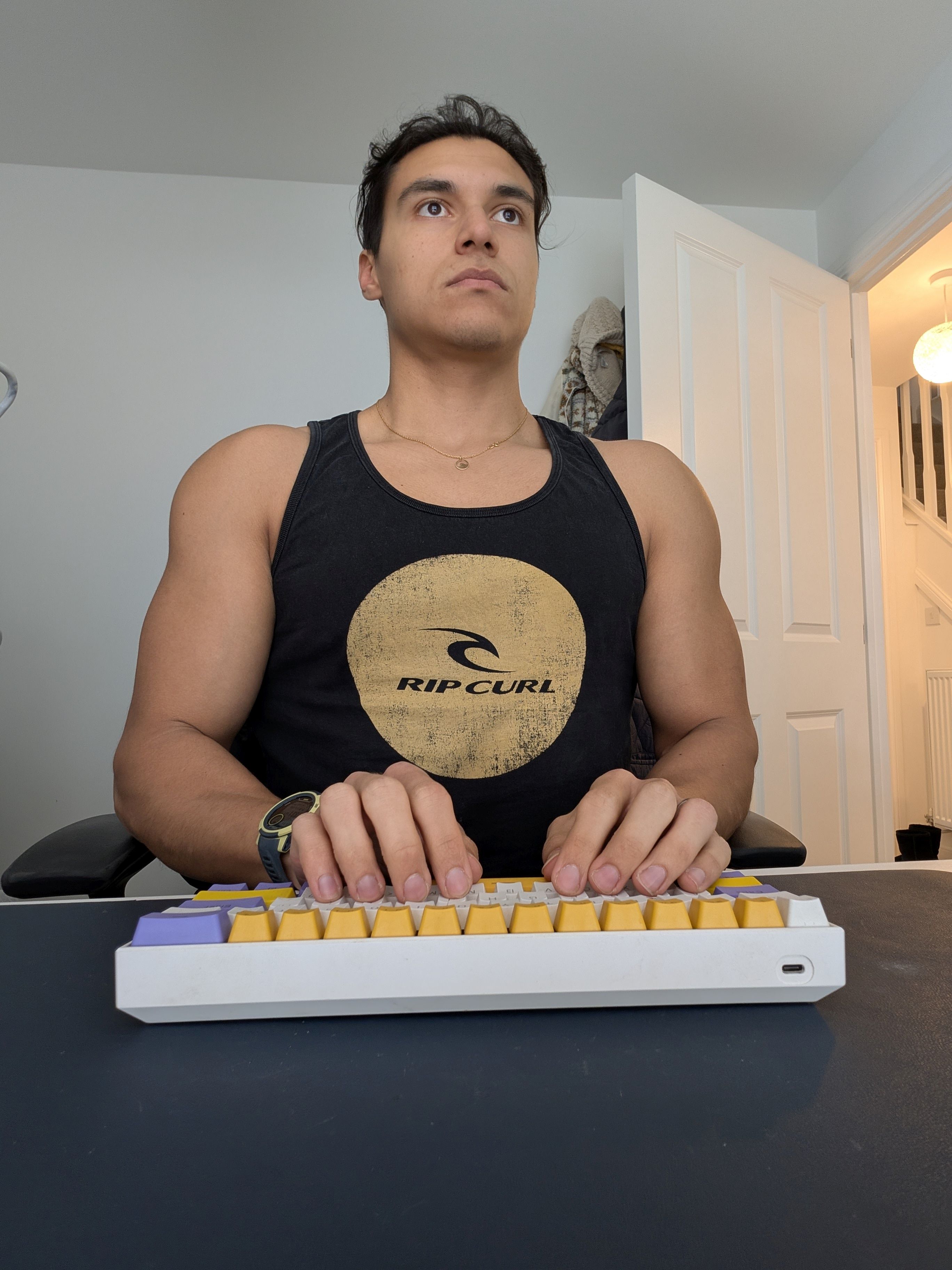
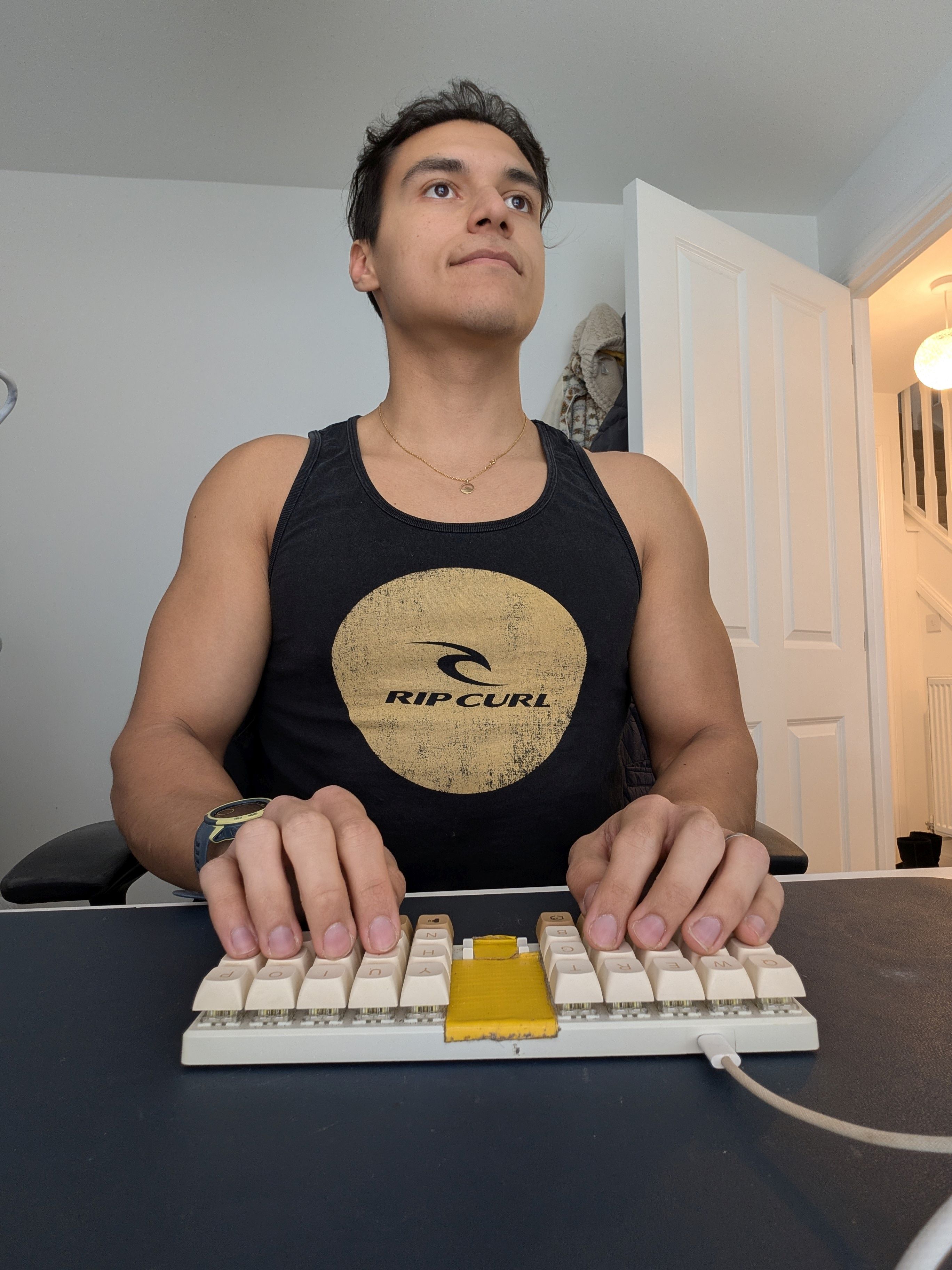
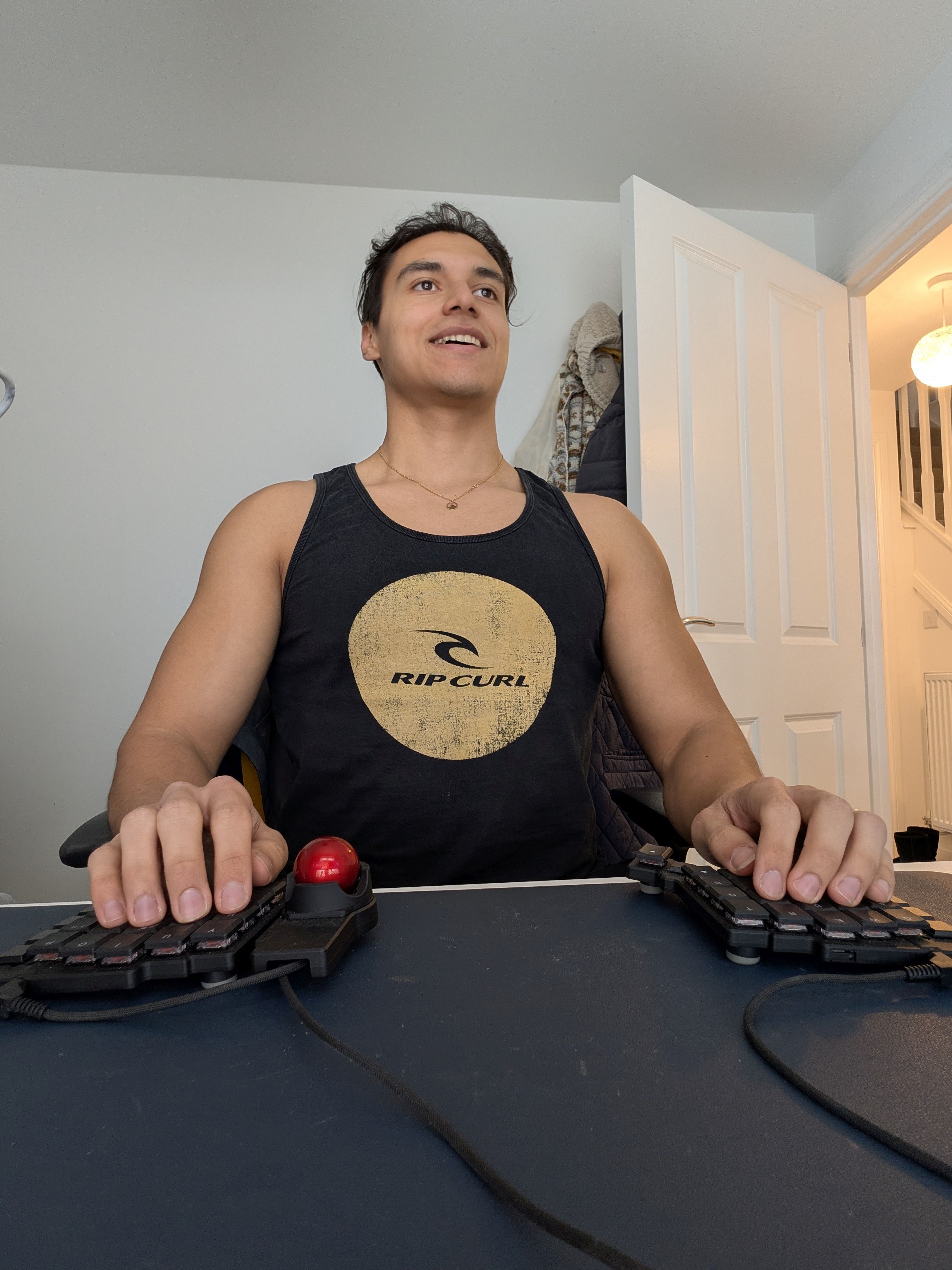
These pictures show how I feel using a traditional keyboard, to a pseudo-split keyboard with my Planck, and a proper spread keyboard in the ZSA Voyager.
And what software?
I aim for a 100% mouse-free existence. My hands and arms better be resting when I am at work. Save the energy for my next gym session, and mental power.
I use Neovim for all my coding. Obsidian is my “second brain” for notes and PM, used strictly in Vim mode. For terminal and CLIs, I use Kitty/WezTerm because of the strong multitasking and multipanelling support.
I rely on a tiling window manager (i3 on Linux) and custom launchers on OSX, such as Raycast, to keep my navigation and task switching super snappy.
What’s your keyboard setup like? Do you use a custom layout or custom keycaps?
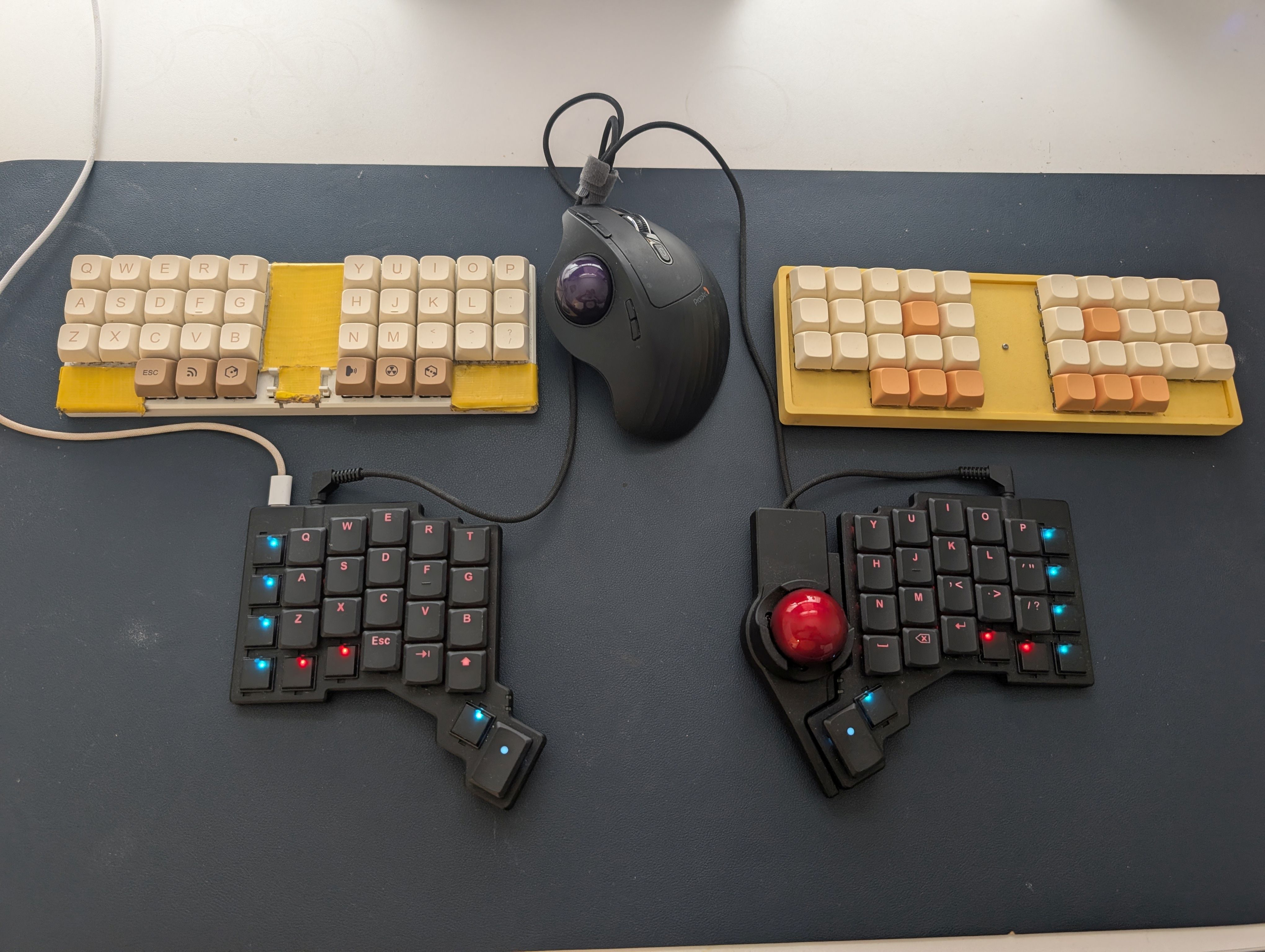
I’ve bounced between a few keyboard setups trying to find “The One.”
The Commuter Setup: I used a ZSA Planck for a long time. It was durable, but I had to mod the keybinds to “simulate” a split board. I eventually commissioned a custom wireless replica, but flaky Bluetooth and ZMK firmware frustrations led me back to wired reliability.
I loved my custom Helidox (Crkbd), but it seemed too delicate to survive a London commute. And it was, as after a few commutes it was broken.
The Office Issue: I love the posture benefits of a split board, but I’ll admit I feel a little self-conscious “manspreading” my arms across a desk in a corporate office. Plus, dragging two halves and cables between meeting rooms is a bit of a chore. I have a ZSA Voyager now, which I love, but I mostly keep this at home.
I run Miryoku (36–38 keys) with a QWERTY base. I used to be a Colemak devotee, but as a Lead, I had to switch back to QWERTY so my peers wouldn't have a stroke when we pair-program on my machine.
What would be your dream setup?
The ZSA Voyager is close to perfect. The Navigator Trackball attachment is great, but does not feel 100% yet—the ball keeps on flying off and running away from me. I’m currently using a separate trackball mouse for my mouse-intensive tools, though I might give the trackpad attachment a shot one day. Still, the Navigator allows me to stay at my keyboard for longer.
My ultimate dream? A solid-body, extra-wide Planck. Think of a single-unit board but with the keys spaced out to match a split-width, featuring hot-swappable hardware and reliable Bluetooth, with profiles per device.
I also am a big fan of the layer-switching LEDS on the ZSA products, and wish these could have a bit more versatility, or have a very low-powered screen to show more information about the set layers, etc.