The people who use our boards.
424 interviews since 2018


Timothy
Ivory
Piping Design Engineer
Who are you, and what do you do? What do you like to do outside of work?
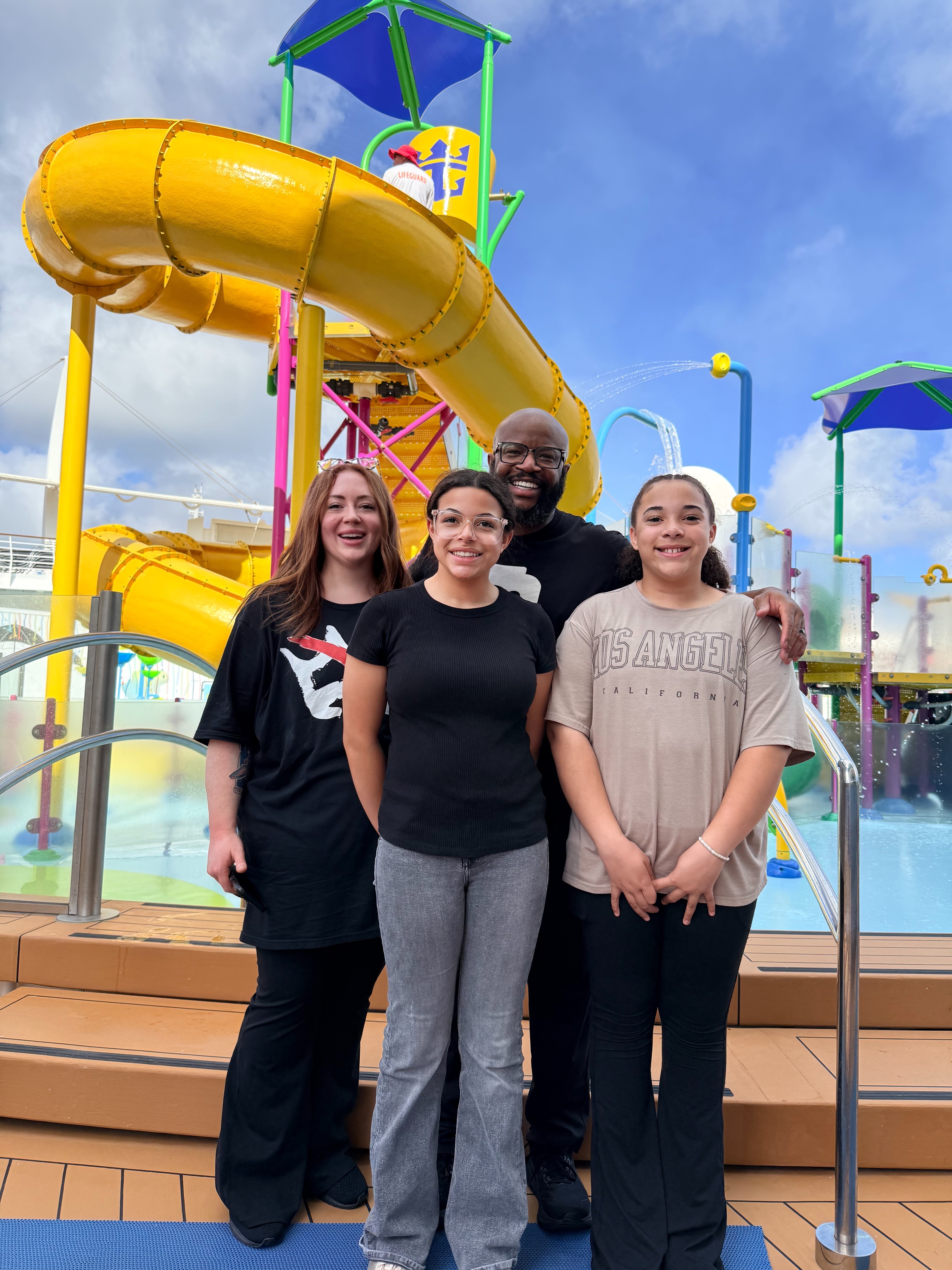
My name is Timothy Ivory. I live in Utah with my wife and our two daughters just outside Salt Lake City. Professionally, I work full time as a Mechanical/Piping Designer for Chevron at the North Salt Lake refinery, where I help keep piping design in-house by partnering closely with engineering, operations, and the field to deliver practical, constructible designs that support safe, reliable refinery operations.
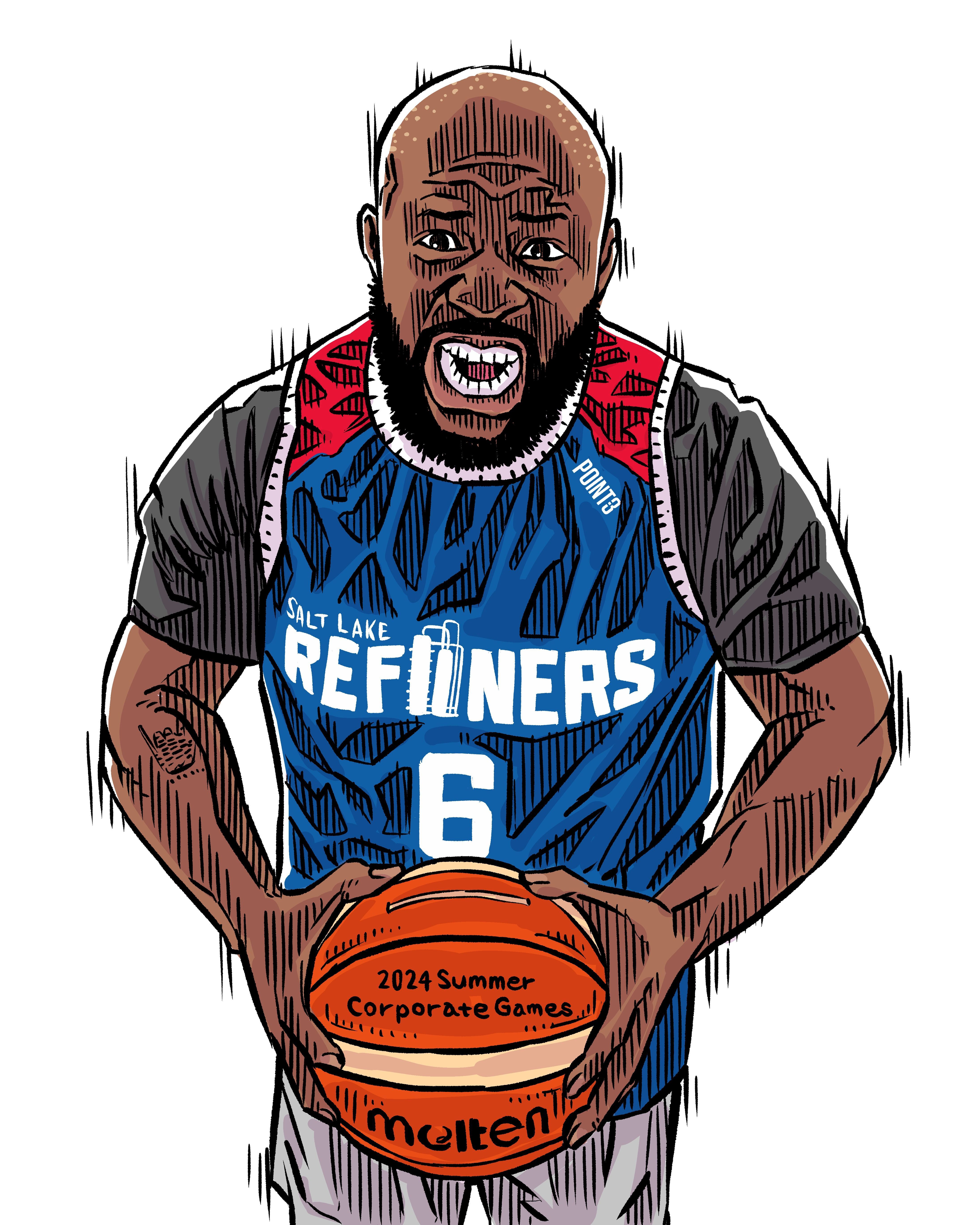
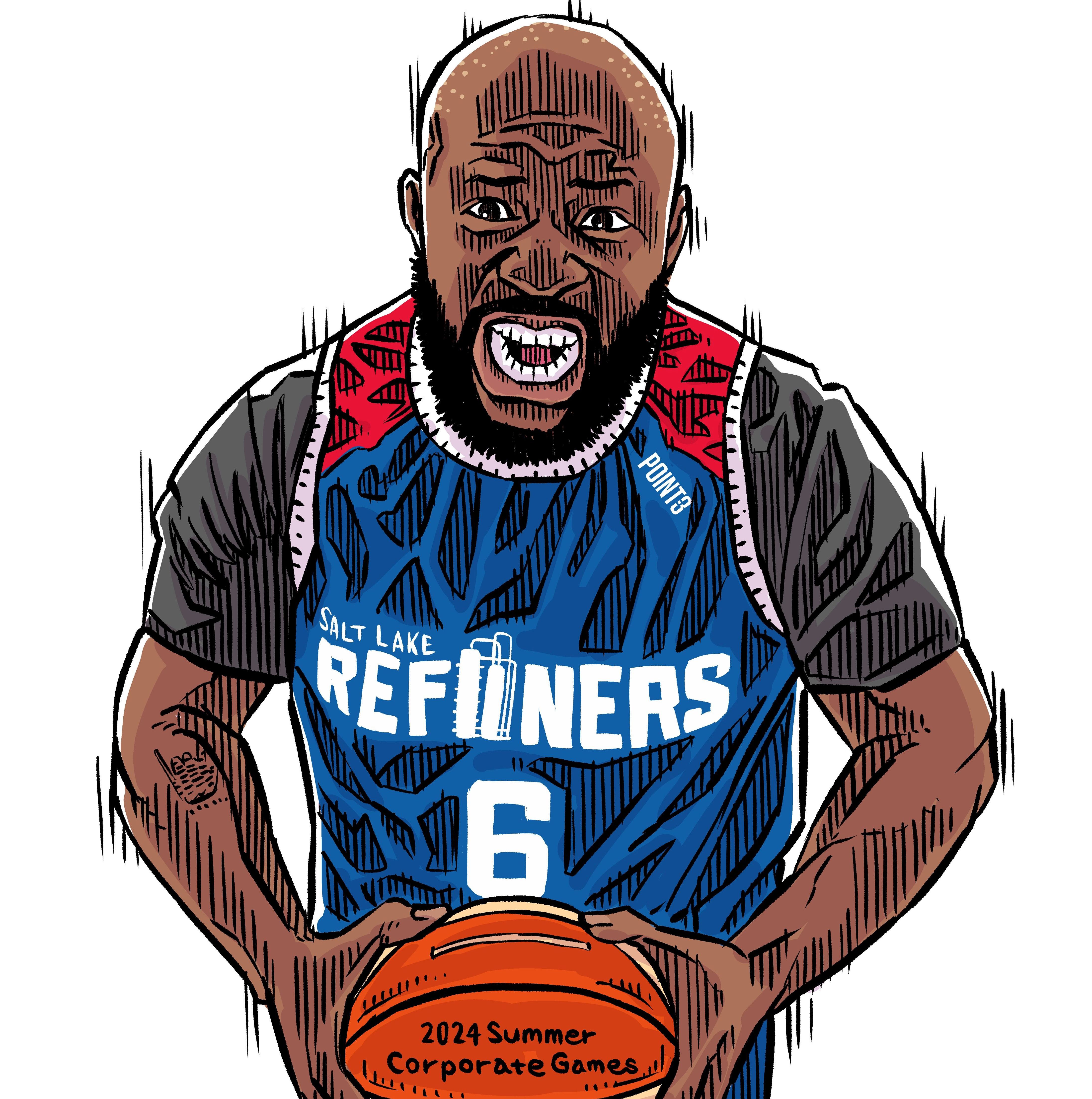
Outside of work, I’m a family-first guy—most weeks you’ll find me chauffeuring my daughters to volleyball practices and games. I also stay active with basketball and boxing fitness classes. In quieter moments, I write poetry (see page 39) and maintain a personal website where I share my work publicly.
I’m also passionate about community and leadership. I’ve served on the Salt Lake chapter leadership team for Chevron’s Black Employee Network (BEN)—including roles such as Site Lead / Co Site Lead and Communications Coordinator—and helped drive strong growth and engagement locally. Salt Lake’s BEN chapter earned the BEN “Site of the Year” recognition (Salt Lake City / #TheLake). In my own leadership and communications write ups, this was also described as the inaugural “Site of the Year” award for the Global BEN network. Over the past two years, that work included organizing or supporting key programs like Black History Awareness Celebrations (including speaker/panel programming), Juneteenth engagements and flag raising, STEM outreach (presentations and judging), and member social events such as the Salt Lake Bees game. I was also recognized through Chevron’s recognition program for BEN contributions tied to multiple events/programming and membership growth.
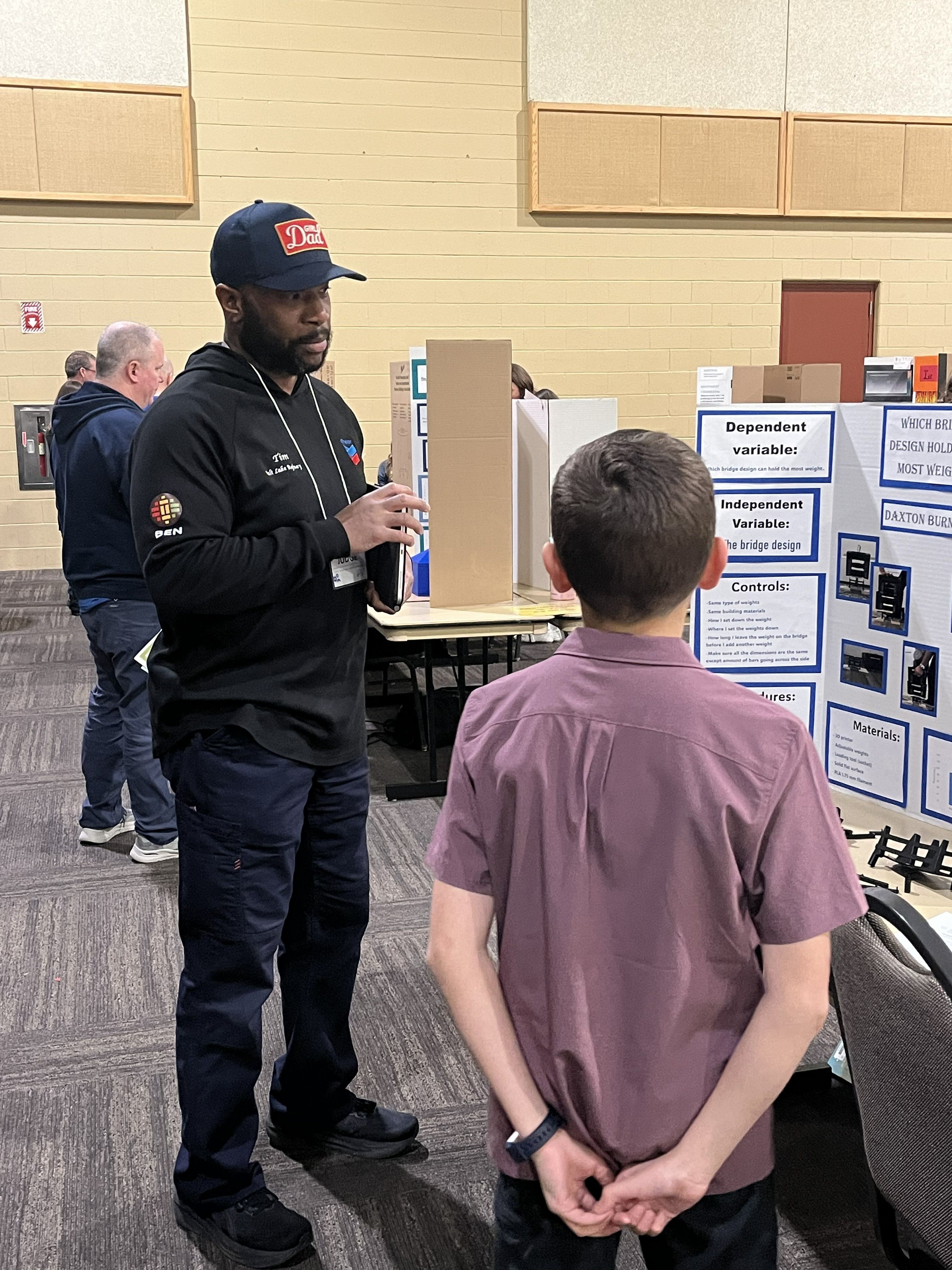
And in my spare time, I’m hands-on and detail oriented in a different way: I enjoy detailing my own vehicles, and I’m still actively pursuing the idea of opening a car detailing business—because I genuinely love the process of making a car look new again after a few hours of focused work.
What hardware do you use?
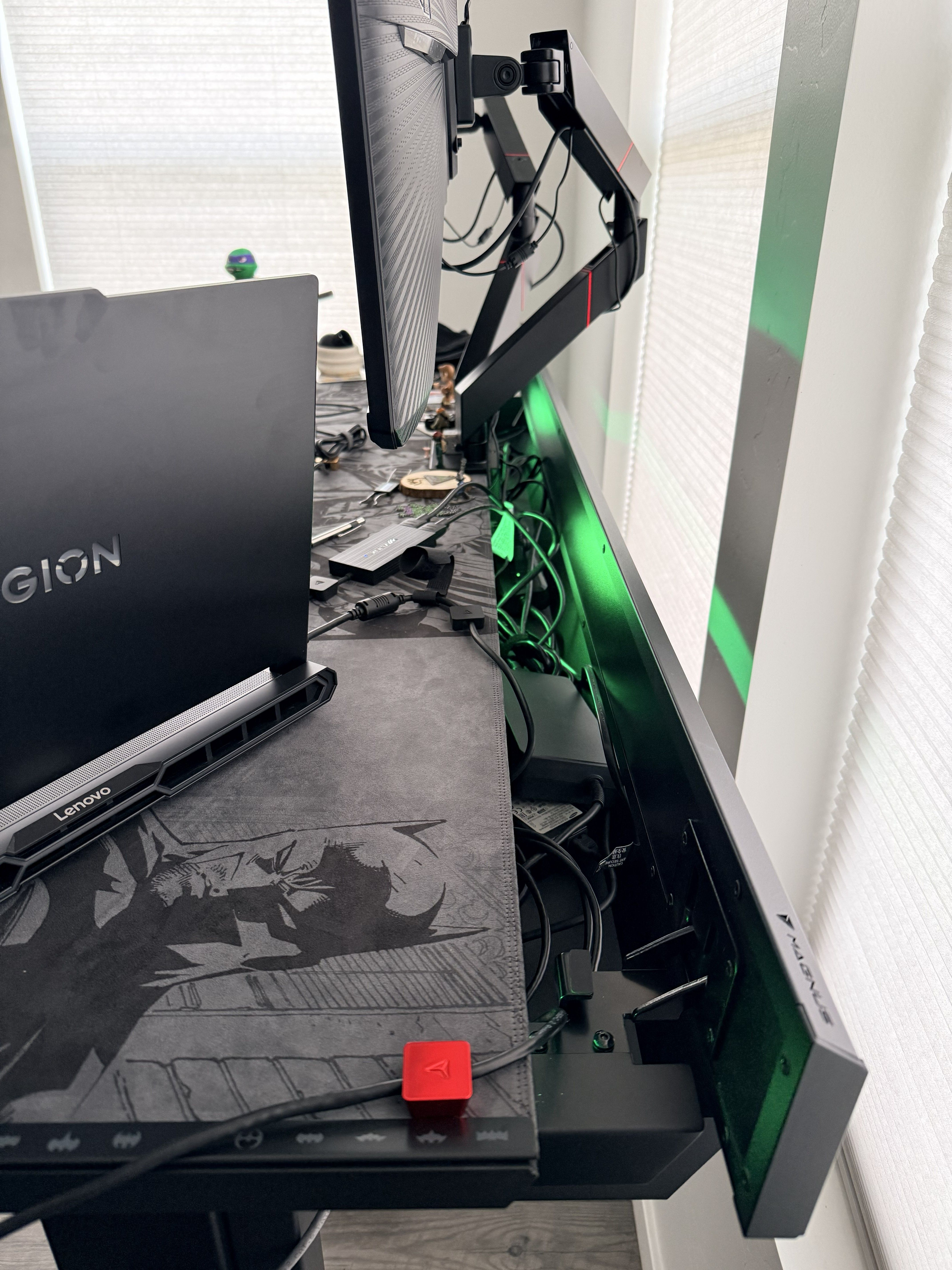
I run a Lenovo Legion laptop built for heavy design and modeling workloads, featuring an Intel Core Ultra 9 275HX (24 cores), an NVIDIA GeForce RTX 5090 with 24 GB of VRAM, 128 GB of RAM, a 2 TB primary SSD, and a 4 TB secondary SSD. The secondary drive is partitioned into two 2 TB volumes—one dedicated to project storage and design work, and the other reserved specifically for laser scan data processing, following recommendations from Leica Geosystems for optimal performance.
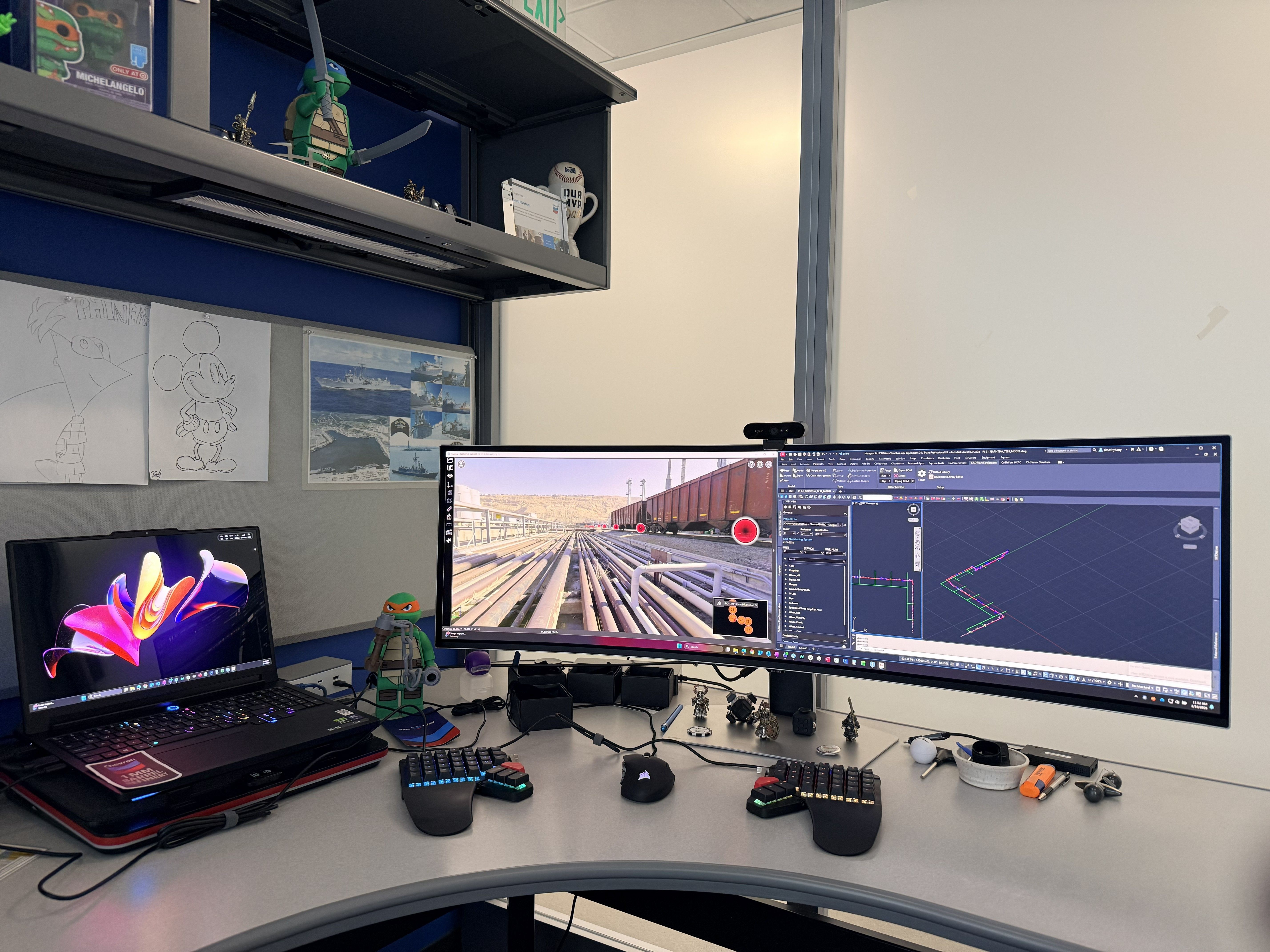
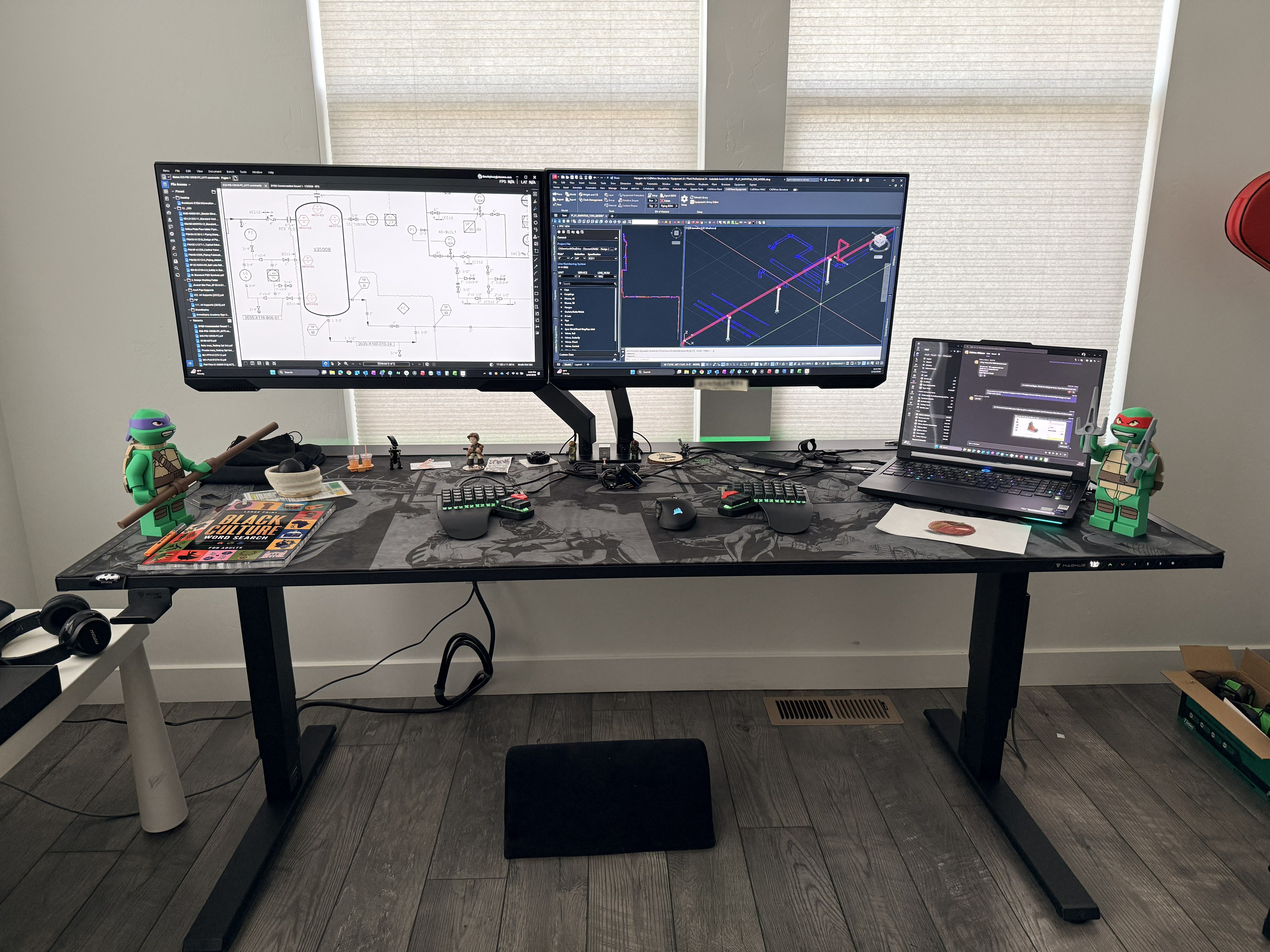
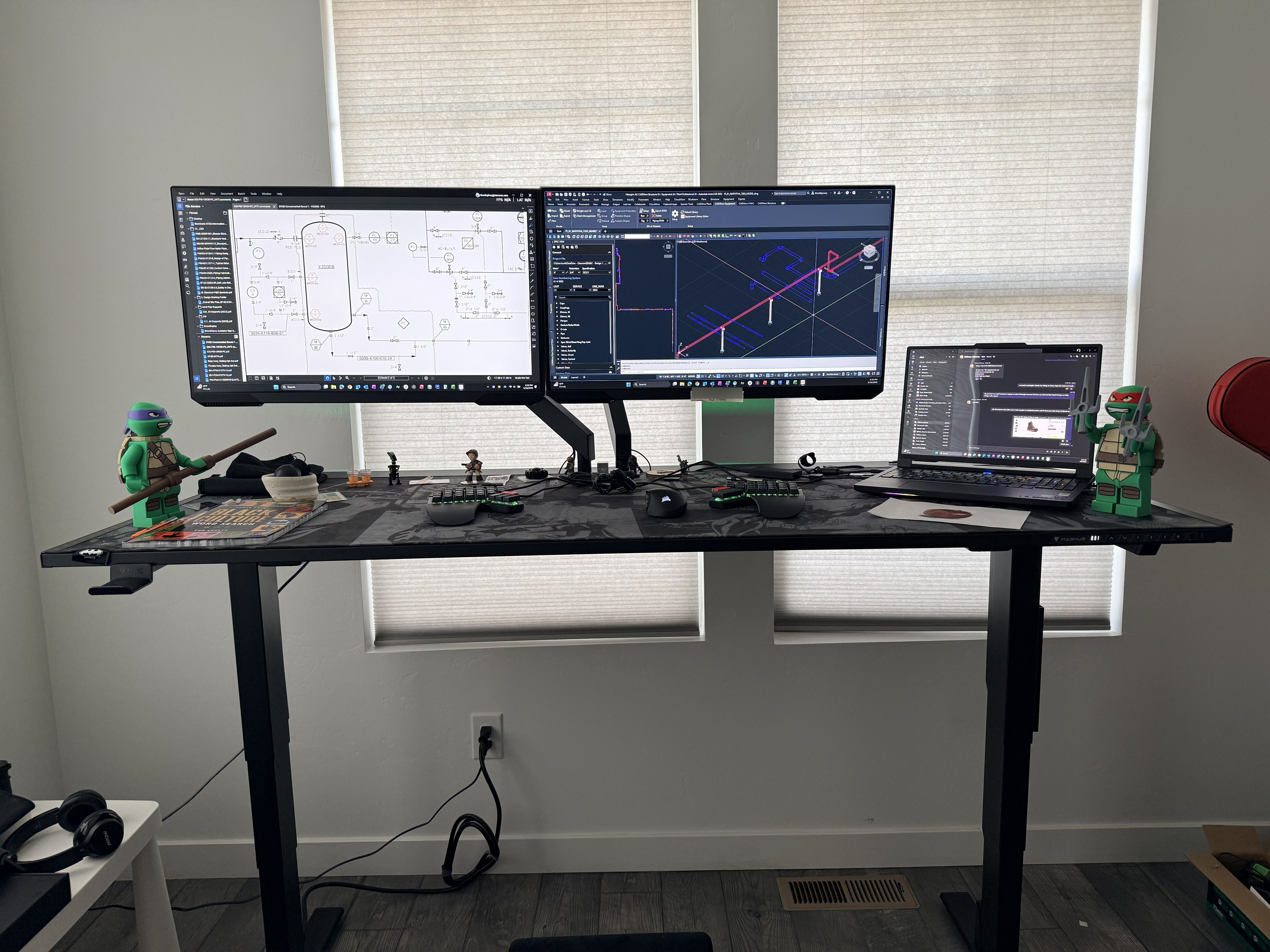
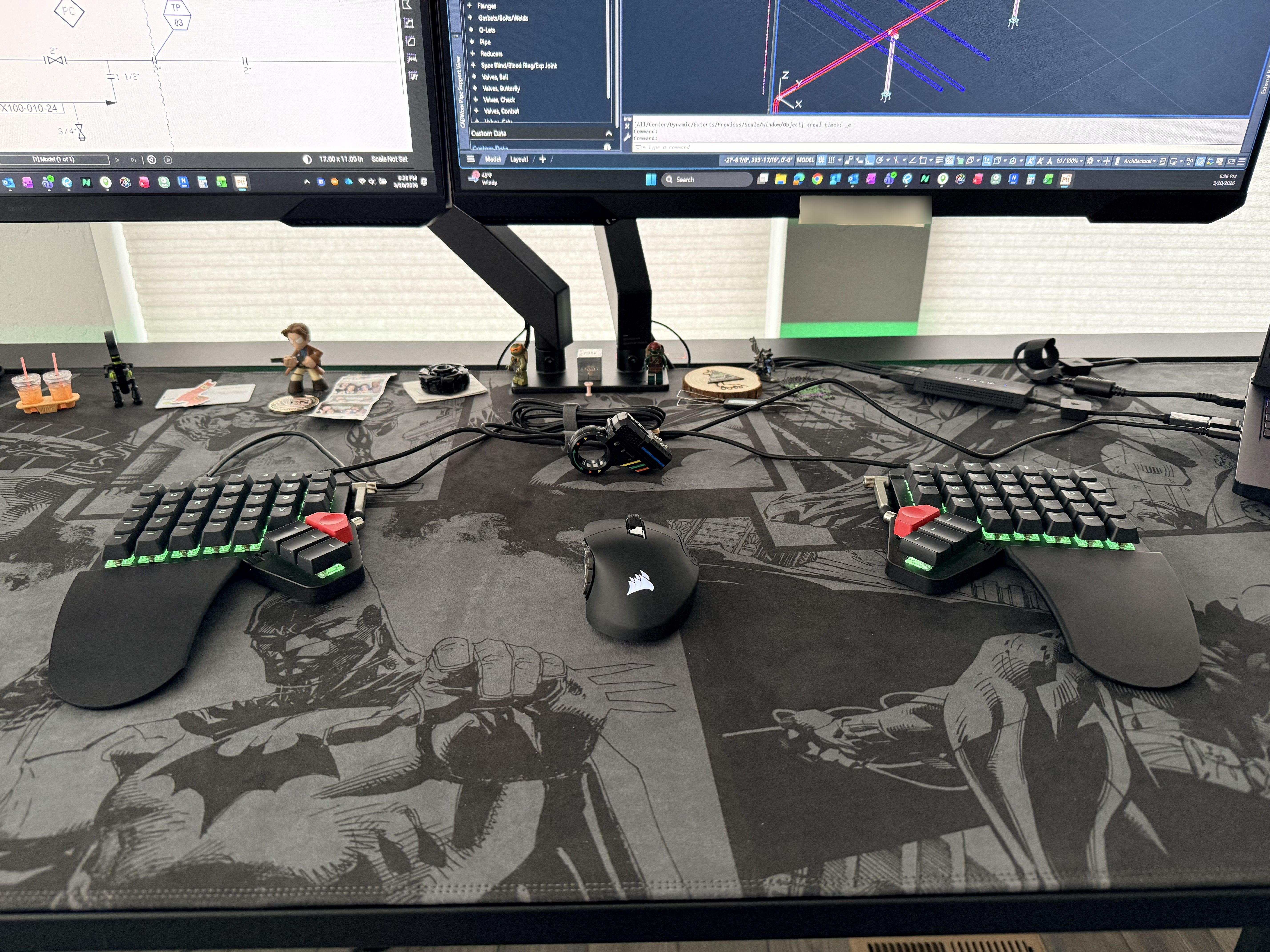
I currently use a Moonlander split keyboard connected to the Lenovo Legion, which fits well with my piping design and 3D modeling workflows. For navigation, I use a Scimitar RGB Elite wireless mouse, and I recently added a 49 inch Samsung Odyssey OLED G9 monitor to expand my visual workspace. When working from home, I mirror my office setup on a Secretlab Magnus Pro XL sit/stand desk. I really enjoy the home setup for its excellent cable management and the flexibility to switch easily between sitting and standing throughout the day.
Adding a bit of character to each space, I keep my Megafig friends close by: the TMNT brothers Mikey and Leonardo hold down the office, while Raphael and Donatello are stationed at my home office. For extra “protection,” I’m flanked by Forged Legion Knights—premium magnetic, modular collectibles that feel like magnetized LEGO companions, guarding the setup and bringing a creative edge to my environment.
And what software?
For software, I use several applications to deliver complete piping design packages. Forte 3DWorx (also known as CADWorx Plant Professional) is my primary tool for piping design, including the placement of piping, supports, equipment, and related components. I also use Leica Cyclone REGISTER 360 PLUS to process laser scan data collected in the field with a Leica RTC360 scanner. Most recently, I completed laser scanning at approximately 170 locations to support a new refinery design project.
What’s your keyboard setup like? Do you use a custom layout or custom keycaps?
As for my keyboard setup, I switch between Colemak and QWERTY depending on the task and what feels fastest in the moment. The Moonlander’s 72 key layout gives me room to build in dedicated productivity keys—so things like copy/paste and other common AutoCAD actions can be done with a single press instead of awkward hand gymnastics.
One of the biggest productivity boosts in my setup is my custom Moonlander keyboard configuration through Oryx. I’ve mapped common actions into single keystroke commands—like copy/paste—so I’m not constantly reaching for multikey combinations, and I can keep my hands in a comfortable position (you can even see dedicated Ctrl+Shift+C or Ctrl+V behavior called out in my layout). I’ve also set up one-press shortcuts for window management so I can quickly snap an application into place—either locked to one half of my 49” monitor or arranged into a three-panel layout when I’m juggling design files, email, and reference docs. And when I’m in my 3D design workflow, I can toggle tools like ortho and snaps with a single button press on the right side of the keyboard—something that normally requires reaching for function keys—so I stay focused and move faster without breaking flow.
One of the best parts is how easy the Moonlander is to customize. The online configurator (Oryx/Keymapp) makes it simple to map keys, create layers, and iterate quickly when I want to improve my workflow. I recently ordered Cherry MX Silent Red switches to better replicate the feel of typing on a laptop while also keeping my office environment quiet.
I use the COLEMAK layer for practice and to switch from the norm of what everyone else is using.
What would be your dream setup?
My ideal setup is a Moonlander paired with a dedicated navigation module, rather than integrating mouse control directly into the keyboard. Think of a concept like Naya Create’s Float module, enabling fluid pan and orbit control without having to reach for a traditional mouse. I'm also looking at the Swiftpoint Z3. It's not in full production yet, but based on the Discord conversations, the possibilities with this advanced mouse seem endless. I’m really looking forward to all the ways I’ll be able to use it.
The goal is a consistent, ergonomic setup that works seamlessly both at the office and in my home workspace.