




The people who use our boards.
424 interviews since 2018

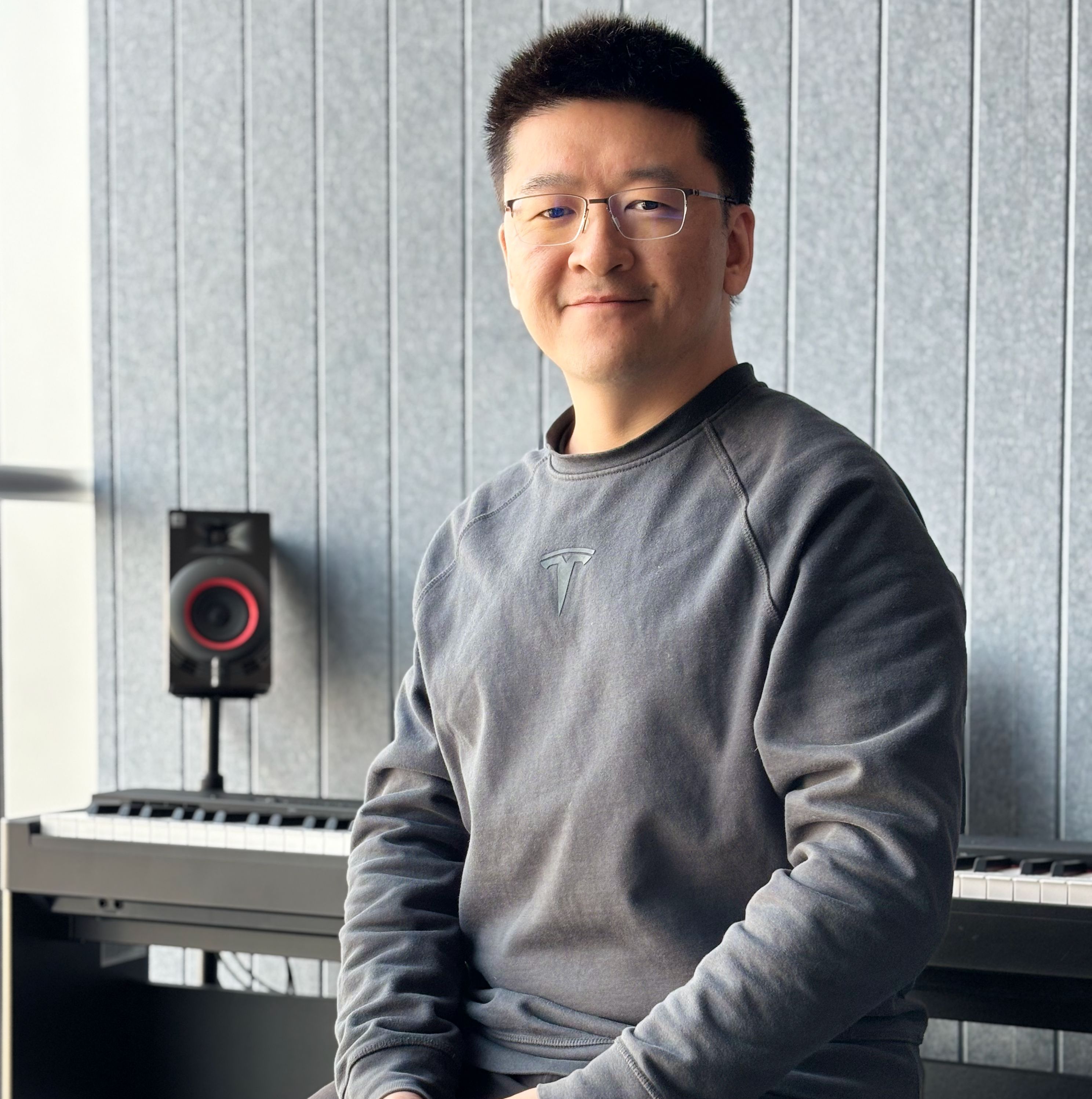

Eric
Luna
Senior Fullstack Developer
Who are you, and what do you do? What do you like to do outside of work?
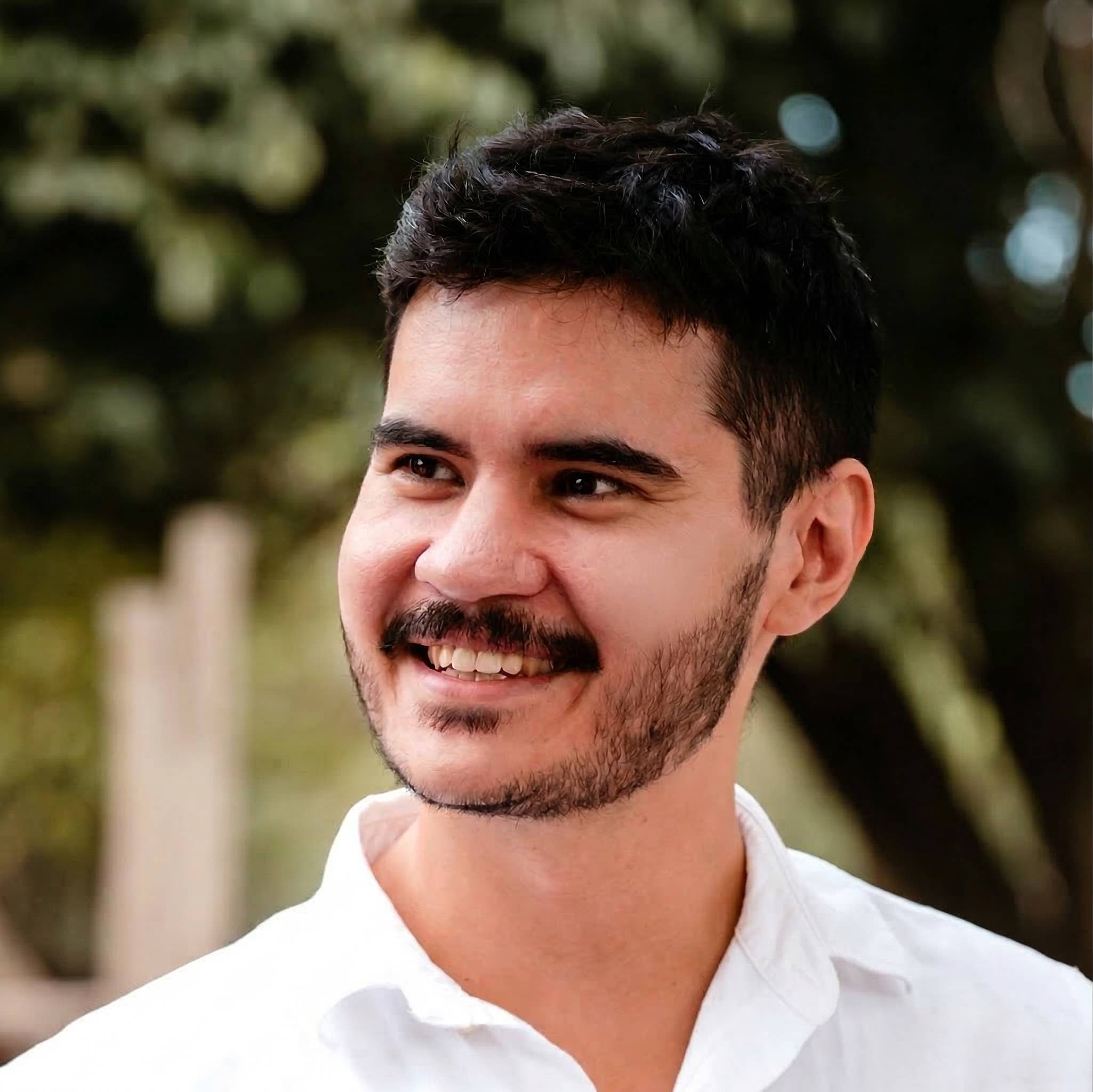
My name is Eric Luna. I’m a software engineer based in Argentina, currently working mostly in Python and TypeScript, building backend systems, automation workflows, and occasionally frontend interfaces. Most of my professional work revolves around building tools that make complex systems easier to operate—things like automation pipelines, data processing flows, APIs, and internal platforms. Lately I’ve also been spending a lot of time exploring how large language models can augment software workflows, from generating content to automating tasks that used to take hours.
What I really enjoy about programming is that it sits at the intersection of creativity and precision. You get to build things that didn’t exist before, but you also have to respect the strict logic of the machine. That tension—between invention and constraint—is endlessly fascinating to me.
Outside of work, my life splits into several very different worlds.

The first is family life. I’m married and have kids, and a lot of my time is spent in the rhythms of family: playing with my son, planning trips, or just trying to slow down enough to enjoy ordinary moments together.
The second is what I would call intentional living. I’m very into journaling, analog planning systems, and thinking about how to live more deliberately. I keep multiple notebooks and use a bullet journal–style system to track projects, ideas, and daily reflections. I like the friction of paper—it forces you to slow down and think.
The third is building things for fun. I’m constantly experimenting with side projects. Some are tools for developers, some are experiments with AI, and others are ideas that sit somewhere between software and creativity.
And finally, I have a small obsession with coffee.
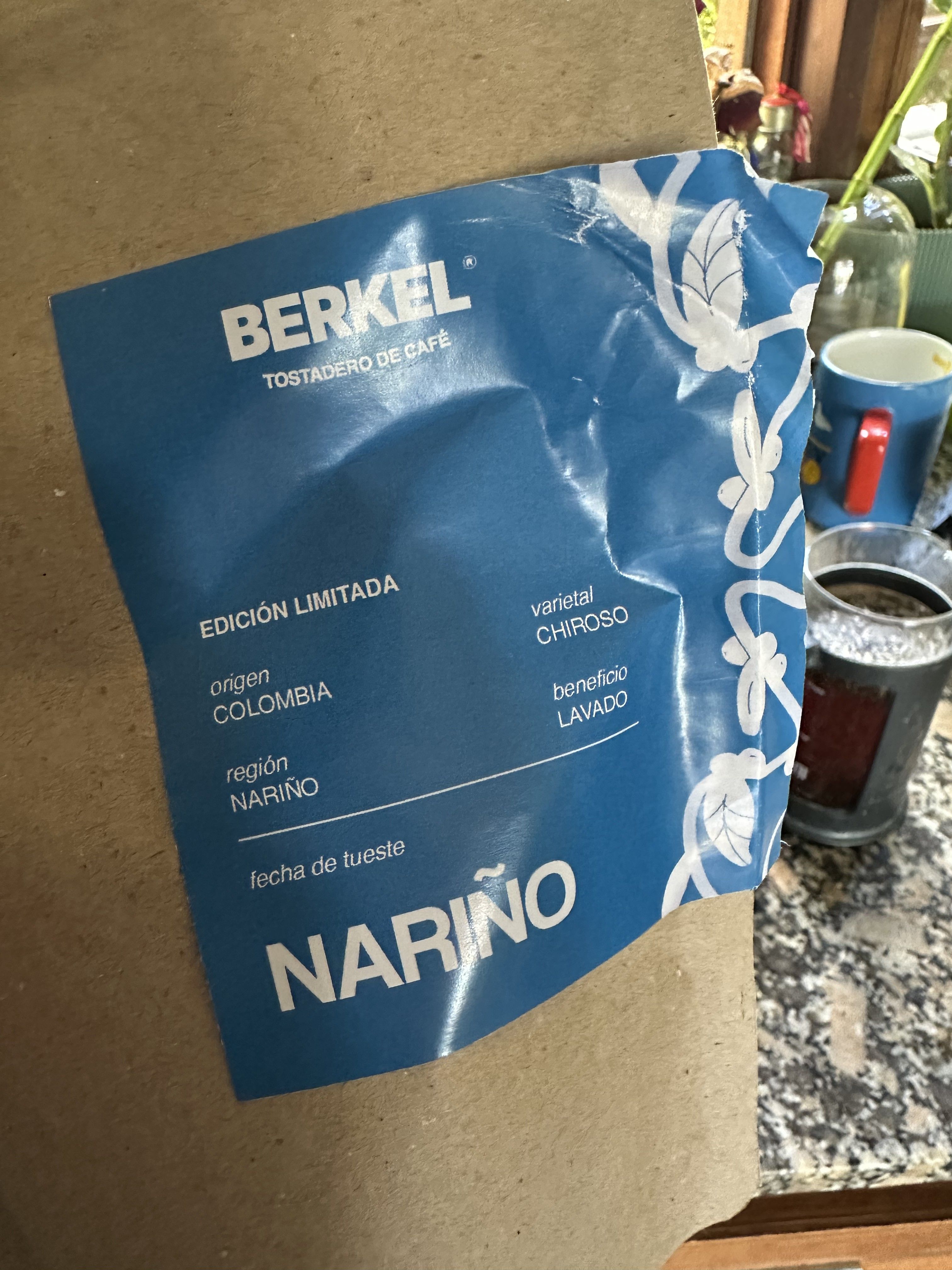
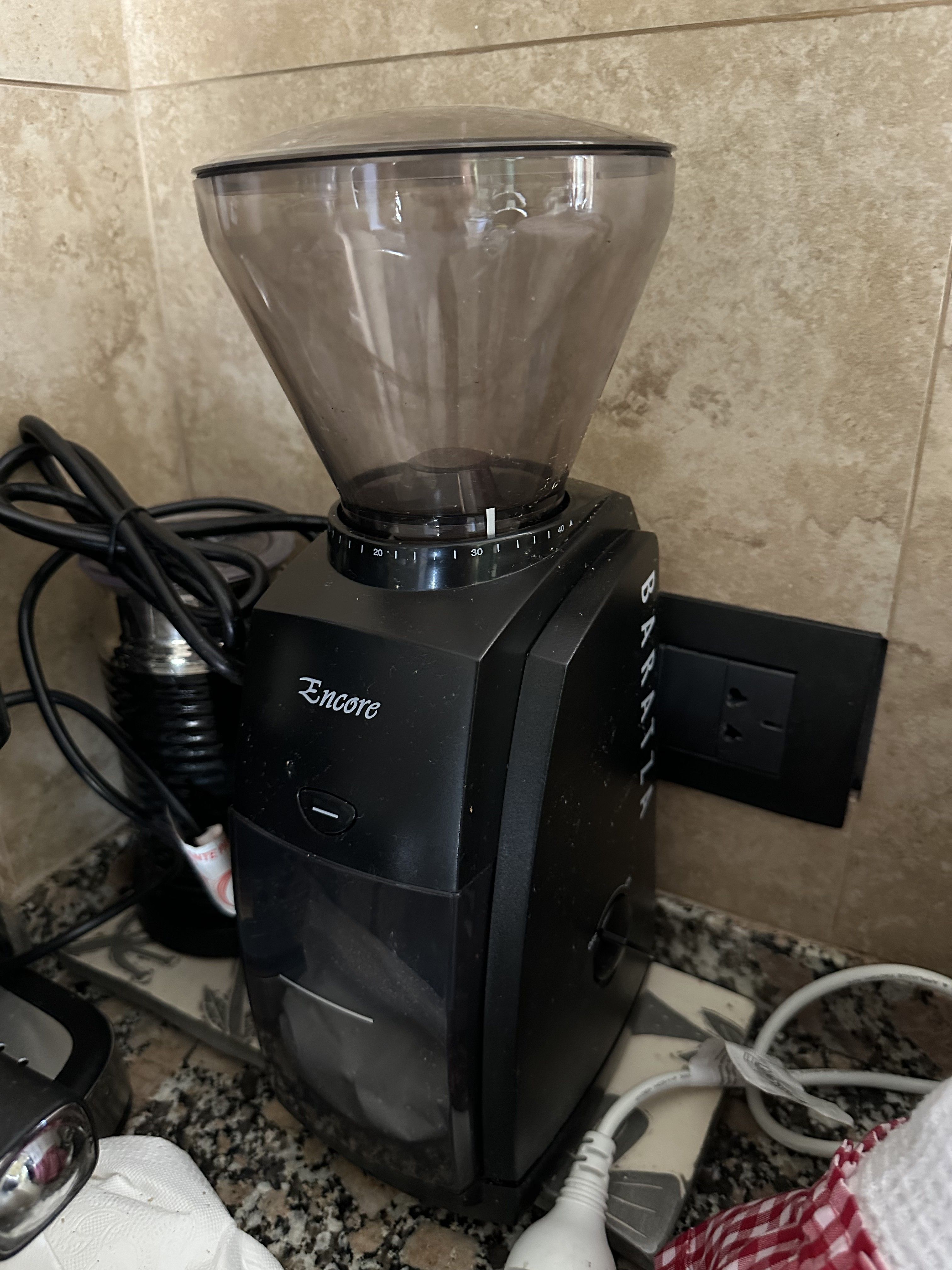
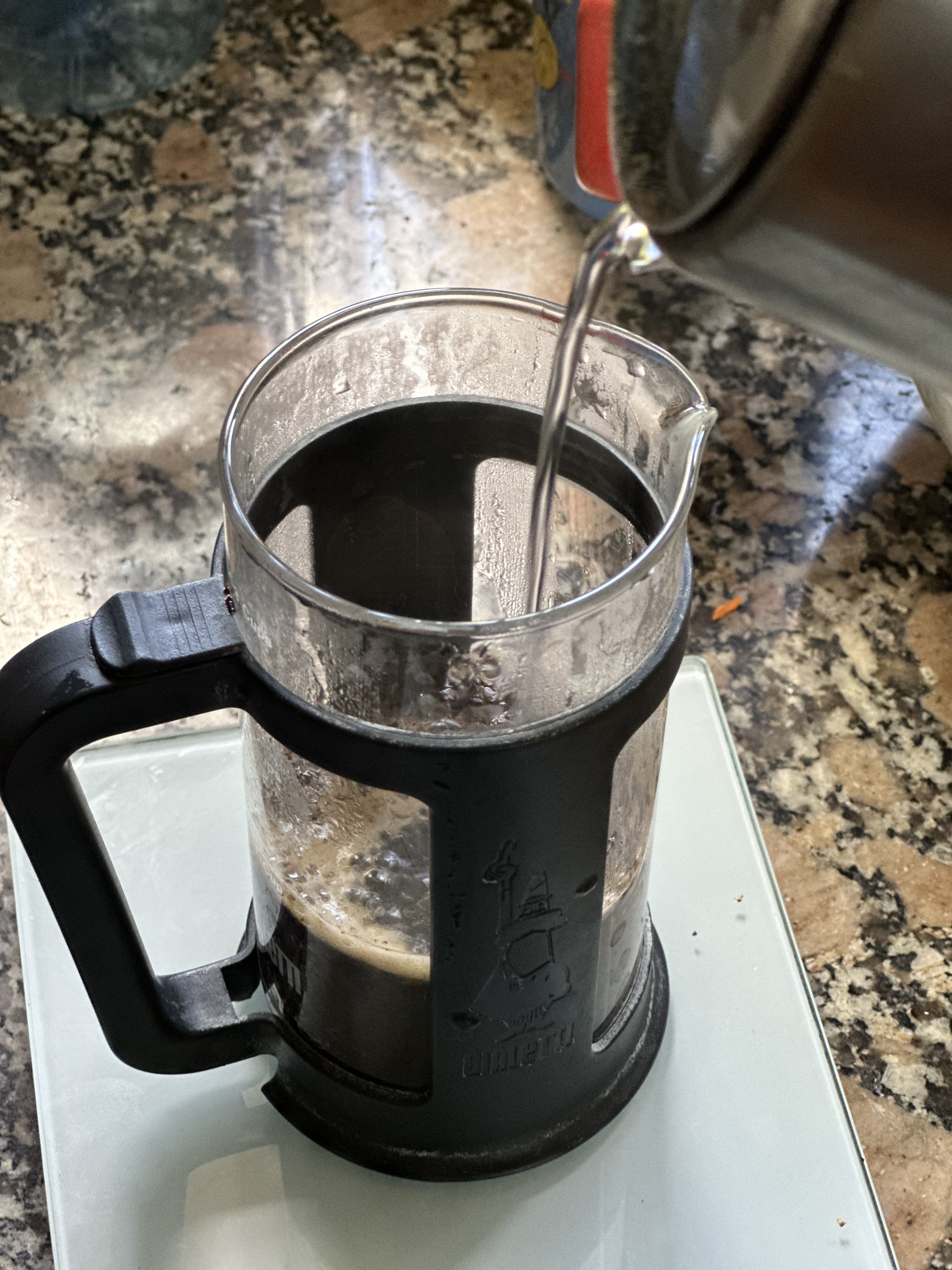
My setup is fairly simple but very ritualized. I grind my beans just before brewing with a Baratza Encore, which has been extremely reliable and does exactly what I need without fuss. For brewing, I usually use a French press with a 1:15 coffee-to-water ratio. It produces a cup that feels full and comforting, especially in the morning.
My coffee routine is very consistent: two cups a day.
The first one comes about 30 minutes after waking up, once the house has settled a bit and the morning chaos of getting kids ready begins to slow down. The second one is right after lunch, mostly as a defensive measure against the powerful gravitational pull of the Argentine siesta.
On days when I want something stronger, I switch to a Moka pot, which produces a more intense, almost espresso-like cup.
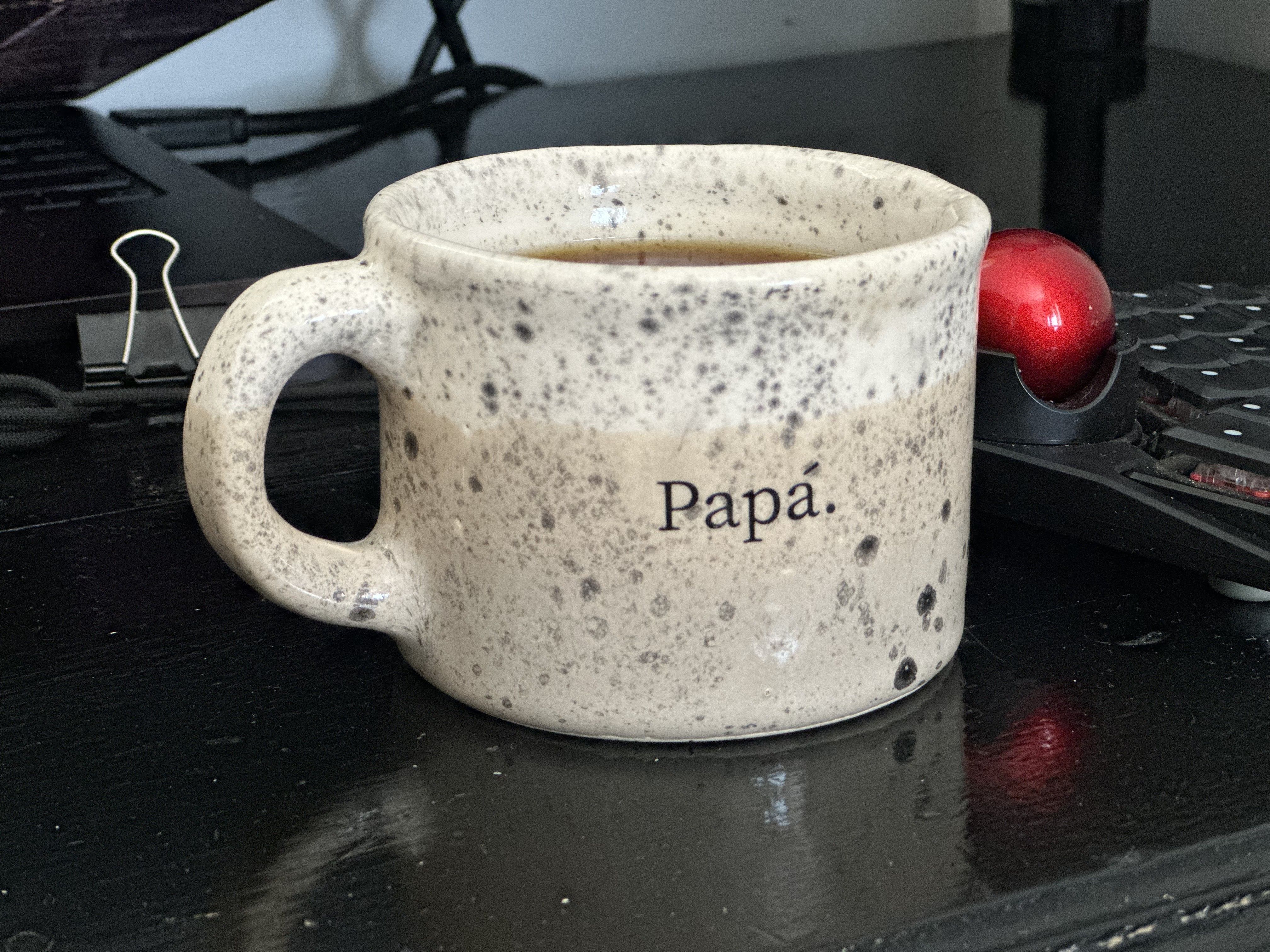
Coffee, for me, is less about caffeine and more about marking moments in the day. It’s a small pause before returning to work.
What hardware do you use?
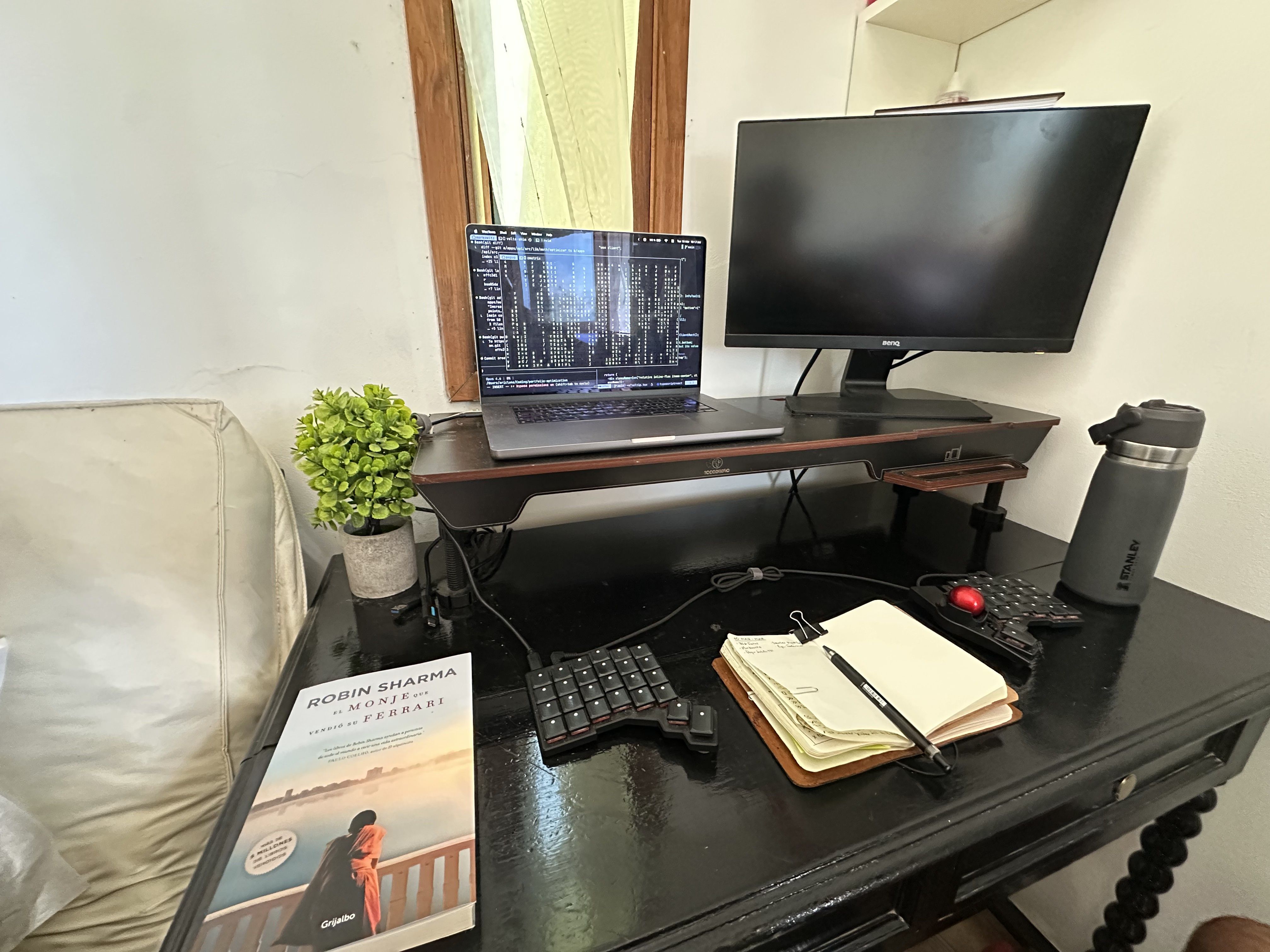
My main computer is a MacBook Pro with Apple Silicon. I’ve been using Macs for development for a long time, and the recent generation of Apple Silicon machines feels like the culmination of what laptops should be: powerful, quiet, and with battery life that actually allows you to forget the charger exists.
For external displays I usually keep things minimal—generally a single monitor. I’ve found that too many screens fragment my attention. I prefer to stay focused on one or two windows at a time and rely heavily on keyboard shortcuts and workspace switching.
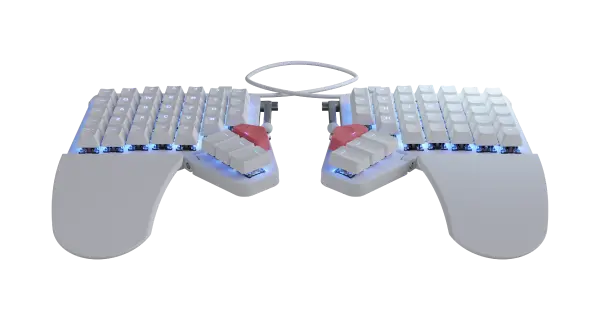
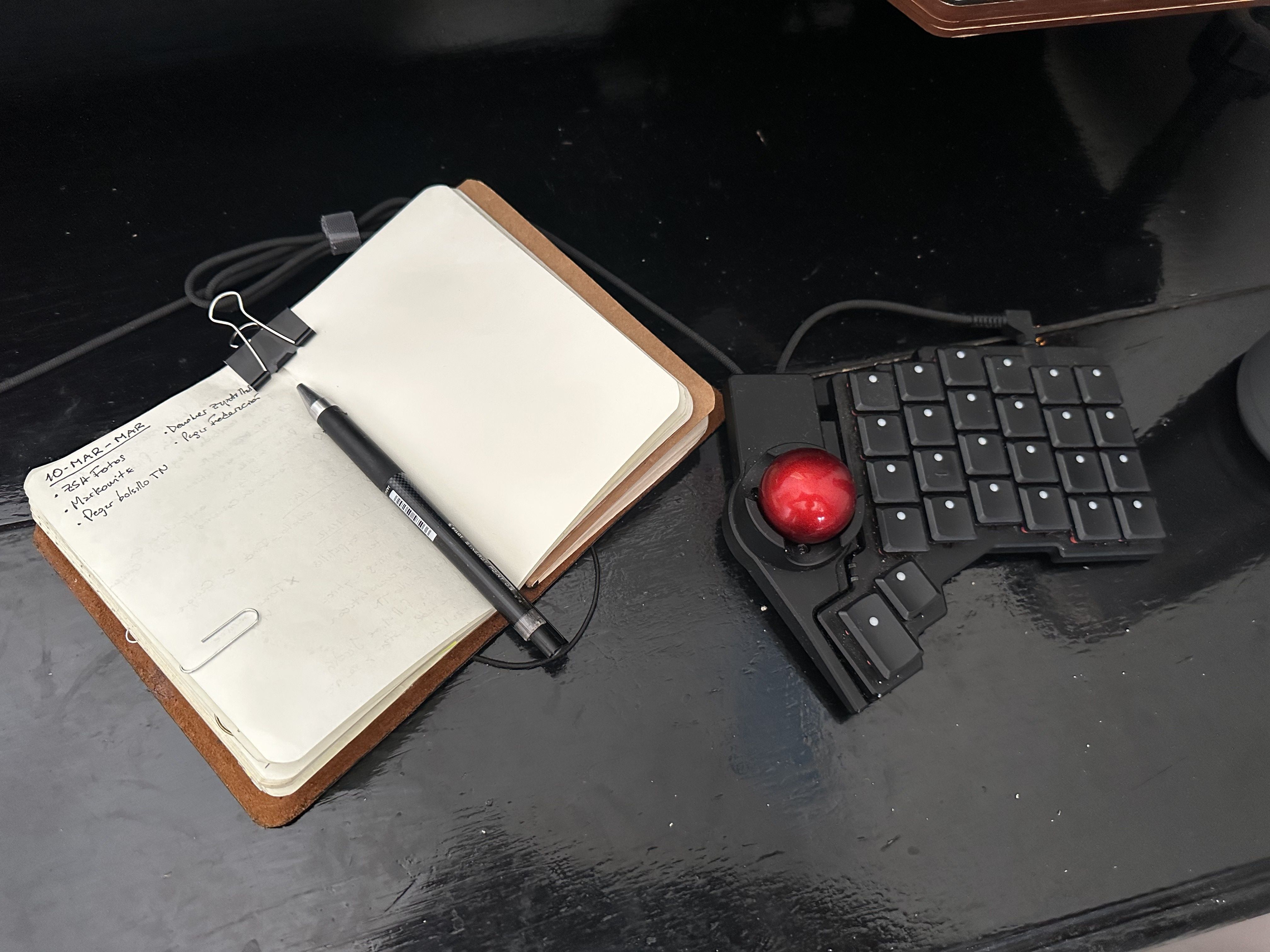
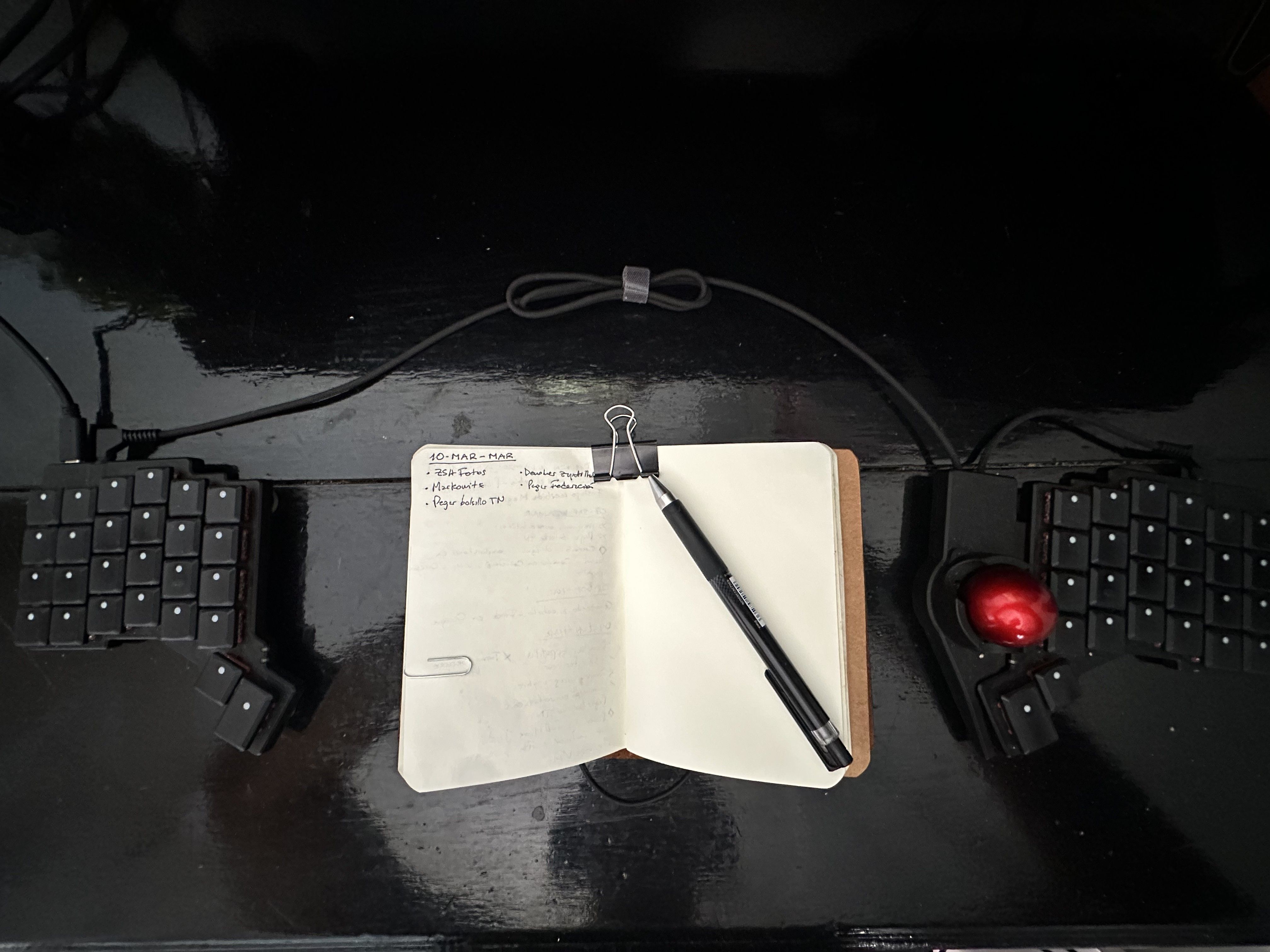
For peripherals, I tend to gravitate toward things that feel solid and long-lasting. My Voyager is a big part of my setup, but I also care about simple tools like good notebooks and pens.
In fact, one of the most important “hardware” tools in my workflow is not electronic at all: my notebooks.
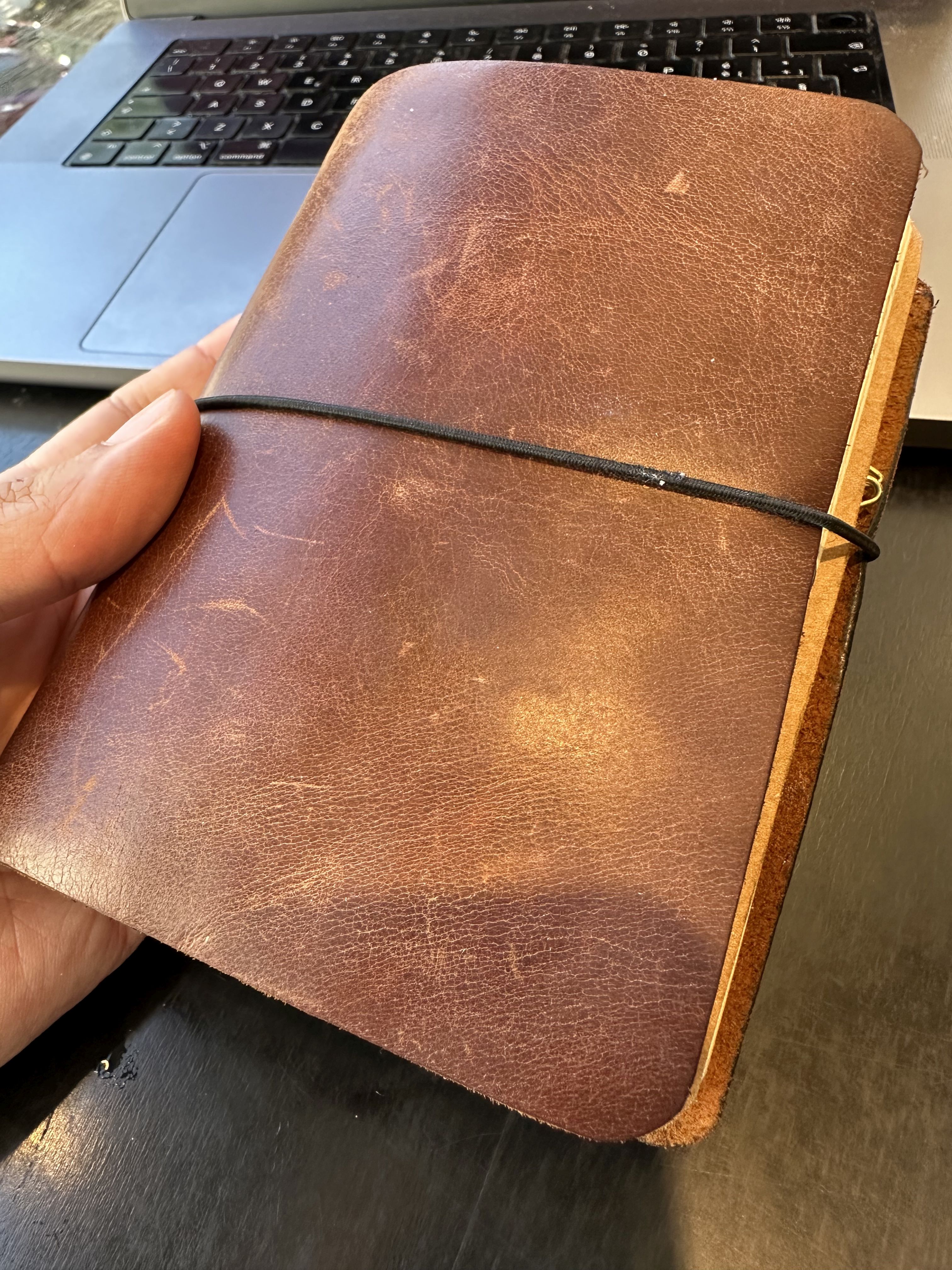
I carry an A6 Traveler’s Notebook knock-off with two inserts. Both are brandless inserts—usually dotted or blank paper—because I like the flexibility of starting with a completely open page.
One insert is dedicated to journaling, while the other is for task management and planning. I use a loose Bullet Journal–style system: capturing ideas, tasks, and notes throughout the day.
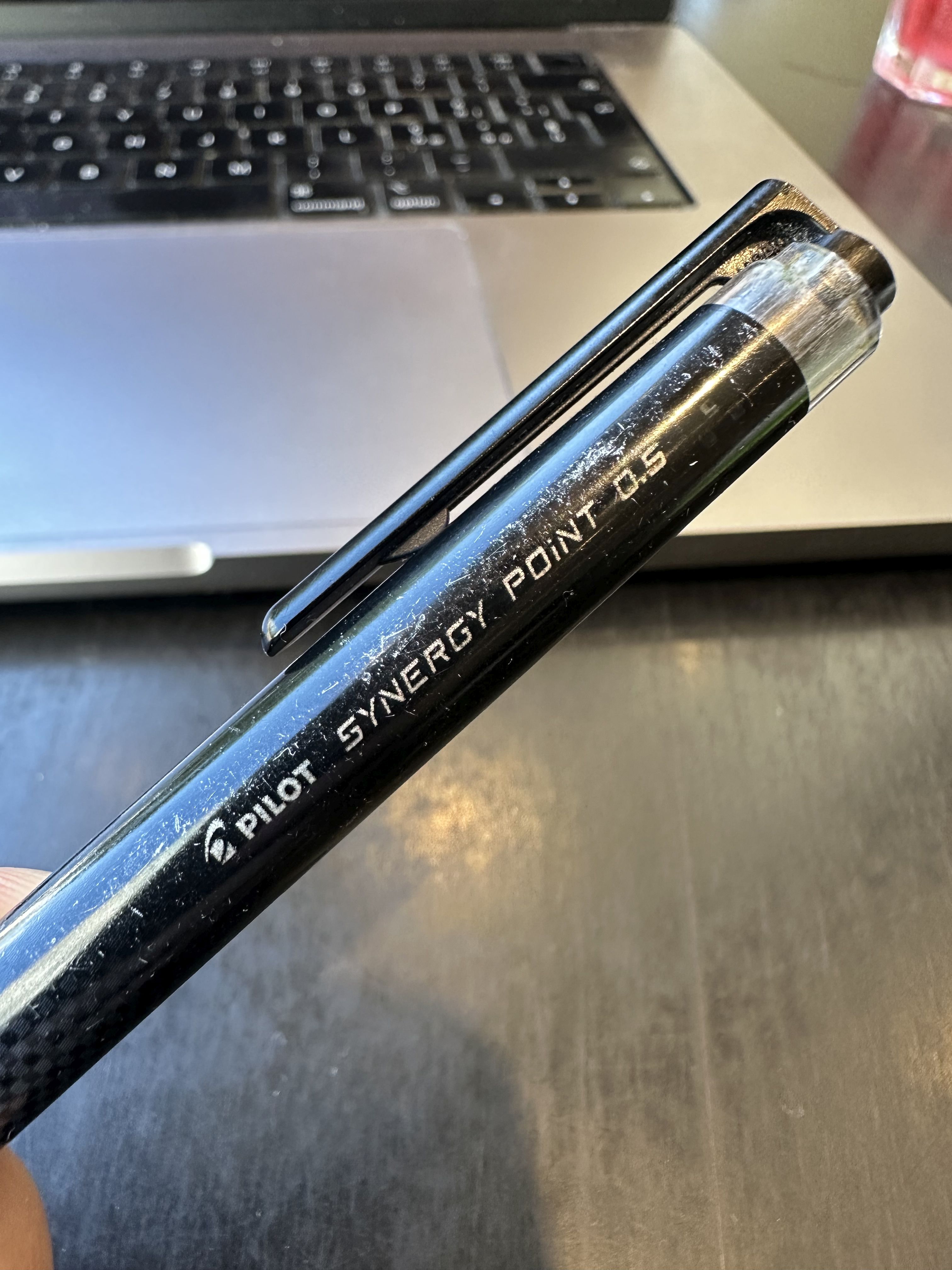
For writing I keep things extremely simple: a Pilot Synergy Point 0.5. It’s a cheap pen with cheap refills, and that’s exactly why I like it. It writes cleanly, it’s reliable, and I don’t have to worry about losing it.
I haven’t gone down the fountain pen and ink rabbit hole… yet.
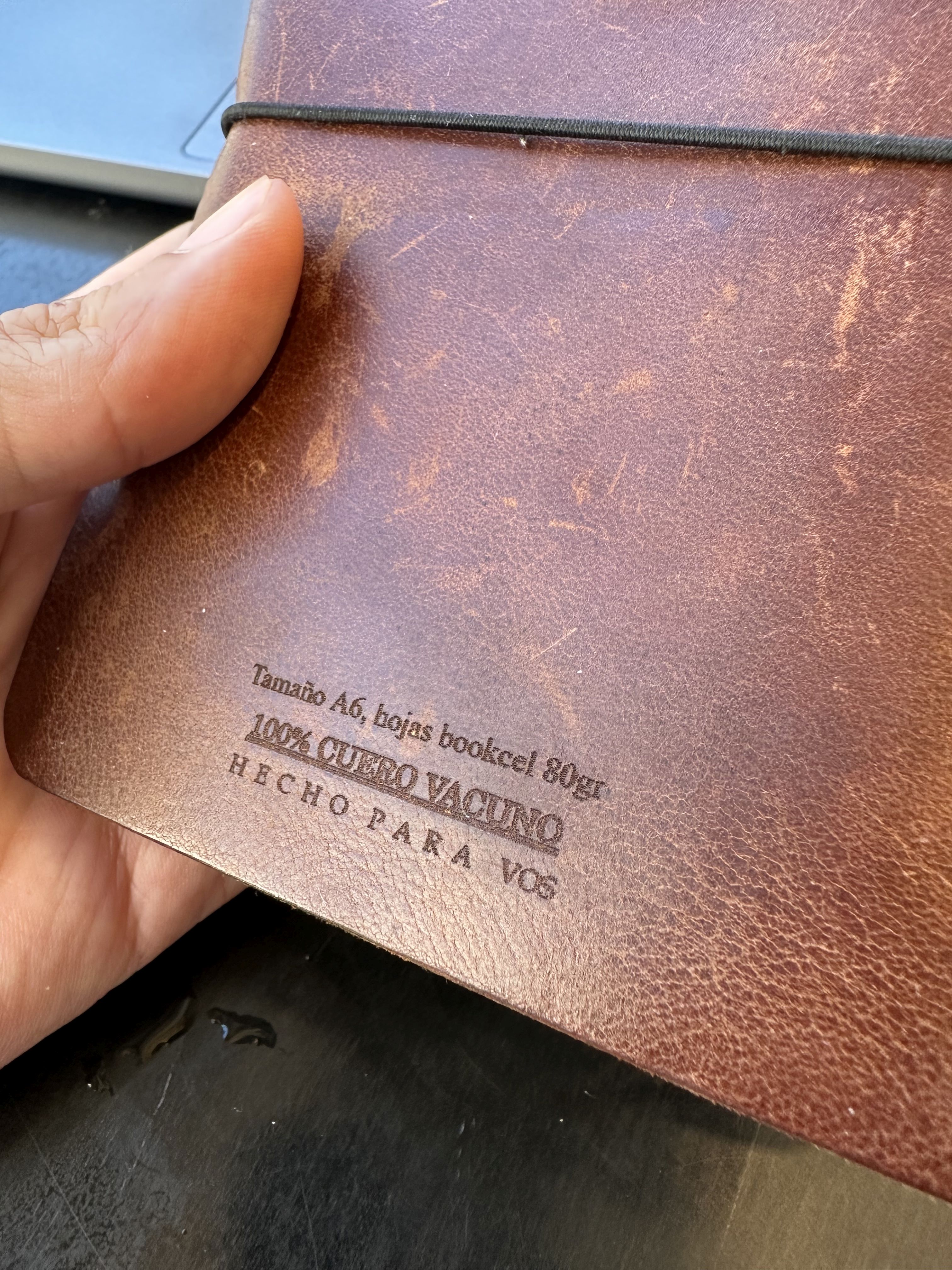
Recently I added a hardcover A5 notebook to my system. The notebook itself is from a local Argentine brand called Brügge, which I really like. The idea is to collect the “highlights of the day” there—small reflections or memorable moments—so that at the end of the year I can review everything in one place while planning the next one.
If I’m honest, I may also just be looking for another excuse to put ink on paper. Writing by hand is strangely addictive.
Beyond that, my stationery setup is intentionally minimal: a single highlighter, a few paper clips, and some Post-it notes.
That’s it.
I like tools that stay out of the way and let the thinking happen.
In a world where everything is digital and ephemeral, paper has a way of grounding thinking.
And what software?
My workflow is very keyboard-driven and Unix-centric.
I don’t have that many apps installed because I tend to use TUI apps in the terminal.
Neovim is my main editor. What I love about it is that it feels less like an application and more like a programmable environment. My configuration has evolved slowly over time, and I’m always tweaking something.
Most of my day happens inside the terminal, for which I use Terminal. I use modern tools where they help, but I still rely heavily on classic Unix utilities—things like grep, sed, and awk. There’s something satisfying about composing small tools together to solve problems.
For notes that I need to have available or searchable—and also accessible on my phone—I use Obsidian. It strikes a good balance between the flexibility of plain text and the convenience of a polished app.
Outside of coding, I also use a mix of analog and digital systems for thinking and planning. Paper still plays a big role for clarity and focus.
What’s your keyboard setup like? Do you use a custom layout or custom keycaps?
Mechanical keyboards are one of those rabbit holes that developers fall into eventually. I jumped in a couple of years ago, straight into a ZSA Voyager. Getting used to a split, ortholinear layout was a bit of a learning curve, but I found that it really encouraged me to rethink how I interact with the keyboard.
My layout tends to evolve slowly (based on the default one). I’m not someone who radically redesigns everything overnight. Instead I make incremental improvements—small tweaks that reduce friction over time.
Some patterns I always try to keep: heavy use of layers to prevent reaching for distant keys, navigation keys mapped to comfortable positions, and Vim-style movement patterns wherever possible.
For me, the goal of a keyboard is not to look impressive but to disappear into muscle memory. When it’s working well, you stop thinking about it entirely.
What would be your dream setup?
My dream setup is surprisingly simple.
I’m not chasing the maximalist multimonitor battle-station aesthetic. Instead I like setups that feel calm, intentional, and almost monastic.
In the dream version, a quiet workspace with natural light would hold a single powerful laptop, one clean monitor, a beautifully designed mechanical keyboard, and a small collection of notebooks. A good coffee setup would lie within arm’s reach.
In other words, a workspace that encourages deep focus. Meaningful projects without constant interruptions.