The people who use our boards.
425 interviews since 2018



Wu
Peng
Tech Solution Builder
Who are you, and what do you do? What do you like to do outside of work?
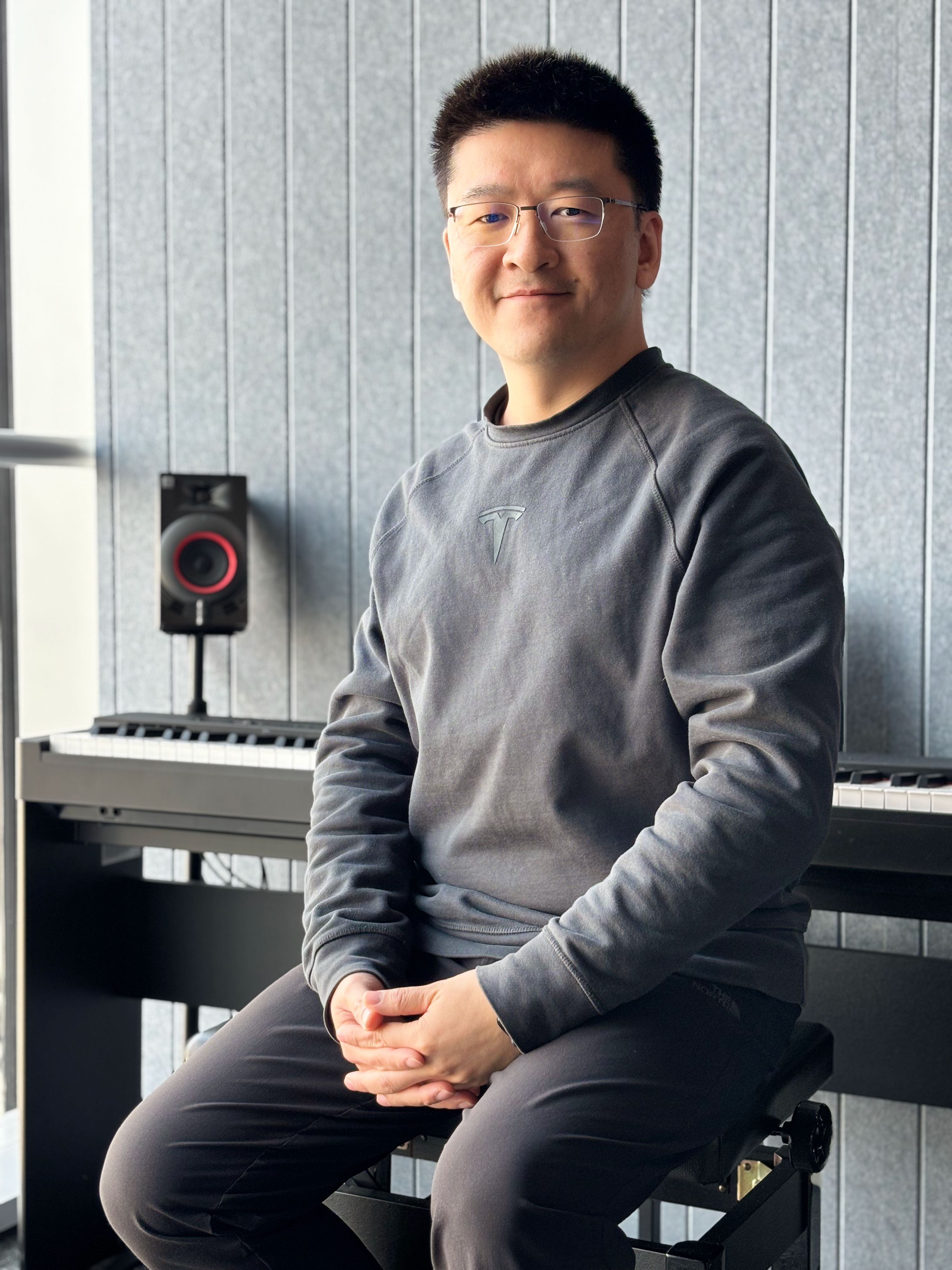
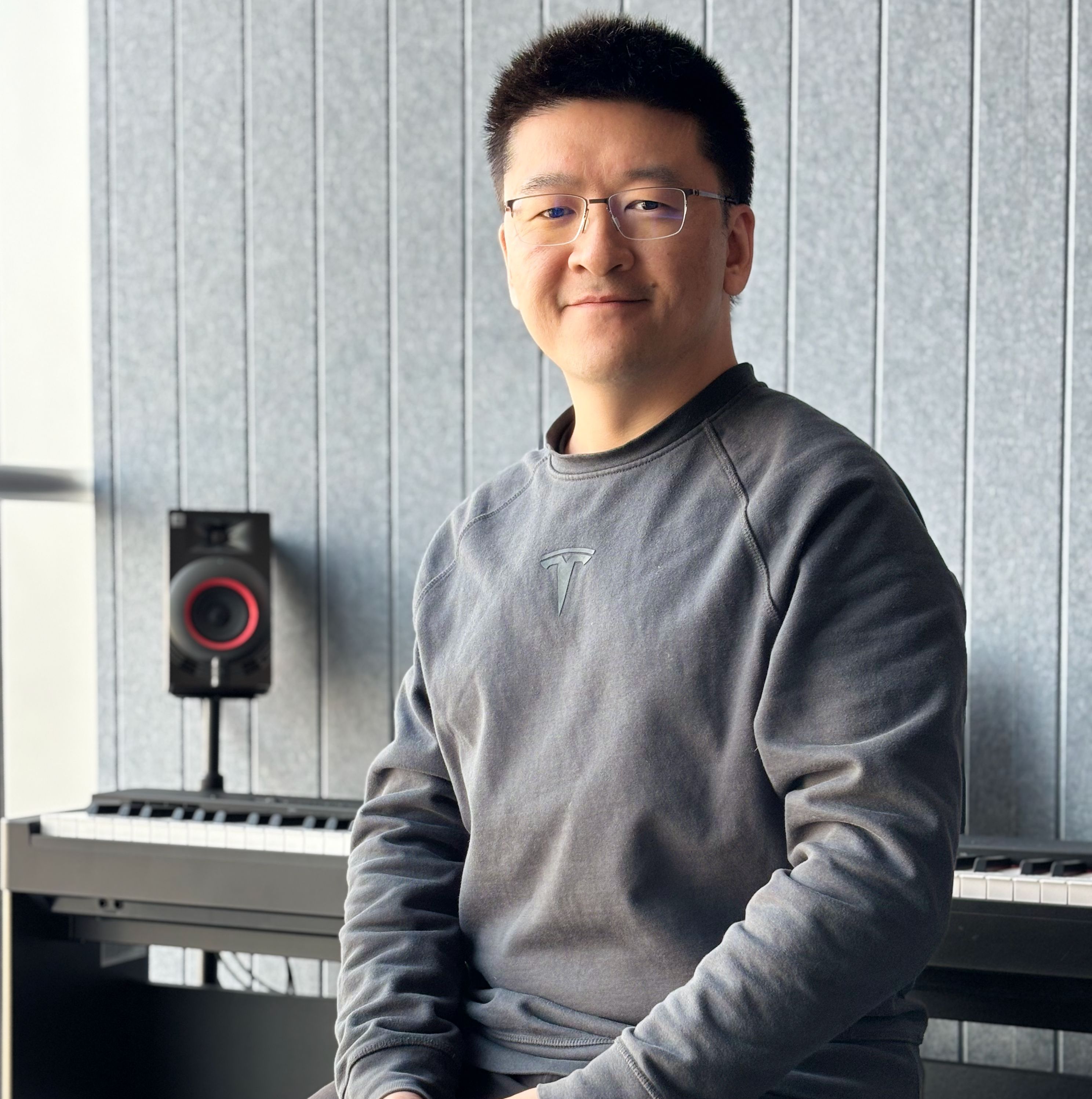
I’m “Wupes”—a nickname that friends and co-workers prefer. I'm the co-founder of Retek, a tech solutions provider for the retail industry. We serve top-tier consumer electronics brands by designing and building innovative tech for their global retail activation projects. Here in Shanghai, I lead a team of hardware and software engineers in our tech lab to bring those projects to life.
Eighteen years ago, I started my career as a game designer at Ubisoft. I spent the next decade as a game developer across several studios, making games for console, web, and mobile—until the arcade genre pulled me into hardware. My skills in making game builds on command line eventually drew me into the world of Linux, and then the embedded.
These days, aside from client-facing work, I primarily focus on process-building for my team, where I create toolchains for the development of our embedded software, and also maintain cloud servers that monitor 4G-connected devices worldwide.
At home, I work for my wife—she’s a product manager at a large Internet company. This means my job description for the husband title includes “listening to her complaining about the corporate stupidity” and “serving as her IT helpdesk for her laptop issues,” which I excel at by asking on most tickets, “Have you tried restarting your computer?”
My ten-year-old son shares my passion for games, especially board games. Together (and sometimes with my wife, if she’s in the mood), we’ve played everything from casual hits (e.g. Flip 7) to heavyweights (e.g. Twilight Struggle).
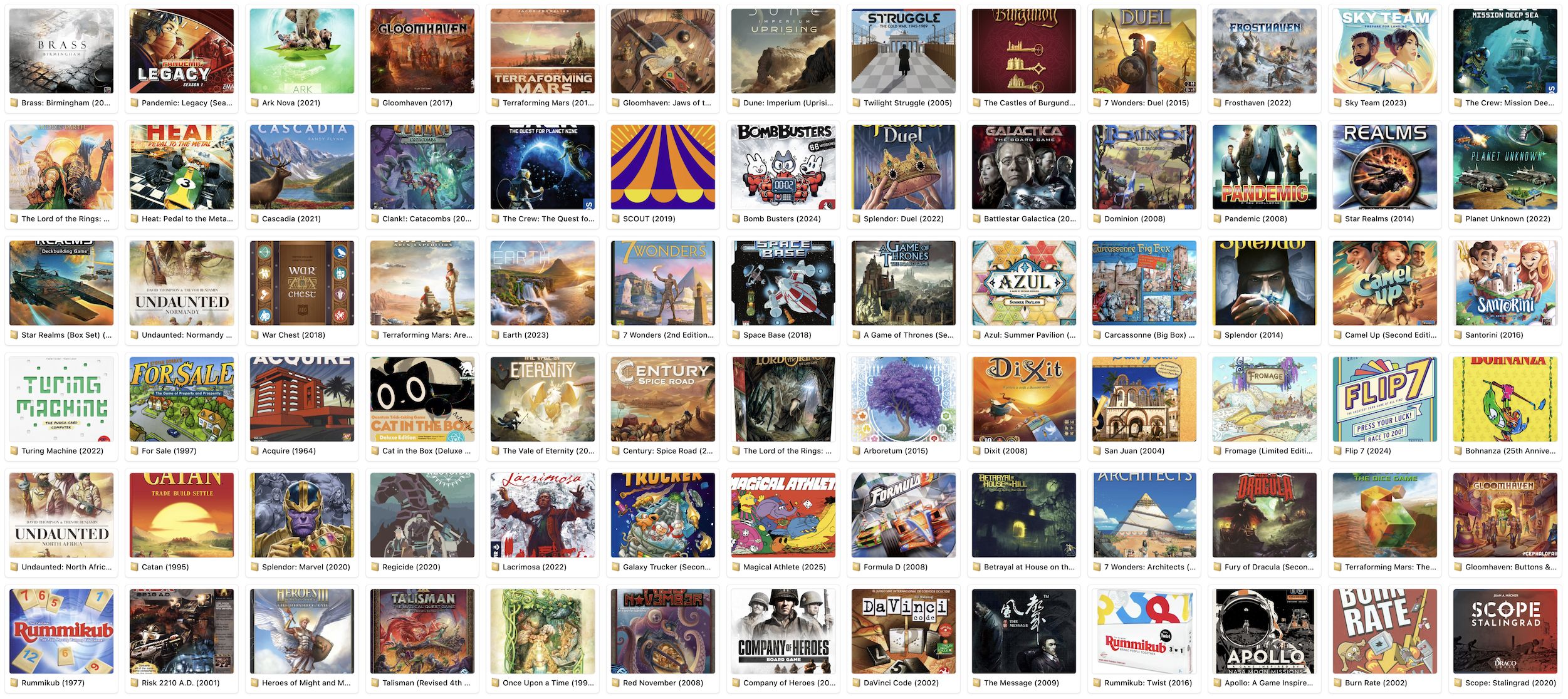
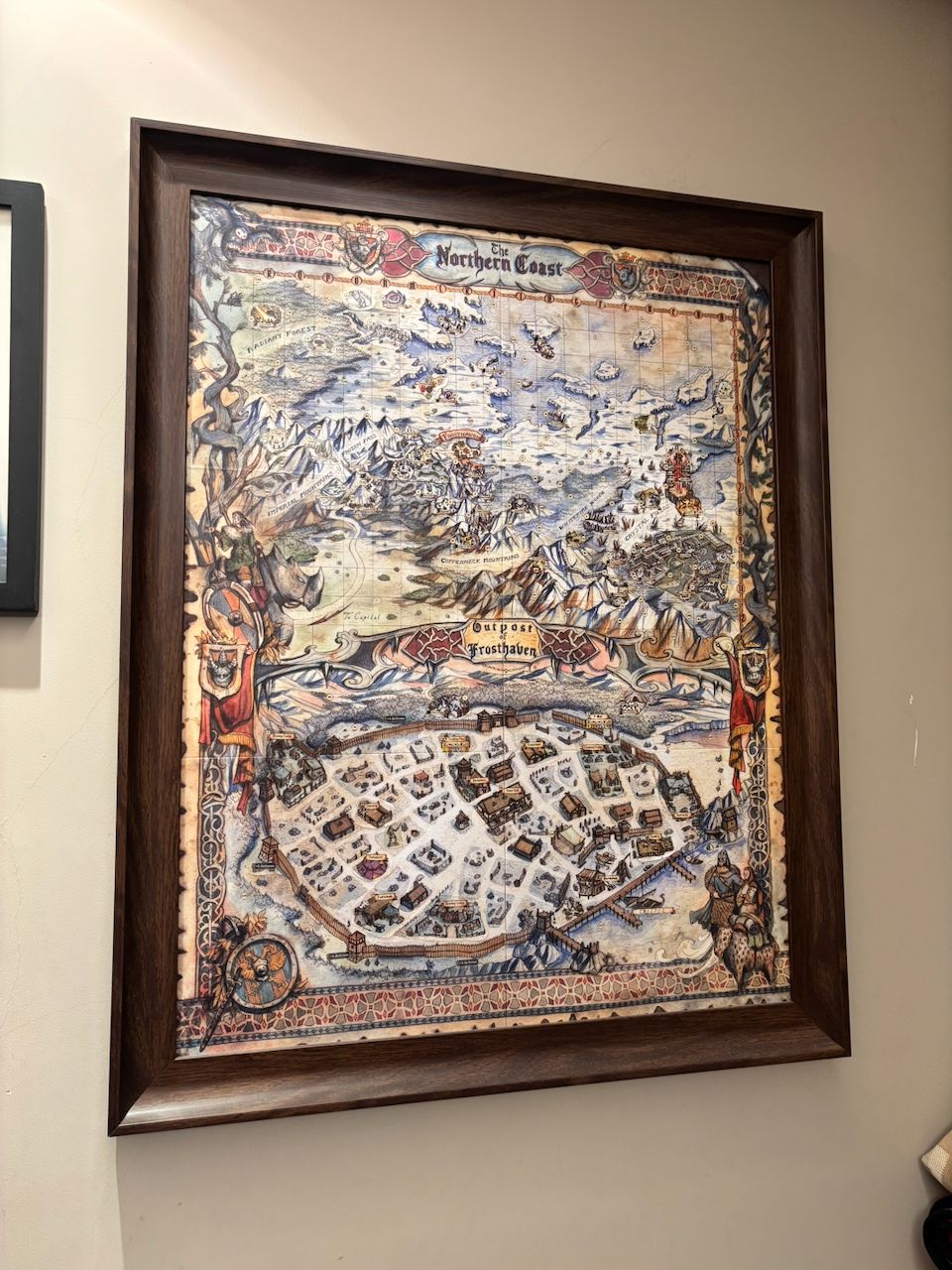
Our favorite over the past twelve months has been Frosthaven—we loved it so much, the game map is on our living room wall.
What hardware do you use?
My workstation was upgraded just last year. Before that, I'd been running an iMac Pro with two Dell 2K monitors on the sides, plus my iPad Pro that I'd put into Sidecar mode when taken to the office in the morning. My keyboard had long been the HHKB Pro BT, which I absolutely adored.
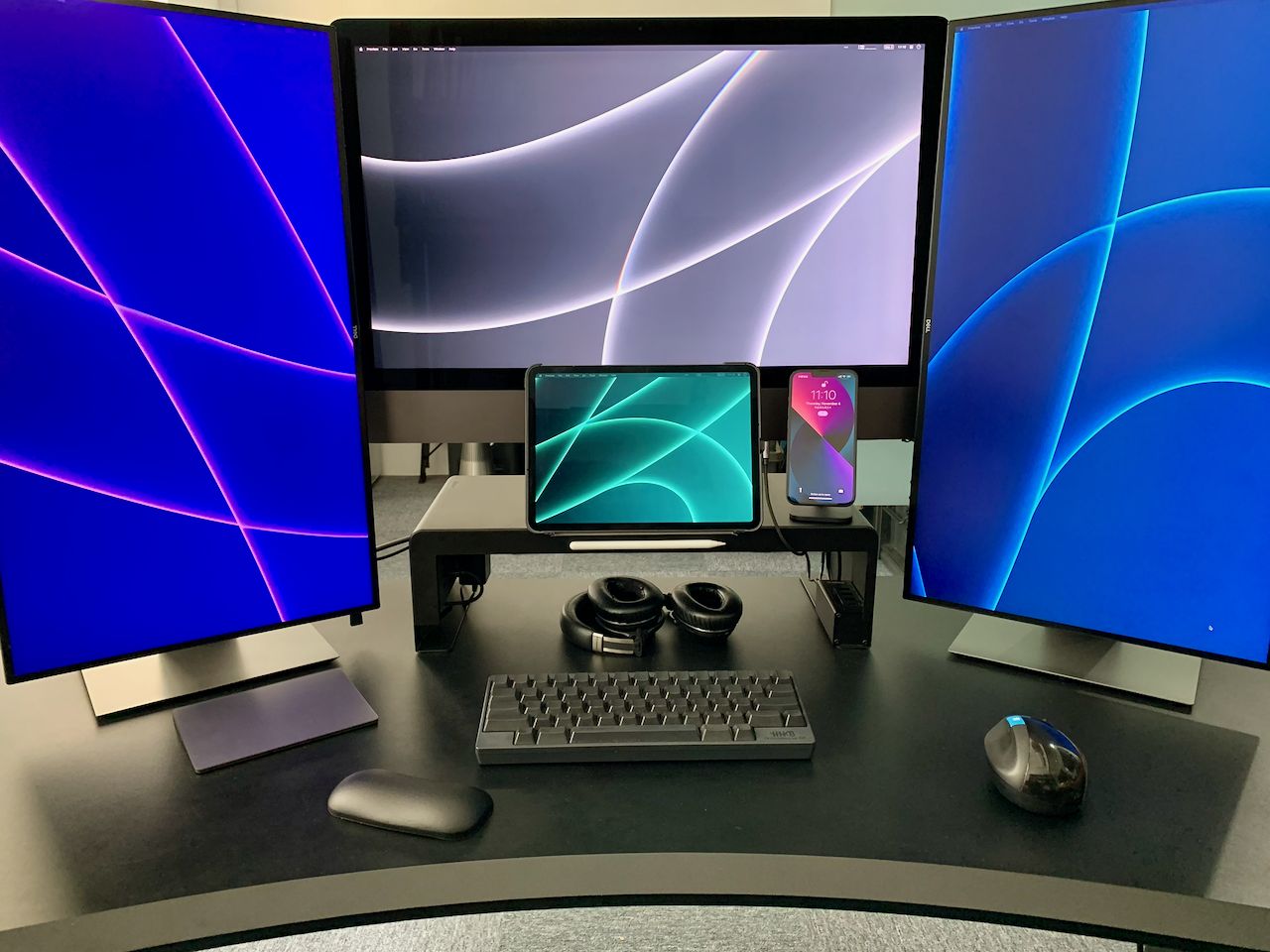
Last year I decided to move onto Apple Silicon, and took the opportunity to have everything on my desk float where possible.
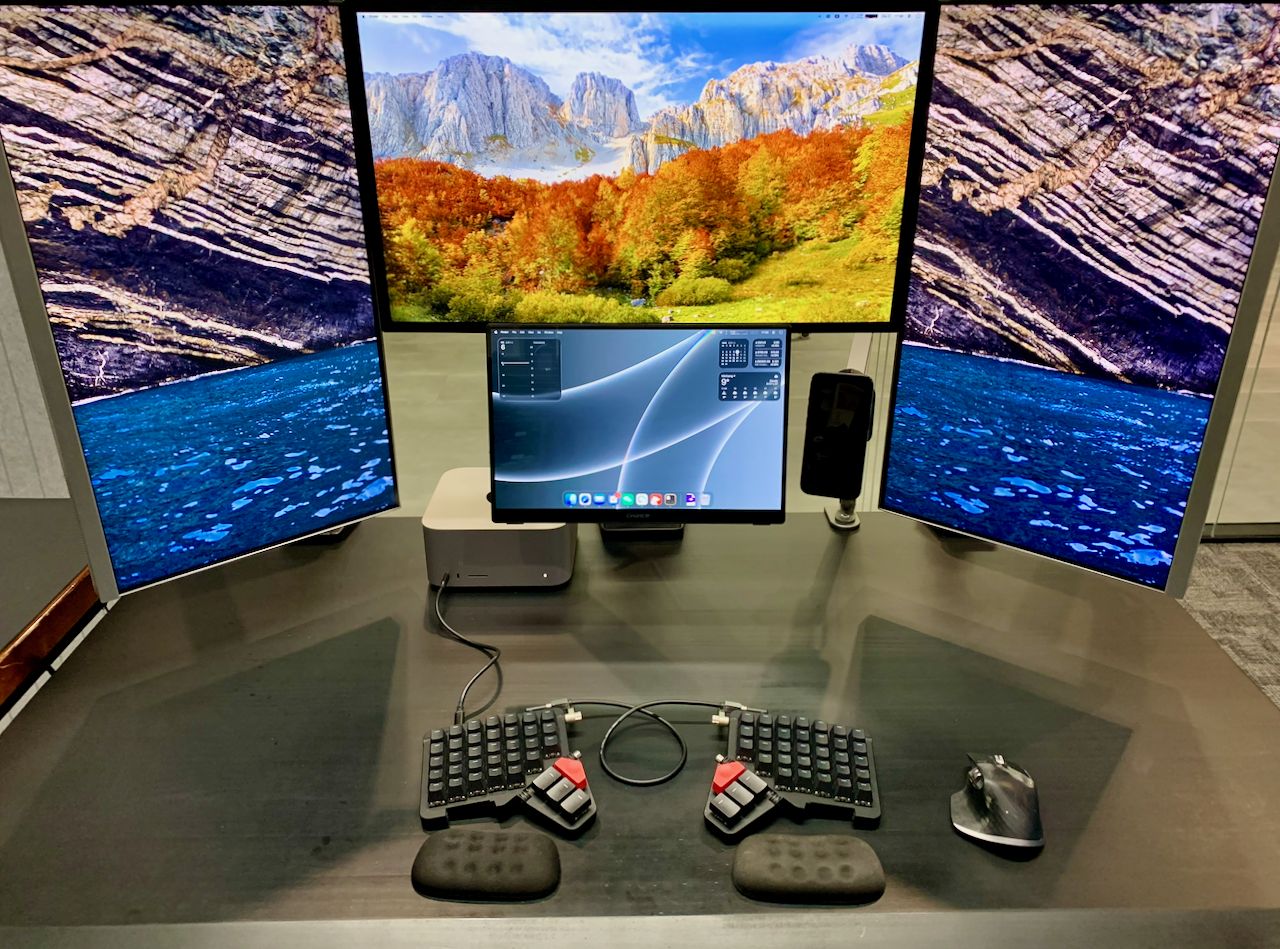
I got a base-model Apple Mac Studio, paired it with the Studio Display, and upgraded the side screens to 5K with another much more affordable Rich Vision RV200 Pro. I also upgraded the bottom screen to CFORCE 116T—a portable OLED screen, and the only model big enough that came with a VESA mount. After attaching a UGREEN phone stand with MagSafe charger onto another thin arm, now everything floats—except, of course, my beloved Moonlander.
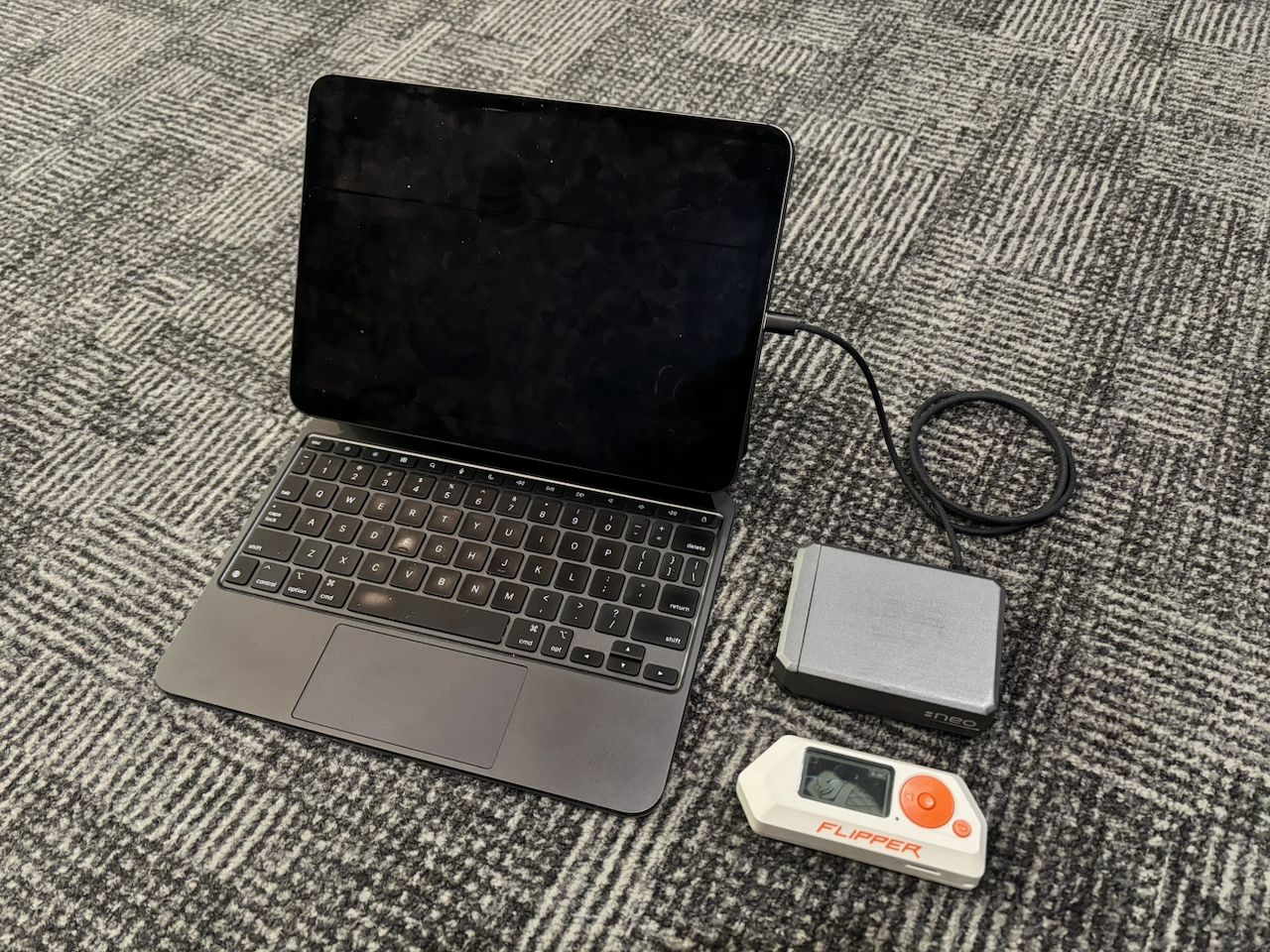
The new bottom screen freed up my iPad Pro. With its 5G connectivity, it's been essential gear for me on the portable end. Pair it with a beautifully cased Raspberry Pi 4 (connected via Blink SSH) over a single USB cable and add a Flipper Zero on the side, and I've got a mobile command station anywhere.
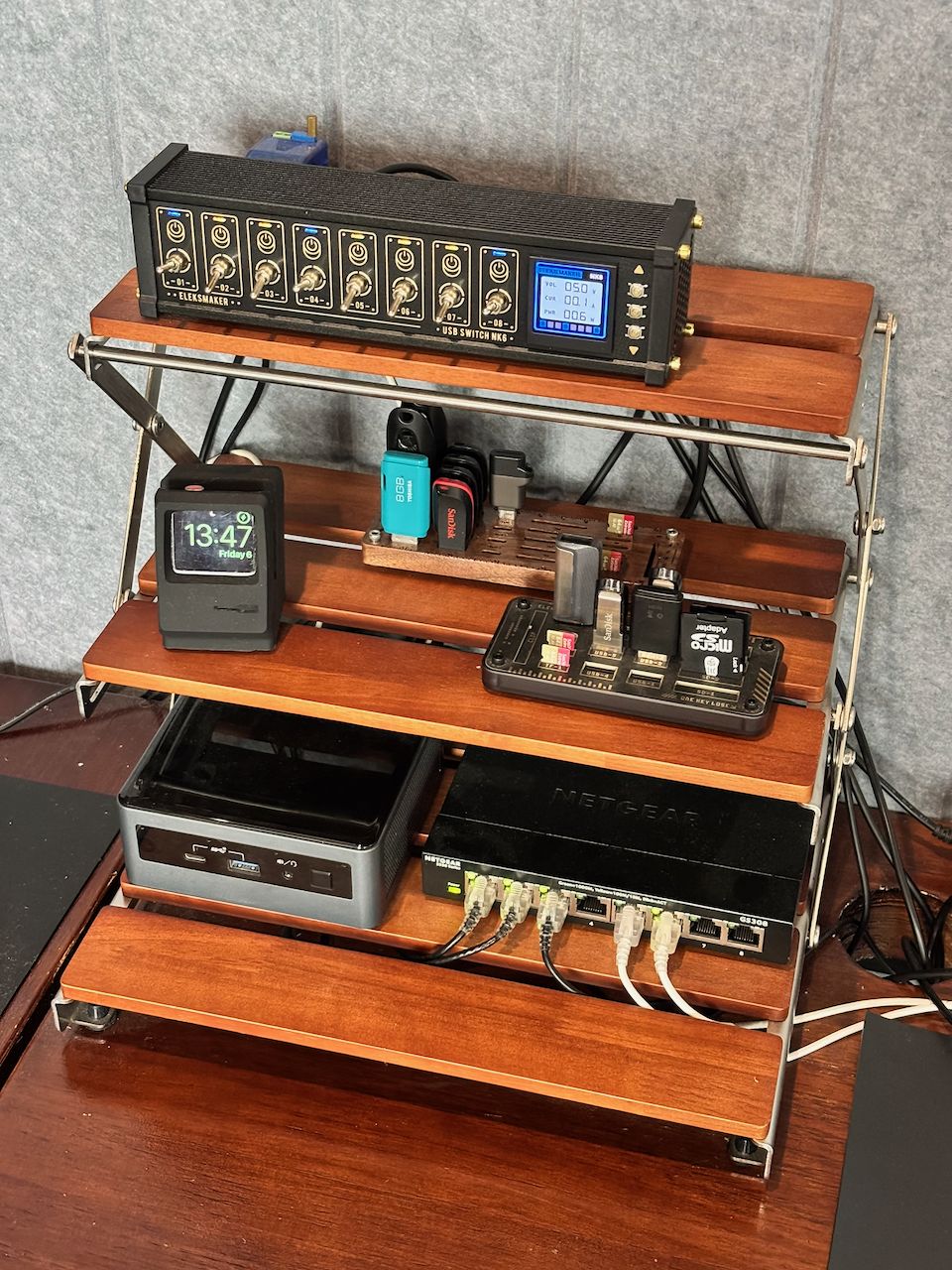

There is also a lovely dev corner next to my desk, hosting a retired Apple Watch permanently on its charging stand, a little storage space for USB gadgets, a 2020 NUC as my build machine, and a funky USB hub (EleksMaker NK6) with satisfying flip toggles.
The USB hub's no.2 port powers one of my favorite office props: the Endurance. I bought the 3D-printed model online and tweaked the motor and USB power supply myself to have its rotating speed exactly at 5 RPM, as in Interstellar, and added the LED lighting in attempt to better reflect how the scene was shot.
And what software?
I’m a longtime Mac user. My current OS setup includes the must-have Raycast, which replaces LaunchBar for me as of last year. Its idea of “every useful thing gets its own shortcut,” boosted with Moonlander's layout customization, has taken my productivity up to a whole new level. Things is my longest-running one-time purchase app—over 12 years—and it still sparks joy every time I open it; and yes, GTD has been central to my methodology.
I love Itsycal for its simplicity over all other menu-bar calendar pop-ups that I've tried. Ice is a solid alternative to Bartender for managing the menu bar, and stat monitor iStat Menus just looks right to me.
My code editor is Neovim. I have been an Emacs user for as long as I can remember typing on a Mac. I “rediscovered” Vim last year when I sat on an international flight without Internet. I was so bored after a few TV episodes on my iPad that I started browsing the built-in commands in Blink, ended up taking the default tutorial of vi, and wow, what a delightful journey to realize that no matter how many words I needed to type, for the work that I do, the power of editing should really be the out-of-box first-class citizen.
I'm so glad that I discovered Ghostty last year. Ten lines of YAML config turned out to be all I needed to get an elegant terminal running on macOS—in place of the bloated iTerm2. I'm exposed to all the basic shells on day-to-day work, and most of my scripts are written in bash. Nevertheless, I find most comfort in fish as my main macOS shell, in place of zsh. Same idea as ghostty: minimum config to get it working in style. Starship is a fine replacement of oh-my-zsh, again for its minimal configuration.
Git's never been easy for me without a graphical interface—until the perfect TUI LazyGit showed up. Yazi is a file manager that makes me feel blind nowadays in a system where I have to issue a ls-ish command on every directory. 1Password is essential in my dev workflow for its CLI integration and SSH agent.
I believe knowledge always sinks in better when rewritten in one’s own words instead of clipping & saving. Thus a smooth and elegant writing experience with minimum effort for formatting goes a long way, and Bear is a beautiful note-taking app. Airtable is my go-to web app for managing any database-like info, work or personal.
What’s your keyboard setup like? Do you use a custom layout or custom keycaps?
Whenever I set up a new device, I see for myself a great opportunity to take that chance and try something new, stuff that I otherwise wouldn't touch due to the understandable momentum built from the past.
Switching to the Moonlander’s columnar layout was the perfect moment for my Dvorak trial. Since I had to adjust my muscle memory on columnar anyway, might as well make it interesting. I'm glad I did.
My custom layout’s only a few months old, and far from ideal; yet, I very much enjoyed the process of rapidly iterating the design in the first few weeks to accomplish 80% of the core functions, and then transit into the gradually evolving stage of adding something new every few weeks.
Key ideas in my layout range from keys that share the work between left and right hands to app-specific tweaks to an unconventional number pad. I’ve added a supplemental Meh key for secondary shortcuts, plus the ability to hit enter with left hand. I don’t use any home-row mods, since I find the delay from dual-function keys intolerable on frequent letters, especially when Dvorak puts them all on the home row. Shift lives right below the home row; I hate to travel my pinky sideways on regular typing.
Ctrl and Cmd, each at where my thumbs naturally rest, are both accompanied by Alt keys. For me, that's left Alt for dev work, right Alt for admin. Around the thumb cluster, the Space, Backspace, Tab, and Enter are all set to pure keys—again, to avoid delays. A single-purpose Hyper key supercharges my Raycast config.
The positioning of number keys on Layer 2 is unconventional; I spent a lot of time adjusting my numpad muscle memory for it, but it pays off—numbers 1-3 turned out to be used way more often than 4-6, and then 7-9; this makes sense for anyone who also types in Chinese.
What would be your dream setup?
I already have my dream setup—in a practical sense. There's still plenty that I wish to build and improve, but they all belong to the 20%.
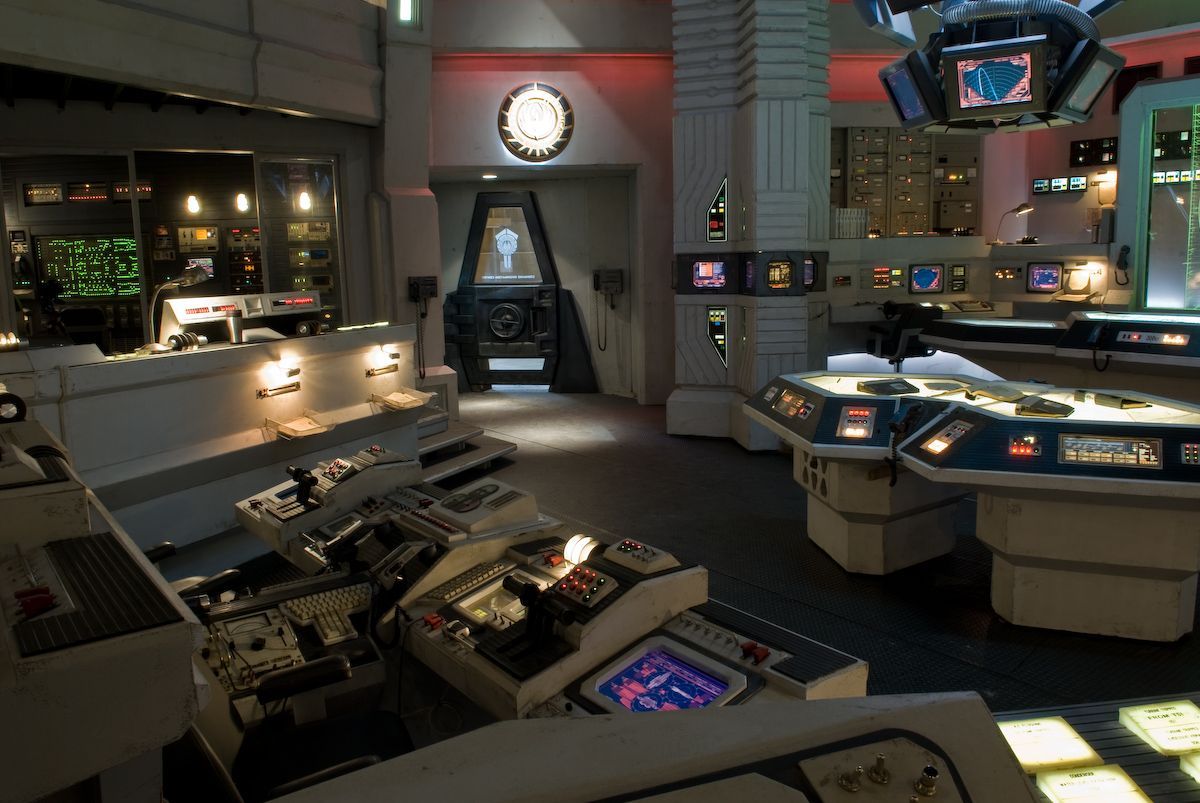
In an impractical sense, if we ever renovate a new office and I get my way, I'd turn the whole office into the CIC room from Battlestar Galactica: square screens dropping down from the ceiling to display our 4G dashboard, with DRADIS curve lines scanning through our devices.