



The people who use our boards.
424 interviews since 2018
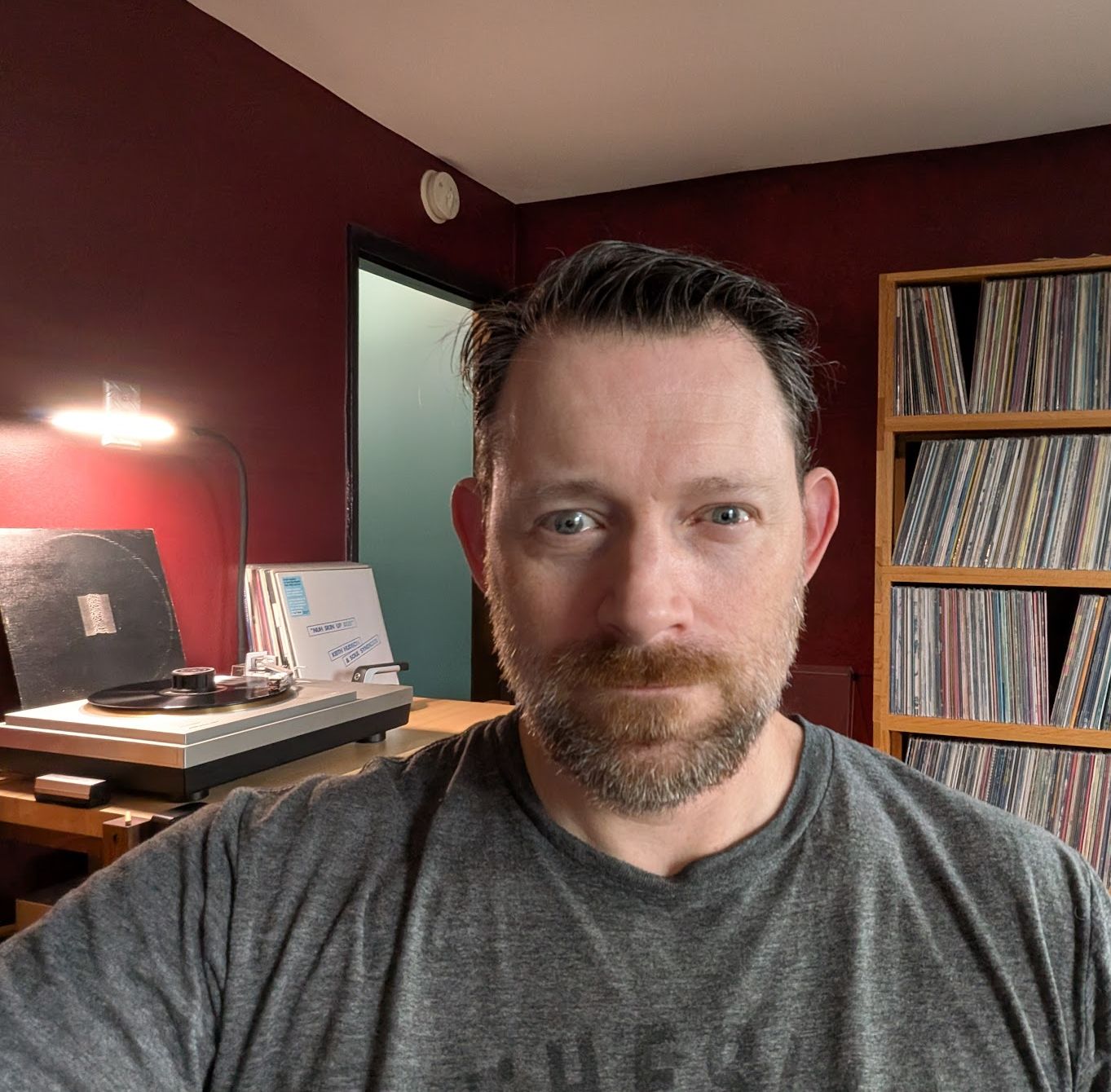
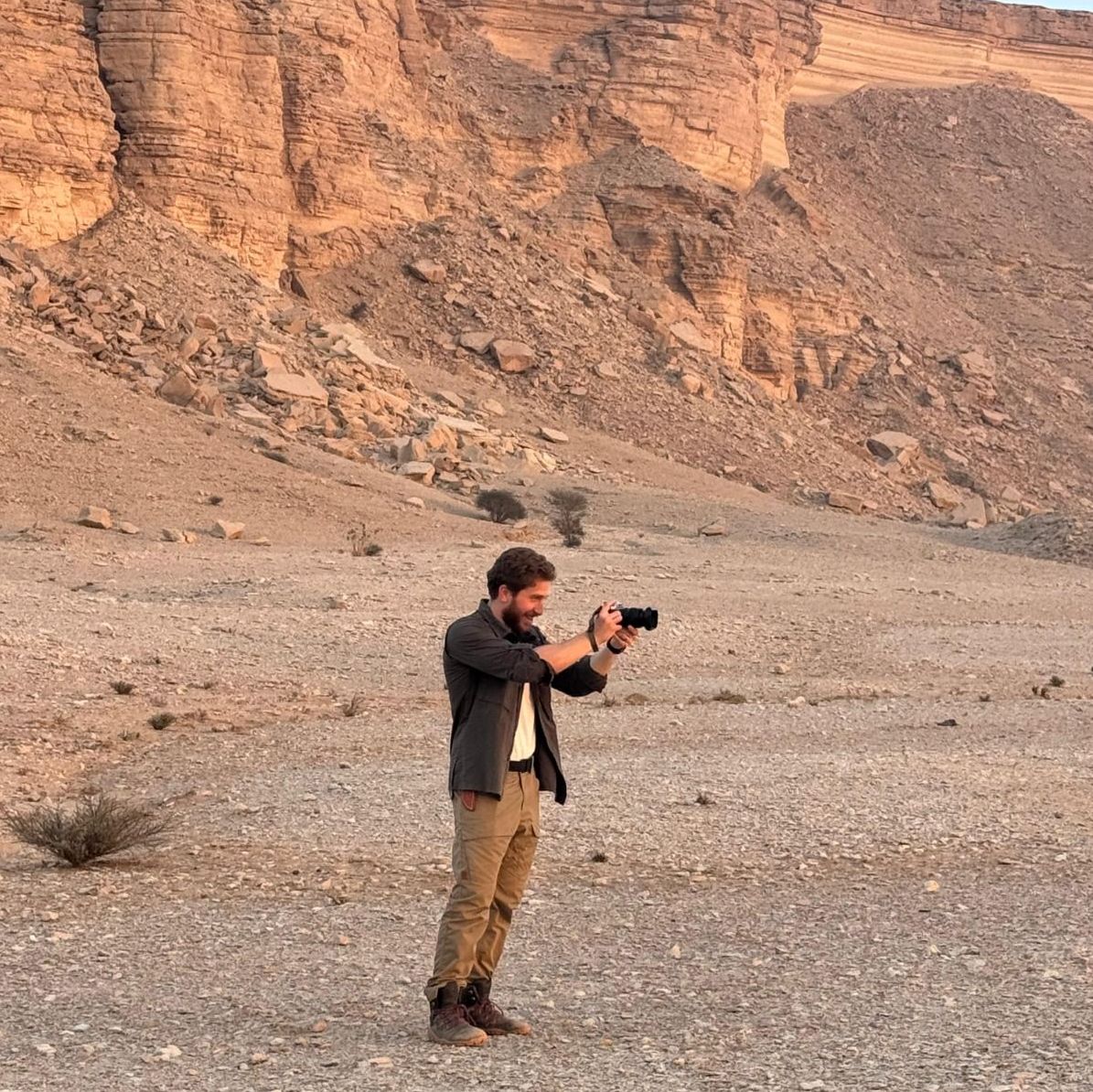

Tim
Howlinson
Infrastructure Engineer
Who are you, and what do you do? What do you like to do outside of work?
I’m Tim Howlinson. I live with my two young boys and beautiful wife in Perth, Western Australia. I work as an IT infrastructure engineer with experience in both systems and network engineering. My interests currently lie in cloud infrastructure, cloud native services, and learning Kubernetes.
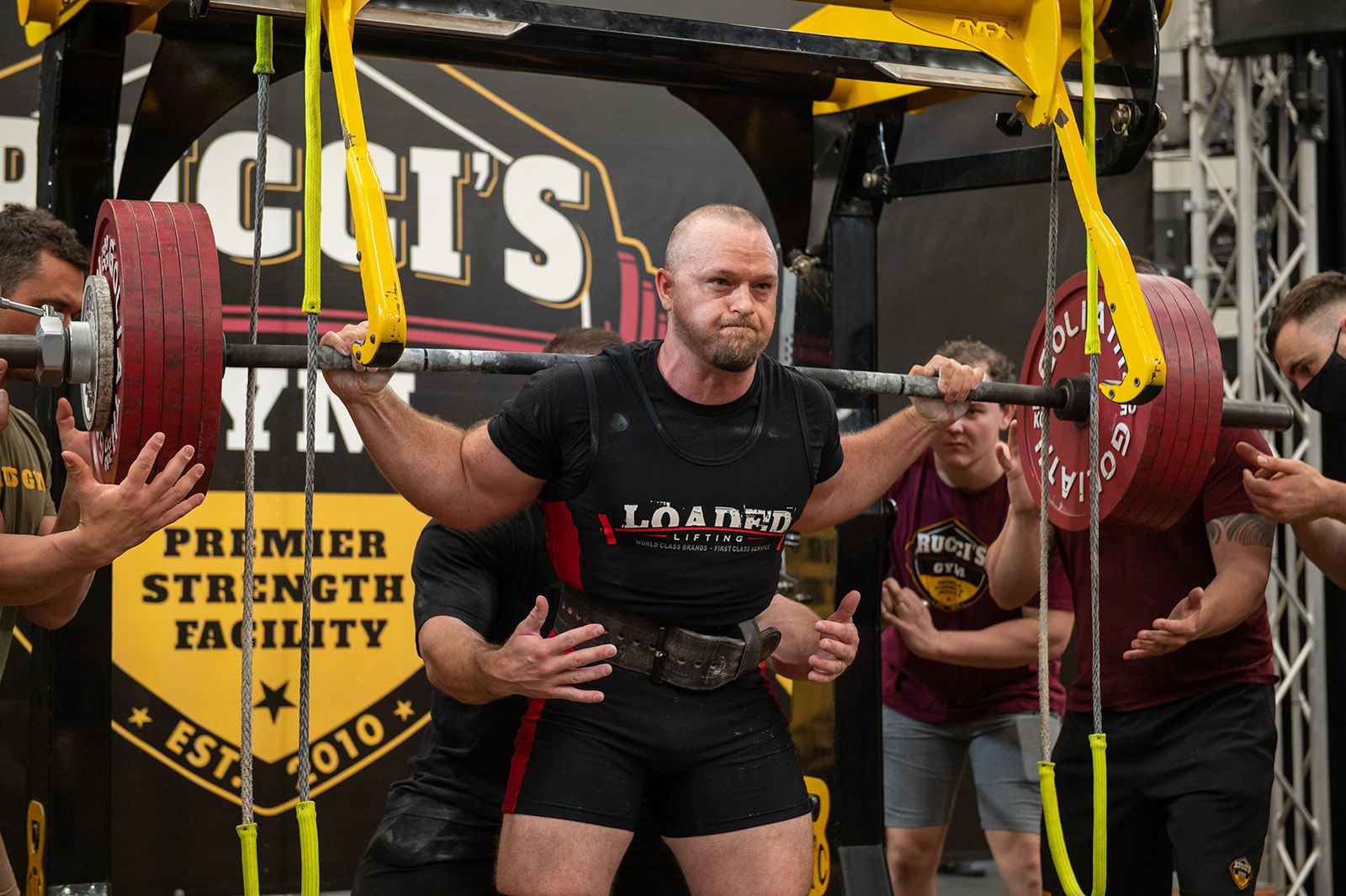
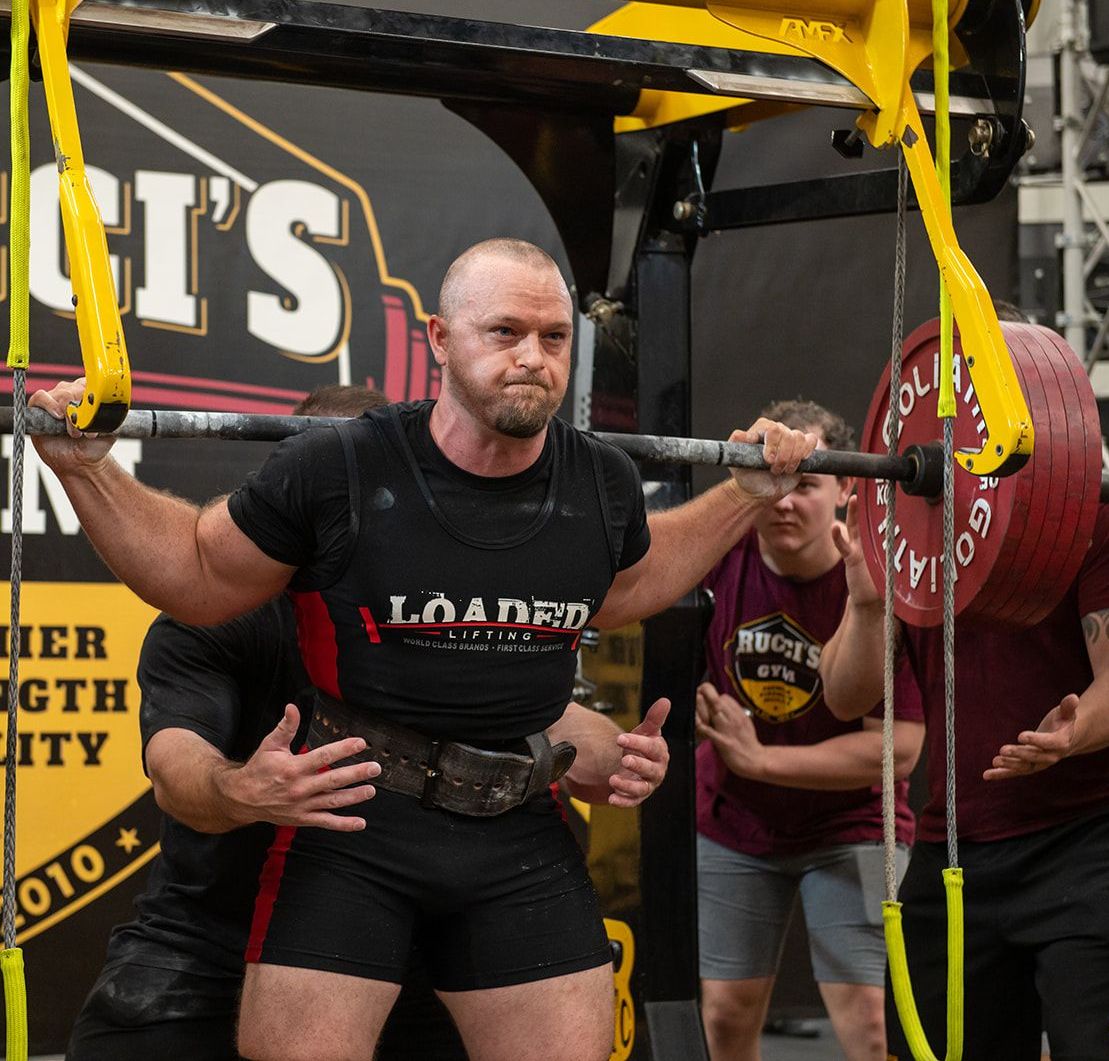
In a past life I was a competitive powerlifter. Although I haven’t competed since becoming a dad, I still love the training and plan to step back on the platform again someday. I’ve trained out of my garage gym for the last decade, and I still think barbells and weights have been one of the best investments I’ve ever made.
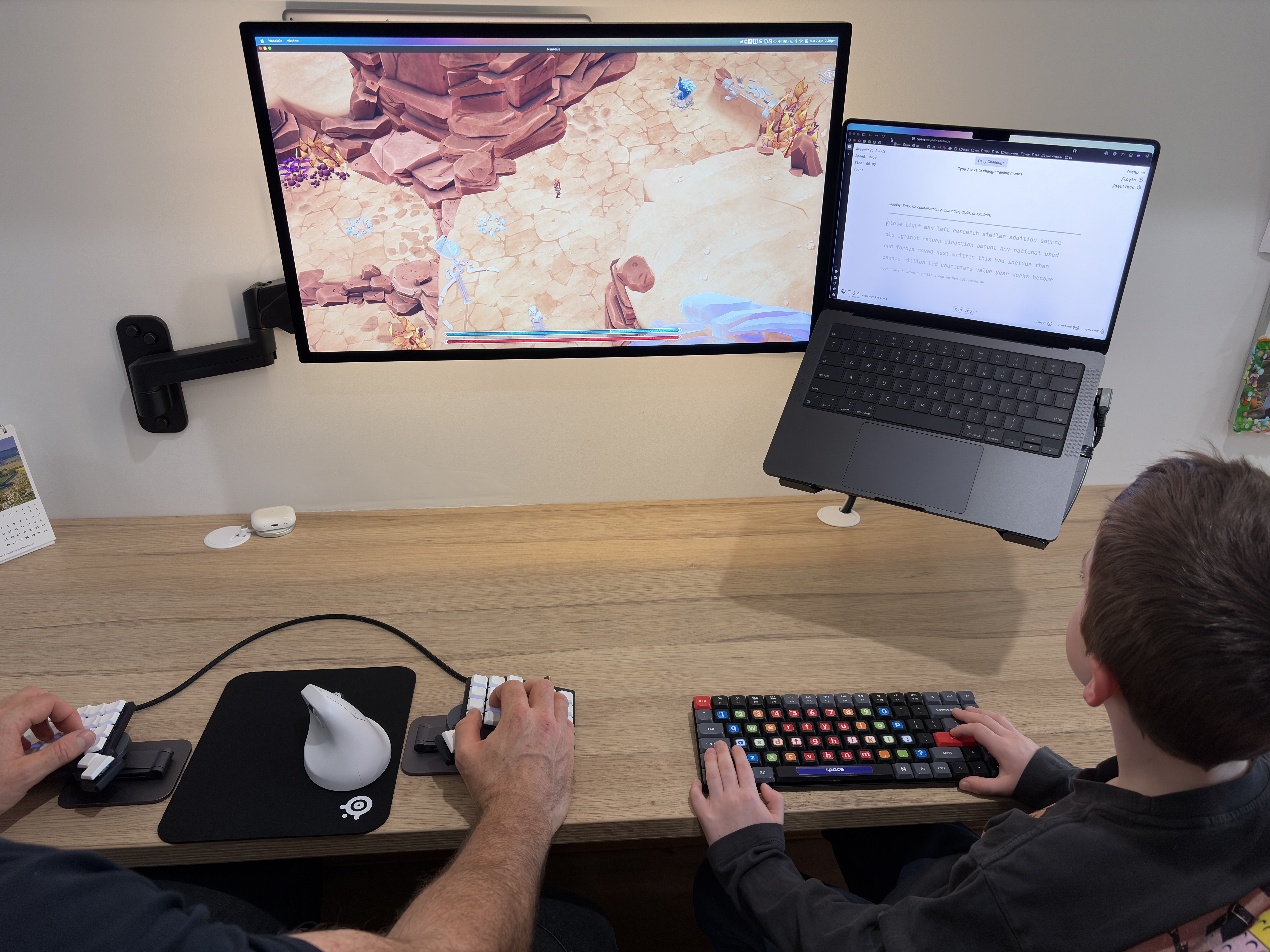
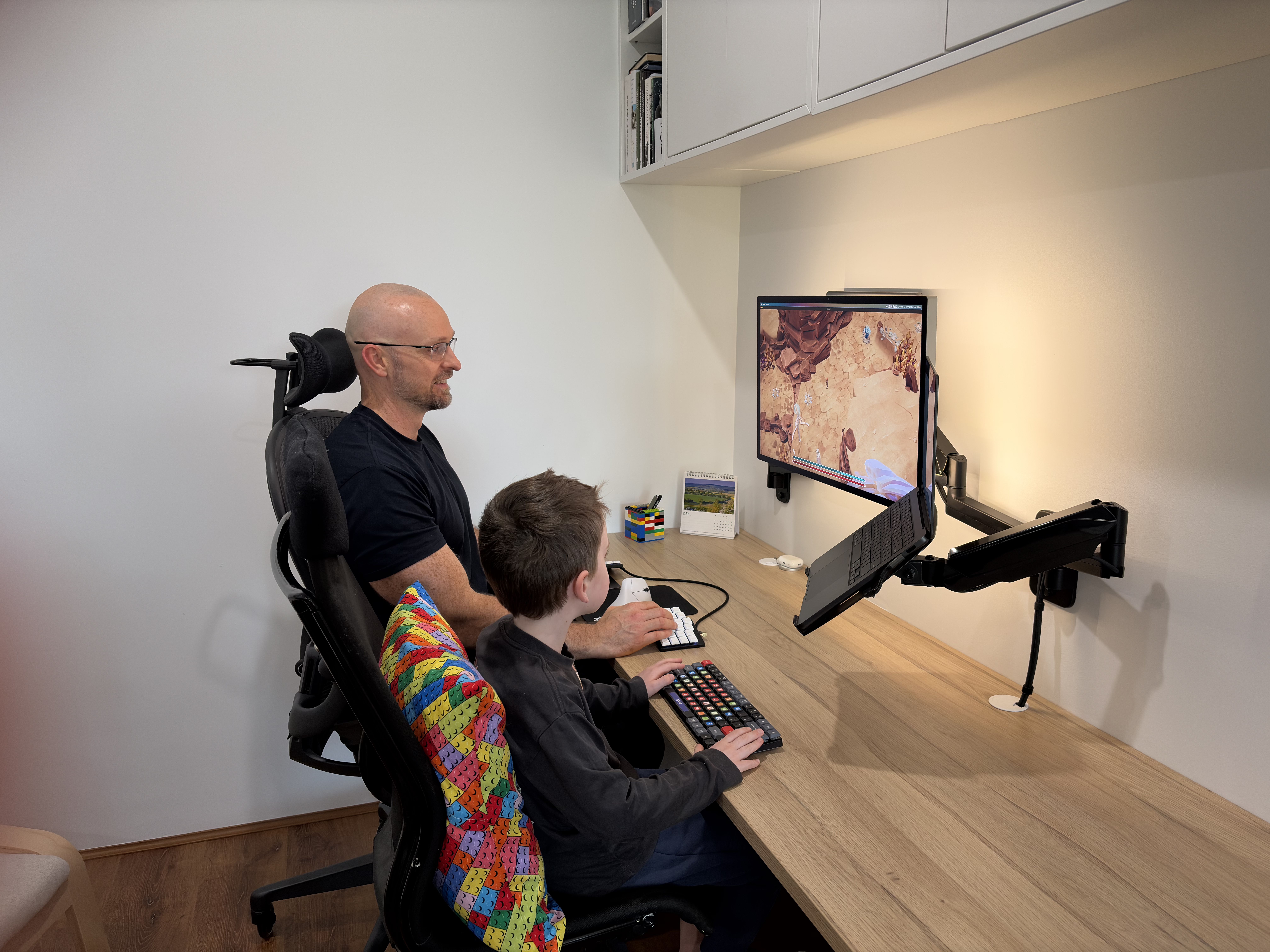
Outside of work my favourite thing to do is spend time with my boys. It’s incredibly rewarding to see them grow and develop over time. There’s nothing that can really prepare you or compares with becoming a parent and the amazing journey it takes you on. I’ve been teaching my oldest son how to type, and one of our favourite activities has been playing the Epistory and Nanotale Typing Chronicles games. Although I’m not a gamer these days, it has been a great bonding experience and a lot of fun.
What hardware do you use?
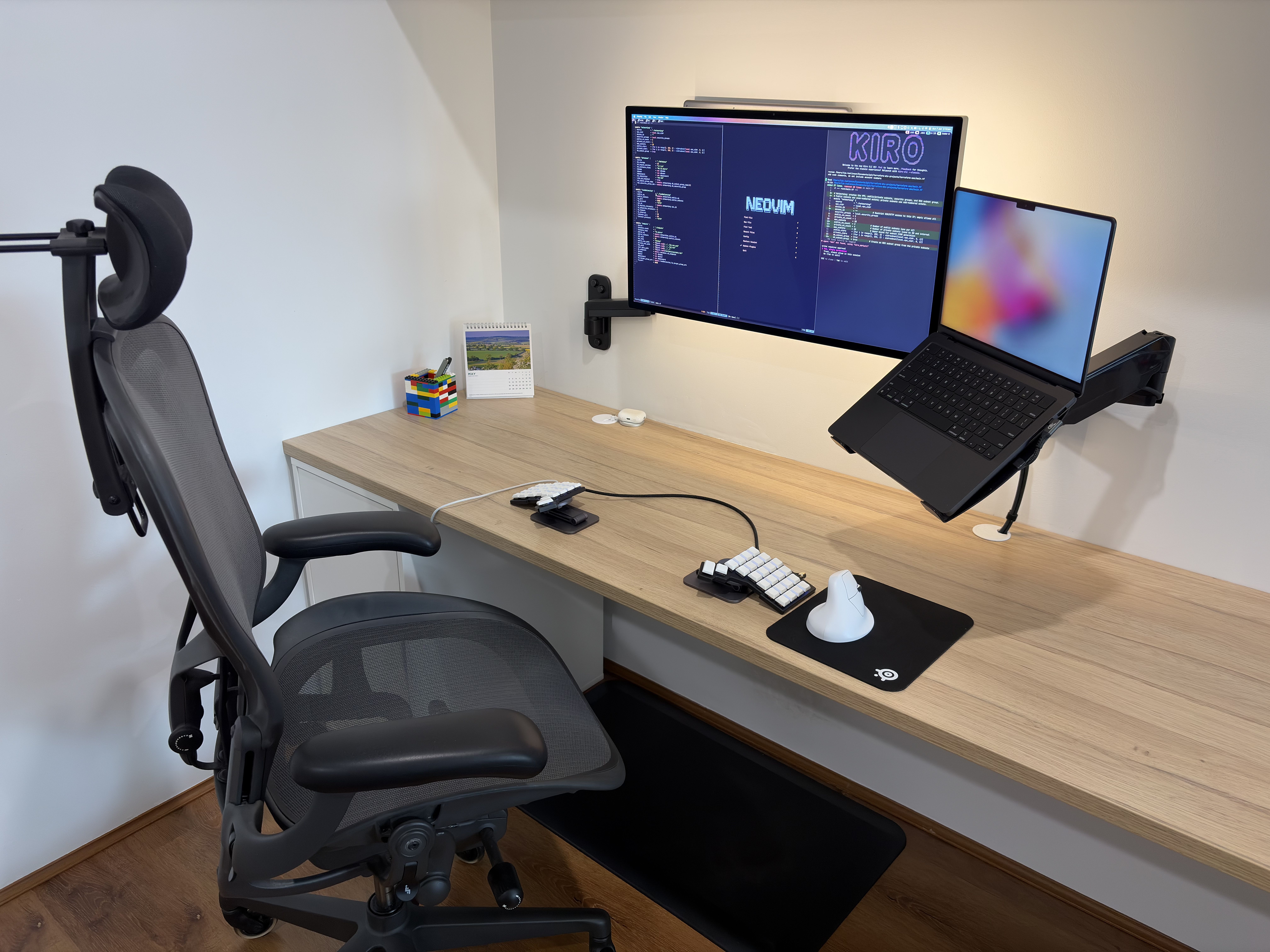
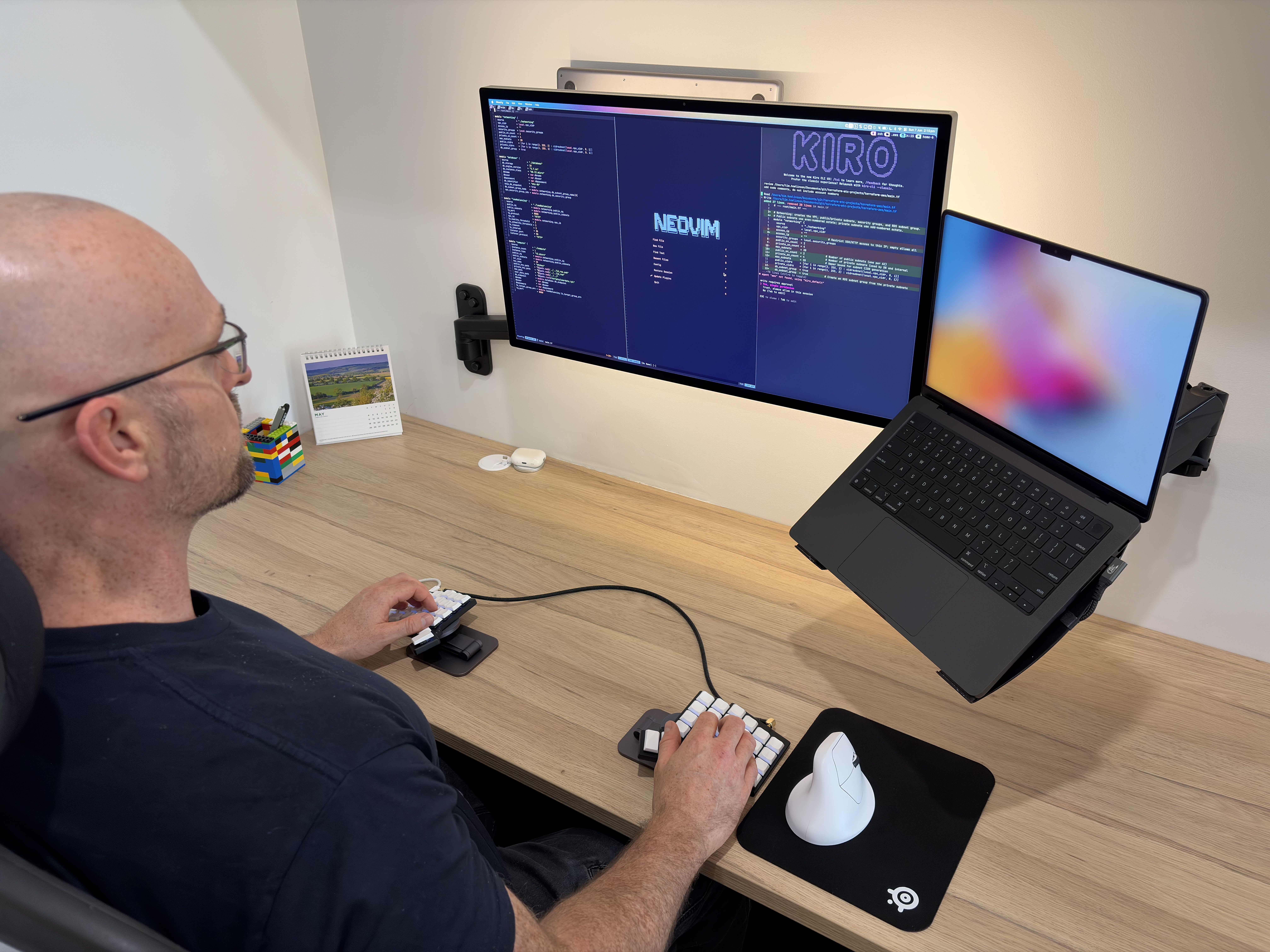
My current job affords me the luxury of working from home three out of five days a week, so I’ve spent a bit of time thinking through and upgrading my home office to be as productive as possible. I’ve been through many setup changes since working from home (around COVID), but I’m at a point where I’m really happy with the minimalist setup.
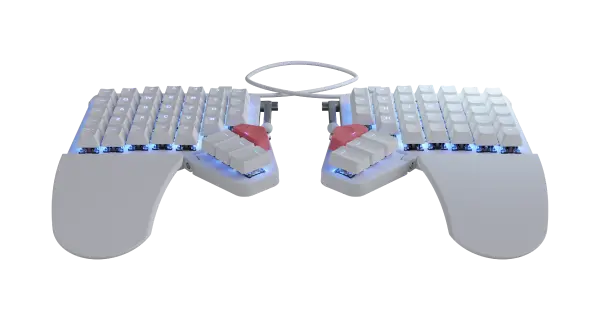
I drive an MBP 16″ M2 for work and an MBP 14″ M4 for personal use. They share an Apple Studio Display, a ZSA Voyager keyboard, a Keychron M5 mouse, and AirPods Pro 2. My main office chair is a Herman Miller Aeron remastered edition with Atlas headrest, and I relax in an Ikea Poäng.
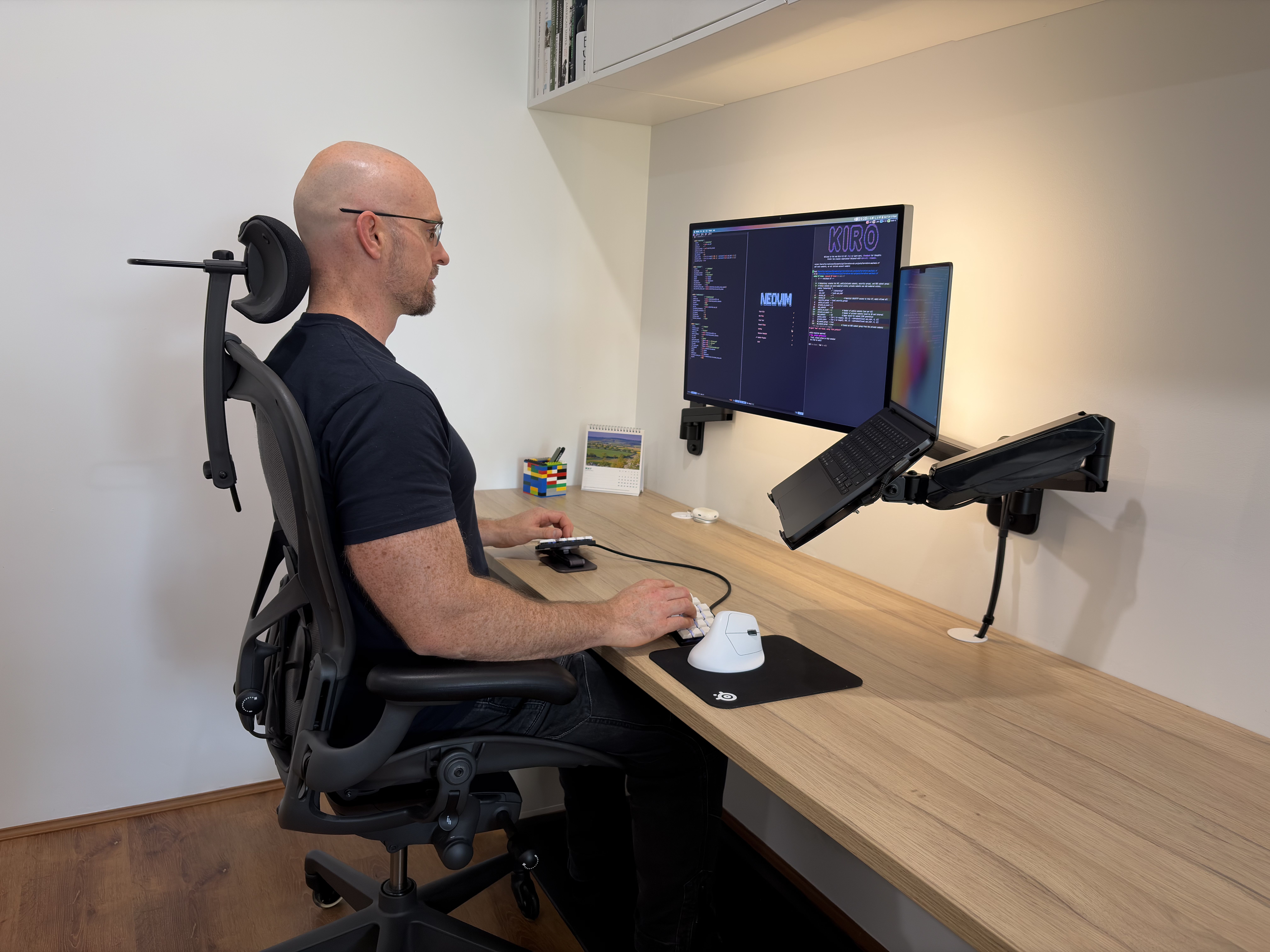
I’ve used a setup with two and even three external monitors in the past, but what I’ve found works best is a single main display front and centre and the laptop screen acting as an auxiliary display off to the side for things like Teams and meetings. The trick to using a single display is having a window manager that allows instantly switching between applications and workspaces with a single keybind. From an ergonomic point of view this means your head and neck are mostly always looking straight ahead, and from a productivity standpoint you aren’t searching around trying to find the application or window you are looking for, because it’s always right under your fingertips.
As far as chairs go, if you look online there’s fairly mixed opinions on the Aeron. For me it’s been amazing—easily the most comfortable office chair I’ve used and it has eliminated all pain when sitting for long periods of time. If you are interested in getting one, the trick is to go somewhere that has all three sizes to test; it’s critical to get the size that matches your weight and height. I find one huge benefit is the mesh fabric. Perth gets extremely hot during the summer, and having the airflow is a lifesaver.
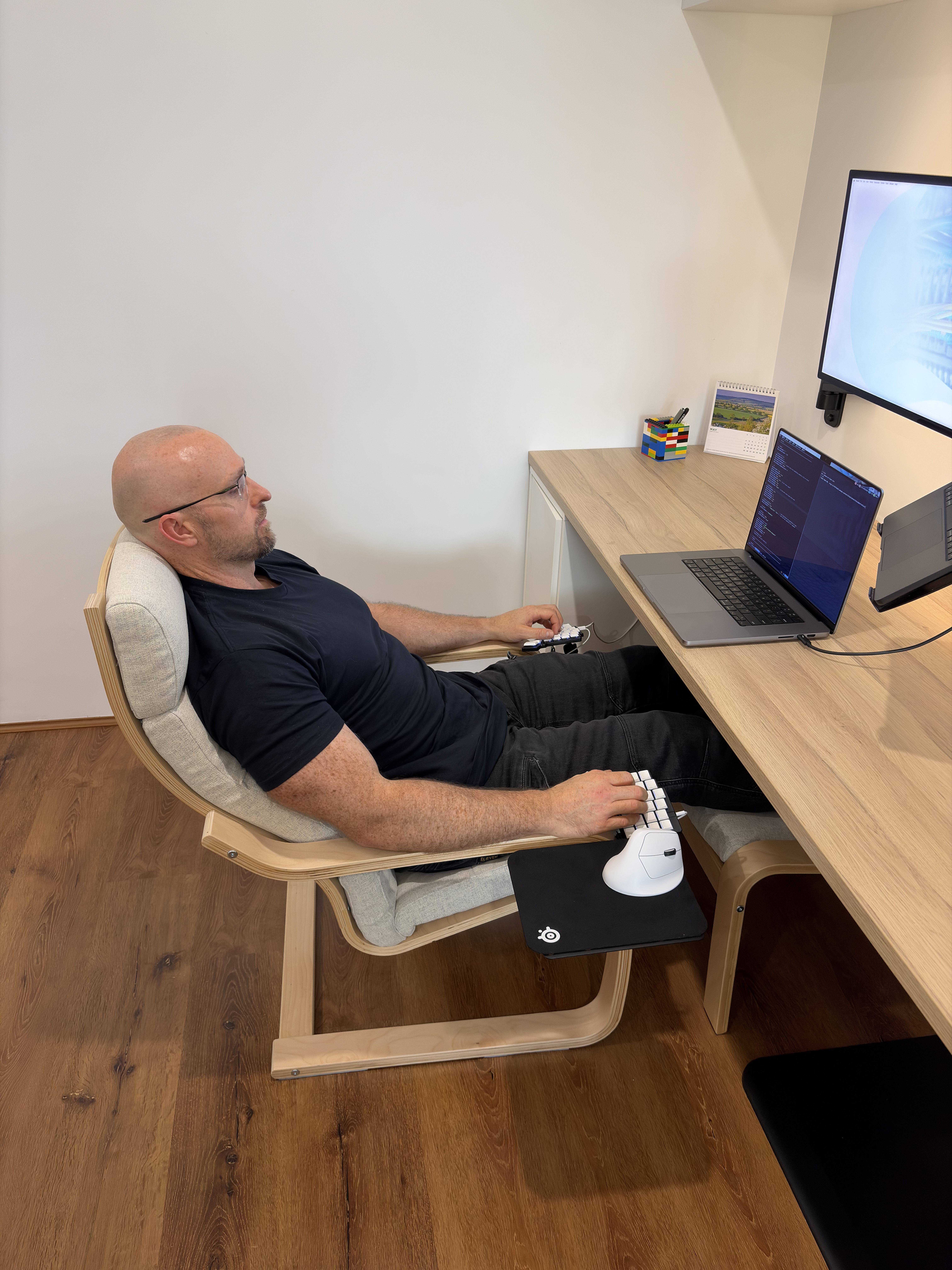
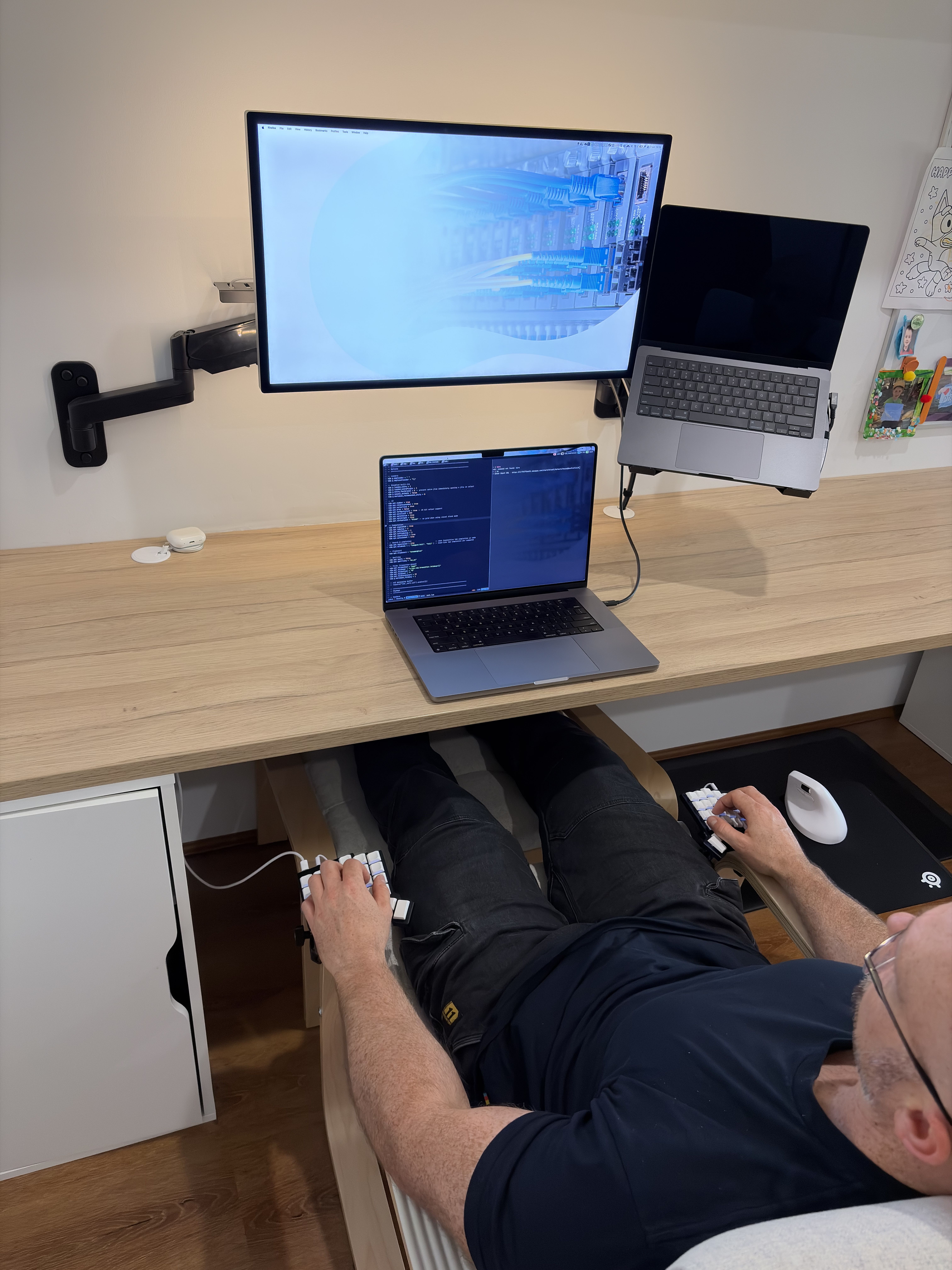
My other chair is an Ikea Poäng. It’s almost the complete opposite of the Aeron—cheap, poorly rated ergonomically, and very different aesthetically. With all that said, I love it and find it really comfy to kick back and read a book in, or setup my ZSA Voyager and laptop in “lazy boy” mode. I wouldn’t recommend it for long stints of computer use, but it’s a great way to unwind and relax. I use camera clamps and magnetic phone holders to easily connect the Voyager and metal plate that the mouse sits on.
And what software?
I spend the majority of my working day in terminals, editors, and SSH sessions. My tools of choice are Ghostty, tmux, and Neovim. For AI I use Kiro CLI and Claude Code. Other terminal favourites are Yazi for file management and LazyGit, which is an amazing git TUI.
For my MacOS window manager I use AeroSpace, and for keyboard navigation within GUI apps I use Homerow. As you can tell, this keeps the majority of my workflow keyboardcentric so I can reach for the mouse as little as possible. As with my hardware, I take a minimalist approach to software trying to learn and perfect the tools I use frequently.
What’s your keyboard setup like? Do you use a custom layout or custom keycaps?
I’ve been using the ZSA Voyager for around two years now. It’s only my second split keyboard, but I haven’t found a need to use anything else. When I started I was frequently tweaking and coming up with ideas to optimise the layout. However, my layout has been fairly static over the last 12 months (the biggest change up was moving to home row mods), and since then the typing experience has been getting ever better as the muscle memory is becoming more engrained.
As for mods, I’m using Lowprokb Ambient Twilight switches / DDC keycaps and a custom Kingcables TRRS cable. I also use the popular Ugreen magnetic phone mounts to provide a moderate degree of tenting. I keep a spare set of these and a Keychron M5 at work so that all I have to carry with me is the keyboard when making my commute.
What would be your dream setup?
To me the sign that your setup is optimal is when you no longer think about it. It becomes an extension of you when you’re using it, like when you watch a master carpenter use their tools to create a beautiful piece of furniture.
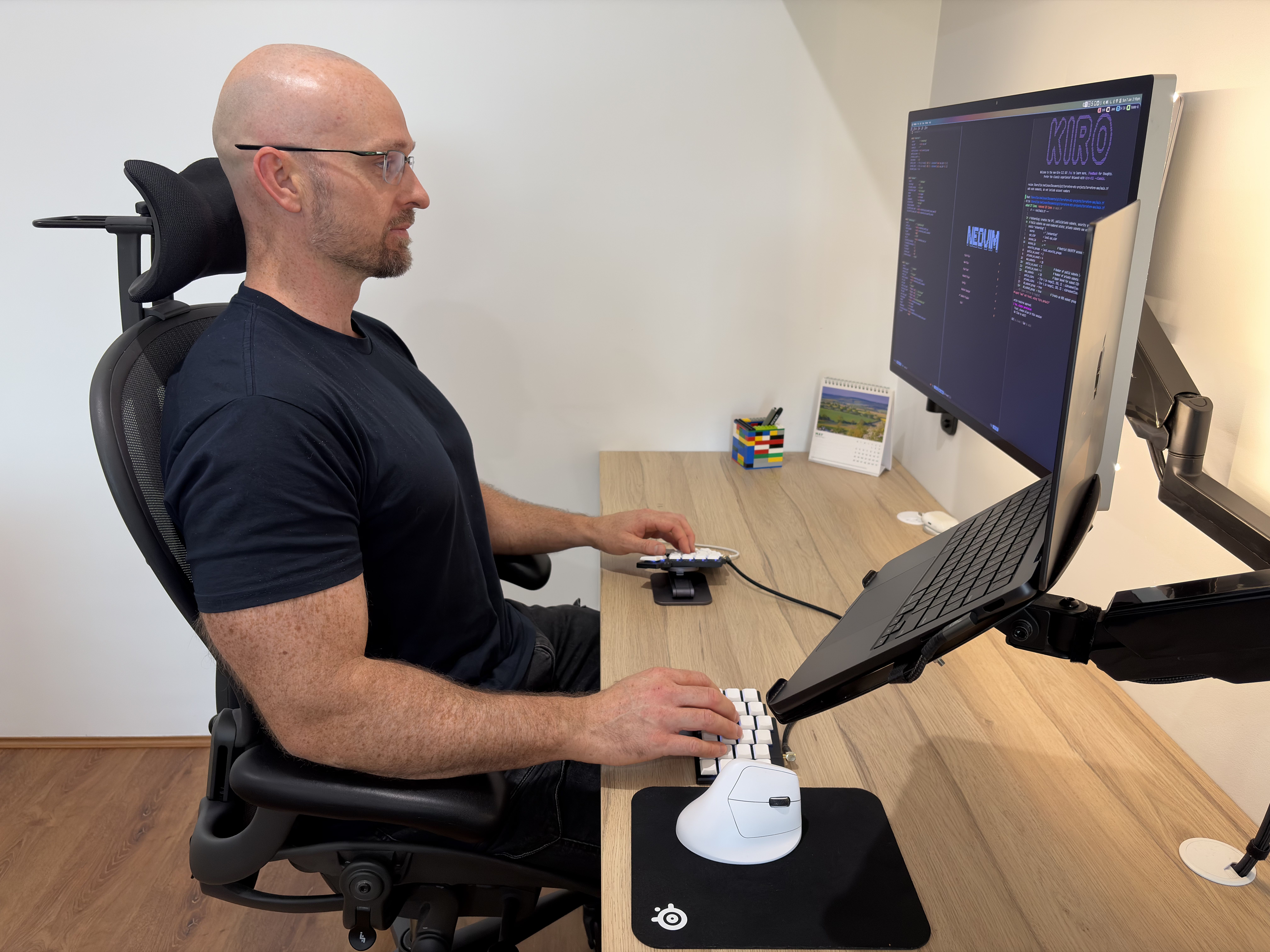
I think I’m mostly at that point where I can just focus on the work at hand and not think about needing to upgrade or change this or that. The only change I would consider making is to upgrade to a 32″ 6K display if an affordable glossy option ever comes on the market.
Can you recommend a few books, movies, TV shows, or games (digital or otherwise) that you are quite into?
There’s a couple of TV shows I can recommend. The first is The Expanse. I’m not a huge sci-fi fan, but this show is great on many levels. The way it realistically depicts gravity and space combat is top-notch, but the real core of the show is the political drama that unfolds, as well as the world/universe-building that happens as it moves through the seasons. The second is a critically underrated Australian show called Mr Inbetween, which is about Ray Shoesmith—a professional hitman. It’s part drama, part comedy, but at only 20 minutes an episode there are no wasted scenes. The writer also plays the main character and has spent his career working on the story. It’s only a short watch but absolutely brilliant.
I just want to say a big thank you to Erez and the ZSA team. You make amazing hardware and software that changes how thousands of people interact with computers daily. Personally using a piece of hardware like the Voyager makes typing far more enjoyable and pain free compared with traditional keyboards. Typ.ing is also a lot of fun. I really enjoy the daily challenge and new Classic Books feature. Keep up the great work, and I always look forward to seeing the new innovations coming out of the team.