


The people who use our boards.
425 interviews since 2018
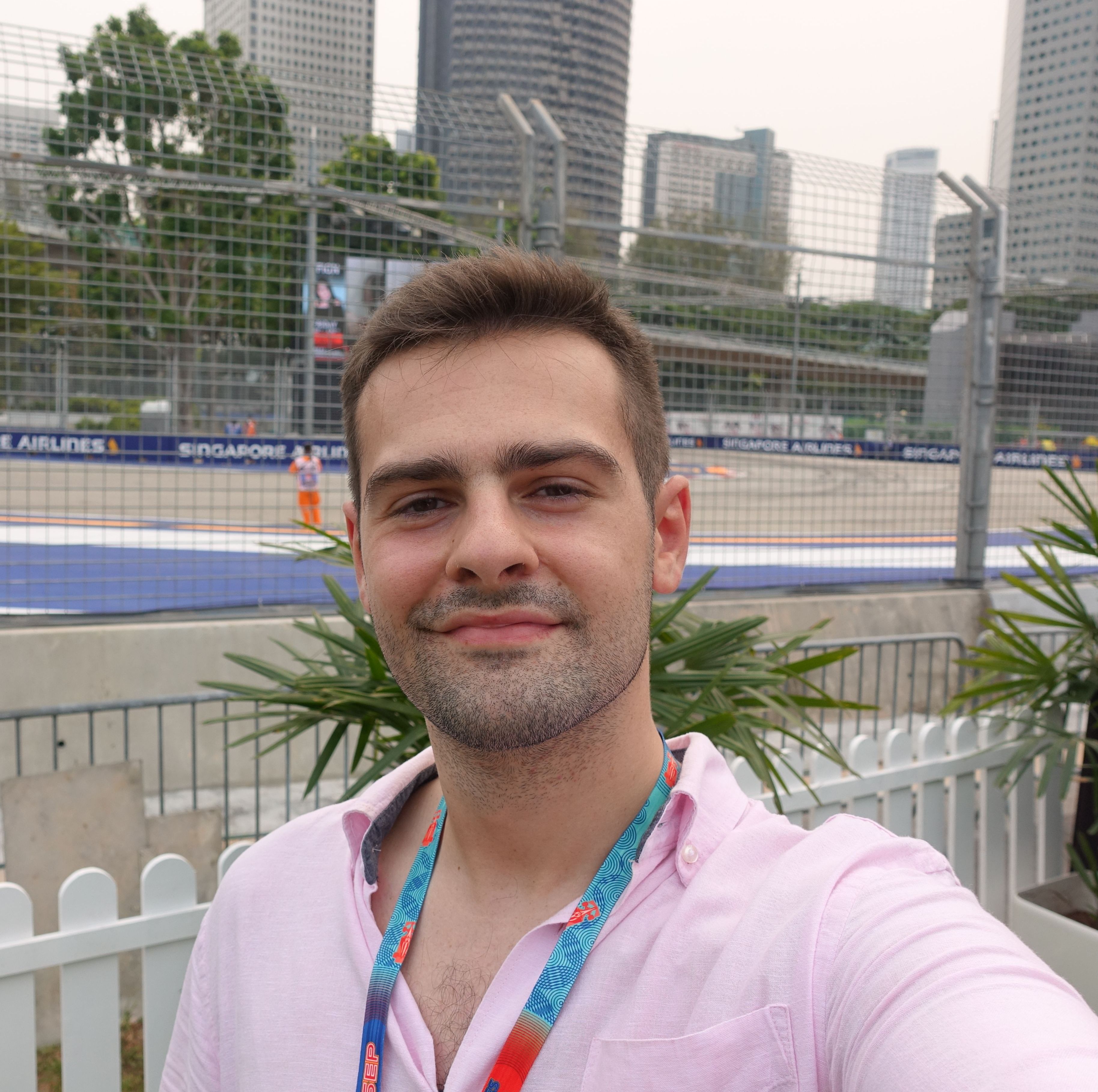

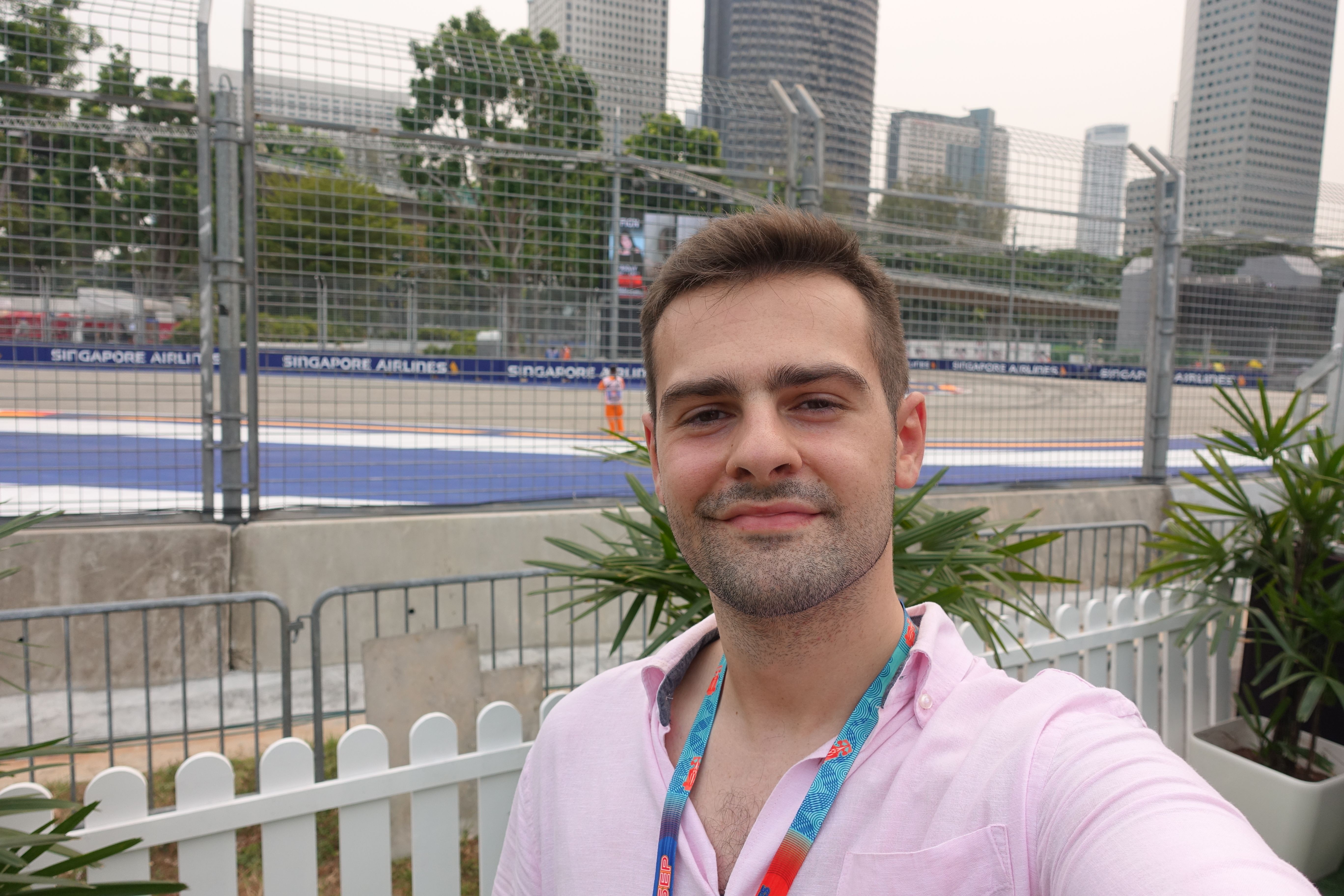
Daniel
McIlvaney
System Administrator
Who are you, and what do you do? What do you like to do outside of work?
My name is Daniel McIlvaney, and I’m based in Scotland (just outside Glasgow). I’m currently working as a system administrator for a large financial institution. I started out at Hewlett-Packard straight after university and spent about five years before moving to where I am now. It’s enjoyable working and co-ordinating with multiple people all spread over different time zones.
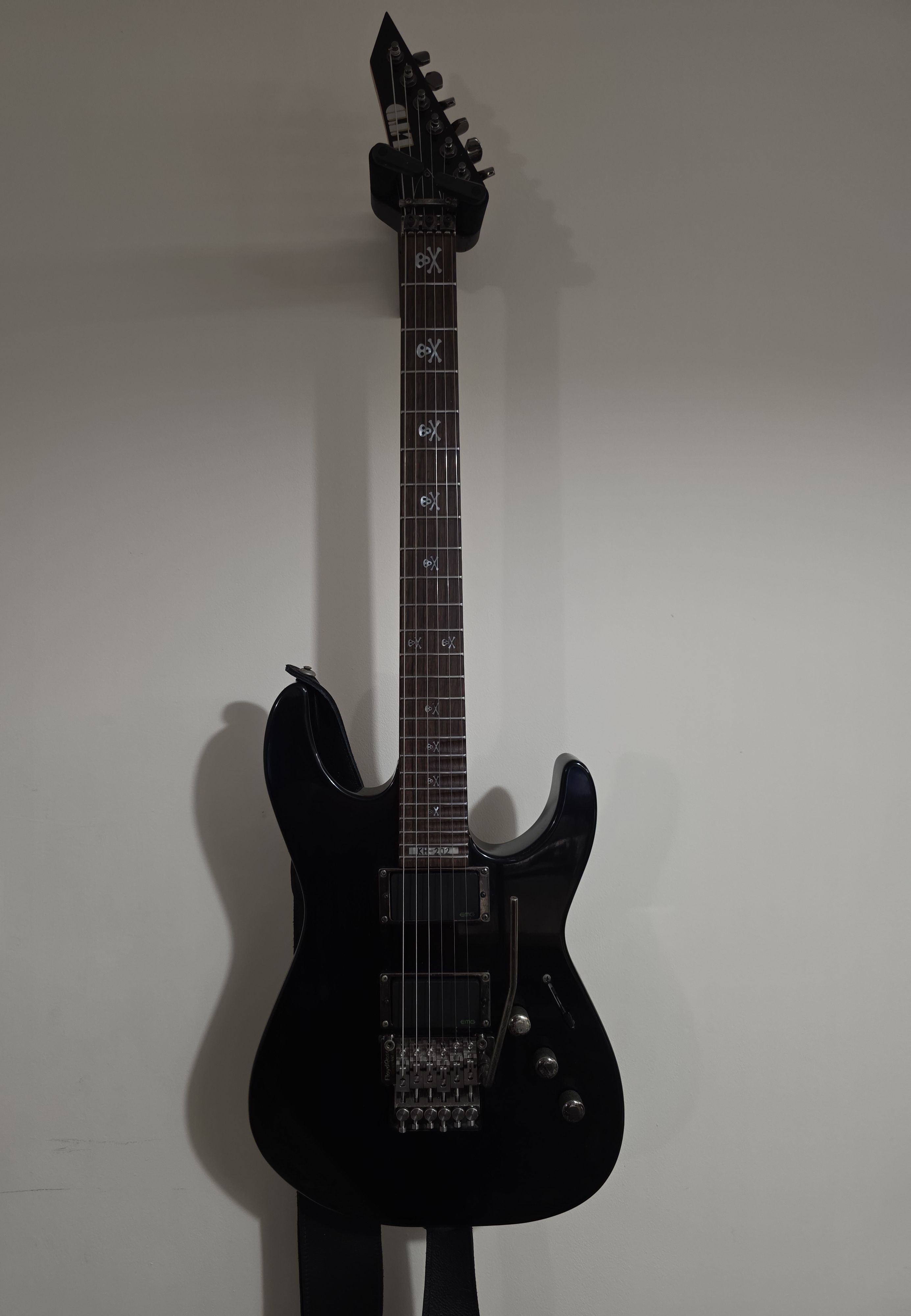
I’d say my main hobby outside of general tech is playing guitar. I started when I was about twelve years old. I’m not playing to perform or to make and release music, it’s just a fun bedroom hobby.

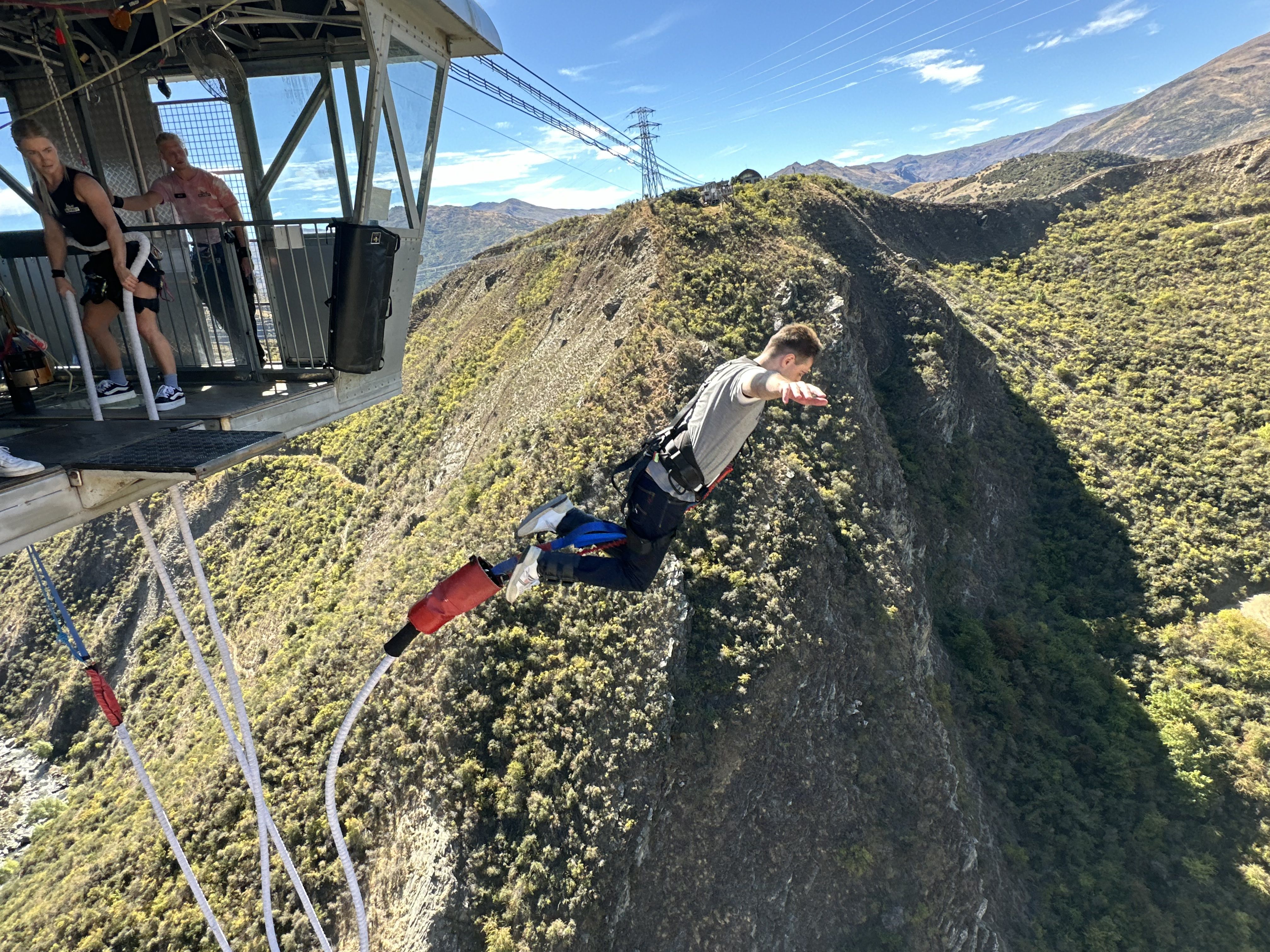
I also (like most people) enjoy travelling. I’ve got a slightly obsessive personal ambition to set foot on all seven continents. I’ve currently done Europe, Asia, Oceania and North America—which leaves South America, Africa, and the small matter of Antarctica still to go.
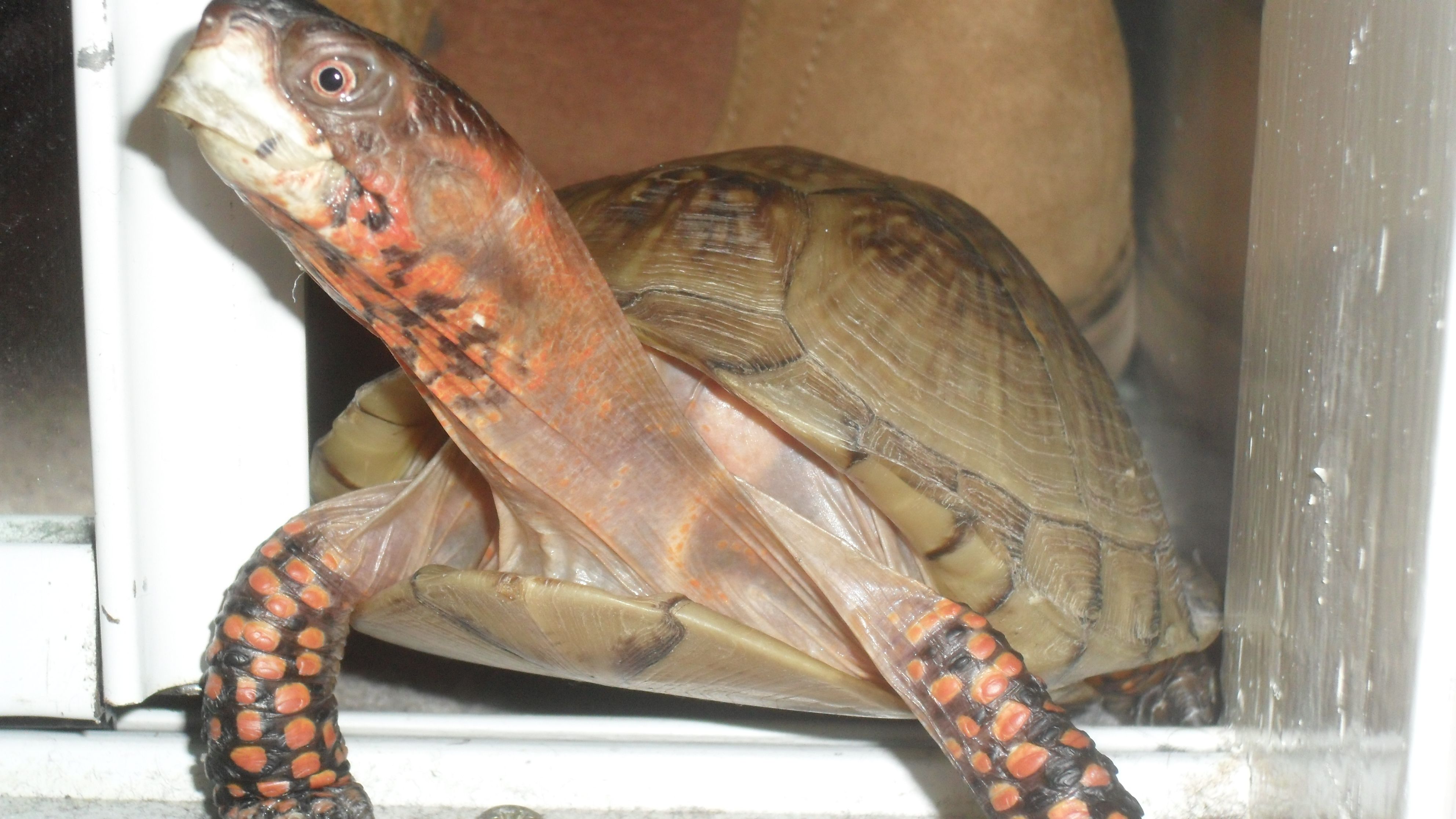
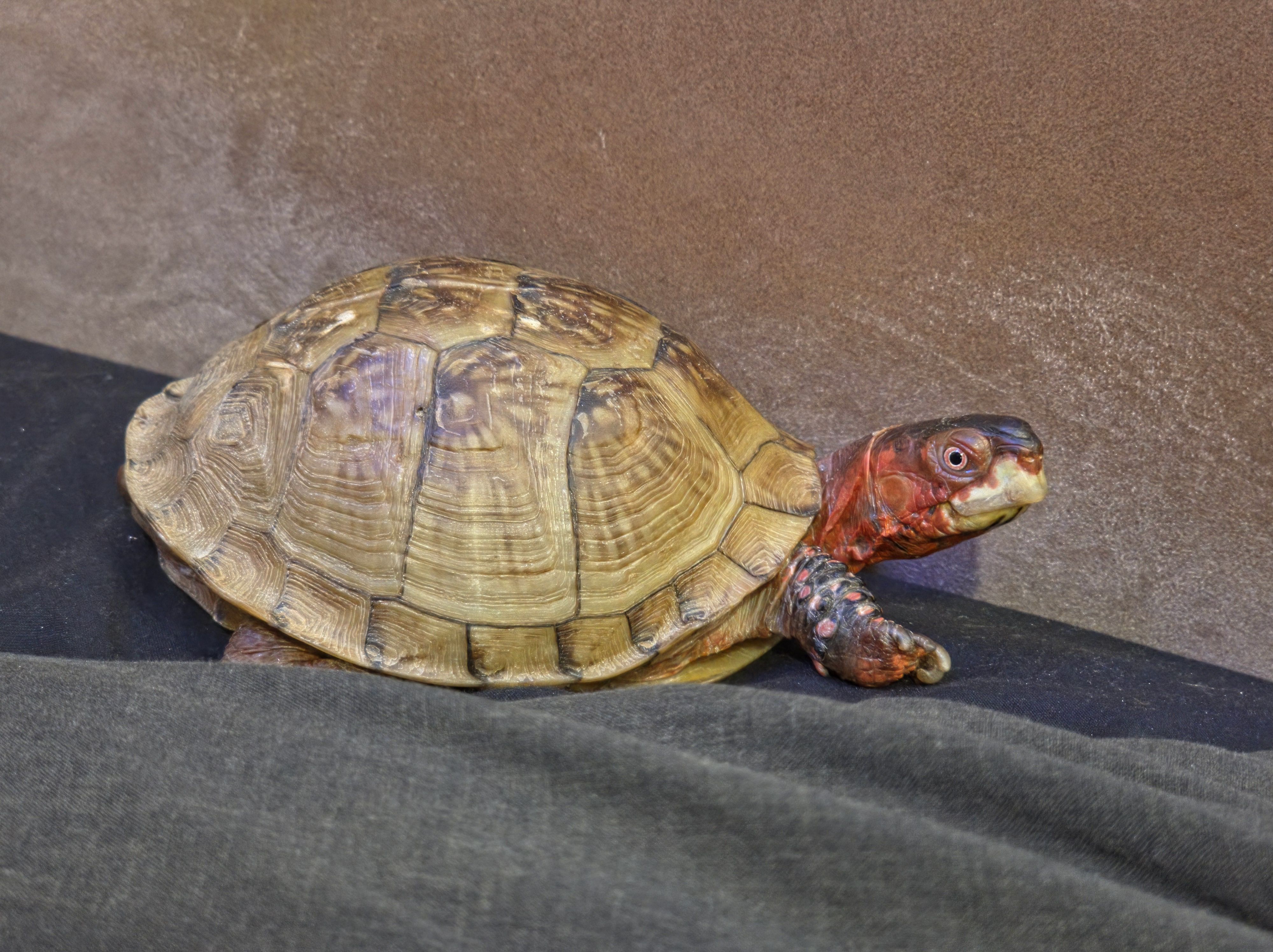
I love reptiles. I have a pet three-toed American box turtle who is actually older than I am! True age unknown, he was a gift from my father to my mother (long before me) and he’s the same size now as he was back then.
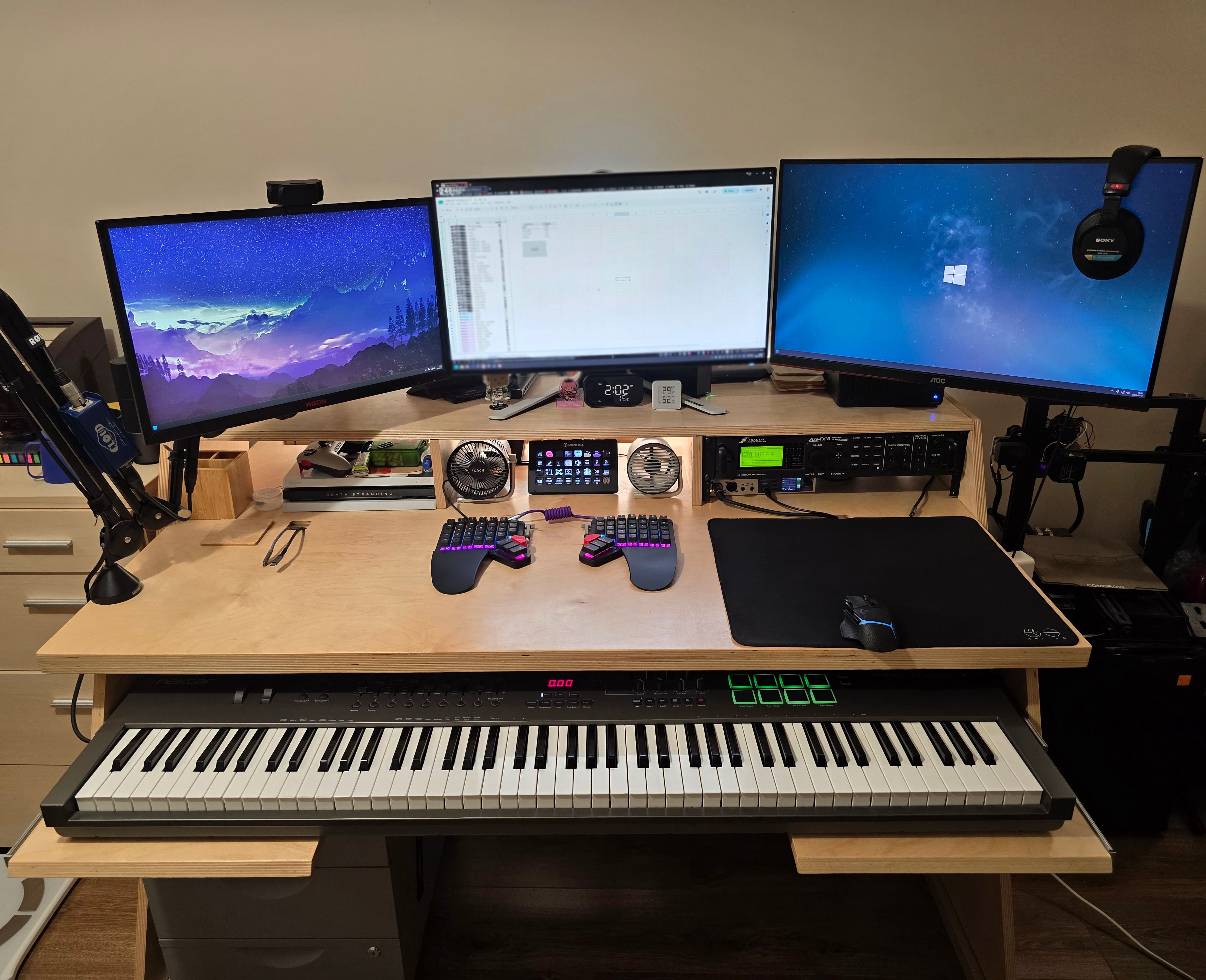
What hardware do you use?
My main overall PC is composed of an Intel Core i9-14900KS and an RTX 5090 (32GB), on a Gigabyte Z790 AORUS Master X motherboard with 64GB of Kingston Fury Beast DDR5-6000. CPU cooler is a Noctua NH-D15 G2 complimented by be quiet! Silent Wings 4 Pro fans. My last two PCs used (not-inexpensive) AIO liquid coolers, and I’ve decided I prefer the traditional big-a** fan. PSU is a 1200W be quiet! Straight Power 12 and the whole thing is housed in a Corsair 6500D Airflow case. Storage is a pair of Samsung 990 Pro NVMe drives (2 TB and 4 TB) plus a 4TB WD Red Plus for bulk. No RAID or other fancy technicals.
I have three monitors: a 27-inch Dell Alienware AW2721D (1440p, 240Hz) on its stock stand, flanked by a 24-inch AOC AGON AG241QX and a 27-inch AOC Q27G2U (both 1440p, 144Hz) on Ergotron LX Pro arms.
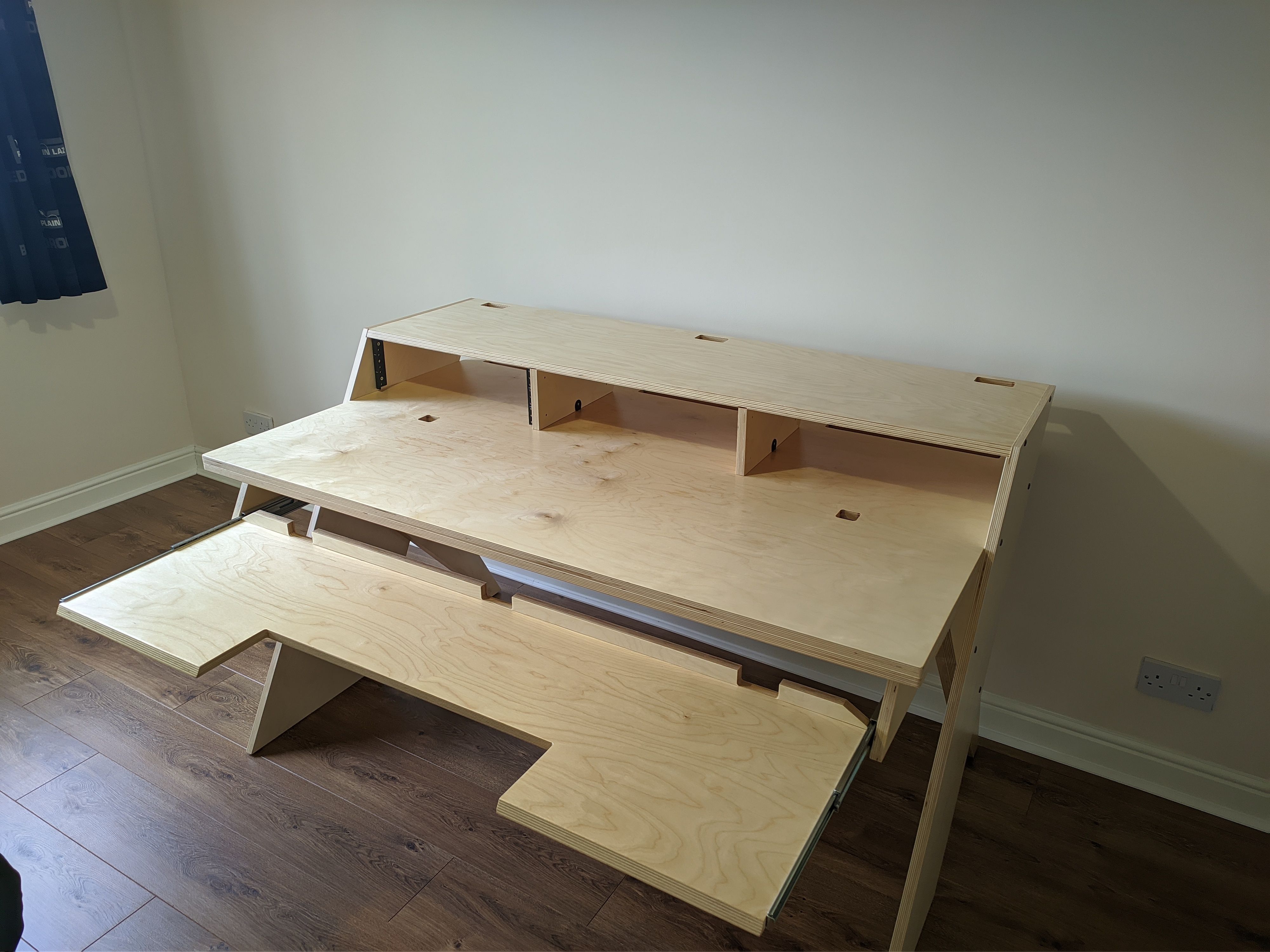
The desk itself is a Platform Studio Desk from Output, which is designed with music production in mind, but works great as a general-purpose desk. Chair is a Herman Miller x Logitech G Embody.
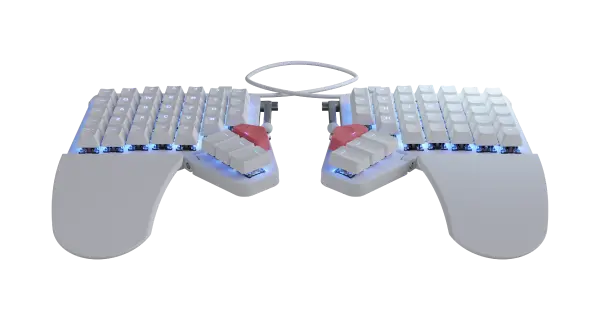
Mouse is a Logitech G502 Lightspeed, and the keyboard is of course the ZSA Moonlander. A Logitech C920 for video, and an Elgato Stream Deck XL for shortcuts and at-a-glance world clocks round out the general peripherals.
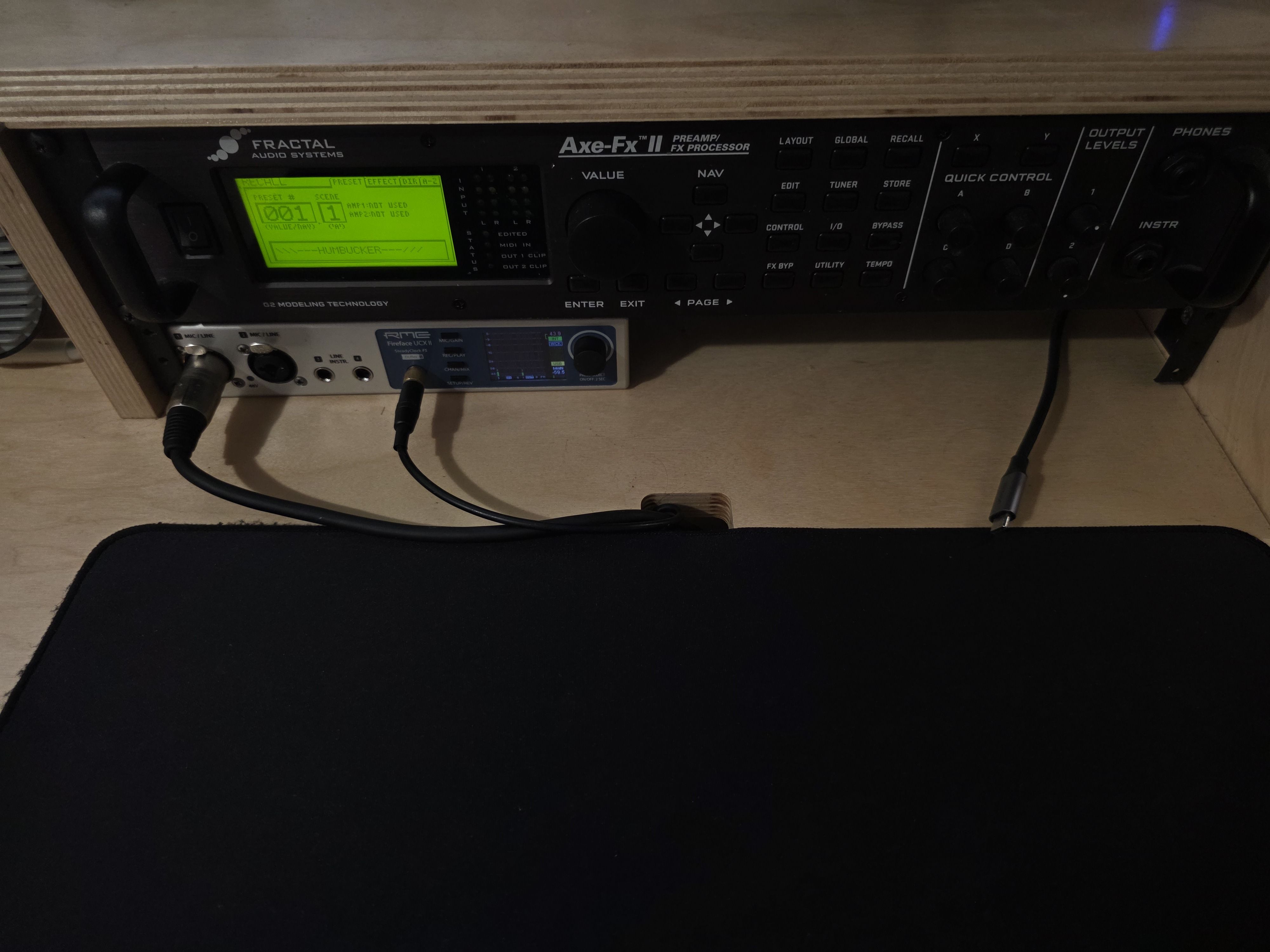
Audio-wise the main interface is an RME Fireface UCX II handling all input and output. A Shure SM7B runs into it through a Cloudlifter CL-1, and a Fractal Axe-FX II does preamp and FX duty for guitar, connected XLR-to-TRS. I also have an Elgato Wave XLR connected, though I only keep it around for the Wave Link software rather than anything actually plugged into it. A Nektar Impact LX88+ sits on the Platform desk’s keyboard tray. Headphones are the Sony MDR-7506s—the flat, neutral sound isn’t to everyone’s taste, but I like them.
Lighting is deliberately restrained: a Philips Hue Lightstrip along the back of the desk, mostly for a bit of ambient light at night.
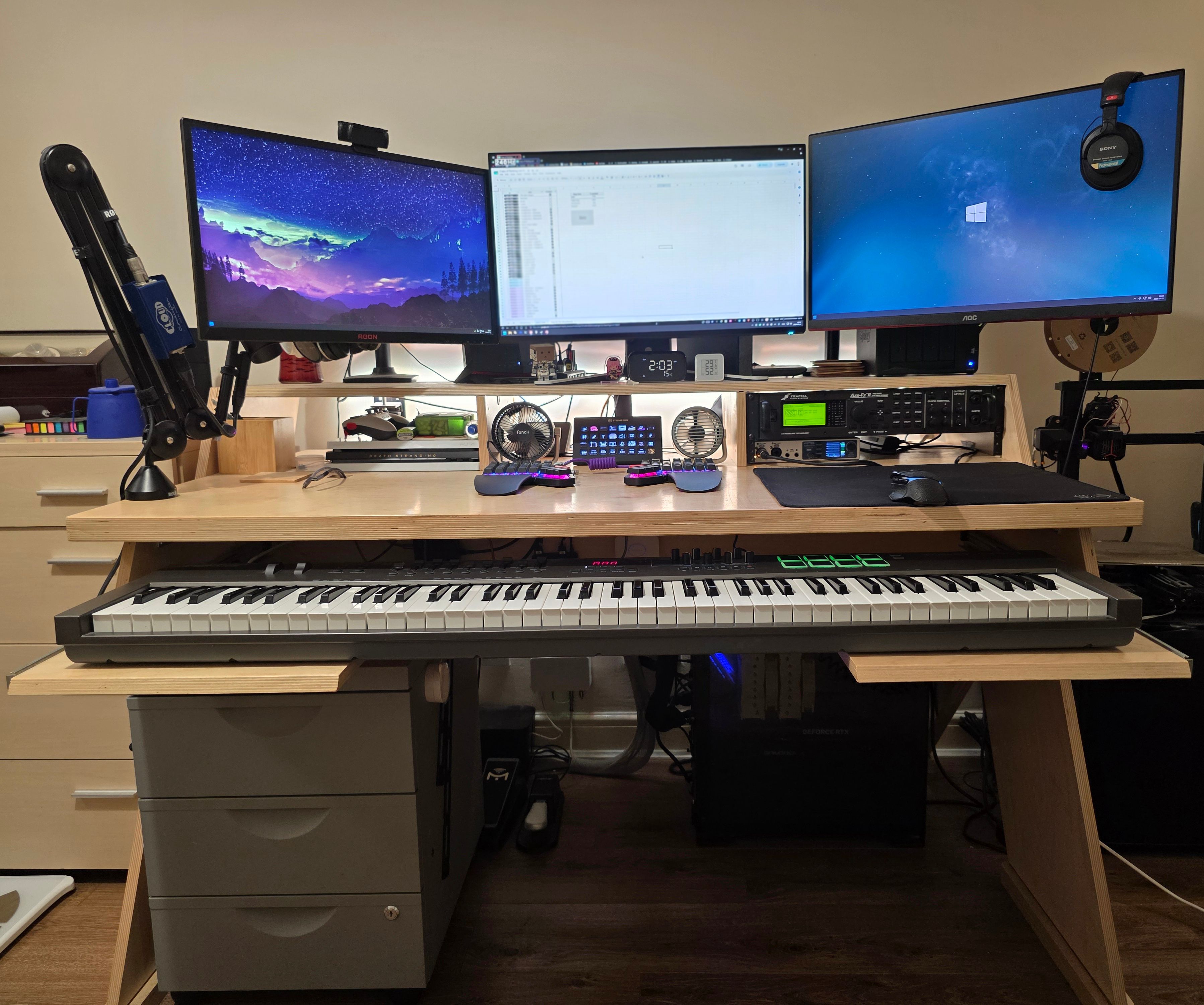
For cable management, the Platform desk does a lot of the heavy lifting with its cable holes, a socket holder at the back and a panel that conceals the mess underneath, but the real MVPs are SOULWIT self-adhesive cable clips and HoloHolo double-sided nano tape—the tape is strong enough to hold bulky power adapters to the underside of the desk and keep them completely out of sight. Plugs and cables are labelled with a Brother PT-H110.
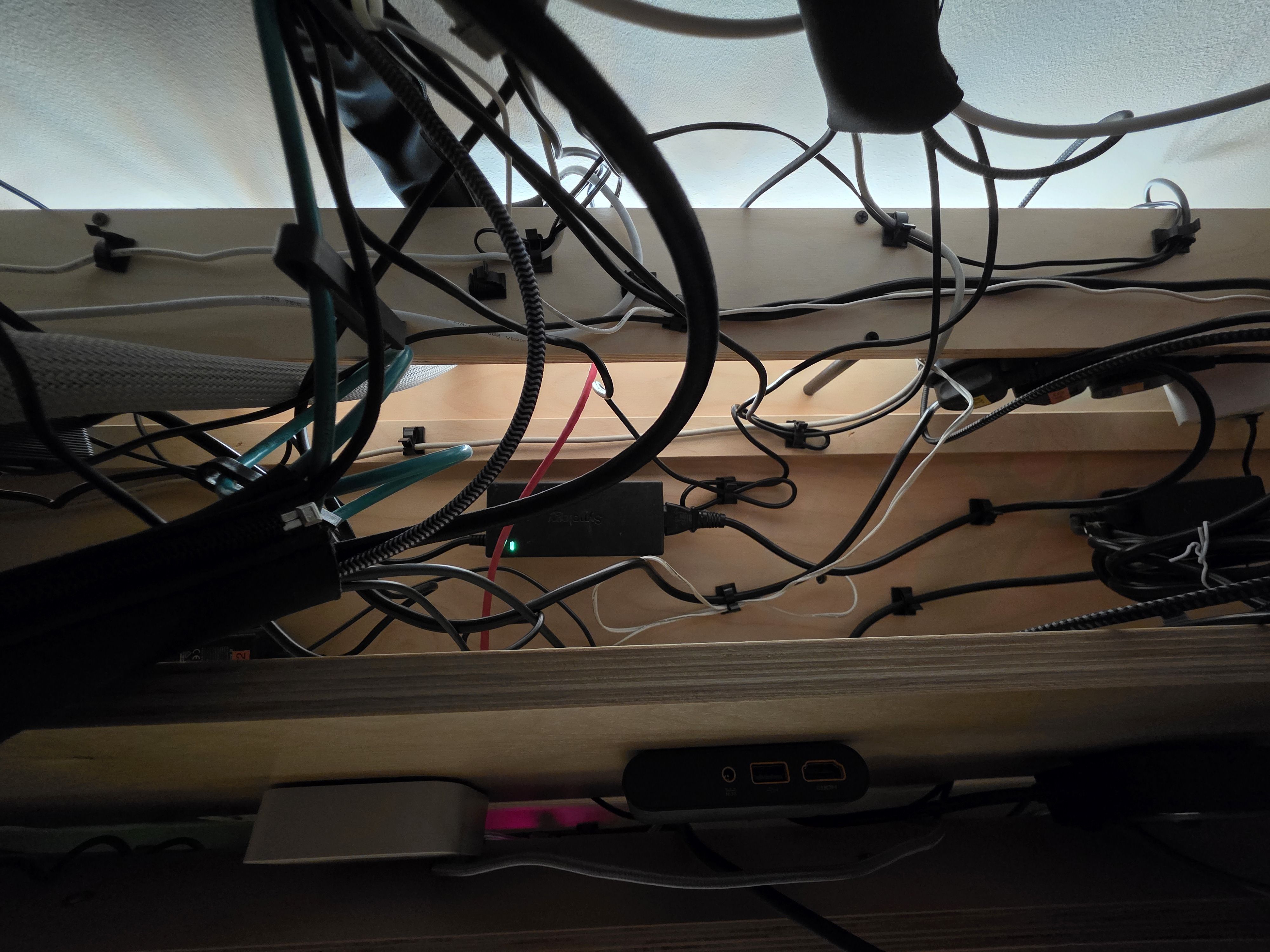
The one custom touch is a 3D-printed Gridfinity system I’ve put inside an Ikea Erik desk drawer cabinet.
And what software?
I use WezTerm for terminal. I moved to it because, unlike Windows Terminal, I can run different environments side by side in a single window—PowerShell, WSL, and an SSH profile all at once, and it’s highly extensible with LUA.
Editors/IDEs are Visual Studio Code day-to-day, Visual Studio 2022 for larger C# work, Android Studio for personal app projects, and I still drift back to ISE Steroids for PowerShell now and then. On UNIX (and sometimes Windows) my terminal-based editor of choice is Neovim.
Notes live in Microsoft OneNote—mostly because nothing else does quite what I need: importing custom fonts, mixing different fonts within a single sentence, and even changing colour, highlighting and formatting letter by letter within a word, all natively rather than dropping into HTML/CSS, and synced across Windows and Android. That exact combination is surprisingly hard to find with more and more apps opting for Markdown-based note-taking. If anyone knows a good alternative I’d love to know about it! For a quick note with the S Pen and the screen off, it’s Samsung Notes.
My browser is Vivaldi, largely for how far you can bend the UI with custom CSS (small example: I’ve turned the extension menu from a grid of icons into an alphabetically sorted drop-down list). The extensions worth naming: Bitwarden, uBlock Origin, Violentmonkey, Refined GitHub, Old Reddit Redirect (running ever since the redesign), History+—a much better alternative to Chrome’s built-in history, Imagus Reborn, Referer Control, and FetchV—for grabbing the odd HLS video.
Then there’s everything else. Bitwarden is my password manager (with the Keyguard app on Android). DisplayFusion is non-negotiable on a multimonitor setup. WindowGrid snaps windows to a grid (last updated in 2016 but still going strong for me). Espanso performs my text expansion, and ClickPaste is for pasting into places that block it (Citrix). Syncthing keeps folders in sync across my devices. Filen is for cloud backup since I moved off Google Drive. Directory Opus 13 is my File Explorer replacement—it has a genuinely great community forum full of tweaks and snippets.
For email I use FastMail (and Betterbird as the desktop client). I’ve spent the last few years untangling myself from Google/Gmail—not out of any privacy worry, but from realising how much would break if that one account ever went away.
SimpleLogin handles my aliases (I used to lean on the +alias@gmail trick until a stubborn help desk flatly refused to believe I was emailing from my own address). Messaging is scattered across the various apps that different social circles use—Discord, WhatsApp (mostly family), Facebook Messenger, Telegram (mostly for Android dev groups), and Line. My friends and I still quietly mourn Google Allo, but alas, we must have been the only ones using it.
I self-host a few things, mostly as Docker containers managed in Portainer. Some examples include Firefly for finances, Home Assistant, Immich for photos, MailARchiver, Plex, and a Grafana dashboard tracking my LAN and modem data.
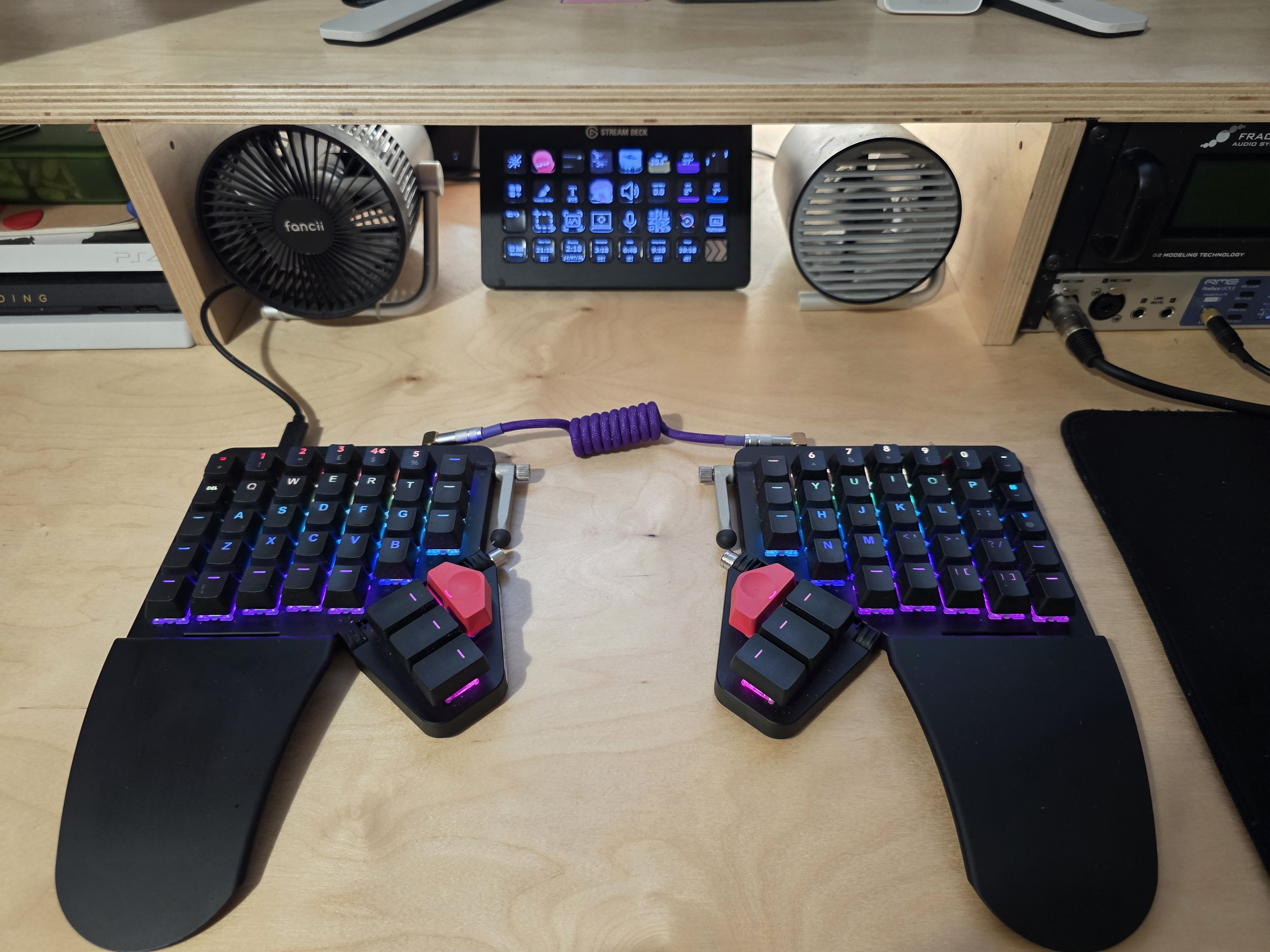
What’s your keyboard setup like? Do you use a custom layout or custom keycaps?
I use a black ZSA Moonlander, both at home and on the go, with the Cherry MX Browns straight from ZSA and the stock printed keycaps—plus a couple of caps repurposed from an old Logitech G512.
I originally purchased it to force myself to learn to type properly. I wasn’t slow but I only really used two or three fingers, and every time I’d tried to correct that on a normal keyboard the inevitable drop in speed would send me straight back to old habits. The Moonlander being physically split took that escape route away—I couldn’t fall back to my old style, so I had to sit with the slower speed until it started to click. Of course that also led to me learning about the different options now open to me with this new keyboard—layers, macros, tap-toggles, etc., and it all feels so natural (yet personal) that I don’t see myself ever needing another keyboard. (I better start stockpiling Moonlanders in case some tragic misfortune befalls my current one).
I’d never paid too much attention to custom/ergo keyboards in the past, as the ones I did see all seemed to use ANSI layouts rather than ISO so again the customisability of the Moonlander is a huge win here!
My layout is very much a work in progress—I’ve got a backlog of tweaks I still mean to make—but the guiding idea is familiarity over efficiency. I started with a standard QWERTY base so I could actually use it from day one, then layered the more advanced firmware features on top as I explored them. In the beginning it really was just a single QWERTY ISO layer!
Now, the layers, in order, run: Base, Numpad/Function keys, Arrows plus word and window navigation, Orbital Mouse, Gaming, a Japanese IME layer, a top function layer, and an RGB colour-testing layer.
I flash QMK manually and lean on a few QMK community modules (such as SOCD, Cyclotab, and so forth), so the Oryx configuration isn’t an exact one-to-one, but it’s almost identical to what I’m actually running.

What would be your dream setup?
The one real change I’d make is moving from a traditional tower to a rack-mounted PC—not virtualising the main machine, just taking exactly what I have now and rehousing it in a rack-mountable case.
I’d like to get the entire house wired with Ethernet and get a proper networking setup going, but that’s a while off yet.
Combine that with a bigger living space and another seven or eight guitars, and I’d be a happy man.

Can you recommend a few books, movies, TV shows, or games (digital or otherwise) that you quite into?
I’ve just finished the Remembrance of Earth’s Past trilogy by Liu Cixin. I started the first mid-June and had finished the last by the start of July, which probably tells you how much I enjoyed it—a great piece of sci-fi. I haven’t watched the Netflix series yet.
For nonfiction I greatly enjoyed Legends of Localization 3: UNDERTALE by Clyde Mandelin. It provides really interesting detail on how the video-game UNDERTALE was translated into Japanese. Full of things I’d never thought about—how do you translate a rhyming pun and maintain its meaning? How do you decide on a character’s pronoun in a language with a lot more options and nuances to their pronouns? Is there a Japanese equivalent of l33t speak?
Returning to the sci-fi theme, the most recent game I played was PRAGMATA. A single-player, story-driven game built on a brand-new IP is a real pleasure in a landscape that so often feels dominated by multiplayer titles riding established franchises.
I’ve not made as much time for new films over the last couple of years as I’d have liked, so I'll just offer up my Letterboxd top four: Lost in Translation, Quiet City, Dawn of the Dead, and This Is Spinal Tap.
Check out my Letterboxd profile if you want a look.