



The people who use our boards.
429 interviews since 2018



Pascal
Baillehache
Computer Science Engineer
Who are you, and what do you do? What do you like to do outside of work?
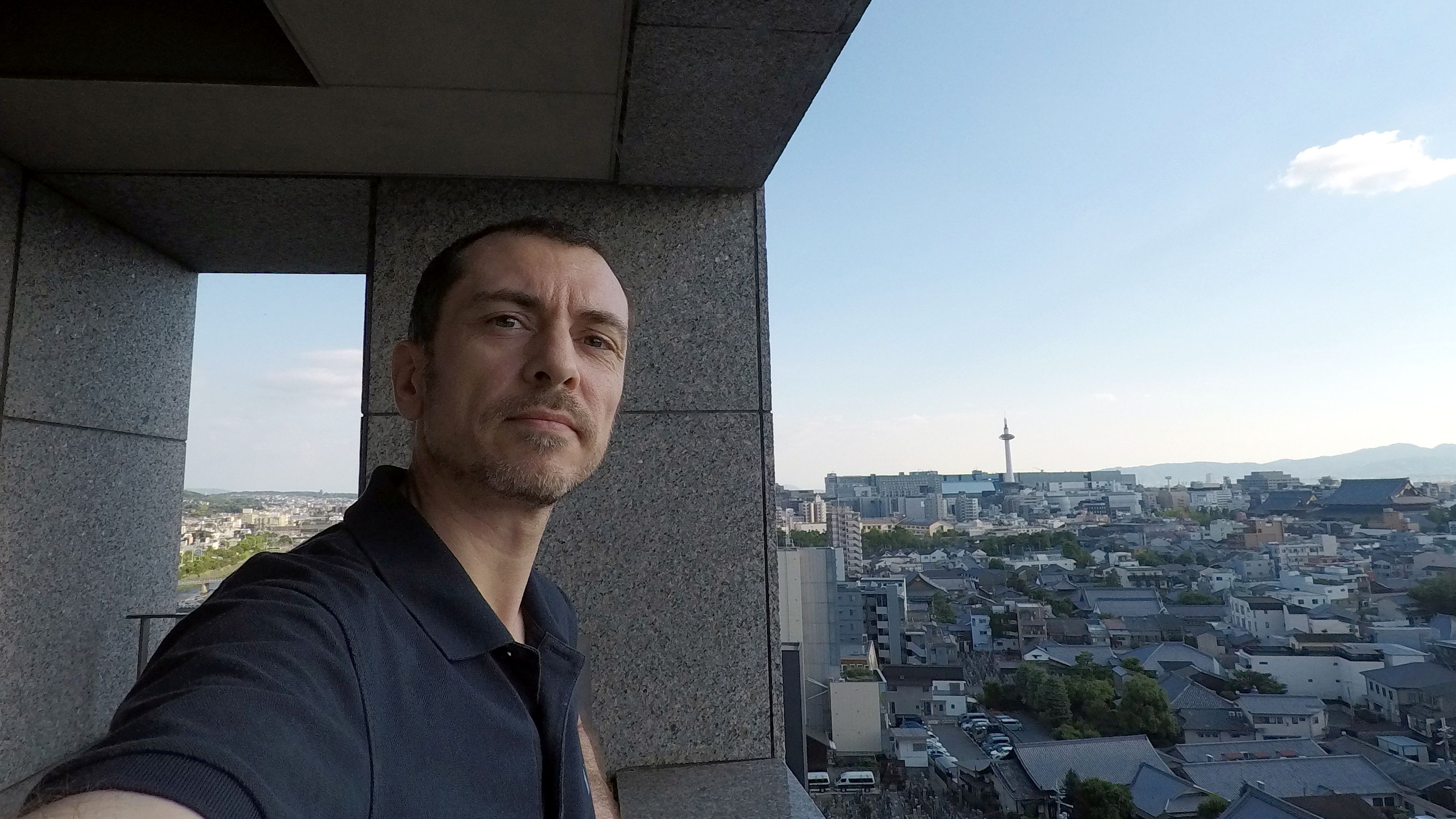
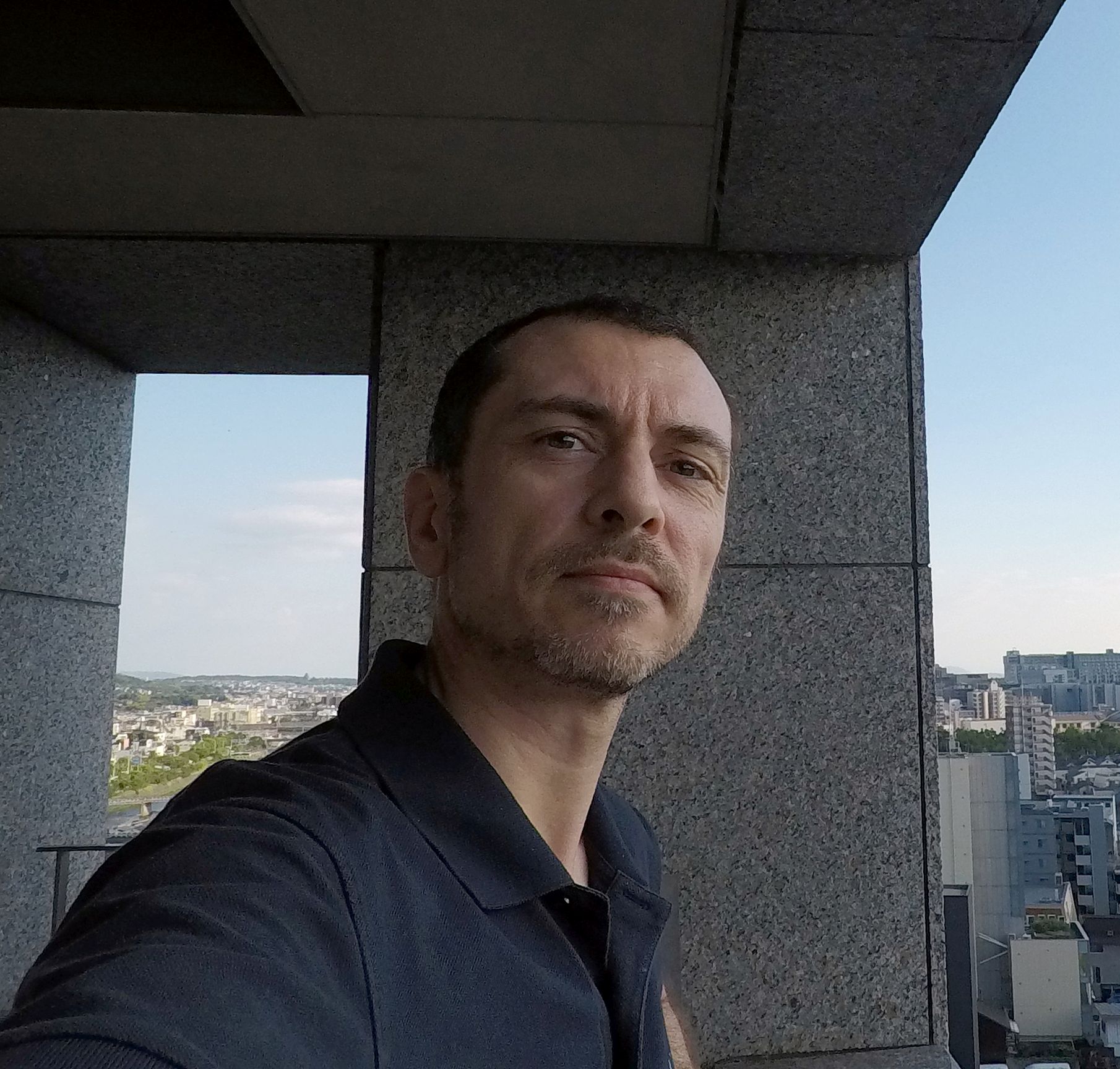
My name is Pascal Baillehache. I am a French computer science engineer specialised in applied mathematics, living in Kyoto, Japan since 2005.
I work as a freelance software developer, which makes it difficult to give a detailed explanation of what I’m doing because it changes often, from hardware to software, from embedded to online. My most recent contracts were about computer vision and logistics optimisation problems. When I’m low on contracts, I keep busy with research work and programming tournaments.
Outside of work, I dedicate more than one hour per day to studying the Japanese language, and recently passed the highest level of the official Japanese-Language Proficiency Test.
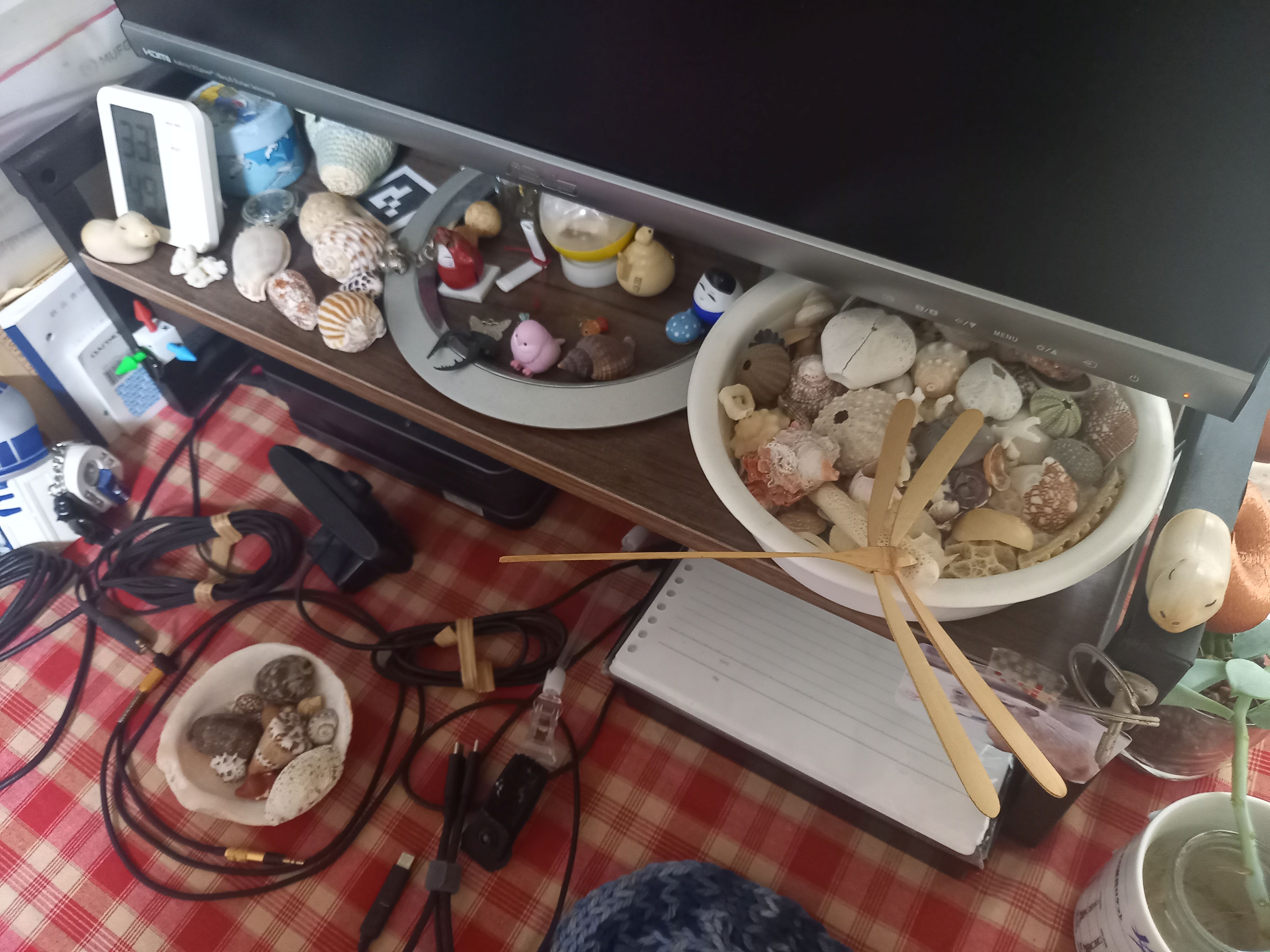
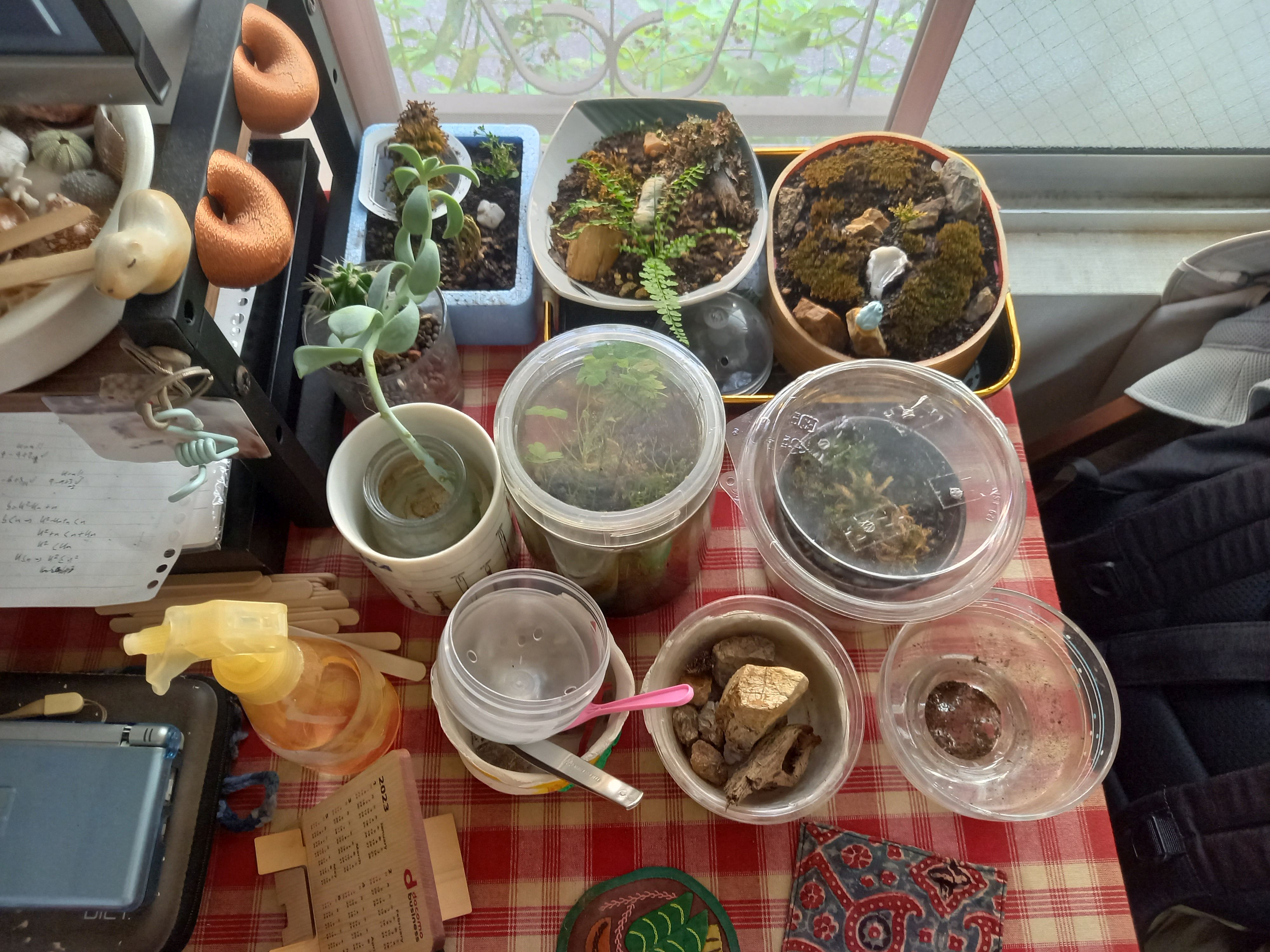
To relax, I like to enjoy a good walk in the mountains surrounding Kyoto, or visit art exhibitions and science museums. A recent increase in bear attacks makes hiking dangerous, so I tend to restrict myself to parks and rivers inside the city in summer. The municipal botanical garden is a precious place to have, and I go there as much as I can. Also, looking at the Igo game broadcast on TV every Sunday has been a non-negotiable part of my routine for the last 20 years (I’ve played a lot in the past). If I have the chance to go to a beach on holidays, I inevitably look for nice seashells to add to my small collection.
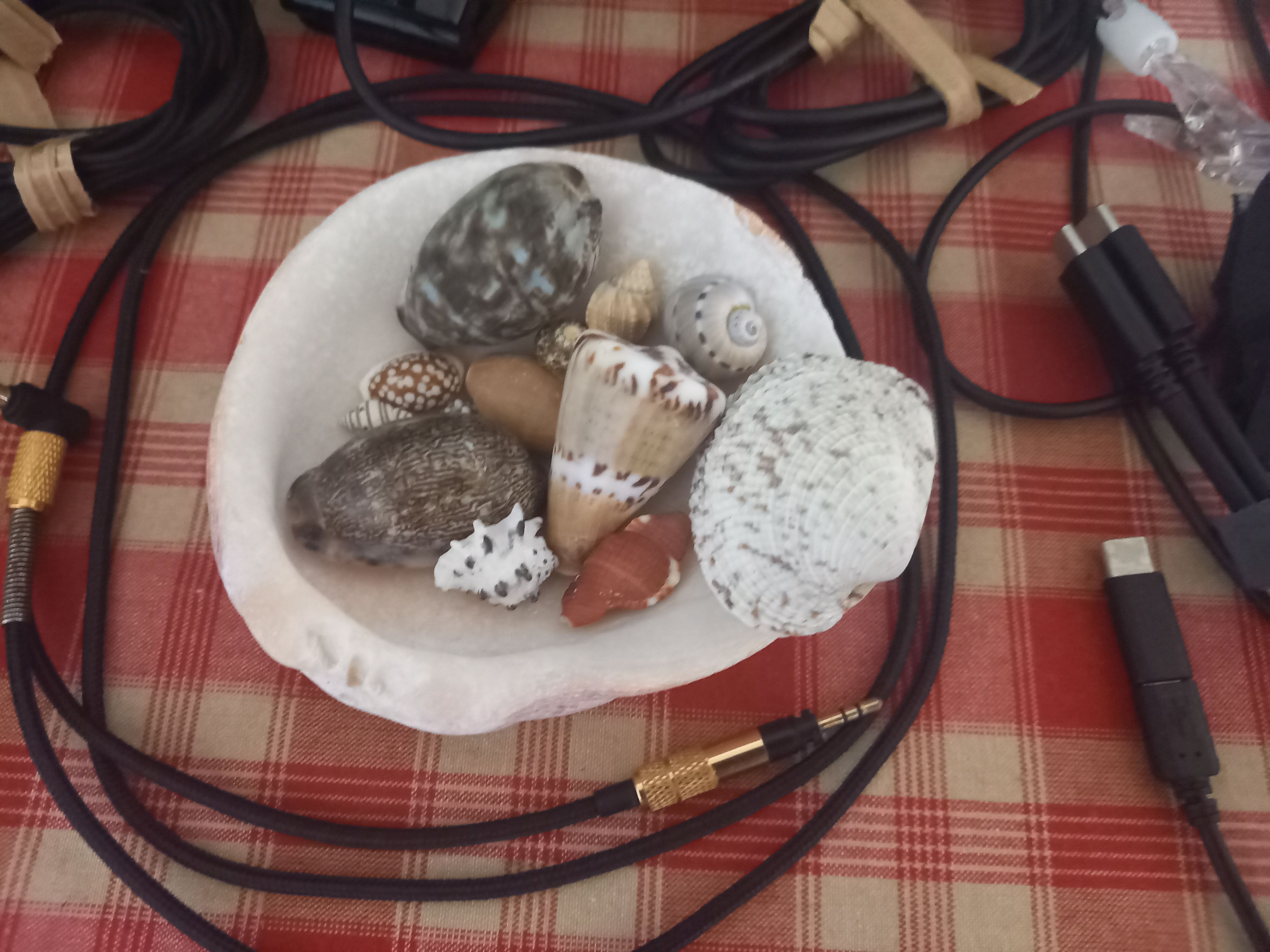
My hometown is just 10 km away from the D-Day beaches, and going to the beach was routine when I was young. However, seashells there are not particularly interesting (better for the stomach than for the eyes).
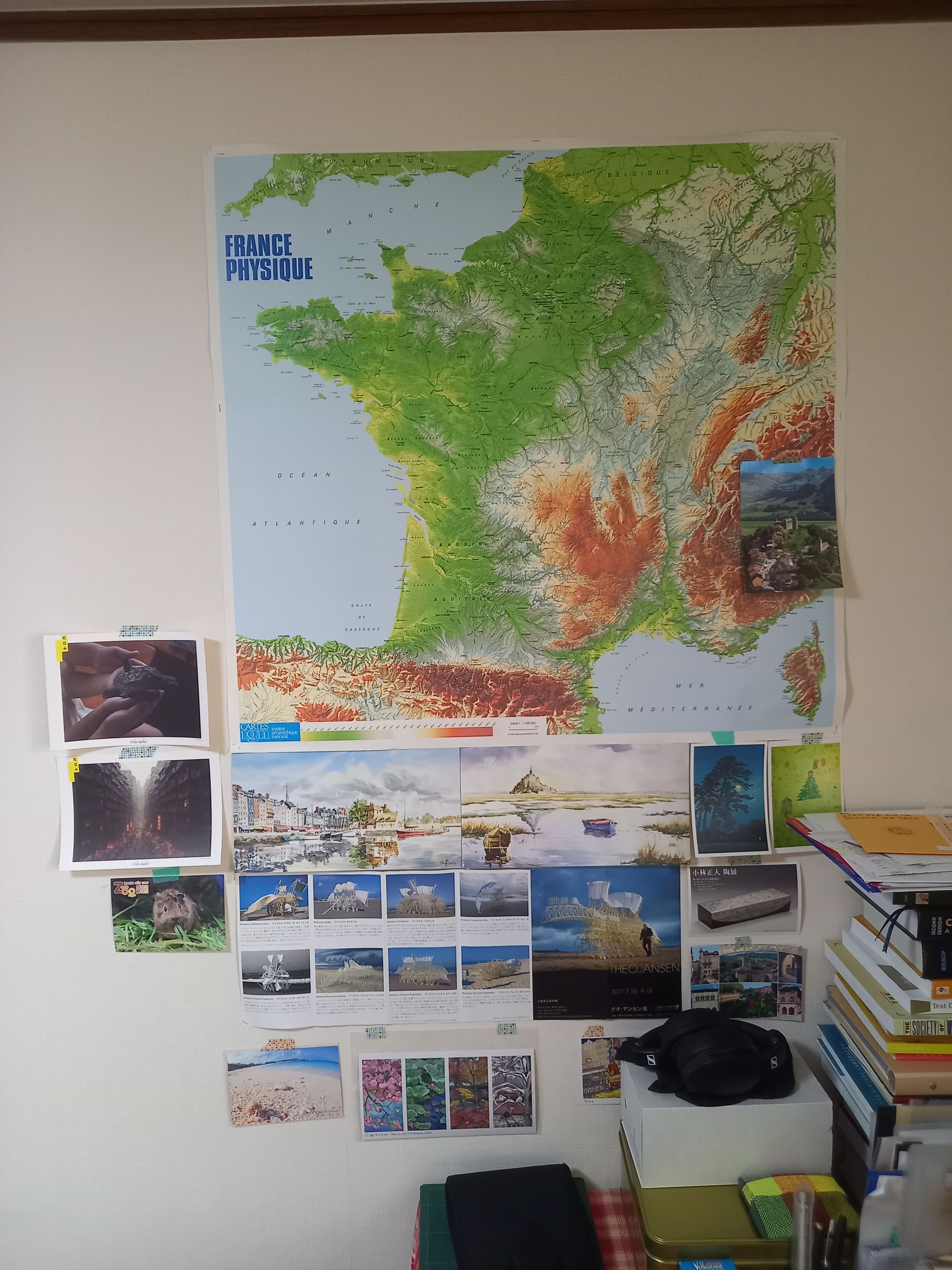
At the time I was more interested in how to procedurally generate seashells and render them in POV-Ray. Later I read the book The Algorithmic Beauty of Sea Shells by Hans Meinhardt. The beauty of the Conus family and the description of how to reproduce their texture with computer graphics was fascinating. And a few years ago, during a trip to one of the islands of south Japan, I found by chance a piece of one of those beautiful Conus. I was shocked; I thought there weren’t any there, only much more to the south. Looking for information about the kind of seashells that can be found in Japan, I’ve learnt that there are actually a lot of very beautiful varieties here. My interest was then renewed, and I now enjoy looking for them and try to arrange some time for this each time I’m somewhere near the sea.
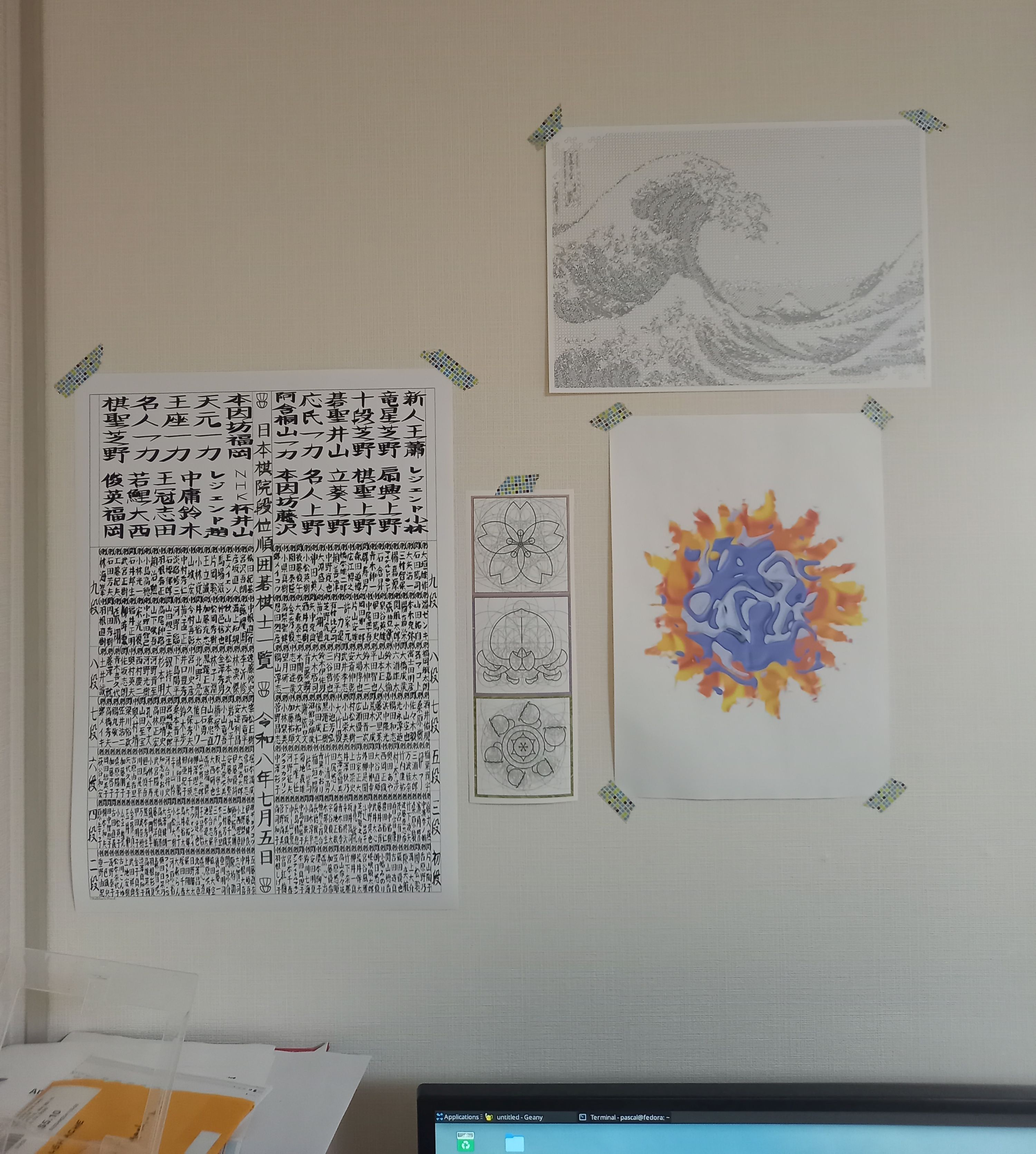
I’m doing less computer graphics now, but maybe one day I’ll get back to it. Then my little collection should be a good source of inspiration. Until then, they simply brighten up my desk and my days.
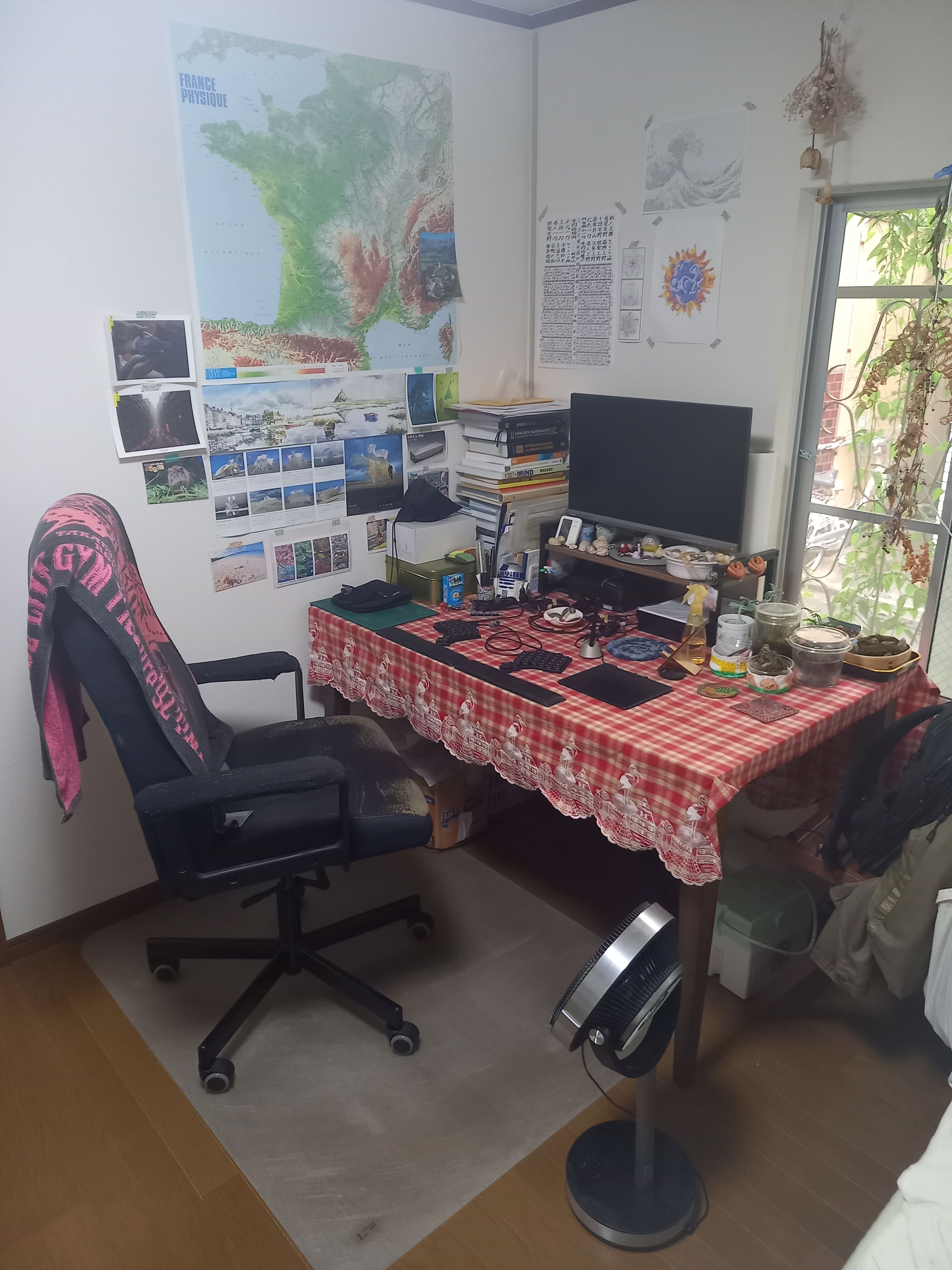
What hardware do you use?
I’m using two computers, an Asus VivoMini VC65 when I’m at home and a Dell Inspiron 13 when I need to work at a customer office. When possible I also like to work in cafés with my laptop, to help with the loneliness of freelancing. Occasionally my customers lend me some specialized hardware to work on (like industrial cameras).
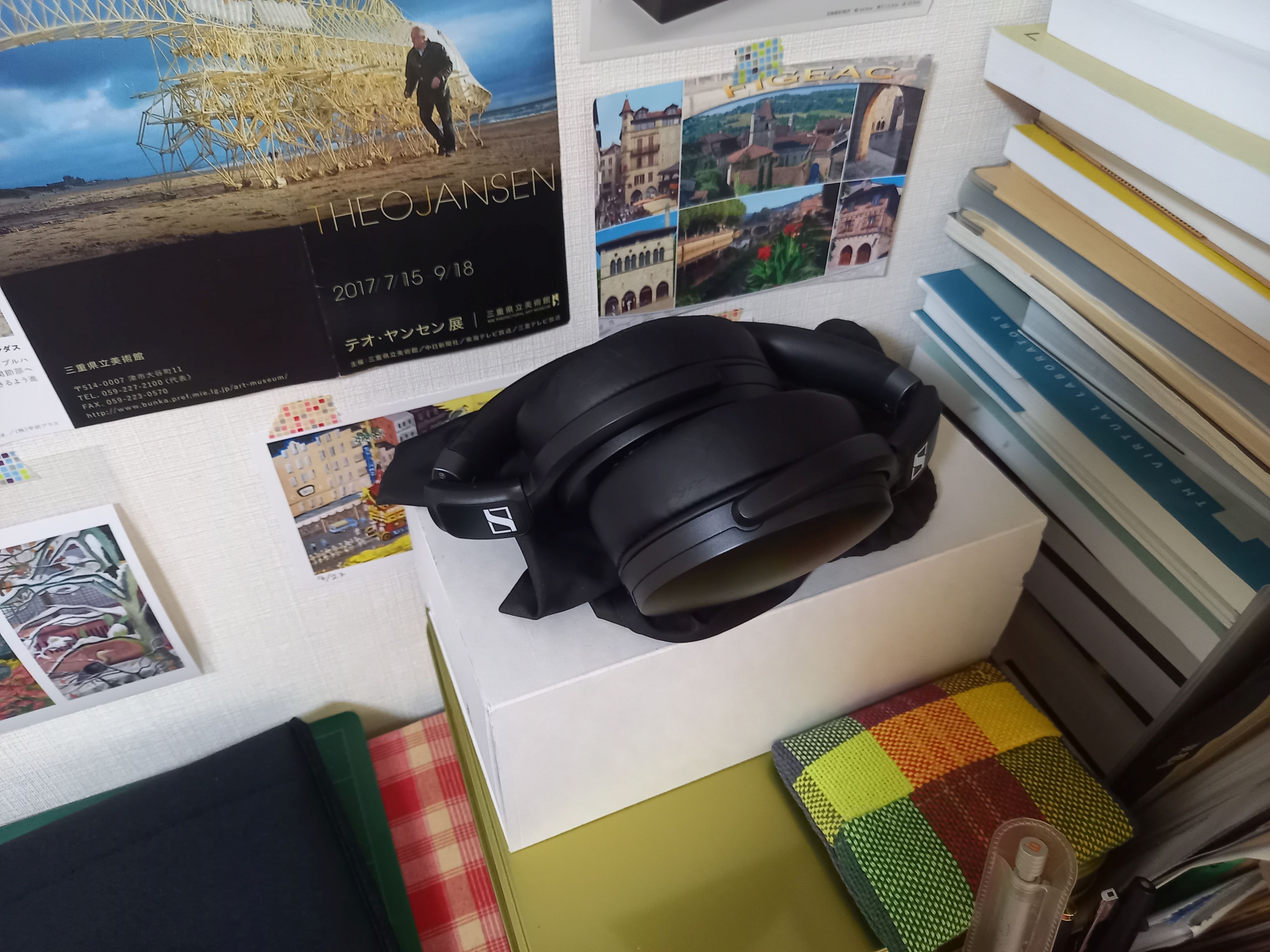
My desktop PC is connected to an Asus Designo MX279H 25″ screen, placed on a small stand to match my eye level. I use Sennheiser HD 4.30 headphones, as much to isolate me from the surrounding noise as to listen to music or YouTube videos. Working remotely means many web meetings, of course, for which I use a Sanwa CMS-V438K webcam.
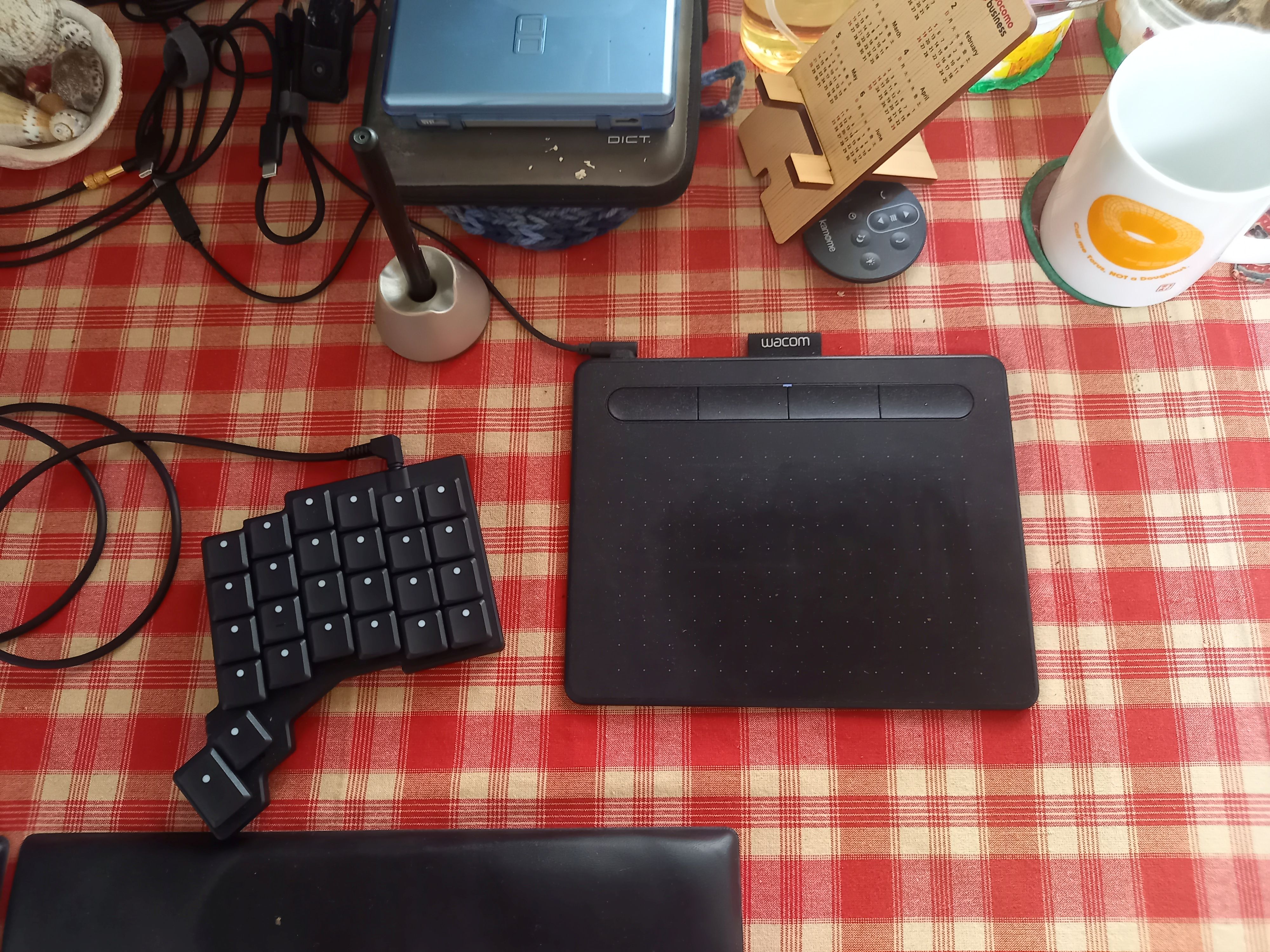
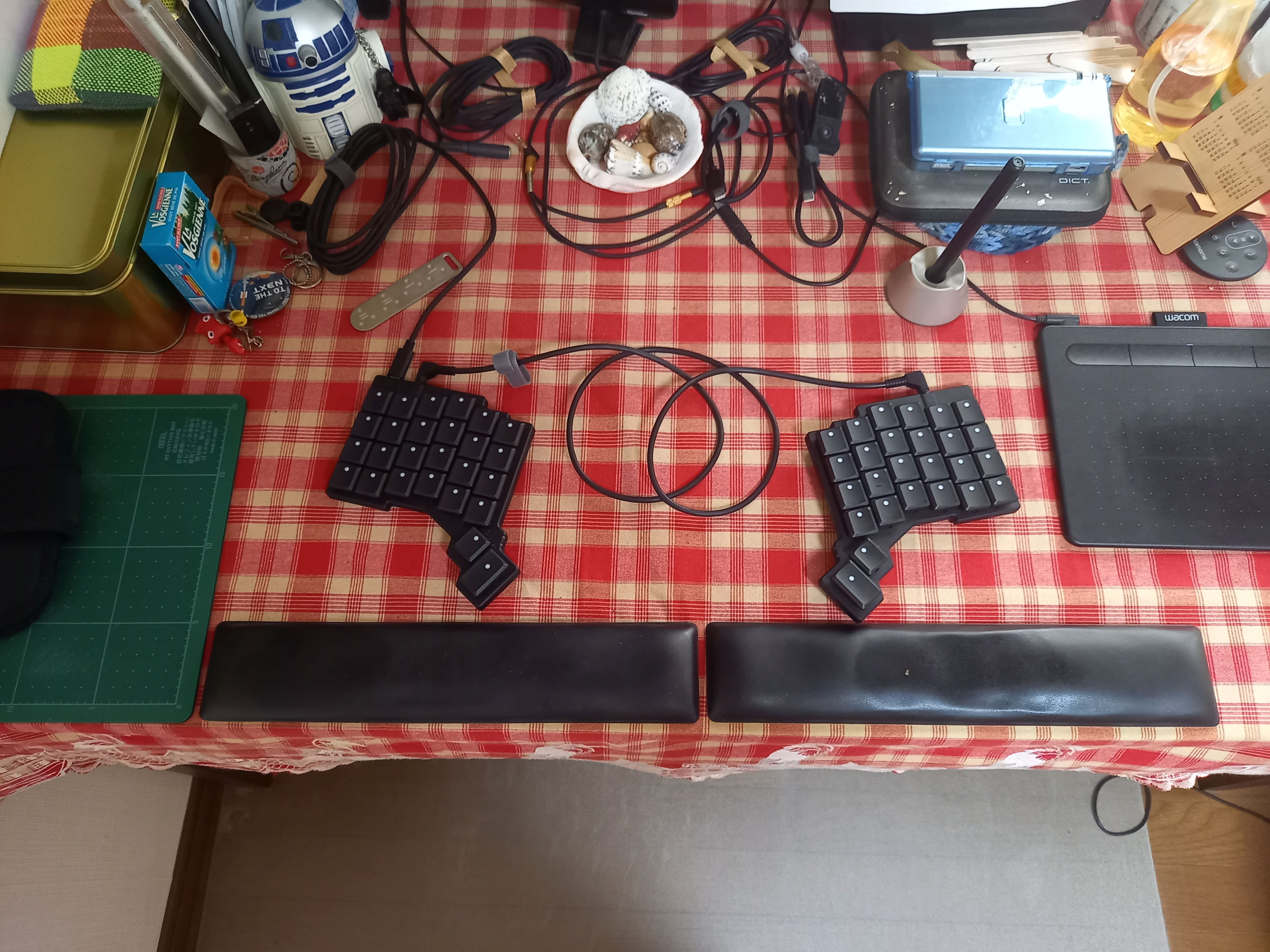
As for the mouse, I don’t have one and use instead a Wacom Intuos tablet because I work almost exclusively with text, and the graphic work I can’t type is better done with a tablet anyway.
To share data between my two computers I have a Buffalo LinkStation 210 on my local network, where almost everything is managed as Git repositories.
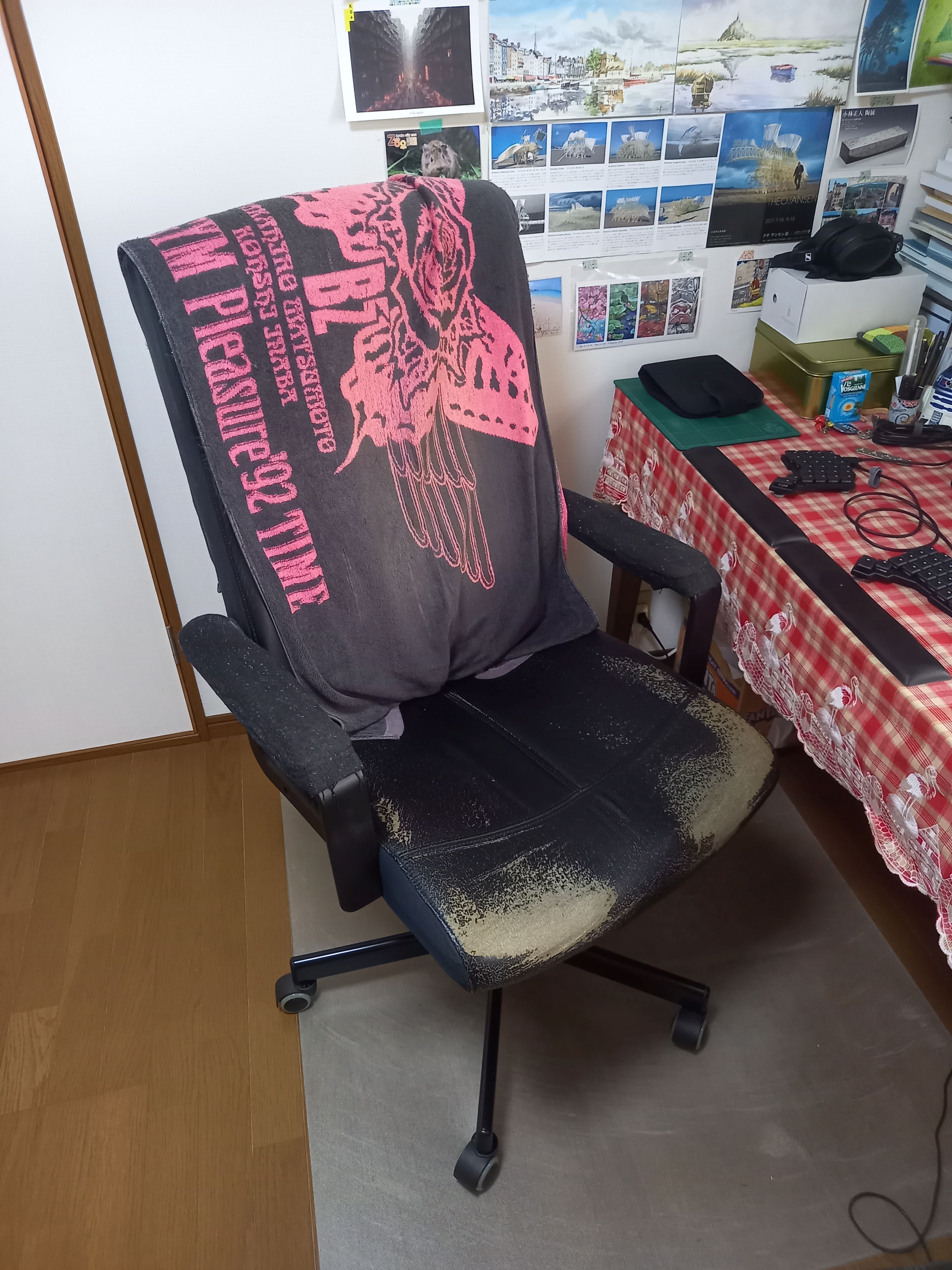
I sit on an IKEA Millberget chair, worn but still functional.
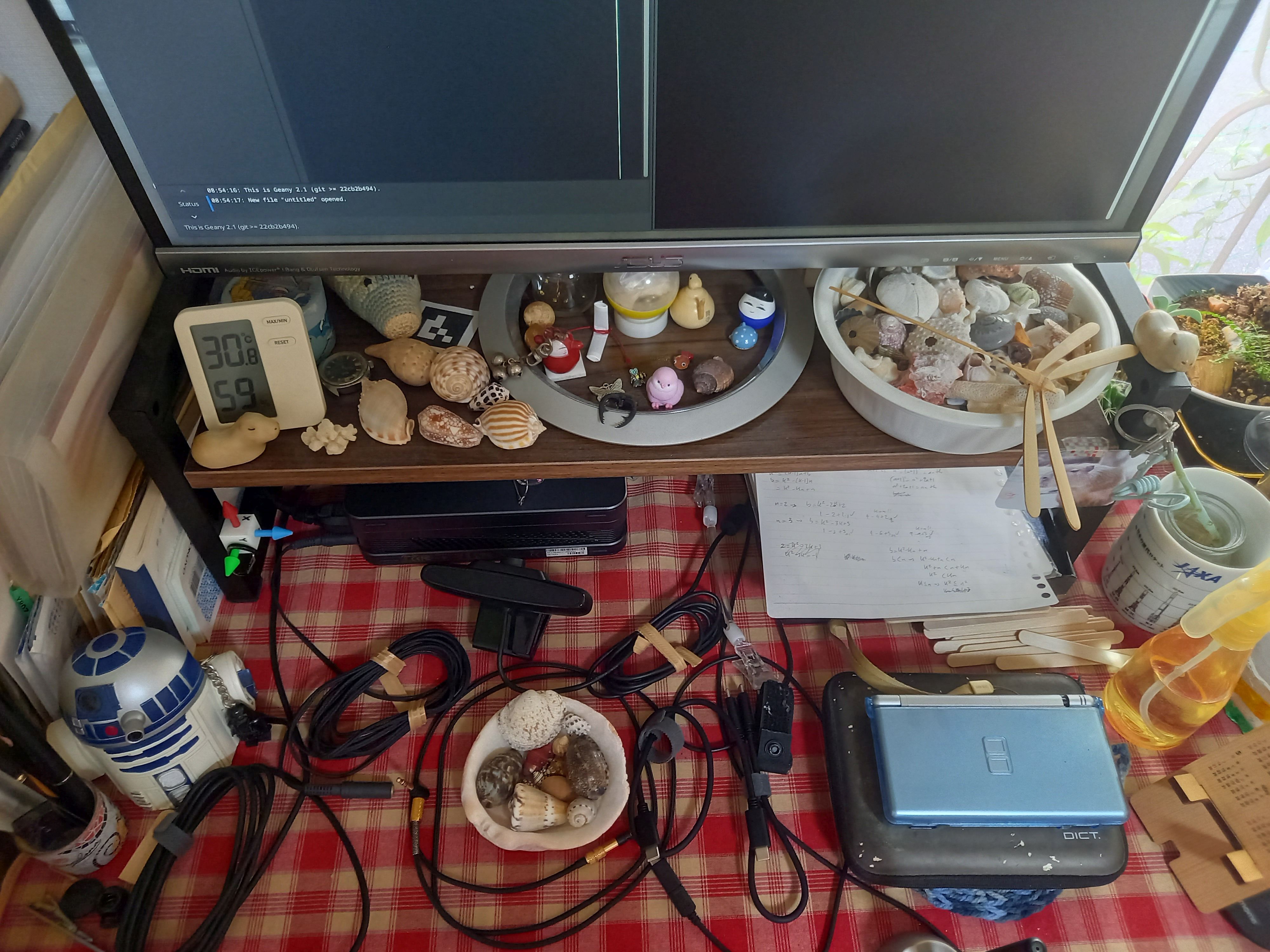
And I guess my Nintendo DS deserves to be mentioned here. It’s been my trusty companion to study kanji since I came to Japan.
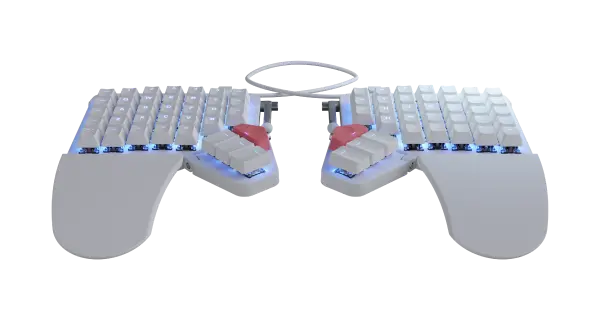
Last but not least, my keyboard is a Voyager. My first ZSA keyboard was an ErgoDox EZ though, which I bought in 2020. At that time, despite being already a quite old programmer, I had never learnt touch-typing. I kept moving regularly for a long time, including abroad, and always had to switch between machines with various keyboards and layouts. That wasn’t encouraging me to learn.
In 2020 I was much less “nomadic,” the pressure from younger programmers around me all typing ten times faster than me was growing, and one of them came one day with an ErgoDox. The concept of configurable layers clicked with me, and I decided to buy one. Although learning to touch-type was a painful experience for several weeks, I was hooked and I would never come back. So much that once I felt comfortable with it, it became more and more annoying to use my laptop keyboard when I was out.
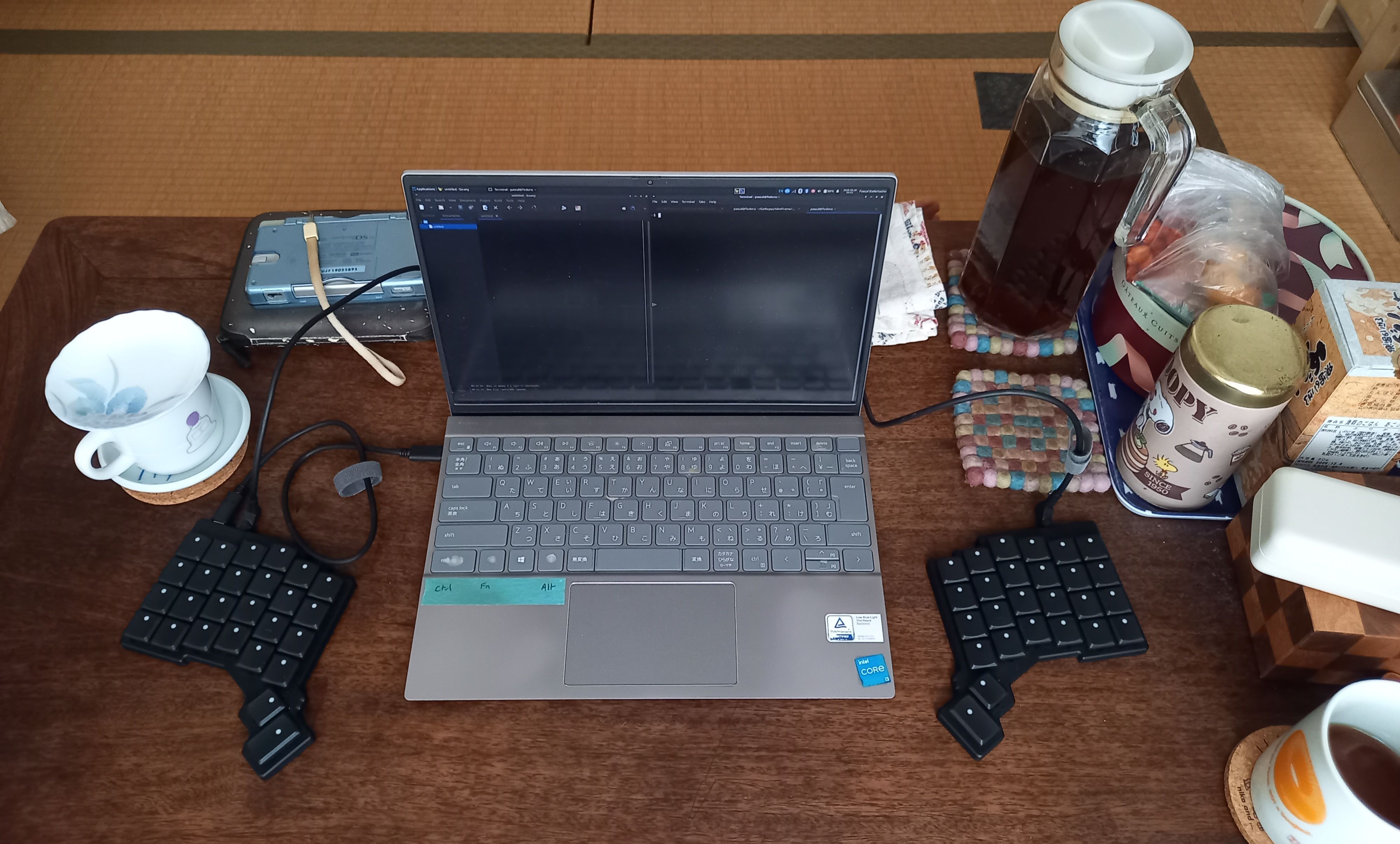
Then I decided this year to buy a Voyager to be able to bring it with me and enjoy the same typing environment wherever I am. Both the ErgoDox and Voyager have definitely been huge improvements in my working environment.
And what software?
My two computers are powered by Fedora (I switch between Linux distributions every few years according to my mood), and most of my working time is spent in the Geany IDE.
Generally I have an instance of Geany on one half of my screen, a multitab terminal window on the other half, and a Chrome browser window in the background. Geany integrates with Makefile; hence it’s easy to configure it on a per-project basis, and perfect for test-driven development.
I code everything that can be coded—no WYSIWYG—and script to automate as much as possible. I use LaTeX to produce documents, Gnuplot to produce graphics from data, Git to manage everything, and Codeberg for online repositories.
When I need to work remotely (either on a VPS or on some specialized hardware) I use SSH. Given that all my workflow is text-based, the rest doesn’t change (only replacing Geany with nano if needed).
I do need some time to do some graphical work, hence the Wacom tablet, and for this I use GIMP. But here again, if it can be procedurally generated I’ll prefer to do it that way, using either self-made tools or POV-Ray for 3D rendering.
Speaking of self-made tools, I have developed several little web apps and tools which help my daily tasks (memo, schedule, accounting, time-tracking, ...), both at work and in private. The principle is to own my tools and my data as much as possible. If I have the choice I code in C, PHP, JavaScript, but I also often use other languages according to my customers’ needs.
What’s your keyboard setup like? Do you use a custom layout or custom keycaps?
I’m using blank keycaps, because if the goal is to touch-type what is the point of having something printed where I will never look at?
As for the shape, I’m using the default ones. I’m curious about other shapes, but would like to actually try them before buying. So far I’m happy enough with the default ones.
Choosing the key switches was the most difficult part. I really wish I could try all of them before buying, because figuring out how it feels from the specs only is impossible for me. I’ve chosen Kailh Choc Brown for my Voyager.
I type in Japanese daily. At work, it’s 50/50 English (for everything technical) and Japanese (for everything else), as I work only for Japanese companies. And in private, too, I need to type in Japanese all the time of course. I’ve seen an entirely Japanese keyboard, but I’ve never seen anyone here using one. A “standard” keyboard here is a normal QWERTY keyboard with an extra layer of “kana” characters printed on the key caps. But even those kana, I’ve never seen anyone using them! Everybody’s using the alphabet layout.
There are several systems called IMEs that all work the same way. Personally, I’m using Mozc. You type the Japanese word phonetically using the alphabet (everybody learns to do that when studying Japanese), and the IME displays a list from which you can select among all the homophones. Japanese versions of QWERTY keyboards have a dedicated key to turn the IME on and off. On the Voyager it’s easy to set up an equivalent key. The rest is done with the Space, Enter, and Functions keys. It’s slower than writing in the alphabet, but the IME has a bit of cleverness and helps with the conversion by memorising the most recent words. Writing text all in Japanese is easy once you’re used to it. Mixing Japanese and English can be cumbersome due to the repetitive on-and-off switching of the IME. On modern Linux, installing an IME is quite simple.
I do have a custom layout. It was the first step when I received my ErgoDox. My goal was to use multiple layers to gather everything near the home rows, such as I would be able to reach them all just by moving my fingers (my wrists would stay at the same place). It was already a huge change for me, so then I kept the QWERTY layout I was used to for letters, but with modifiers on the home rows. Numbers and function keys each on one hand around the home rows too. And for the symbols, I went a bit crazy. I made a script (again!) to create statistics about them based on all my projects so far. Then I placed them based on their frequency. I got used to it, and it felt natural after a while.
When I bought the Voyager, I could almost fit my ErgoDox layout directly into it, but not exactly. In the end, I decided to recreate it completely. I kept the “no moving wrists” rule and QWERTY, then rearranged the rest. I also have a layer for French accents for the rare occasions I type in French, where I use the key sequence functionality and Unicode, very powerful!
I don’t try to be a top typist. Being in the average on typ.ing satisfies me and suggests my original layout isn’t completely wrong, at least for me.
What would be your dream setup?
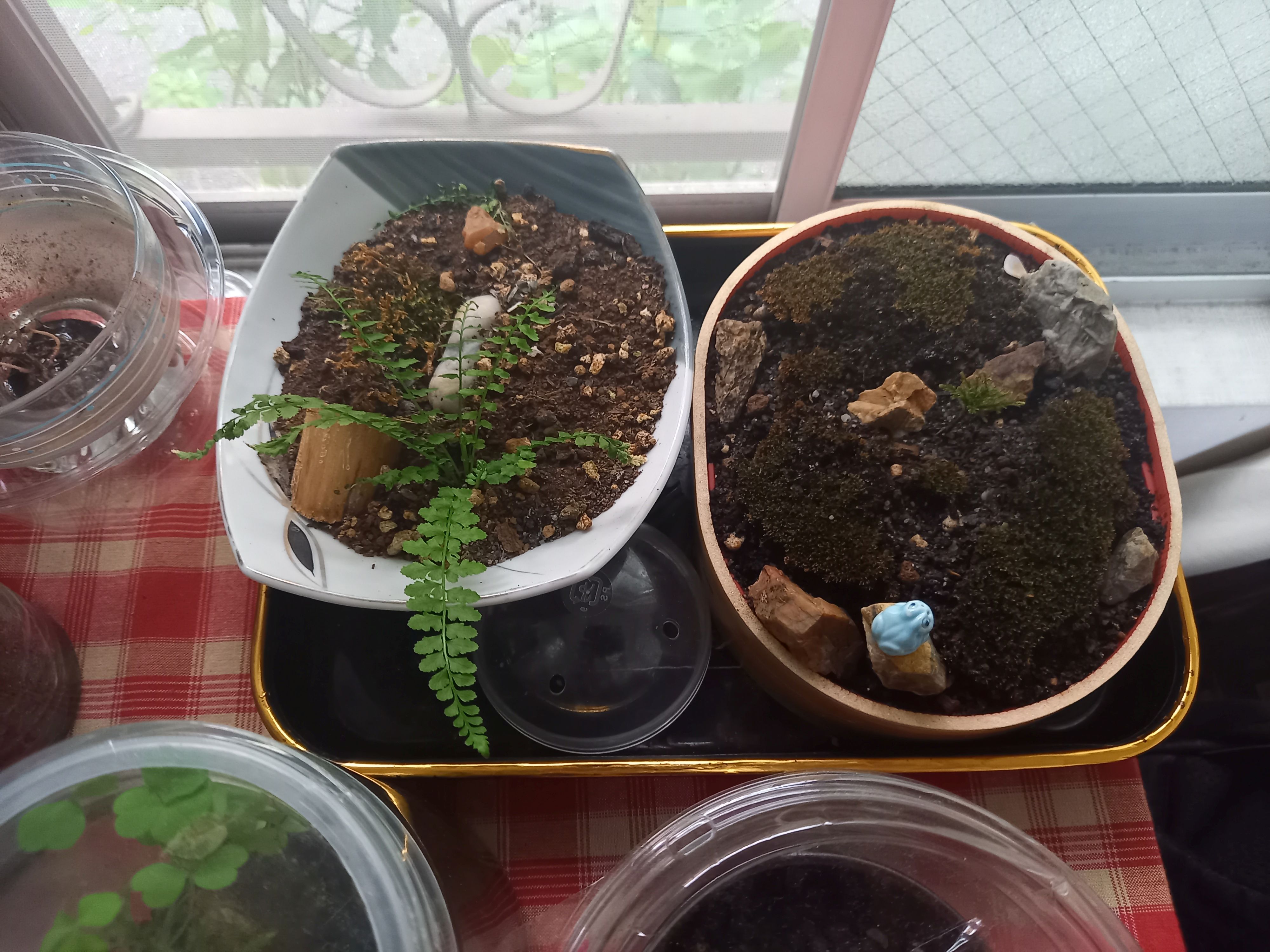
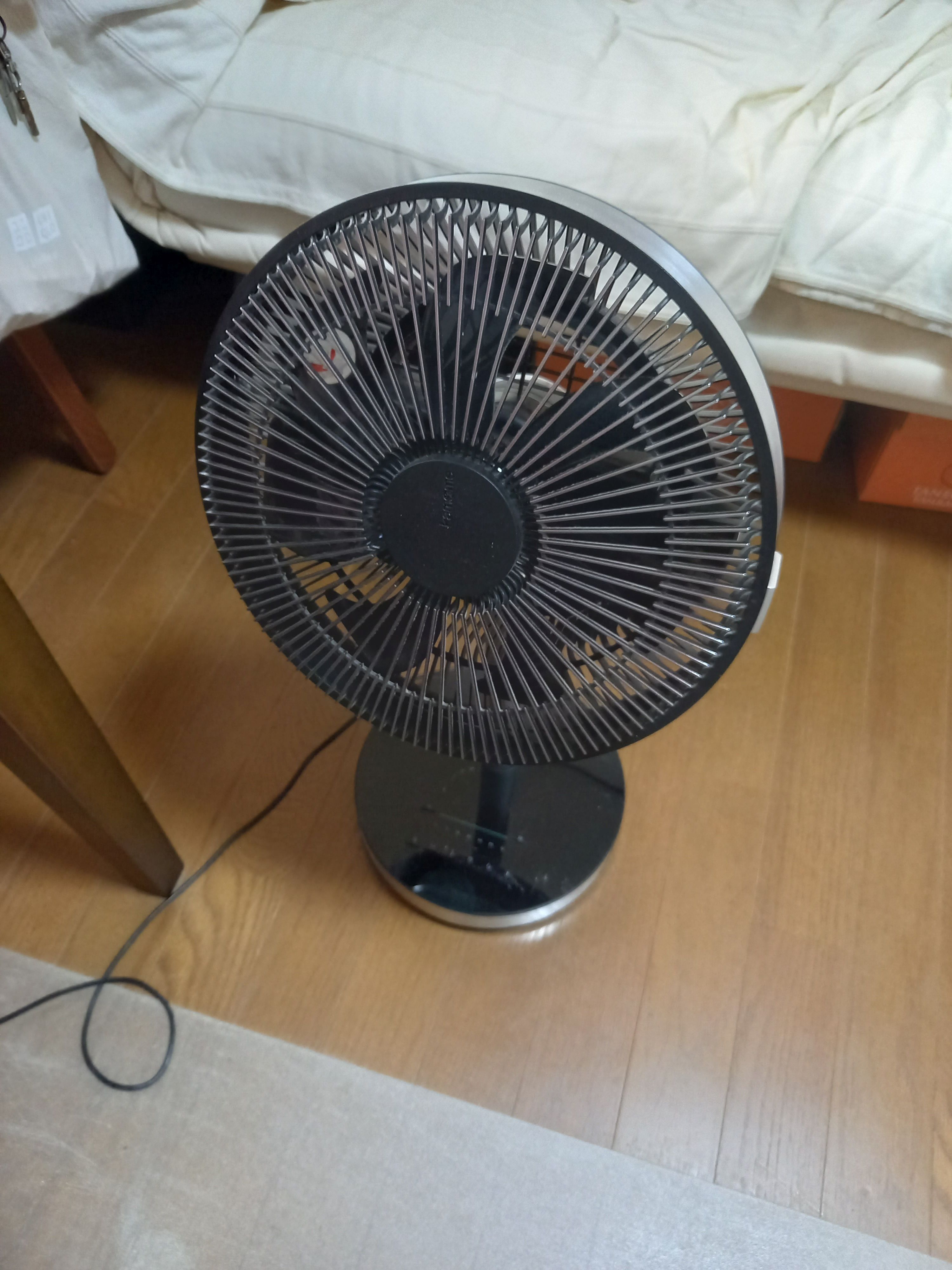
More than new hardware or software, I would like to have a room with air conditioning, or even better, a room where there is no need for air conditioning at all. A house I own where I have the right to break and build things, and no worries about moving again, would be great—somewhere quiet with a nice view of nature. Shelves to store more books, display my seashells, and grow more moss and ferns would be nice.
Can you recommend a few books, movies, TV shows, or games (digital or otherwise) that you’re quite into?
I don’t know if this fits, but I can recommend なぞって覚える大人の漢字練習 to study kanji on the Nintendo DS. CodinGame is a great platform for learning or perfecting programming skills. It may be a matter of point of view, but maybe it fits your “game” category. Speaking of games, even if I don’t play anymore I’m still fond of Igo and closely follow the news about Japanese players.