





The people who use our boards.
424 interviews since 2018




Matt
Horton
Game Developer
Who are you, and what do you do? What do you like to do outside of work?
I’m a game developer at Studio Folly in Melbourne, Australia. My main role is developing our new projects and supporting our current releases. We recently released Dogpile on Steam, a deck-building game where you merge increasingly bigger dogs. I’ve worked at a fair few studios in Melbourne and Brisbane in engineering roles.
I’m pretty lazy, so I’m constantly trying to find a smoother, simpler way to do a task. This especially applies to anything with a computer, where little bumps in workflows get hit over and over again. Somehow I've dodged any real RSI, but moving from keyboard to mouse to keyboard has always caused shoulder strain that sticks for way too long... WFH magnified this and made me delve into ergo setups. However I'm also very keen to keep things minimal, so I'm not going to be building the treadmill desk any time soon.
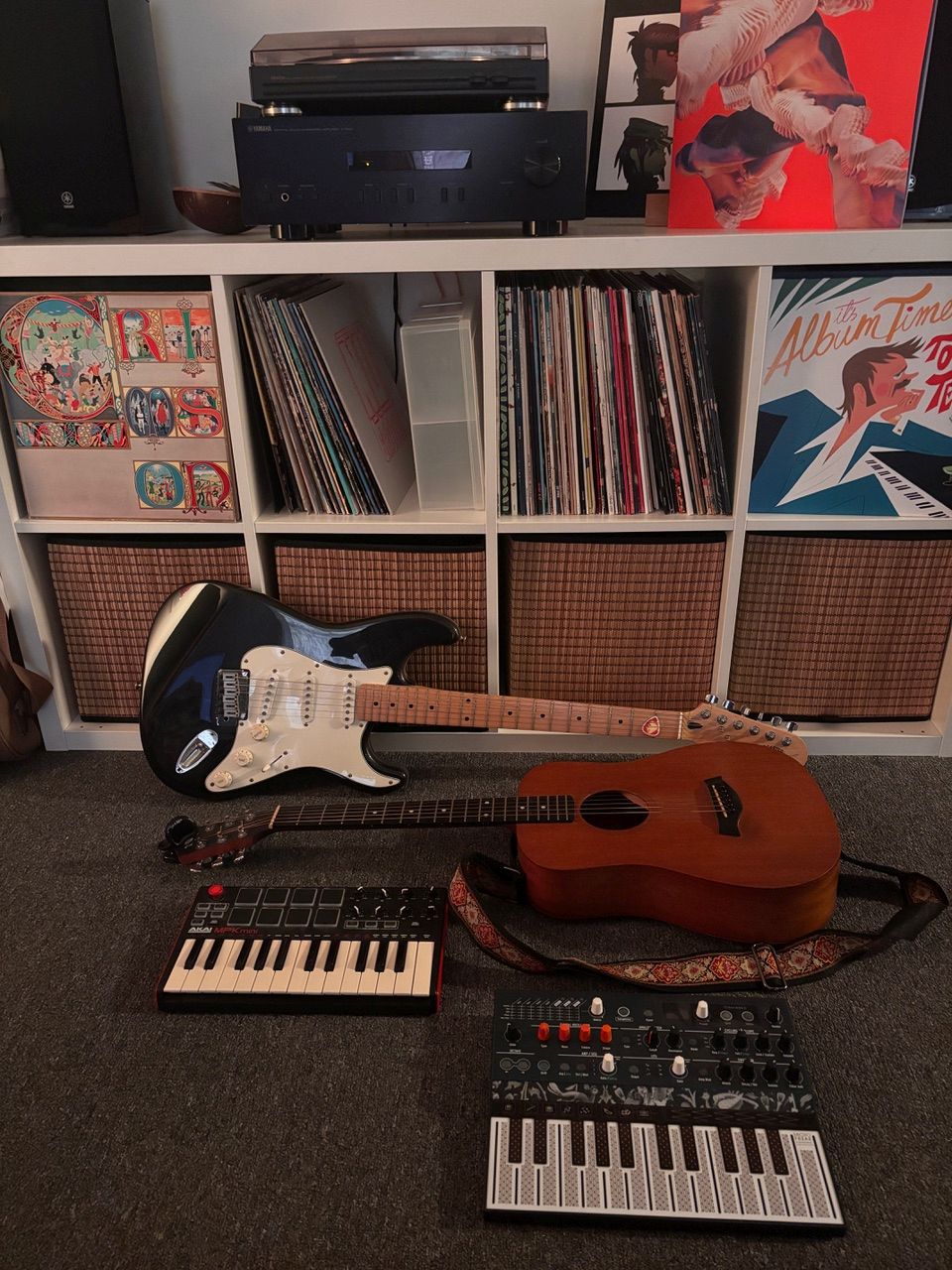
I use my work setup for music production as well, recording live instruments and making beats. Split keyboards and QMK are a godsend for music workflows, surprisingly!
I’m also a community activist as part of Victorian Socialists. The advantages afforded working in tech—wages, WFH, stability—are pretty excessive compared to most of the world’s workers, so I reckon we have a duty to give some of that back through standing for workers’ rights.
What hardware do you use?
My main computer is a MacBook M3. Couldn’t go back to Win if you forced me. The ease of development is pretty addictive; I only really started shell scripting since hopping on this baby, and that alone has improved my work drastically.
It comes with the other advantage of having NO GAMES, which means very little chance of distraction. A serious disadvantage is the keyboard and those damn sharp edges... which of course brings us to...
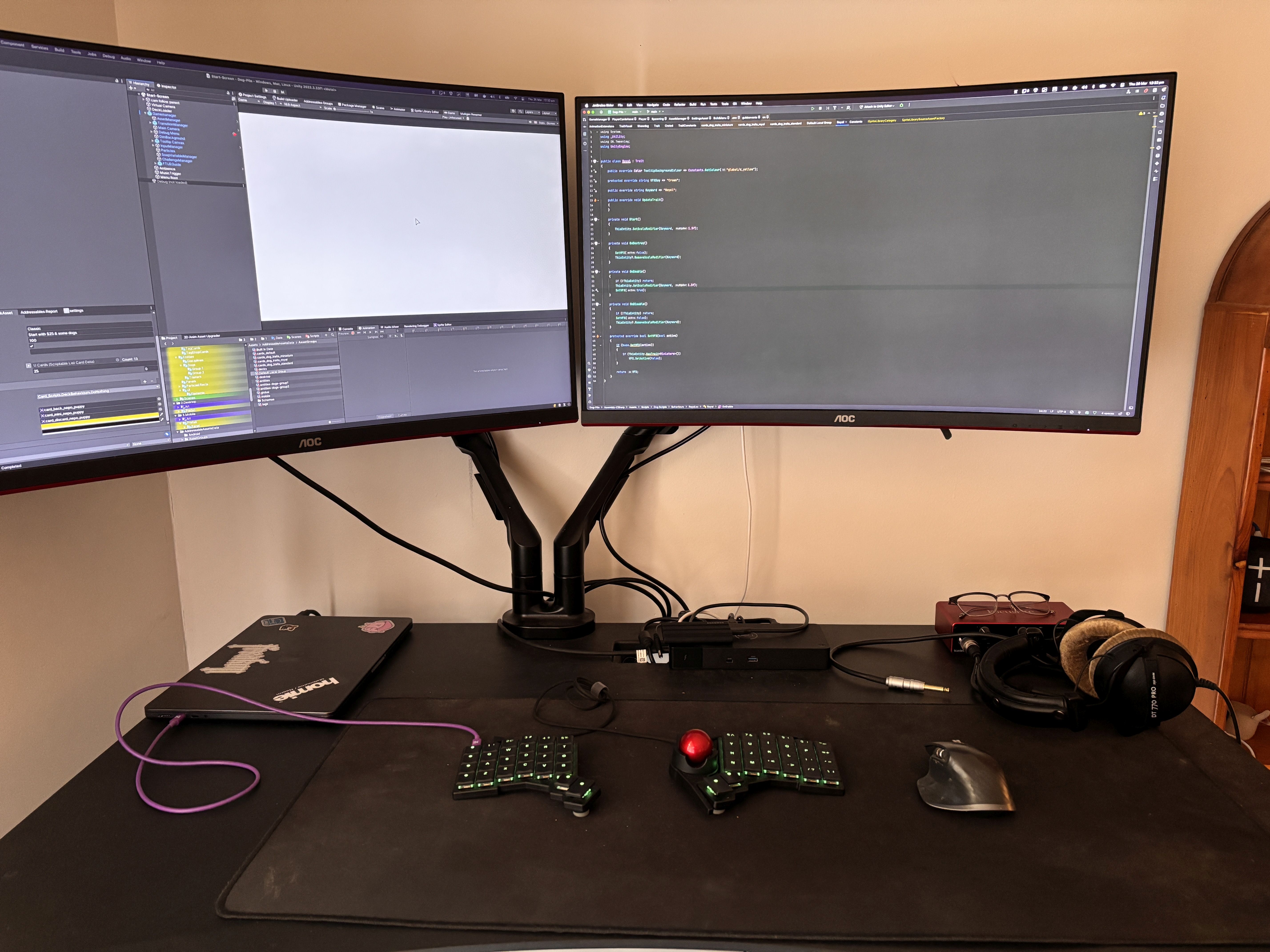
…ZSA Voyager, a pretty excellent KB in many departments, the form factor and build quality especially. I have the Navigator module, which I’m still training myself to use over a mouse. The board itself is top-notch. The Navigator position isn’t the best in relation to the home row, but I'm keen to try future modules to see if they fit better (come on, trackpad).
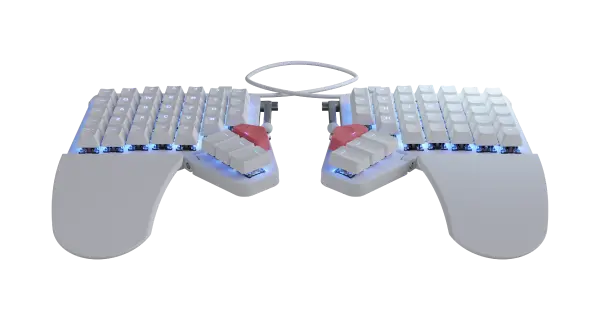
I previously used the Moonlander and have built a few split KBs—Lily, Iris—and the Voyager definitely rises above with the key count, the excellent make and profile. And the sick-ass li’l magnet feet.
My Logitech MX Master 3 is used only under duress. If you are reading this, help me, I am a hostage to a piece of plastic with an optical sensor. I would love to move totally to a trackball or pad setup and I feel I'm pretty close, but a lot of 3D software still works miles better with a mouse. Not to mention, you know, developing PC games.
Love my Espresso Pro Monitor, and I reckon it ties so well with the Voyager ethos. A simple portable display with great visual quality and pass-through power, plus it’s lightweight. It’s also a touchscreen, but you can ignore that part (it's not so good). Don't get upsold on the pen.
Rounding out the hardware is the Omnidesk standing desk and a couple of cheapo AOC monitors... honestly trying to trim down to just the Mac, Espresso and keyboard, somehow levitating in the air. I think the Voyager will be the one to fill the keyboard slot, I’ve just got to track down the levitating desk... let me check Ikea again.
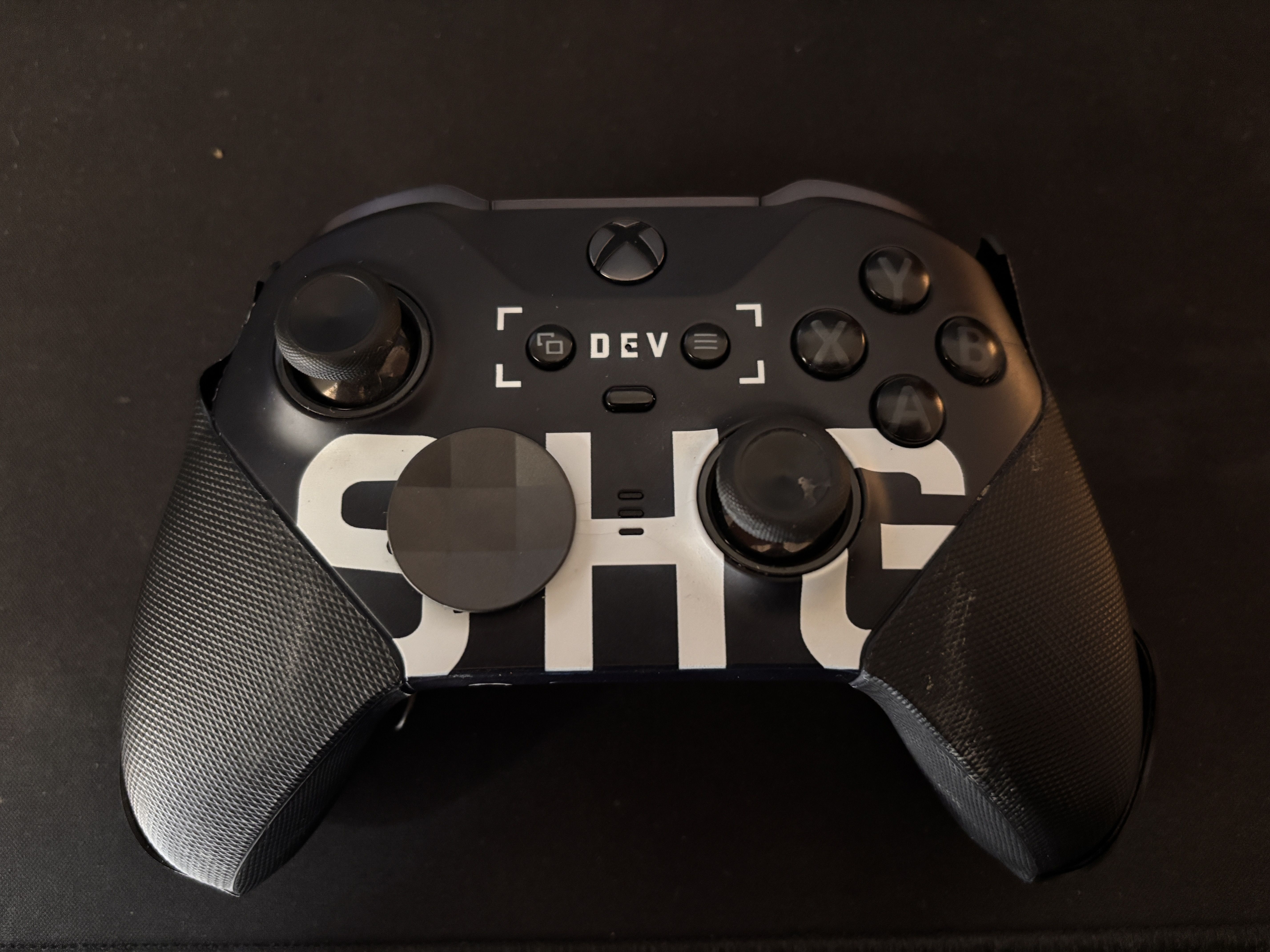
Also here’s my Sledgehammer Games dev Xbox controller from back in the day, beaten to hell but still working hard.
And what software?
I use Rider as an IDE. It’s pretty great as a middle path between the softcore and hardcore VS apps. I primarily use the Unity game engine, although our studio has released native browser games too.
Honourable mentions to iTerm2—a fantastic terminal replacement—and the Godot game engine, which is definitely building towards a great alternative to Unity and Unreal.
What’s your keyboard setup like? Do you use a custom layout or custom keycaps?
I haven’t gone too wild on the Voyager setup, kept it to Oryx so far. My Moonlander setups are in some dank QMK repo, hacked to bits and perform like that one Malcolm in the Middle bit.
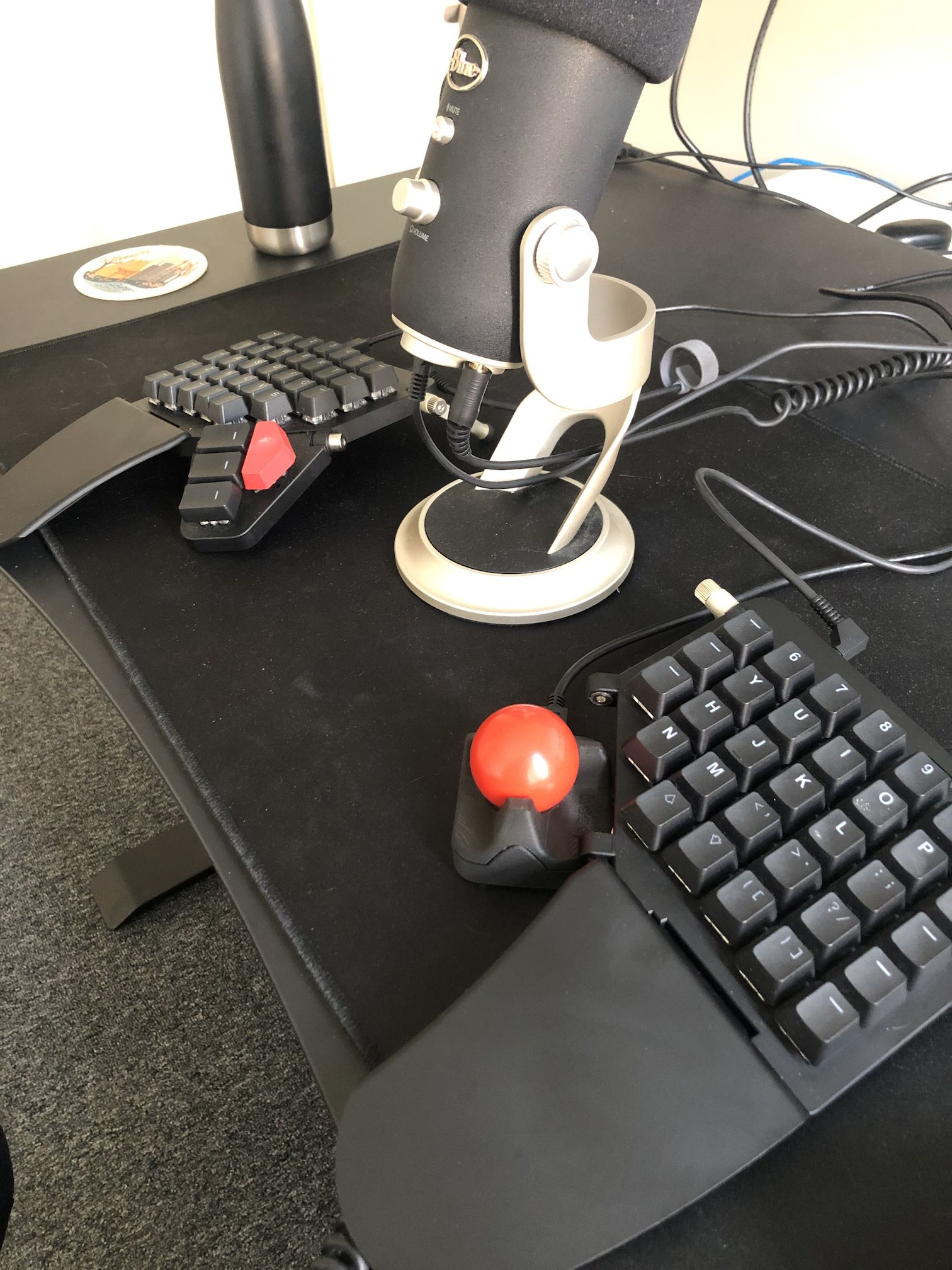
For mouse keys I use a layer-change key instead of the Navigator’s auto layer change, but I’m thinking of switching back with some smarter transparent key planning. I have the mouse keys on the bottom row of the left board, with the trackball used with my right index. I’ve used a far-left key as Enter since the Moonlander, and it helps heaps with quick commands.
Because I’m still habitually using my mouse, most of my setup is on the left board. My alternative to “keyboard only” has been “left keyboard, right mouse” and that goes pretty well... but I reckon it’s a bit unfair to lefty, who ends up doing 90% of the work. Could still be an option! Hey ZSA, make a left-hand-only keyboard, 52 keys splayed out like a crime scene.
I like to think I foreshadowed the Voyager by jamming a Ploopy trackball into my Moonlander back in the day, much better having the real deal now!
What would be your dream setup?
I probably think about Ben Vallack’s Pants Keyboard every month or so. I think getting as close to a natural standing stance as possible is my dream, at least while we are in this middle period before the computers are in our brains. Then we can just write terrible code lying in the park!
To that end I’m pretty keen to get a smaller desk and remove the big gamer monitors. Anything I can do with the beefcake setup, I could do with the Mac, Espresso, and Voyager, on a tiny desk, with as few wires as possible.