




The people who use our boards.
425 interviews since 2018
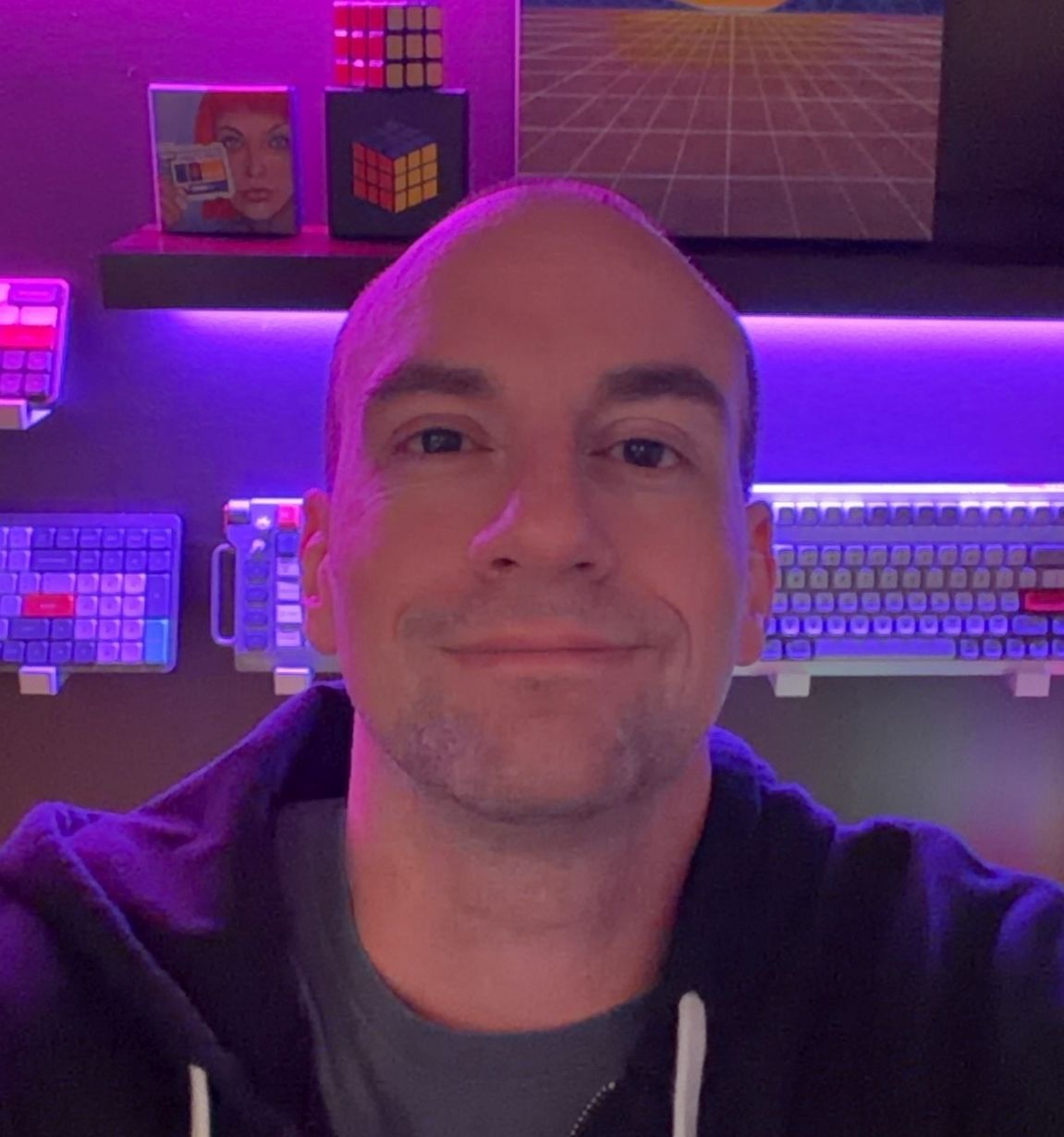



Kristan
Schwartztrauber
Artist
Who are you, and what do you do? What do you like to do outside of work?
My name is Kristan, and for all intents and purposes I suppose I am unemployed. That said, I am a painter; I work in oils and started in landscapes, but these days I have transitioned to pet portraiture. It’s great fun to be such a part of someone’s special birthday or Christmas gift, and an honor to help others with the loss of their family member with a memorial portrait.
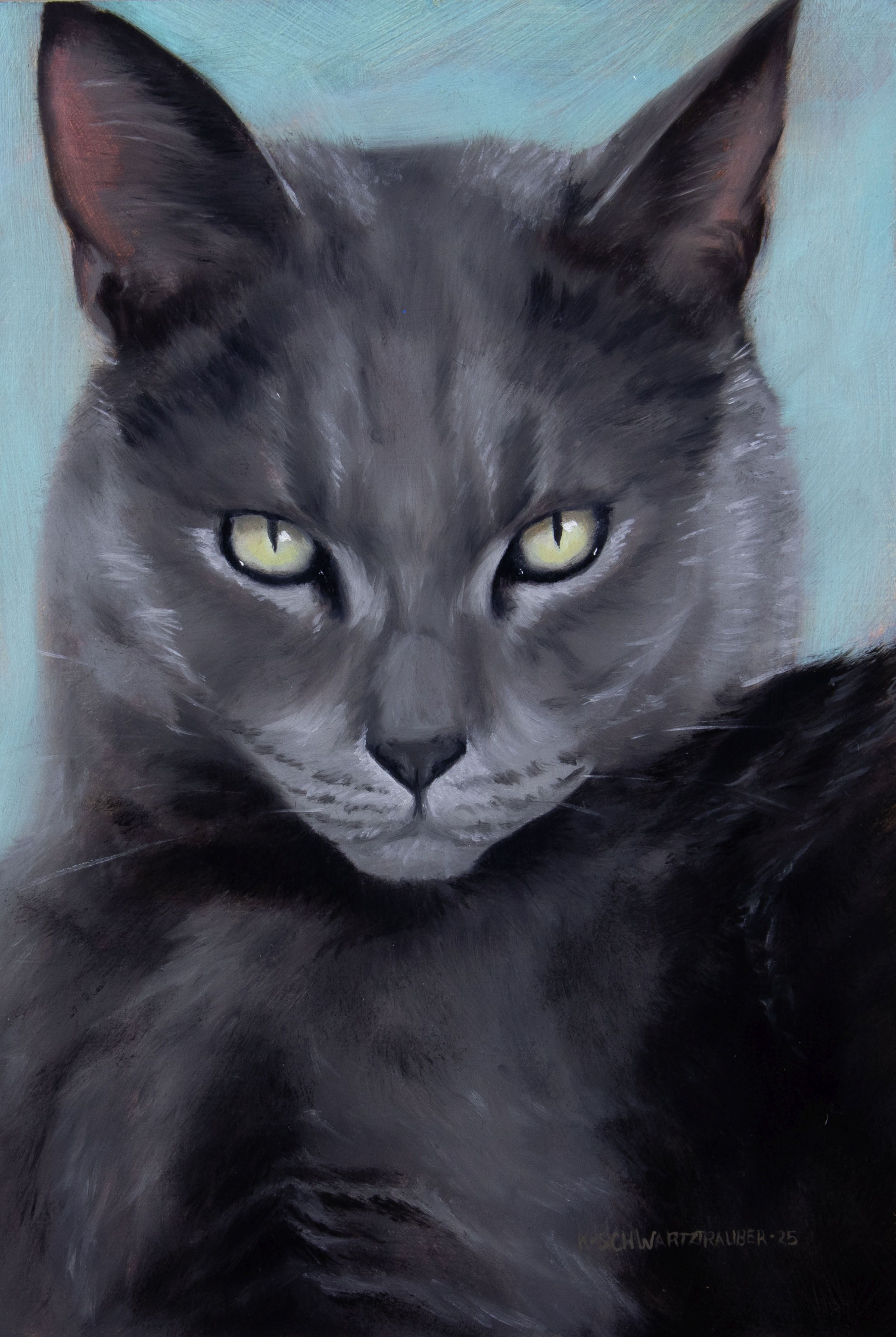
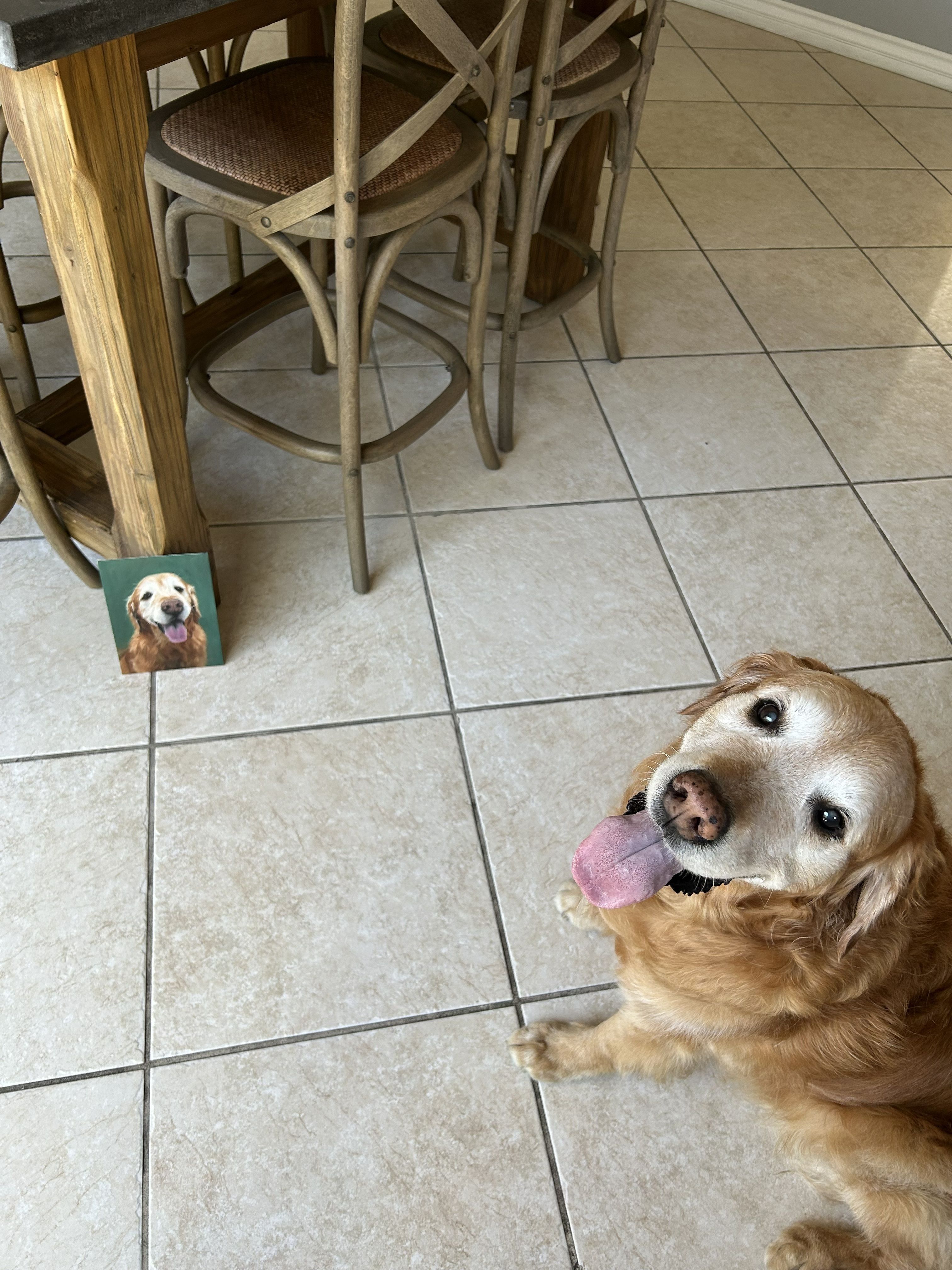
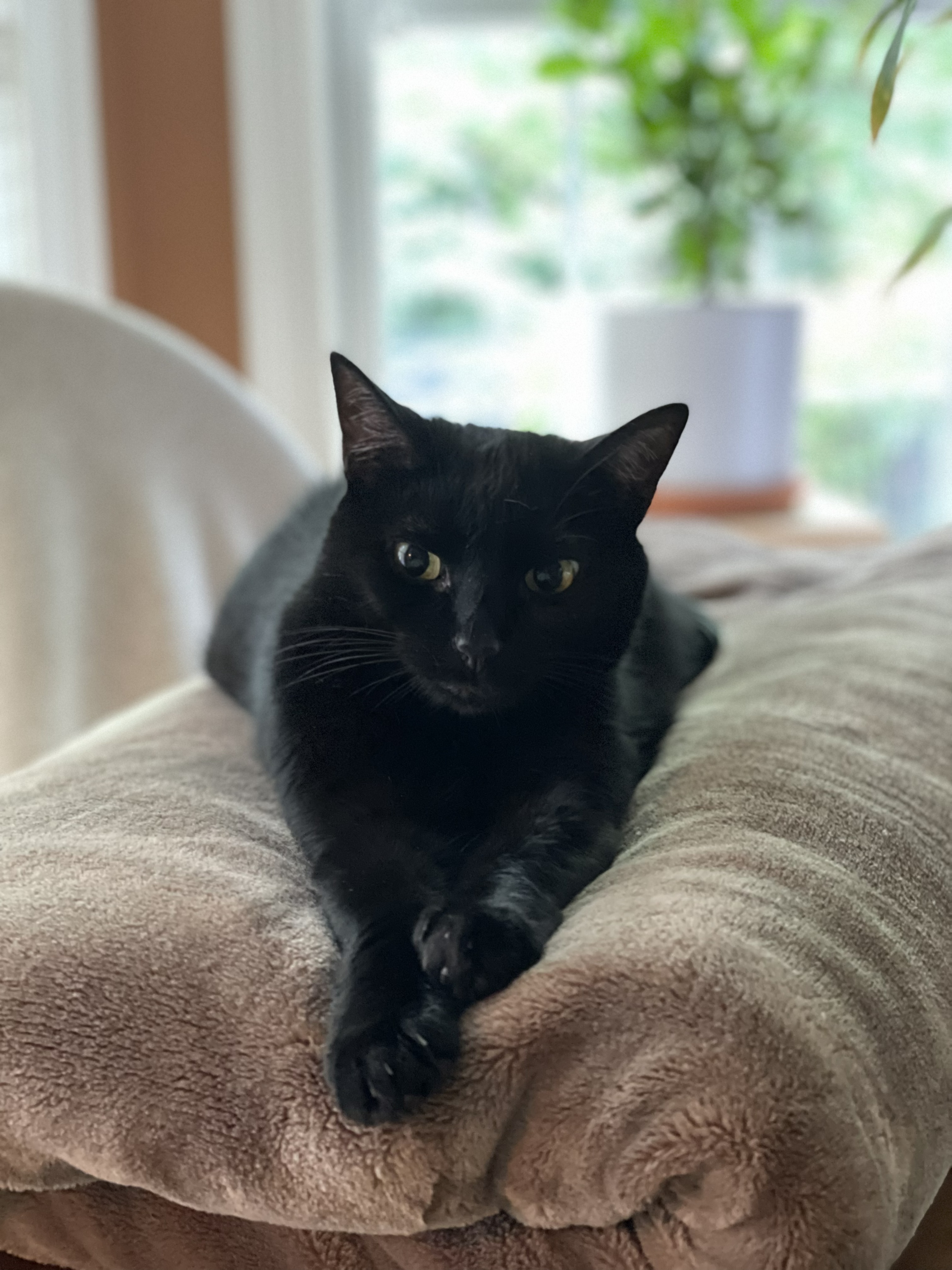
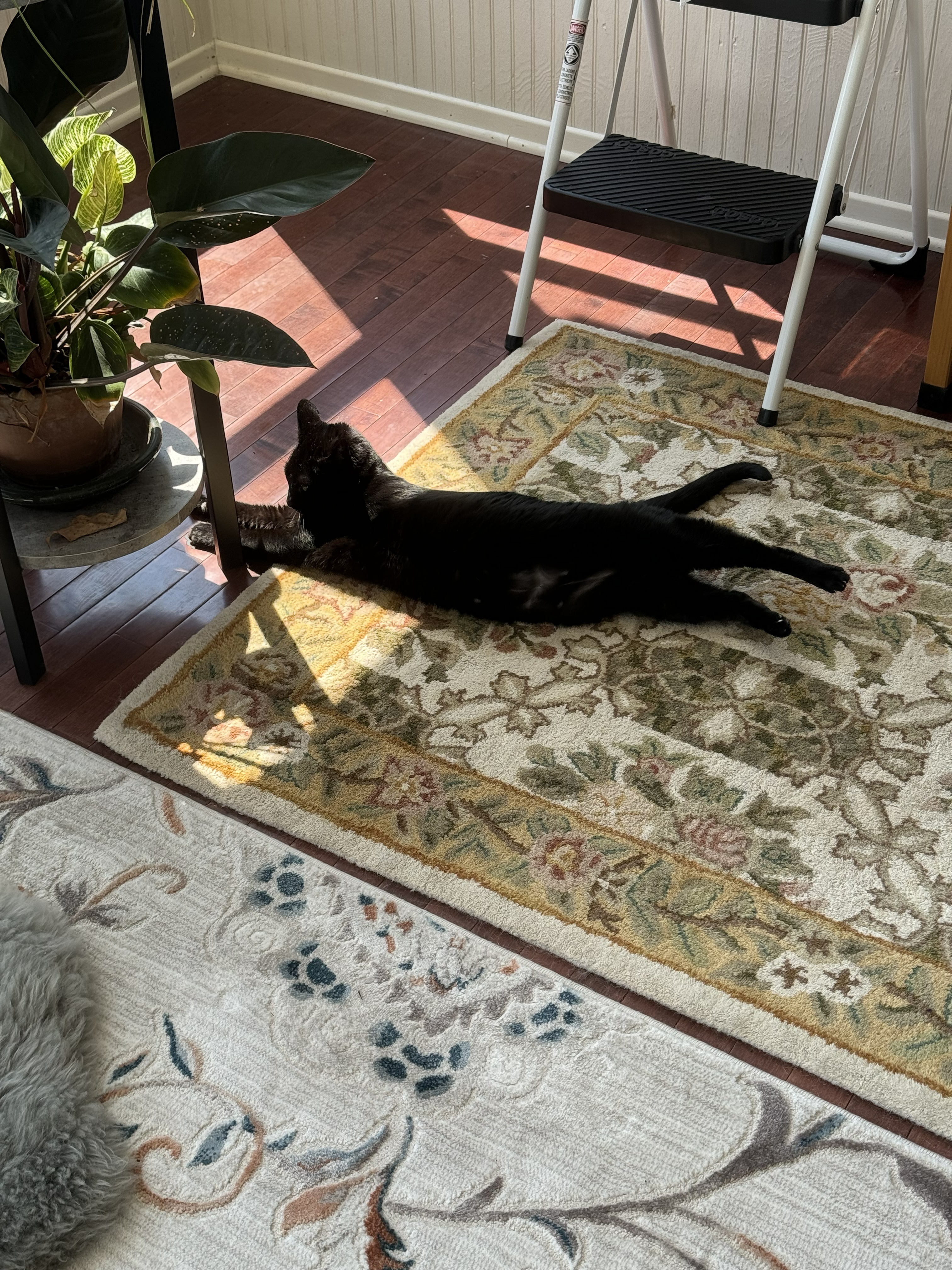
Pets are family, and I have two of my own. The cat makes a better studio companion than my very furry dog, but both tolerate my penchant for loud metal while I work, so there’s no complaints from me.

I am extremely fortunate to have a brilliant partner in my life, my husband, who works a job more “typical” for this sort of thing—at a software company. We’ve been together for something like eleven years now (!). It was his suggestion that I purchase this keyboard in the first place. I must admit that for all my inherent nerdiness and its attached savviness, I am awful at the hardware side of things, and thankfully he’s someone who makes up for this weakness in spades.
We met in an MMO, believe it or not. Video games have always been a part of our lives, and if you’ve ever played an MMORPG you likely know how much time you can sink into one. They’re also social. A great way to connect across great distances or lifestyles, and that’s exactly what we did—in Guild Wars 2, of all things. We met in Twilight Arbor, a dungeon I was happy to teach newcomers. Paid off! One day a stranger, another my partner.
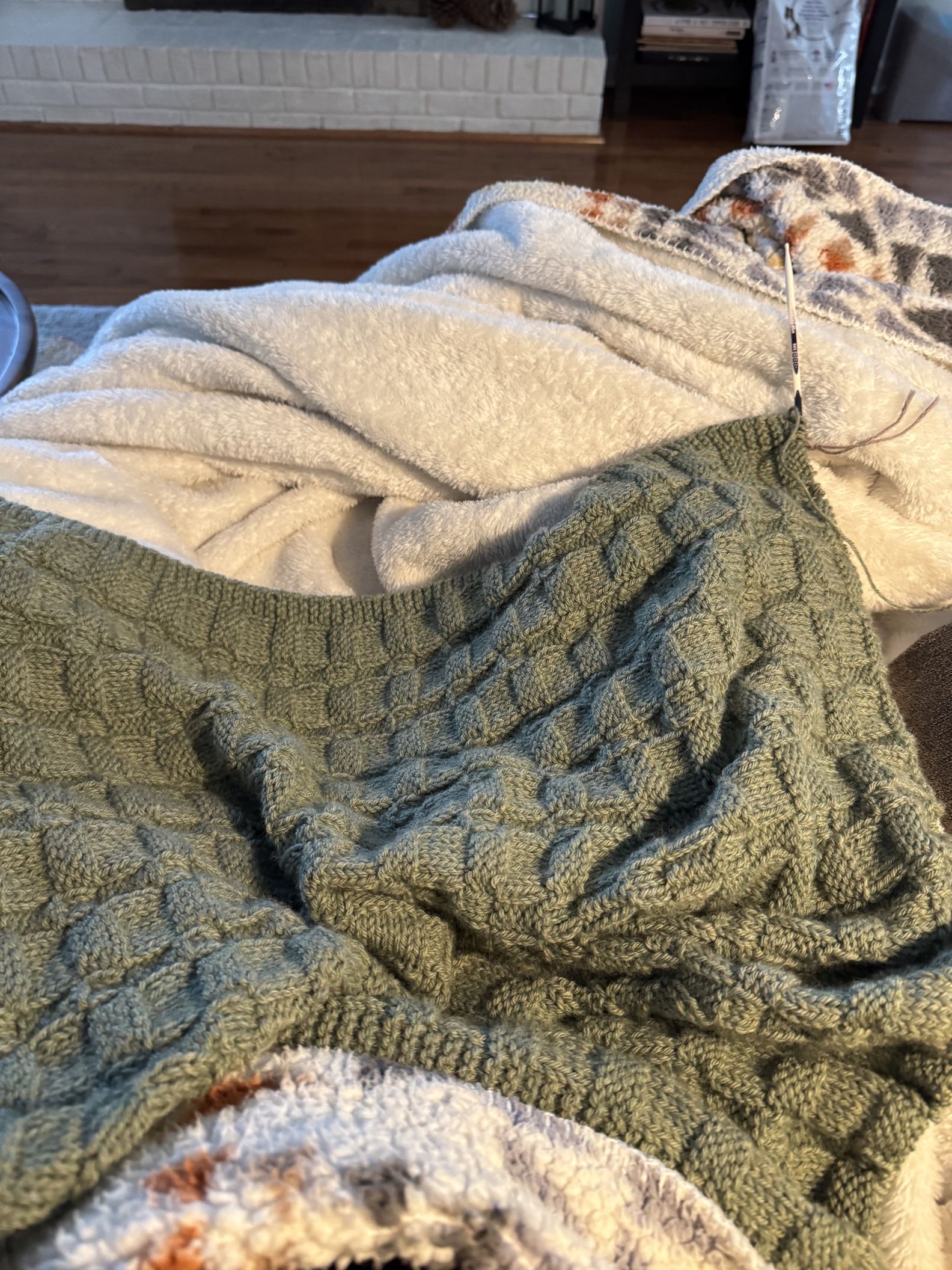
On the non-tech side of hobbies I enjoy grandma-ish things: knitting, puzzles, crosswords, gardening, creative writing, and of late some minor home improvement. No matter what it is I always seem to be working with my hands, which turned out to be a poor idea. Around 2018-19 I started getting a lot of hand/wrist pain; the end of my thumb would begin to go numb, the bones to crack and pop with every movement, and the tendons seemed to be made of spiderwebs for all the good they were doing me. So when you’re a painter and you can no longer hold your hands steady or work for many hours at a time without dropping the brushes, things get a bit difficult.
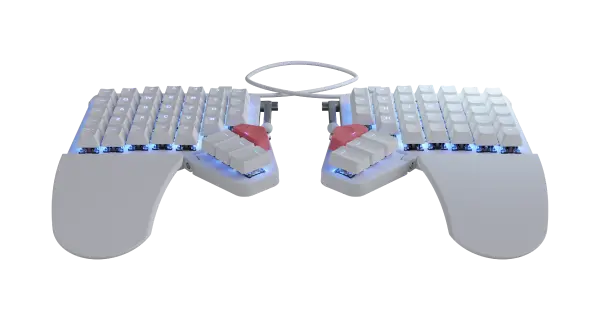
My then-boyfriend, now husband, is darling. Without me saying anything, he’s always looking up things that might help even the tiniest bit; reading articles about findings and casually mentioning them or subtly suggesting something I should try. Connecting the dots here, this keyboard was one of those suggestions, as it collided right in the middle of his interest in tech and quiet advocacy for Things She Should Be Doing or Trying but Isn’t. This was in the Covid years, and mechanical keyboards were one of those hobbies that boomed in popularity (alongside houseplants, which were my vice). The Moonlander had pretty lights and easy-to-change keycaps, and the idea of having my hands at shoulder distance was appealing. May as well try, I thought.
The learning curve on this thing is a hell of a trip. I’ve always prided myself on solid touch-typing skills; being back near square one was definitely an experience, but I am stubborn and I implore anyone else trying to be as well. I threw myself into the deep end; this keyboard would work for gaming in an MMO, photo and image editing, and general use, or I’d have to admit defeat. Which, no. Never. Begrudgingly I had to reprogram the layout to better suit my needs. It soon became fun. The online interface was accessible enough, when I’d been worried it’d only be usable by the more programmingly inclined. I’d spend some hours writing, chatting with friends, or gaming, then go back to my little layout and shift something around. Eventually I settled on a setup that worked great for everything I needed, and I’ve been using this keyboard exclusively ever since. Five plus years. On top of an ergonomic mouse and more caution about overexerting myself, I’ve been able to keep pain down.
I’ve done proper raiding in an MMO or two on this thing. I’ve played shooters, puzzle games, and everything in-between. I’ve done photo editing and graphics work (some very scuffed 3D modeling). Plenty of writing. Slapped my drawing tablet between the two halves and done some digital art things. It’s a trooper. I finally reached back out for writing all this because I am very appreciative of this little piece of hardware and its spot in my life. As melodramatic as that all is.
What hardware do you use?
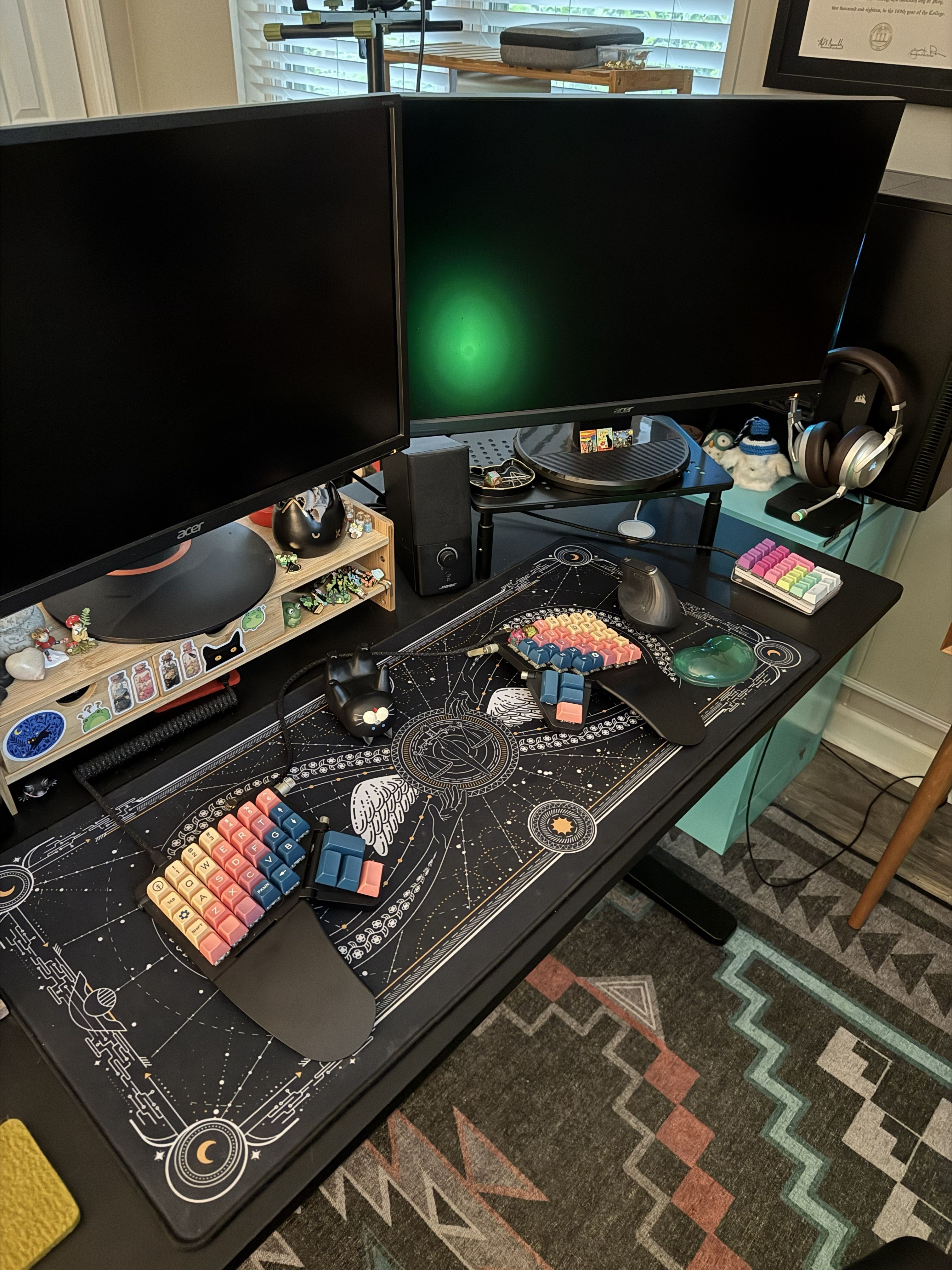
This is not my forte. I’ll do my best. I have a Moonlander keyboard from 2021. It has the base blue switches. My PC these days is an older build, as I don’t play many games with cutting-edge graphics, and holy cow are parts crazy to buy right now. It has components in it! Who knew. They glow, because what kind of gamer would I be without rainbow LEDs? I have a Wacom drawing tablet and a gorgeous Mabef easel.
And what software?
Wherever my hobbies guide me, really. Outside of games I’ve used InDesign, Illustrator, Photoshop, Camera Raw, Blender, GIMP, PaintTool SAI, and some other very niche software for modding specific games.
What’s your keyboard setup like? Do you use a custom layout or custom keycaps?
Now I shall ramble at length about it. Please, please feel free to skip or skim. Good lord.
The keyboard layout is my modification on the base standard and one I’ve found to be a good translation of a standard 100% QWERTY keyboard. It’s nothing particularly special. Writing keys like End and Home are invaluable for jumping around without having to reach for the mouse, as are the arrow keys. The arrows had to be happy with fitting in where I found space for them, but once I did, I couldn’t imagine them being anywhere else. Not having to move my hands away from the usual position for the arrows turned out to be really nice. Additionally I needed as many unique, one-input keys as I could get on the base layer for keybindings in games. Specifically on the left side, as my right hand would be on the mouse, so the little line of Ctrl, Home, End, and Alt is much loved. I also stacked as many numbers onto the left half as I could fit for gaming purposes. Combining them with Shift, Ctrl, and Alt gave me enough inputs to work with.
The volume keys are a luxury, and I’ll never be parted from them. I am always listening to music or a video in the background when not chatting with anyone; the less I have to move my wrists and hands around the happier I am, so being able to change volume on the fly is great. This includes the little mute button way down on the bottom right, which is handy when you need to speak IRL or keenly listen for the cat getting into trouble somewhere.
I put Enter and Space on the thumbs. I was so used to smacking the space bar that it had to stay there, and Enter followed shortly after. The standard-sized keys were simply too small for my pinky to blindly smash at, given I needed to hit Enter after every message I sent to my best friend; we stay very chatty. Delete is handy for managing files en masse, specifically combing through photos and pruning the ones that aren’t working for whatever it is I might be doing. Seeing as I’m the one photographing my own paintings, it comes up a lot.
At some point I needed the brackets [ ] and the Page Up/Down keys too. Can’t remember why. They live here now. One day I missed the tilde~ so I had to return it. Sometimes you just need a ~.
I confess I do not make full use of the Layers system. Instead I prefer to use the base layer and a separate numpad, venturing onto my second layer only for the F row keys. I typically rebind them to different inputs when they show up in a program or game.
The end result is a layout just normal enough that other people will give it a try when goaded but also just altered enough that it acts as a security check when anyone else attempts to use it. Not necessarily a good thing; my husband has to plug in his own keyboard on the occasion I need serious help with the PC. Oops. Funny, at least.
The cables I commissioned from Mechcables. No complaints. They’re lovely.
My mouse is a Logitech MX Vertical. It’s looking the worse for wear these days but still serves me well.
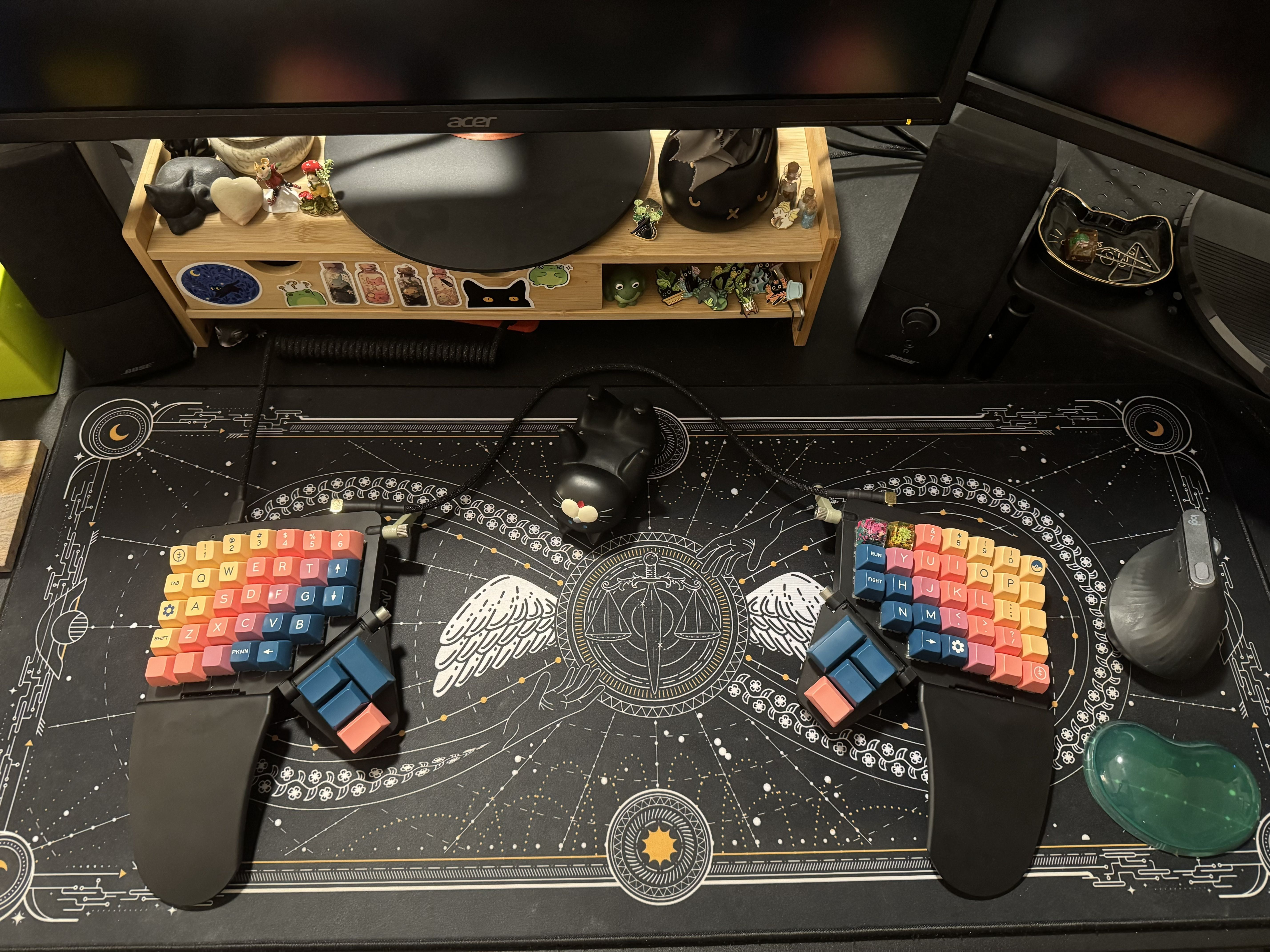
Keycaps are a dangerous thing. They’re quite fun once you get into it, and I’ve tried many profiles and sets. The SA profile is my favorite, even though their heavier weight tires my fingers more quickly. DSA is a good compromise. Sets with nonspecific symbols are worth their weight in gold for me, since I’ve shifted around the layout enough to be nonstandard. Being able to match colorways while keeping the layout informative—I much prefer having my A-Z keys labeled!—is a balancing act. Right now I have SA Vilebloom on. It was my dream set, and I was able to get it on its second—and I believe final—run. My only regret is skipping the numpad for it. I always find myself buying a couple kits and combining them so the layout and aesthetics match up as best as I can get them.
What would be your dream setup?
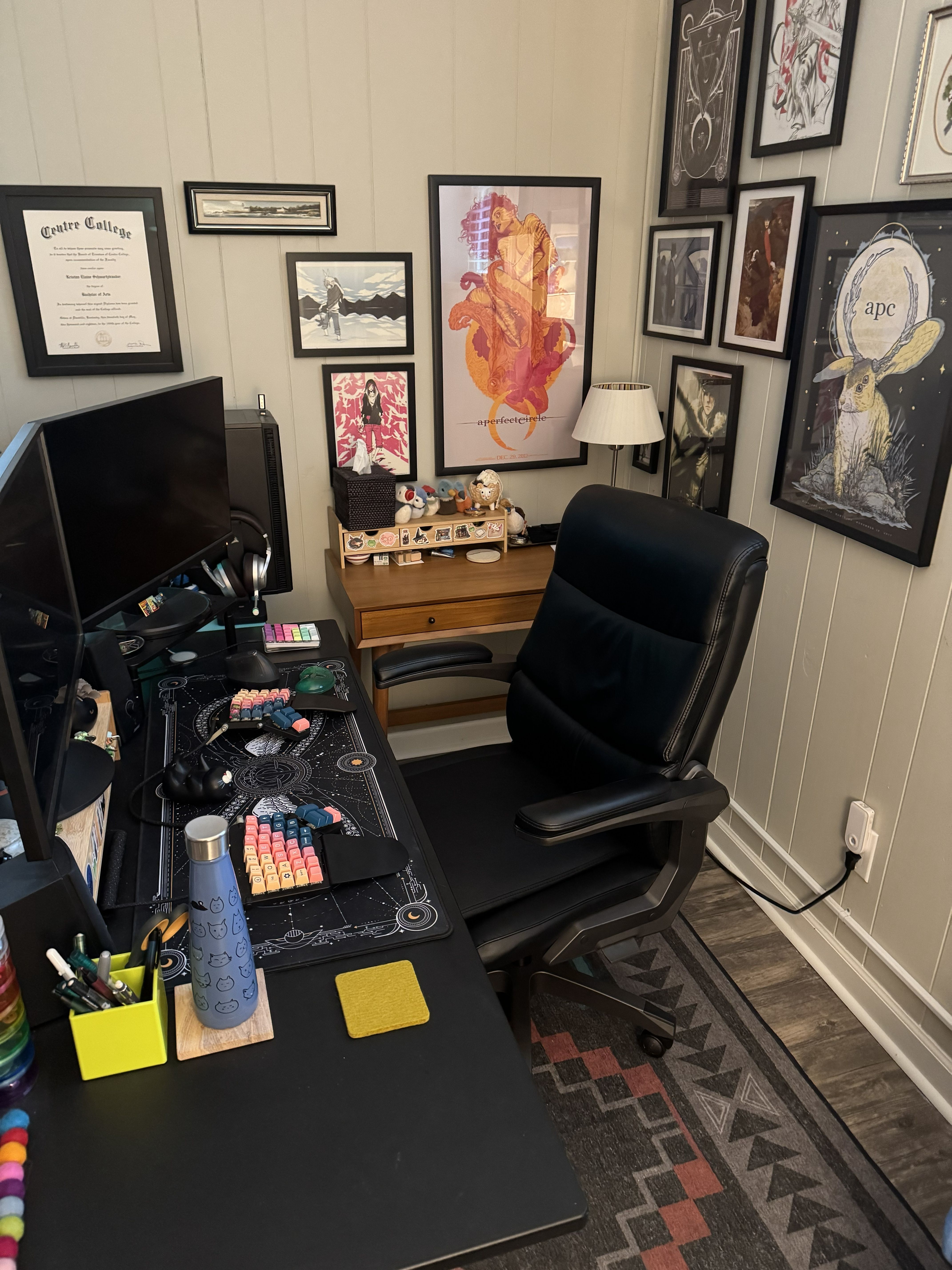
I’m not someone who is after a cohesive, aesthetic setup. It’s my nook, and if I want a vomit of stickers and art then I’ll have it. That said, a studio separate from my office would be the dream. Right now my PC shares my art space in one smallish room, which means I have to be extremely tidy with my painting supplies lest I splash chemicals on everything. One day I hope to have every wall in my space covered in art, as it reminds me of my grandparents’ house. Floor-to-ceiling paintings, posters, and prints. I’ve got a good start on that part, at least.
Can you recommend a few books, movies, TV shows, or games (digital or otherwise) that you’re quite into?
A specific song is “Face of Melinda” by Opeth.
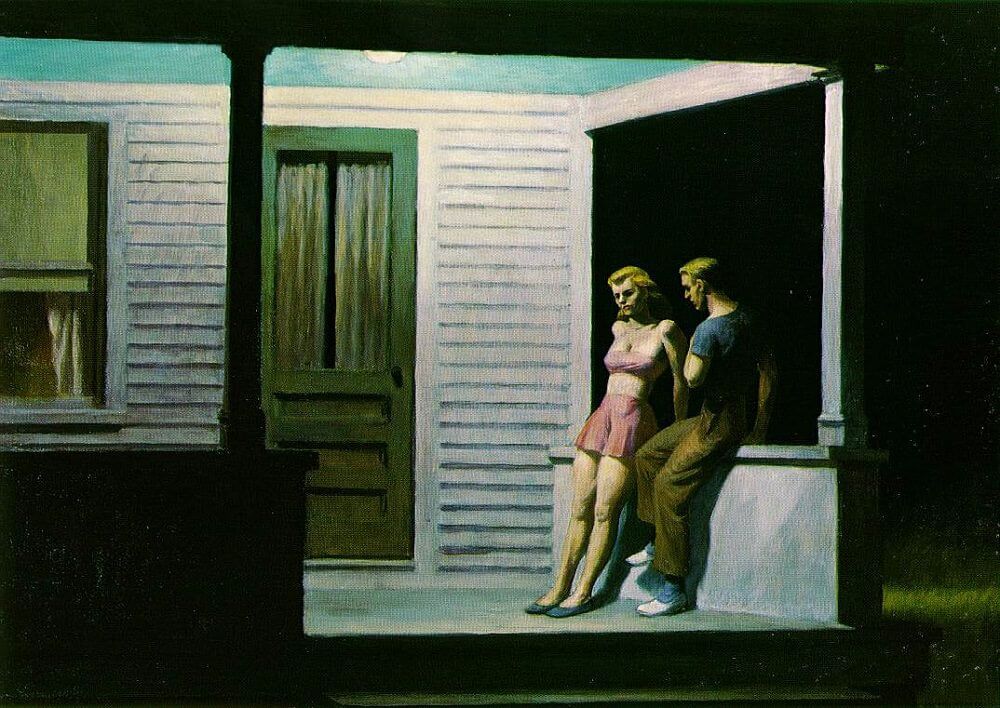
Edward Hopper (best known for Nighthawks) is my favorite painter. Something about his reserved nature and isolated lifestyle comes through in his work, and it resonates with me.
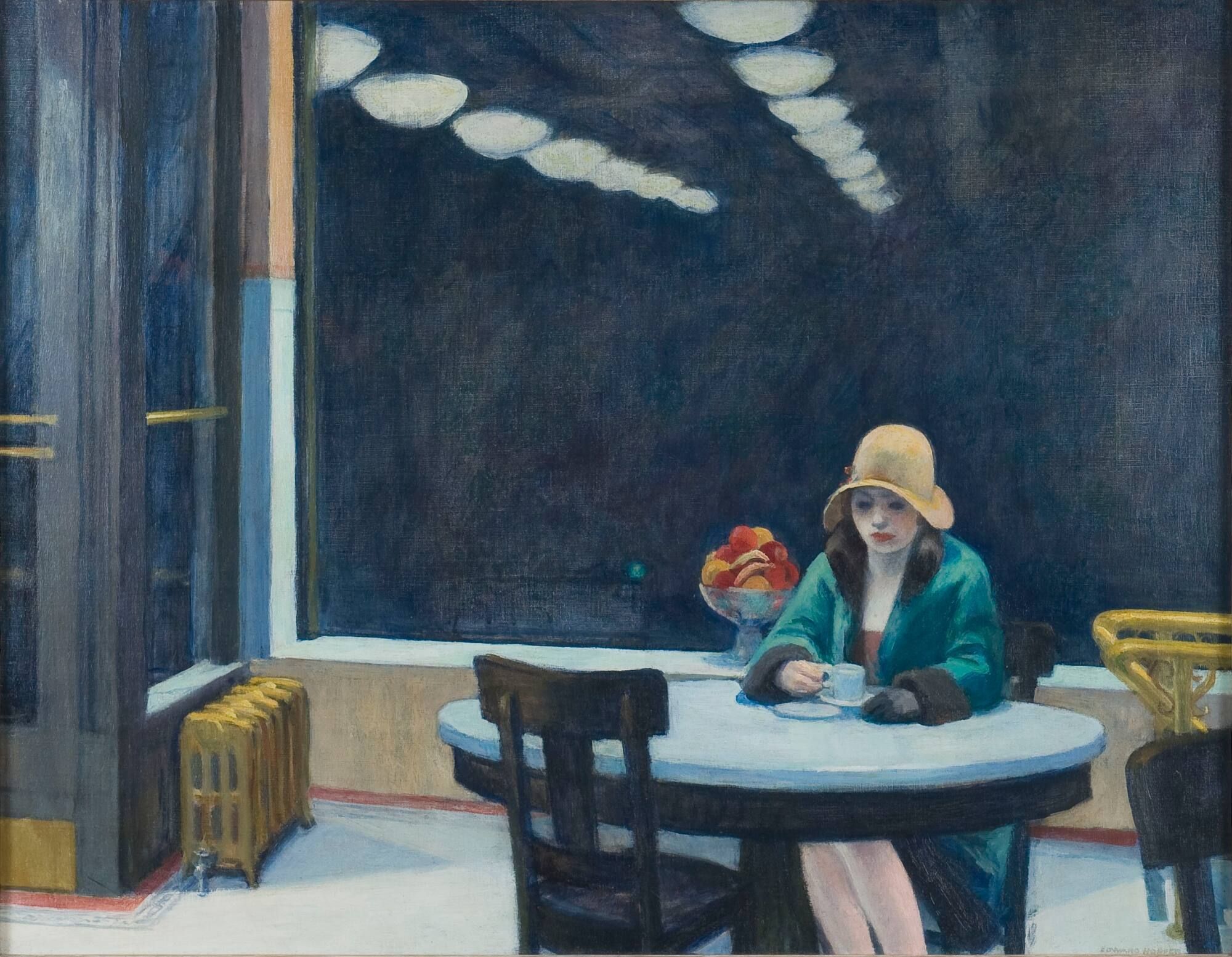
Eugen Dücker is a close second. His depictions of the Baltic coast and his texture work are incredible. J.S. Sargent’s landscapes are also breathtaking; his sketches have so much life.