The people who use our boards.
425 interviews since 2018




Jackson
Hayes
Software Developer
Who are you, and what do you do? What do you like to do outside of work?
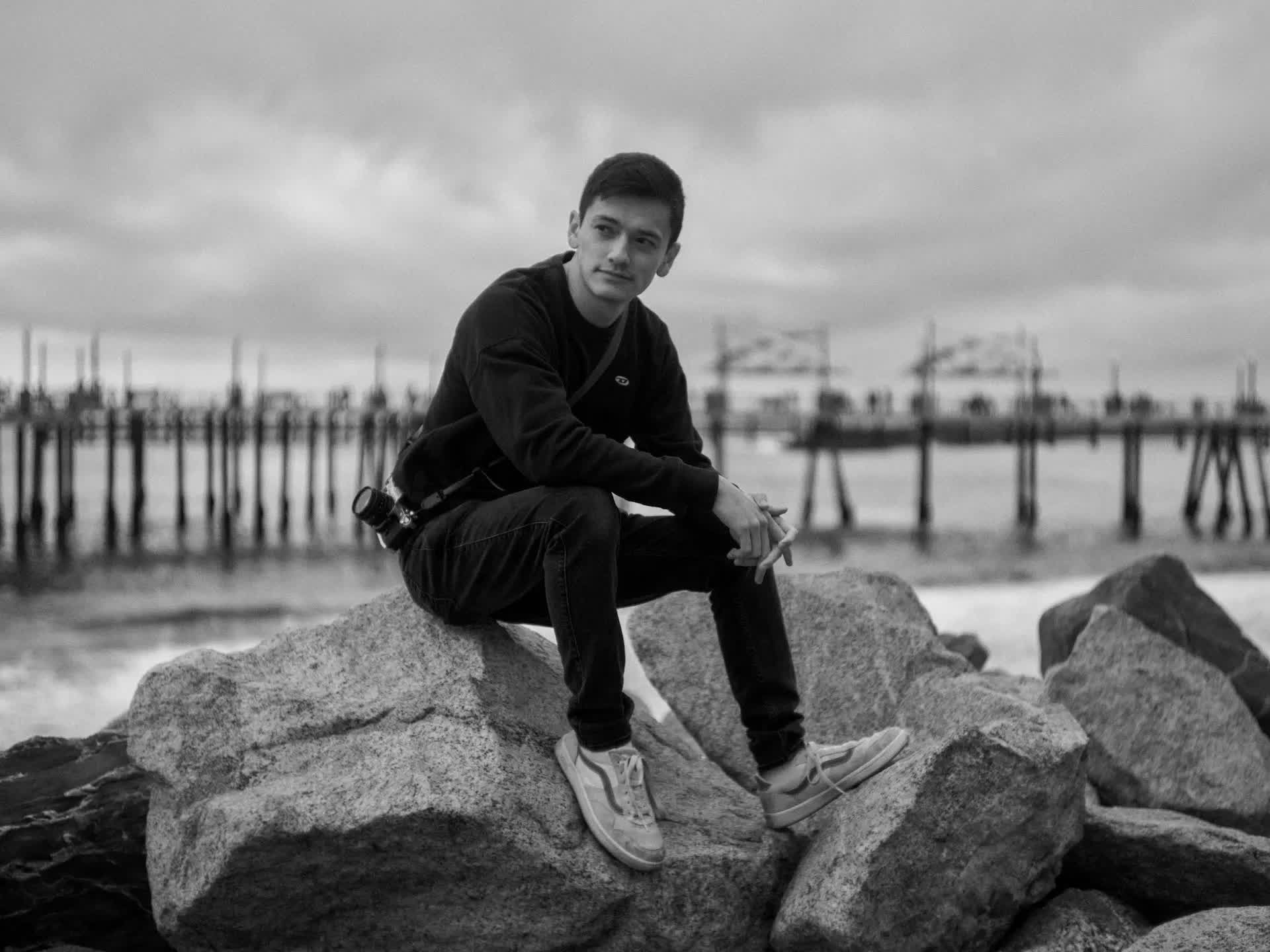
I’m Jackson, and I’m a VFX artist and software developer. I dropped out of college to work on Mufasa & Snow White as a virtual production stage operator (making on-the-fly animation/lighting/layout changes on stage during a shoot). These projects later led me to working at Lightstorm on the Avatar sequels, initially as a stage operator and later, as a full-time developer.
Virtual production is a widely misunderstood concept, many people understandably think only of the LED volume-based filmmaking that was popularized by the Star Wars Mandalorian TV show. Virtual production, in Avatar’s case, actually refers to the process of using a capture volume to track actors’ performances, as well as the motion of props and a virtual camera. For those curious to learn more, there are now several videos online, including one featuring Stephen Lang on performance capture and another with Michelle Khare on Movie Surfers.
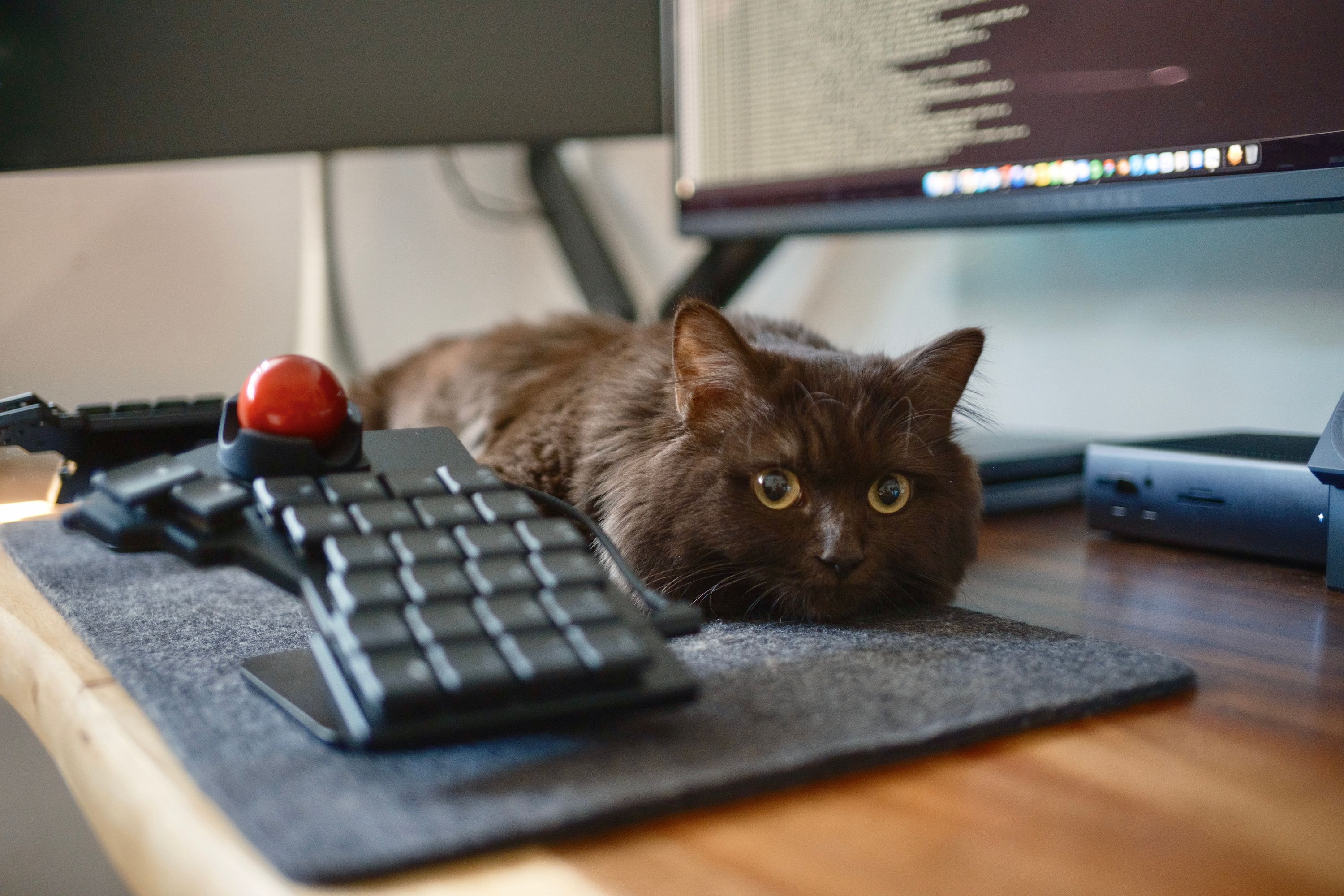
Outside of work, I enjoy spending time with my wife, Isy, and our cat, Maple. Lately, we’ve been really enjoying Arc Raiders, and Maple includes herself by getting toasty on the PC.
As a nerd, I naturally have an endless list of side projects that somehow seems to keep growing.
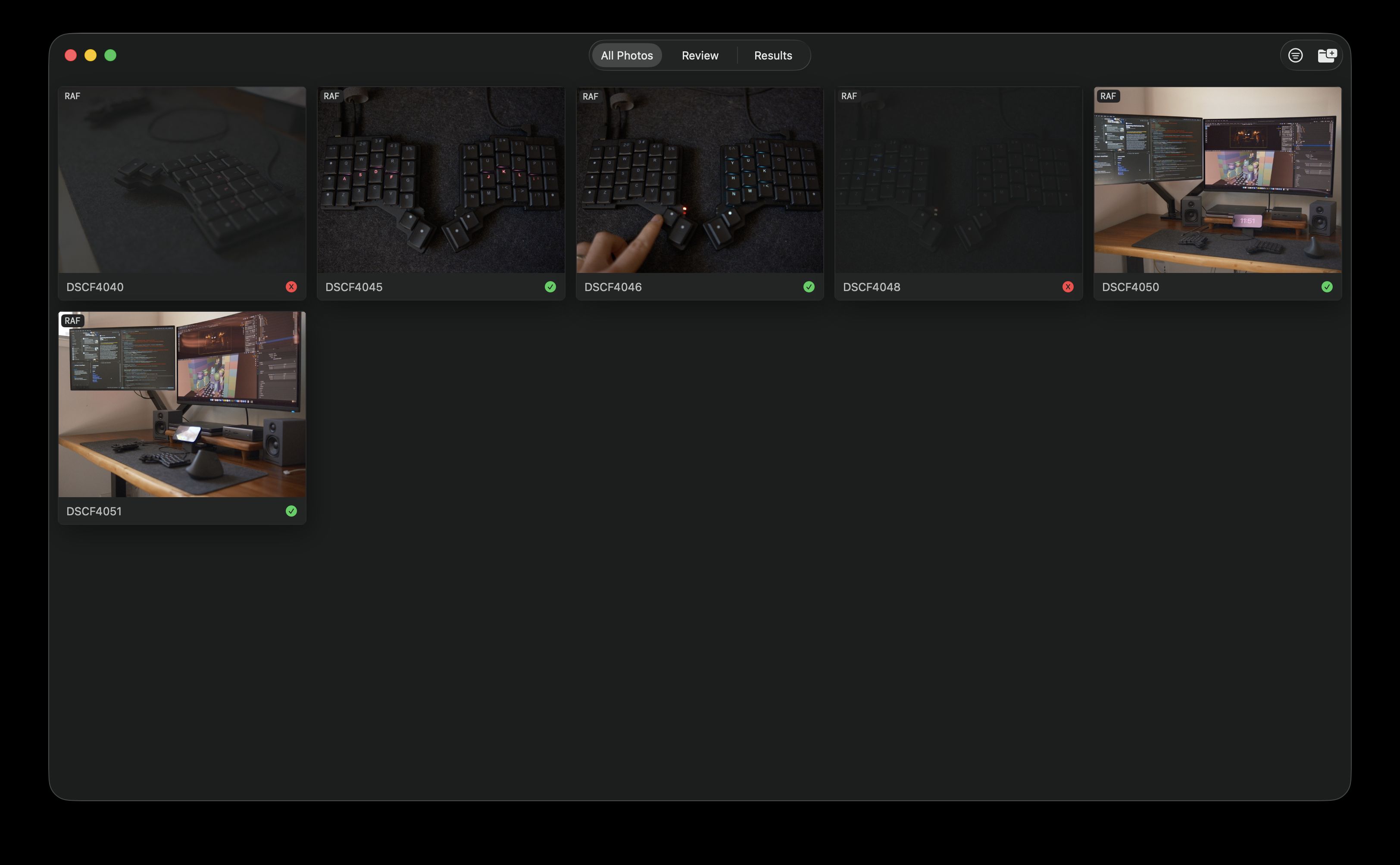
One of these is a Mac app, Sift, for dealing with image sorting, categorizing and culling, with the primary goals of simplicity and speed. If you’re curious to test Sift, feel free to reach out on Mastodon!
Another side project I’m particularly proud of is my wife’s website. The goal there was to create a solution with no ongoing costs (save for the domain name), and make it really fast. I managed to set up a headless CMS, Strapi, that the static site build process interfaces with, as well as some local DNS stuff so as to provide admin / preview / status subdomains (all hosted via Docker on a Raspberry Pi). The site gets built and uploaded to the static host, so there’s no port forwarding to be had! I wrote a post about the process, although I still need to do a follow-up post, as I don’t cover the more recent DNS/subdomain stuff.
Other than software, I also enjoy photography (both digital and film) and cinematography. I tend to shoot most of my photos on my Fuji XT5 with an assortment of lenses, from the Fuji 35mm f2, to the vintage Vivitar 28mm f2.8. My processing workflow used to be primarily in Lightroom, but since cancelling my subscription, I’ve had to find other ways to do all of that. I’ve been seeing some really good stuff with Darktable’s RGB Primaries module, which handles color far better than the average photo editing tool. There’s a phenomenal video by a fellow named Gus that opens up the rabbit hole of digital color, and for further reading, Troy Sobotka’s Hitchhiker’s Guide to Digital Color is a great theoretical primer.


What hardware do you use?
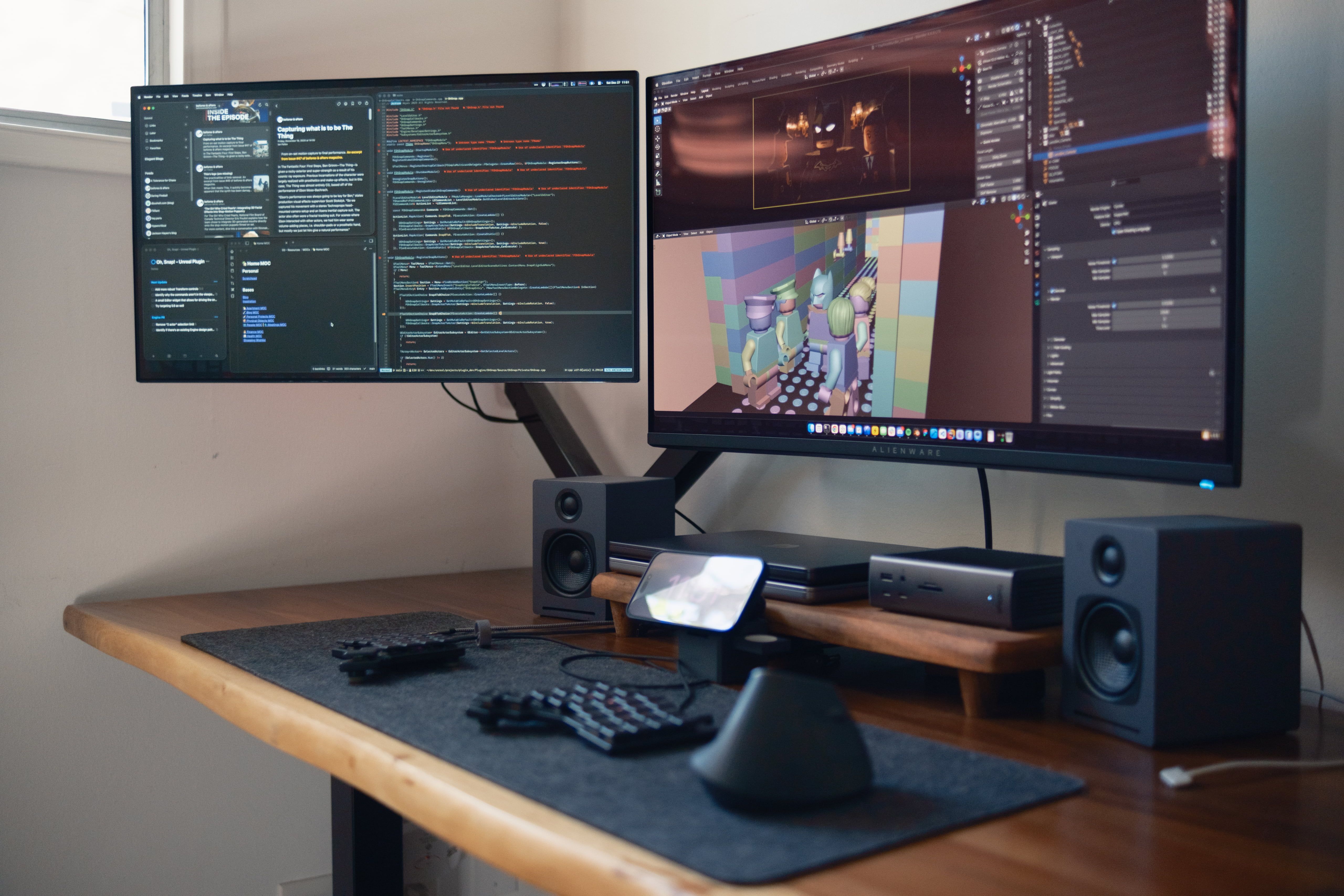
My main machine I get work done on is my 14” MacBook Pro with an M4 Pro. It’s been a pretty phenomenal little machine—so ridiculously portable and light, and it can handle just about anything I throw at it. For the more GPU-intensive tasks (like the odd Blender project I mess around with), I use my PC, which I built a few years ago.
For displays, I’m running Alienware’s AW3225QF 32" 4K QD-OLED monitor, alongside a dying LG 27GN950-B. While neither of these land in the “retina” territory if you were to ask Mac purists, the gaming situation when trying to use something like my wife’s Studio Display wasn’t something I particularly enjoyed.
This all runs through a CalDigit TS5+, which has allowed me to live out the “single-cable dream” for switching between my work and personal Macs. For gaming, I just swap keyboard cables, as the Thunderbolt & AMD story is a rather short one.
When it comes to the keyboard, I’ve been using the Voyager for a little over a year and a half now, and it is my favorite keyboard I’ve ever used. I previously came from more traditional mechanical keyboards, a few of which I built, but the RSI pain in my hands was tough to deal with. Also, carrying around a heavy keyboard was rather annoying, since I have a hybrid work situation. Switching to the Voyager solved both of these issues for me.
While I do have the Navigator, I’ve struggled to fully feel at home with it. That said, the discomfort that I feel feels incredibly similar to the first few times I tried the Voyager. I almost gave up! But after forcing myself to type on it and no other keyboard for a week, it clicked, and now I can’t live without it. It’s probably the same with the Navigator, just need to give it a fair go. So for now, the mouse I use is the Logitech MX Vertical.
And what software?
For operating systems, I’m all-in on macOS & Linux. I only really use Windows to game, and if I had my way, I’d be using Bazzite. I did try Bazzite for a few weeks, but the Nvidia-related crashes that I encountered were pretty obnoxious, so I switched back. My wife’s PC (which uses an AMD GPU) is running Bazzite, though, and is pretty fantastic. I love how far the Linux world has evolved in just the past few years!
As far as applications or software I use every day, I spend most of my time within Ghostty, which is easily my favorite terminal emulator. I’m a big fan of the care and craft that Mitchell Hashimoto has been pouring into it.
For my code editor, I use Neovim. I haven’t had the time to fully spruce up my config for public consumption, but some plugins I enjoy are Snacks and Mini. When it comes to customization of the aesthetics (which I love to do!), I’m currently using Kanagawa (Dragon) paired with Google’s new monospace font, Google Sans Code. I was previously using Kanso (Ink) & GitHub’s Monaspace Neon. When I’m building interfaces, I use Figma for design exploration and mockups.
I’m a huge fan of Blender, as I mentioned previously—it’s such a phenomenally designed piece of open-source software. I recently used it to previsualize one of the projects I shot. With a photoscan of the location, I was able to drop in a free character model and play around with shot ideas ahead of time. It helped me figure out where to place the actors, and what side of the line to be on.


However, most of my time is spent in Unreal—most recently, I made a free plugin that adds a tiny bit of functionality that I felt was missing from the Engine.
Some other quick app shout-outs: for task management, I keep track of my to-dos in Things 3, Reeder is fantastic for RSS aggregation, and Obsidian is where I store all my notes.
What’s your keyboard setup like? Do you use a custom layout or custom keycaps?
My setup is pretty simple. I did make some modifications to the Voyager, such as replacing the switches with Ambients Silent Twilight, as well as keycap spacers. These tweaks have made the typing experience downright heavenly (and nonirritating for my coworkers).
I toyed around with those MagSafe phone mounts for the Voyager, as well as gone so far as to have purchased the tripod mounts, but given how often I switch back and forth between on-site and remote, I’ve lately just stuck to the stock risers.
As much as I’d love to explore Colemak or Dvorak, I currently just use QWERTY. I am often switching between “regular” keyboards (such as ones on my laptop, or brief interactions with random workstation keyboards at work), so the constant context switching would be problematic for me.
As far as the layers on my layout goes, I (under)utilize home row mods, as well as have a dedicated layout for gaming, where home row mods are entirely disabled. To make this nice and obvious, I enable specific backlights for various layers (an idea that I’m sure isn’t groundbreaking), which really helps to immediately identify what layer I’m on.
What would be your dream setup?
I think for me, it would require having the space to separate a work desk from a gaming desk. Plus, it would simplify the cable management situation. That said, for the immediately tangible things, I’m eager to see what Apple does with the next-gen Studio Display, although the PC element could throw a wrench in that.
But ideally, I’d love to have a magical spec (“Thunderbolt 5”) that would allow me to plug my CalDigit hub into my Mac or PC, and have the full bandwidth provided by the spec, AMD be damned. The “one-cable dream” but truly ubiquitous. Alas!