




The people who use our boards.
422 interviews since 2018

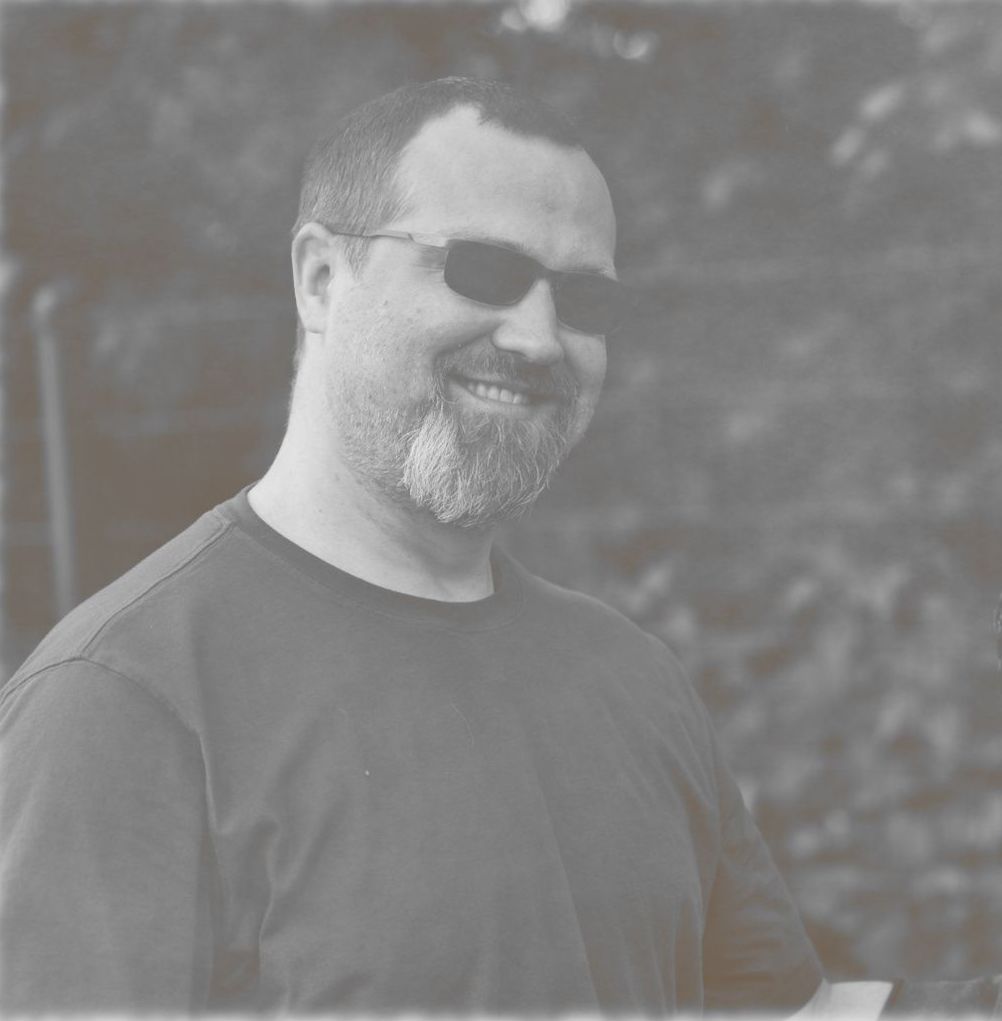

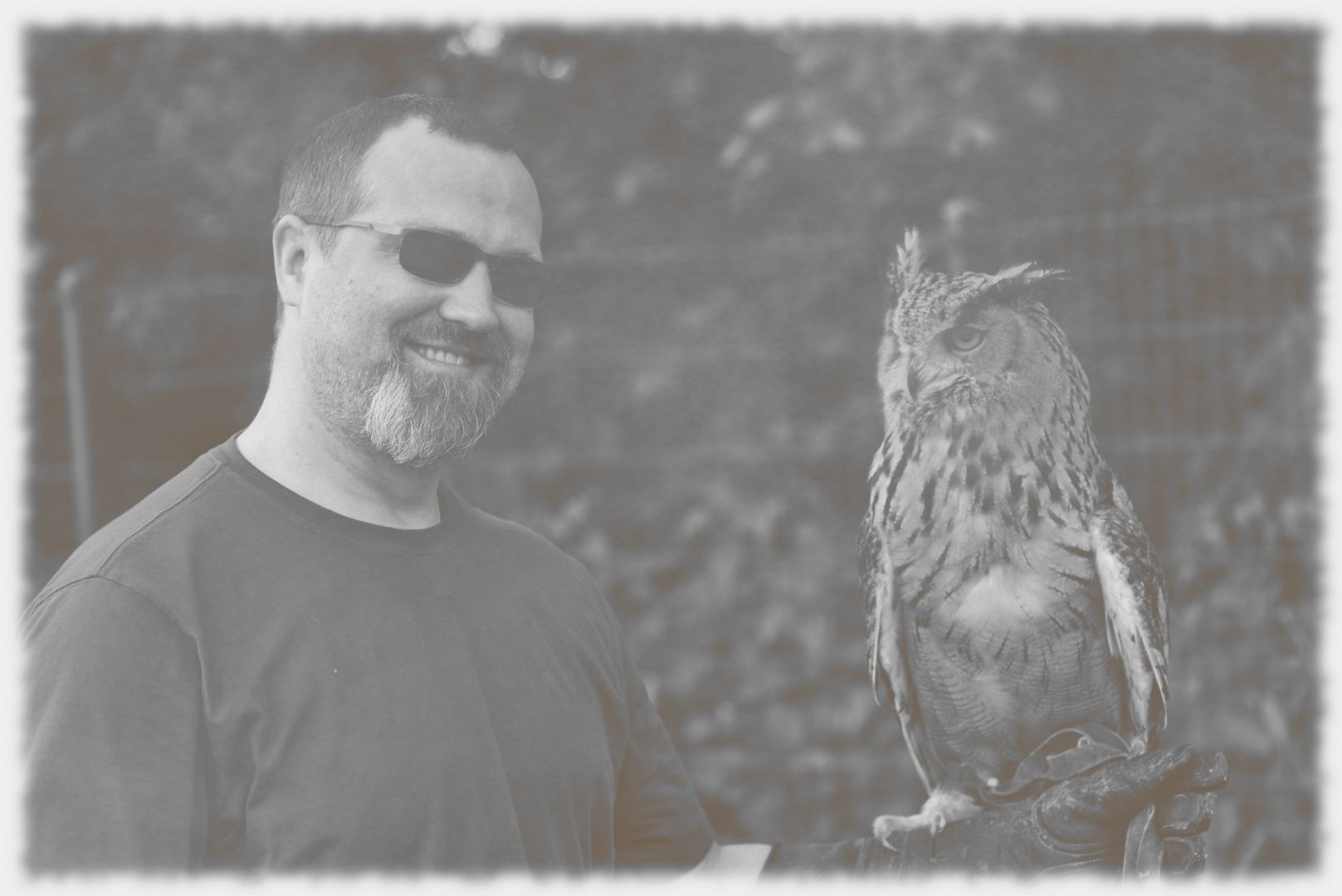
Henning
Malzahn
Software Developer / Site Reliability Engineer
Who are you, and what do you do? What do you like to do outside of work?
My name is Henning, and I live in the Düsseldorf area in Germany. I work as a DevOps / site reliability engineer for one of the German car manufacturers. Currently, our team is providing a “Platform as a service” using Cloud Foundry for internal folks to use. It’s a really reliable system, driven by an undervalued component called BOSH that coordinates a plethora of things, including so-called “resurrection” of failing components. Good for happy users and calm sailing for the operator team. However, it’s also a highly distributed system, and that's good for a lot of interesting challenges from an operational perspective.
When not writing code, I enjoy mountain biking or snapping an image here and there with my good old DSLR camera. You can also find my wife and me continuously improving all sorts of things around the house for our wonderful chief demanding officers, our cats.
Here’s Senior CDO Mr. Boo, who regularly checks up on us but loves his box under the bench on the front stoop.
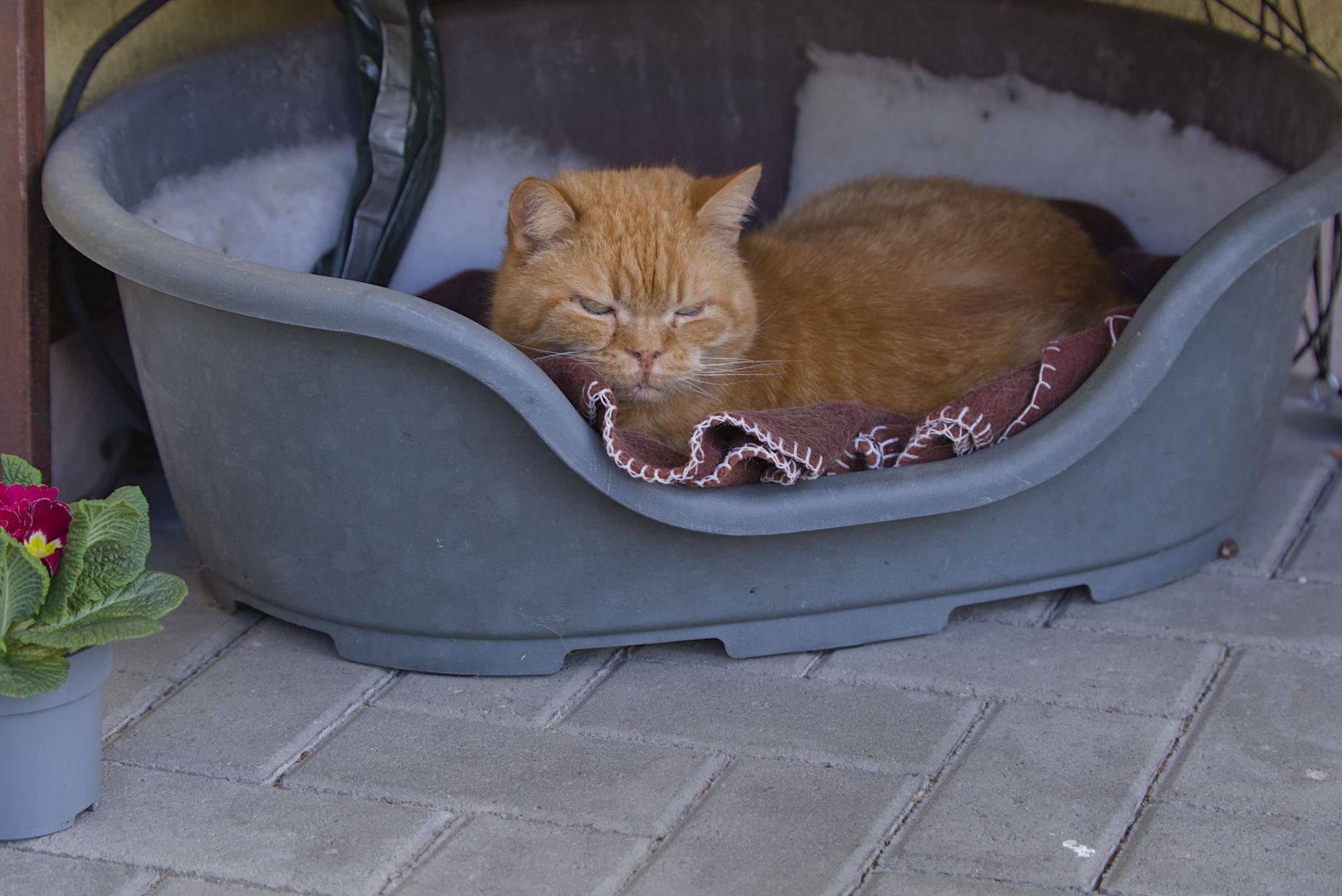
The box has a heated floor, and even in 0° C (32° F) he loves to stay out there and watch the street. Known through the neighborhood, with several established kibble sources.
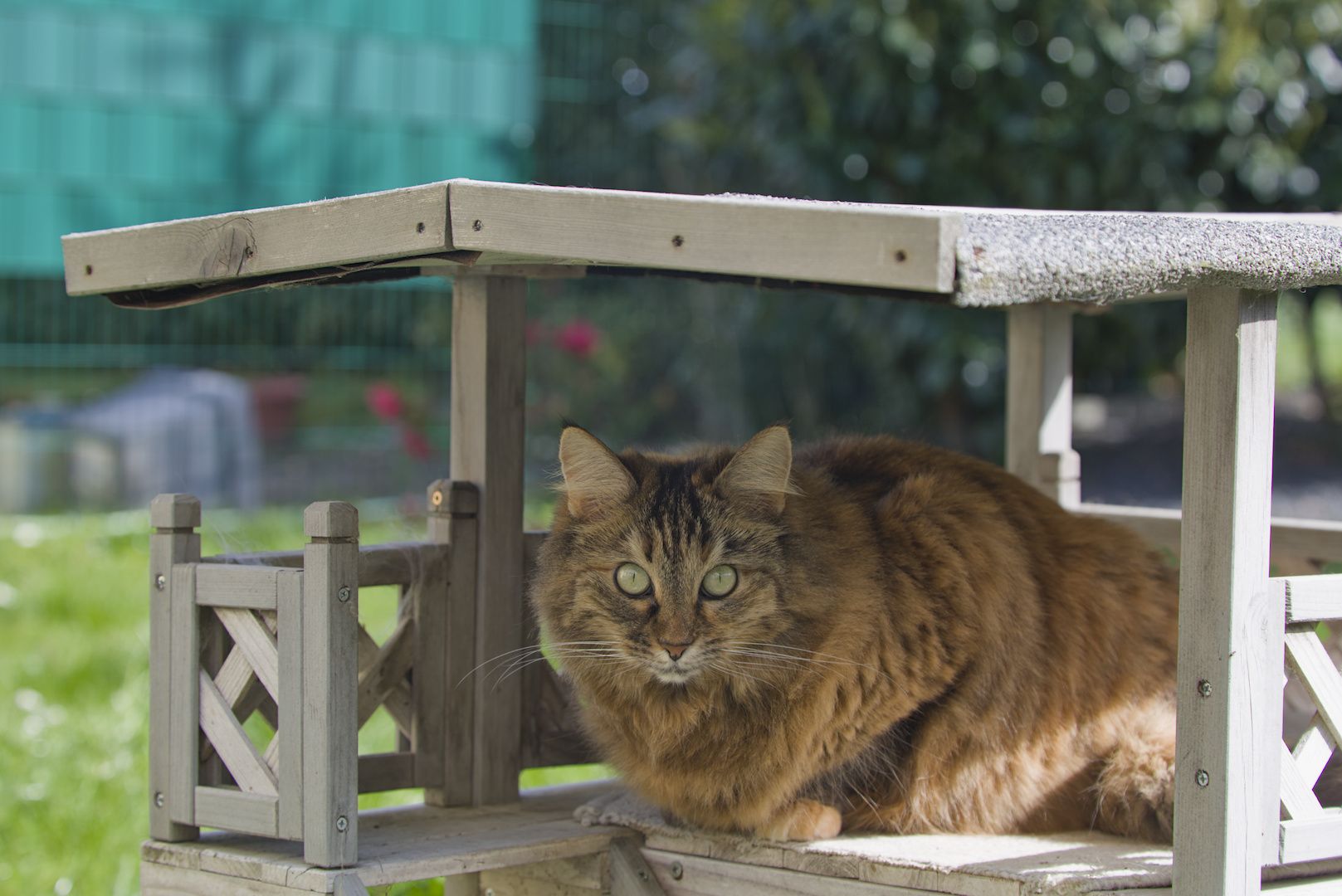
There’s CDO Ms. Kayra...
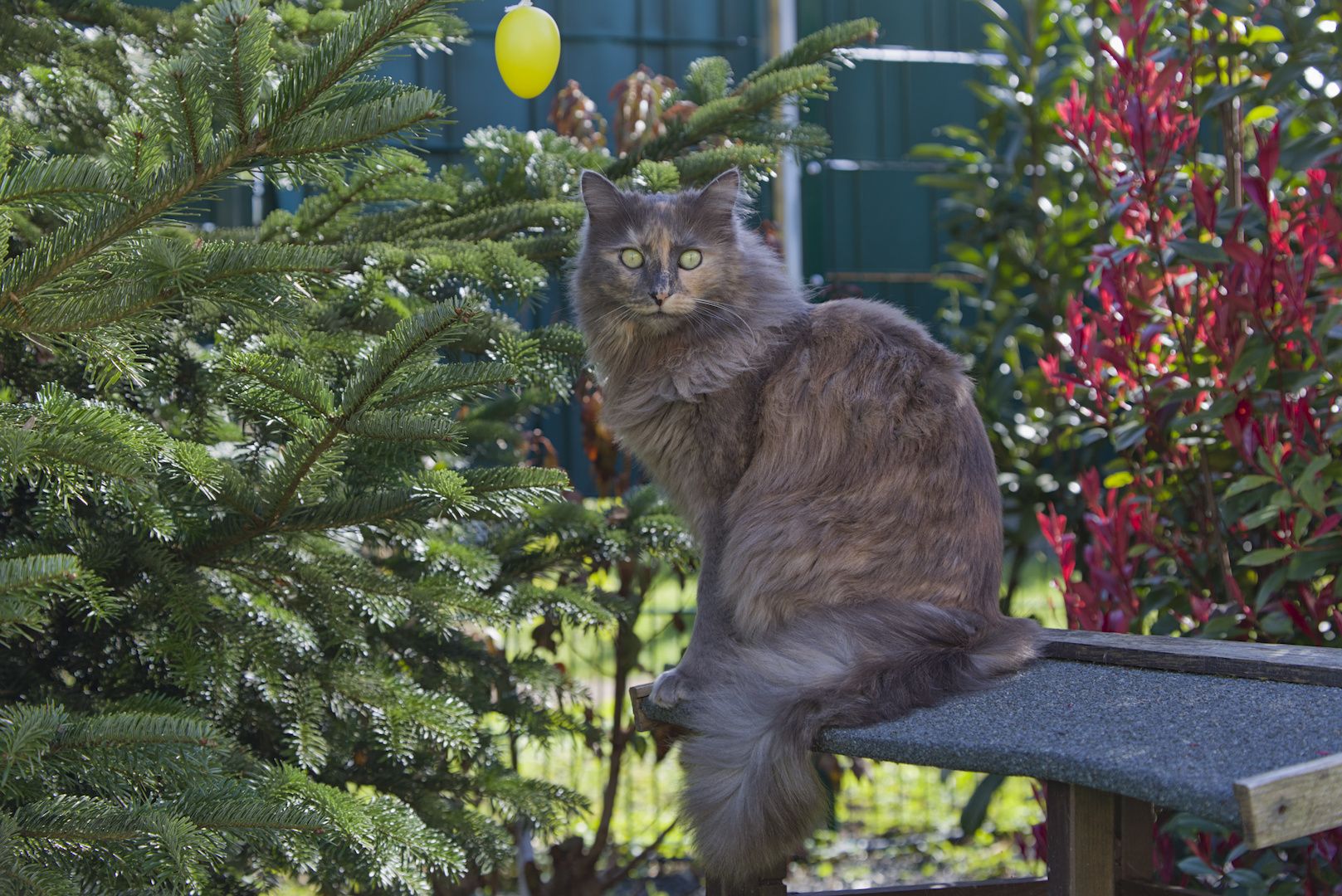
...as well as CDO Ms. Lizzy.
Sometimes the choices of places to hang out in are “snug”...
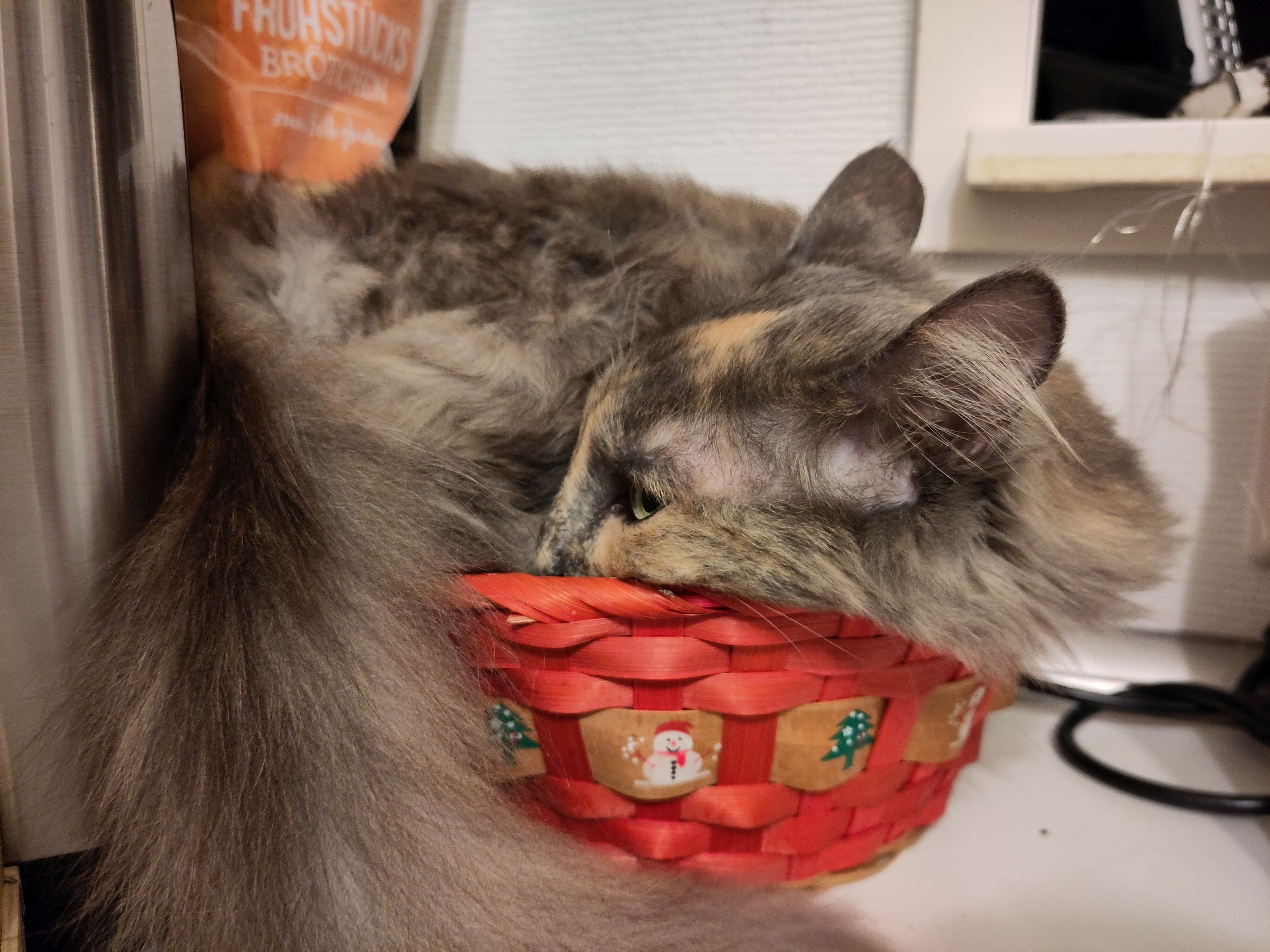
...but most of the time, they’re comfy.
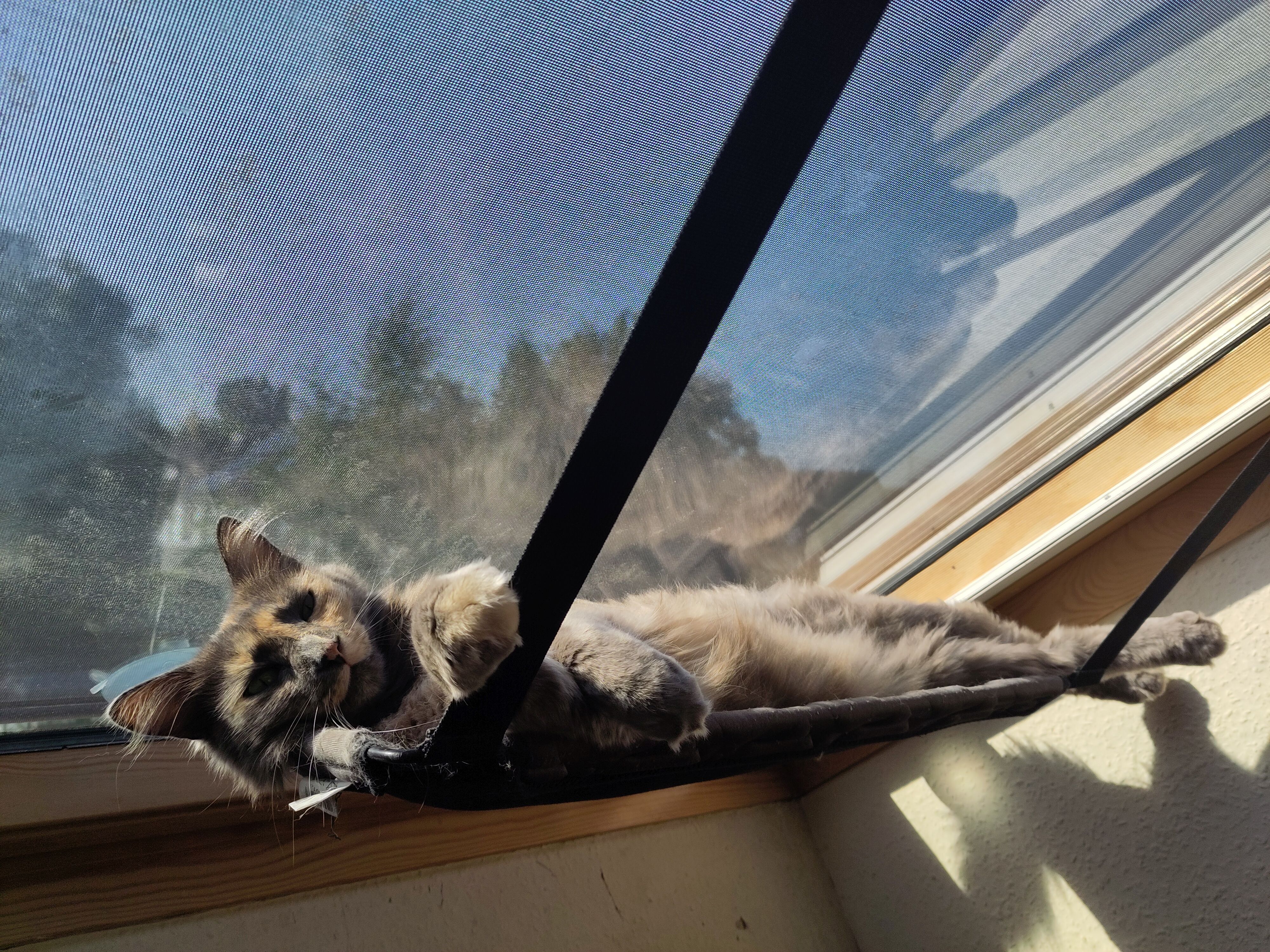
They’re all solid candidates for the Olympic sleeping and snuggling team.
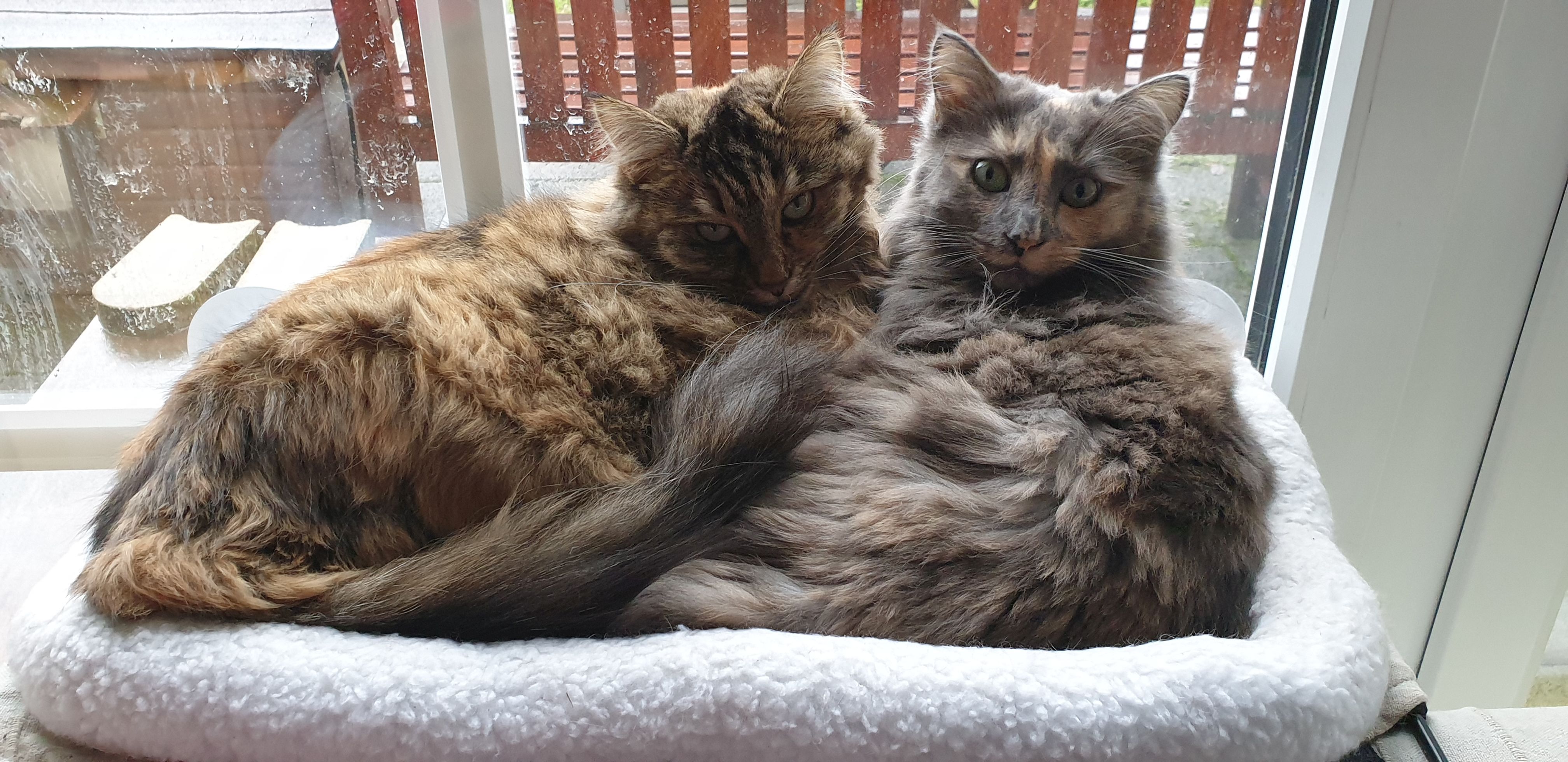
As you can tell by the paw prints on the window panes behind the two whirlwinds, they’re also a reliable source of entropy. But a really cute and fun one :-)
What hardware do you use?
Three laptops and a server machine, as well as pretty much anything that keeps up and that I got my hands on in the last three decades in the IT sphere. Other than that, there are a few Raspberry Pis providing some services and tools I use. Up until recently I used boring, vanilla keyboards mostly made by a well-known manufacturer from Switzerland.
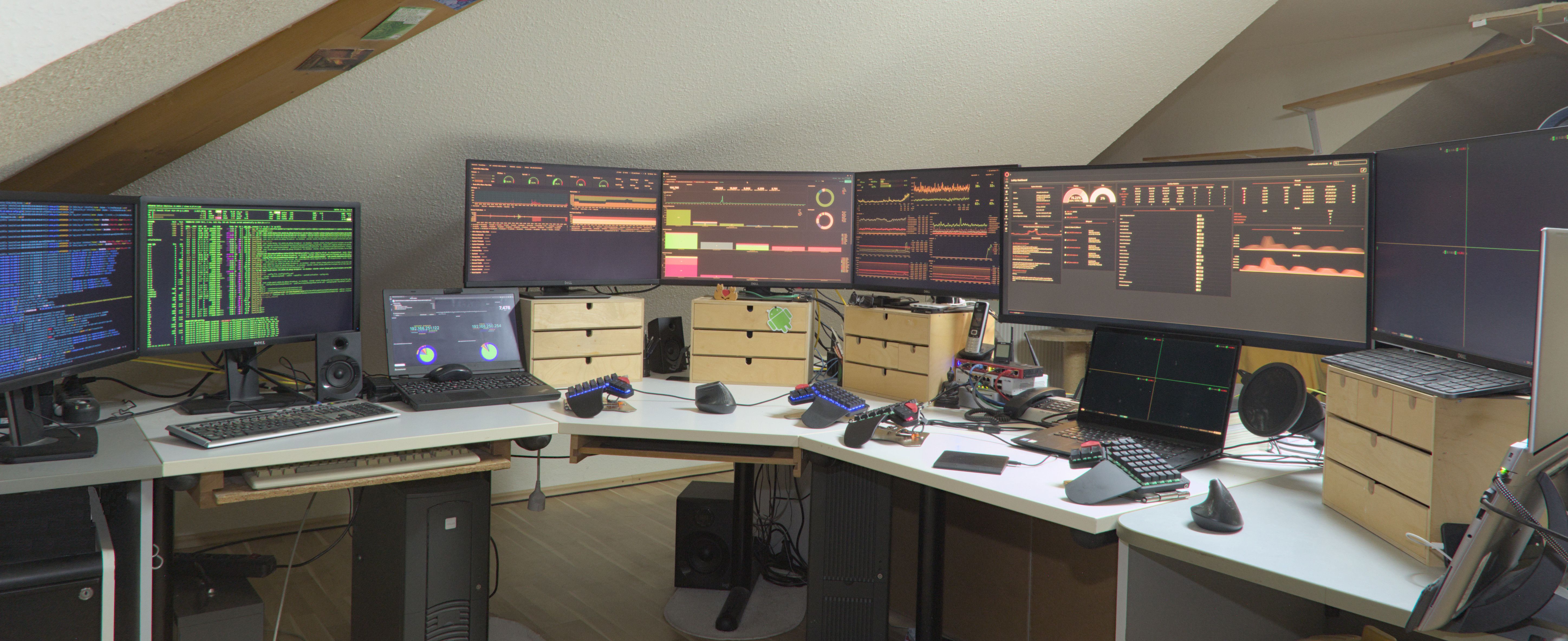
The main part is a 30-year-old desk with custom additions on each side. Sturdy thing that does the job and that survived moving several times. Basically divided in three “sections” to work.
Let’s start with the landing spot of my first Moonlander. Machine on the right is provided by my employer. It’s an HP laptop with a 20-core Intel i9 processor and 64 GB RAM and a 1-TB SSD. Solid, powerful machine that works very well.
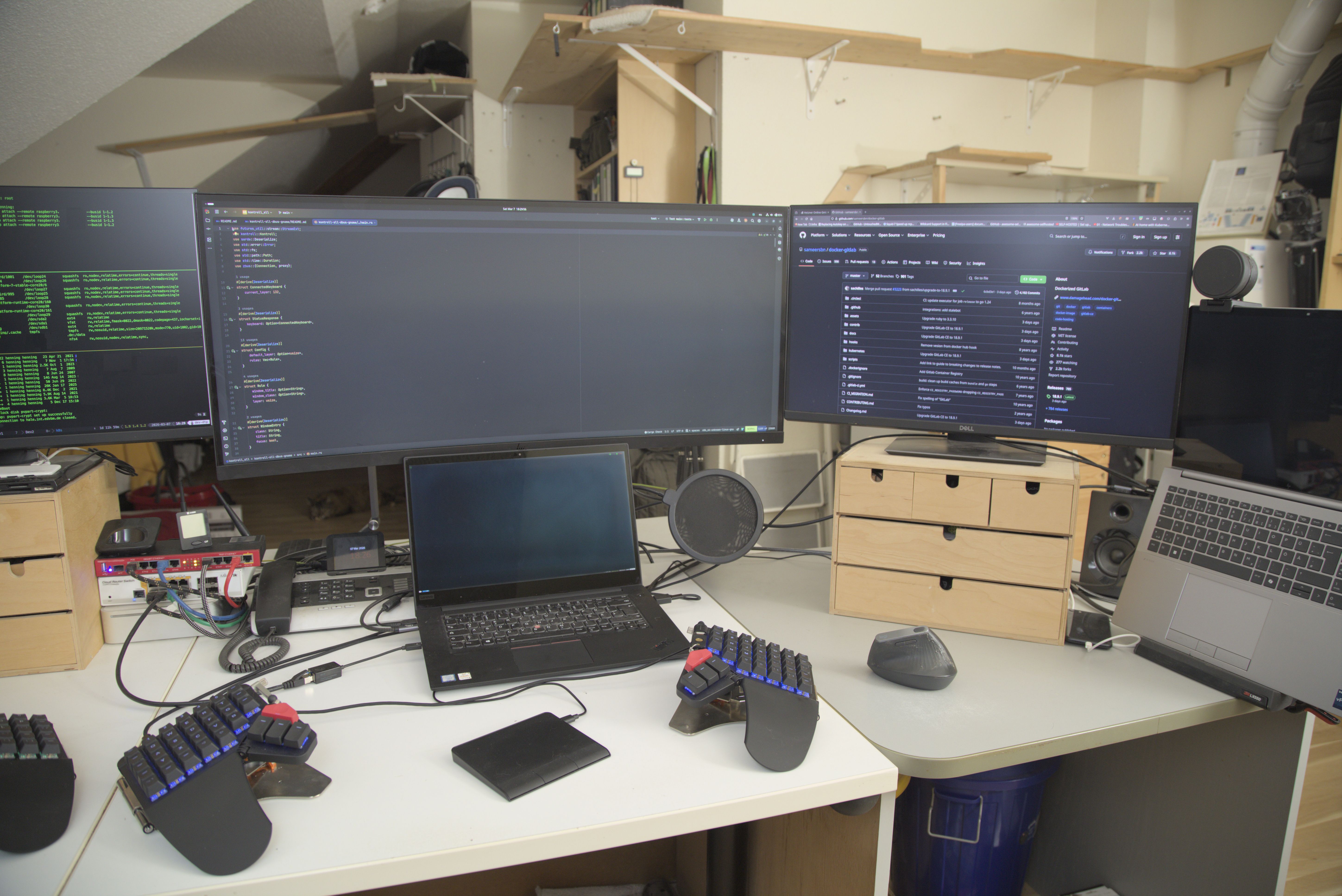
The 38″ screen is also provided by my employer. The screen to the right of the big one is an old Dell 24″.
The laptop below the big screen is my personal primary laptop. It’s a Lenovo with a 16-core Intel i9 with 64 GB RAM. Decent machine as well; well suited for everything I’ve thrown at it so far. Primary spot for the majority of work. Currently I’m working completely remote, so there’s a Blue Yeti microphone and a Razer Kiyo webcam that work well for me.
Boards in the background are part of the kitty skyway system. Most rooms provide facilities that allow feline oversight of the human inhabitants of the house. Yes, of course there’s also a canopy bed.
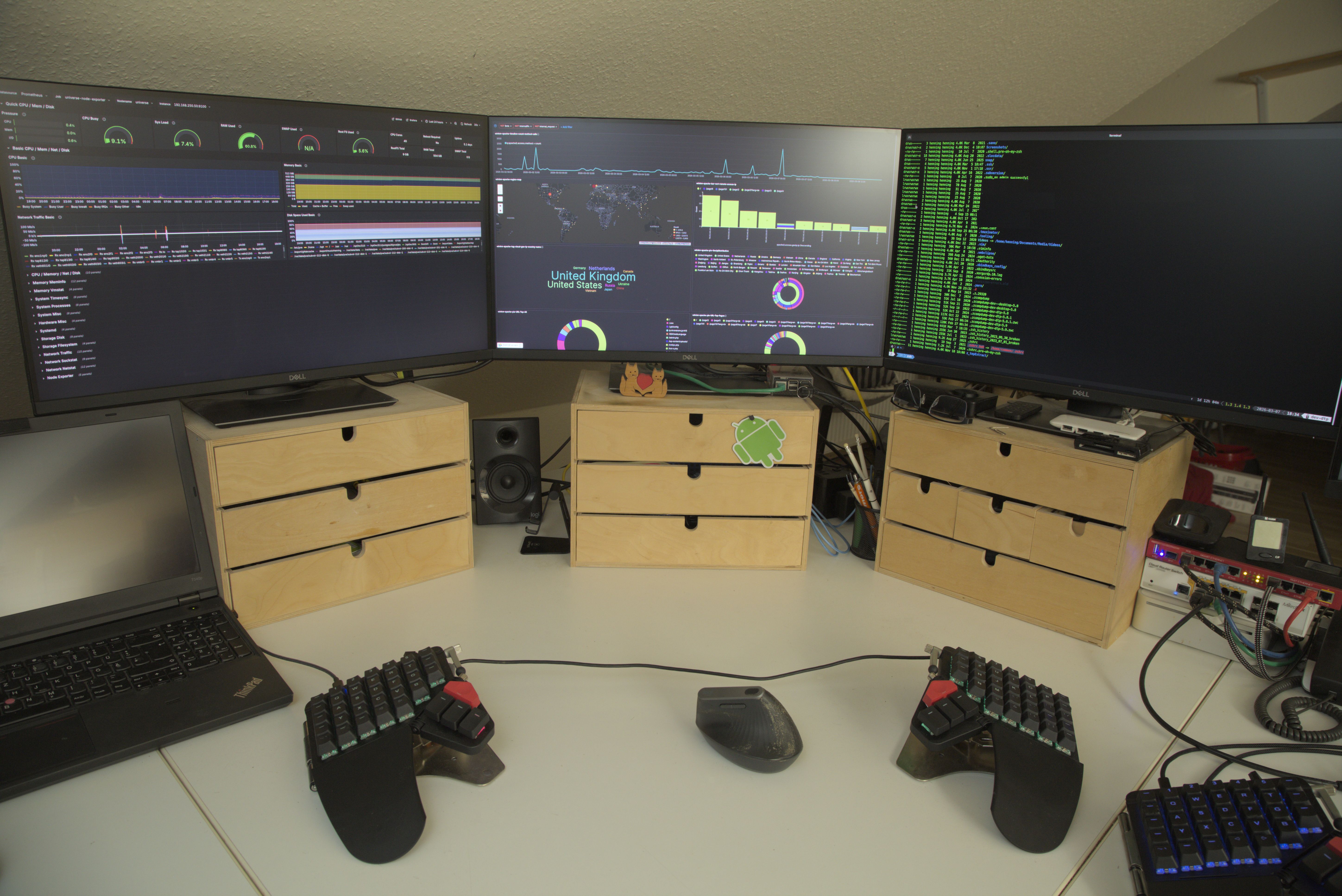
The center of the desk is the landing site of the Moonlander 2. In the middle are three screens that are connected to a server machine via network cables. The folks of EZCOO make really awesome devices that allow an HDMI signal to be transmitted over a standard CAT LAN cable. Those boxes make it possible for me to have those screens about 25 meters away from the server they are connected to. Only pain point: A dedicated network cable is required for every device.
The box is a Supermicro mainboard-based machine with two Xeon processors with ten cores each and 512 GB RAM. Eight years old, and I hope to be able to run that thing a few more years. Machine is used in sort of a hybrid approach as virtualization server and workstation at the same time. It happily runs a basic workload of 20 VMs/LXC containers provided by Proxmox. The box has an NVIDIA card with the tiny amount of 8GB graphics RAM. The PCI slot of the graphics card is forwarded into a VM which allows me to use a VM as a workstation and still have hardware accelerated graphics. It limits local AI explorations to 4-bit quantized models only, but overall this setup enables the use of virtual machines that just feel like a physical box. I really enjoy this setup because it’s very flexible and allows quick and easy testing of all sorts of scenarios. The box has 2 TB SATA storage and 2 TB of SSD storage. Favorite file system is ZFS, which distributes the data across the physical disks of the machine in pairs of RAID mirror devices. VM workload and ZFS storage amount to a base workload of about 20% CPU usage and about 386 GB used RAM. Despite the occasional spike in IOWAIT, enough resources are left to be able to tinker with new ideas and tools.
However, looking at today's hardware prices, energy costs and environmental aspects, I doubt I’ll go that route again. Ever since Raspberry Pis with AES capabilities, SSD storage support, and up to 16 GB RAM became available, they’ve become an interesting option for running local services in a much more resource-friendly manner.
On the left is an old Lenovo laptop with an Intel core i7 with 16 GB RAM. Used for monitoring and as a test box, plus the HDMI output can be hooked up to TV set. Really handy when working on changes on my wife’s website. Open a bunch of various browsers, make them autorefresh, make some changes to the code, and just quickly look over your shoulder to see the changes. Quick and easy workflow that works well for me. Handy as well when chasing issues.
Having several screens to display logs and statistics is a huge time-saver.
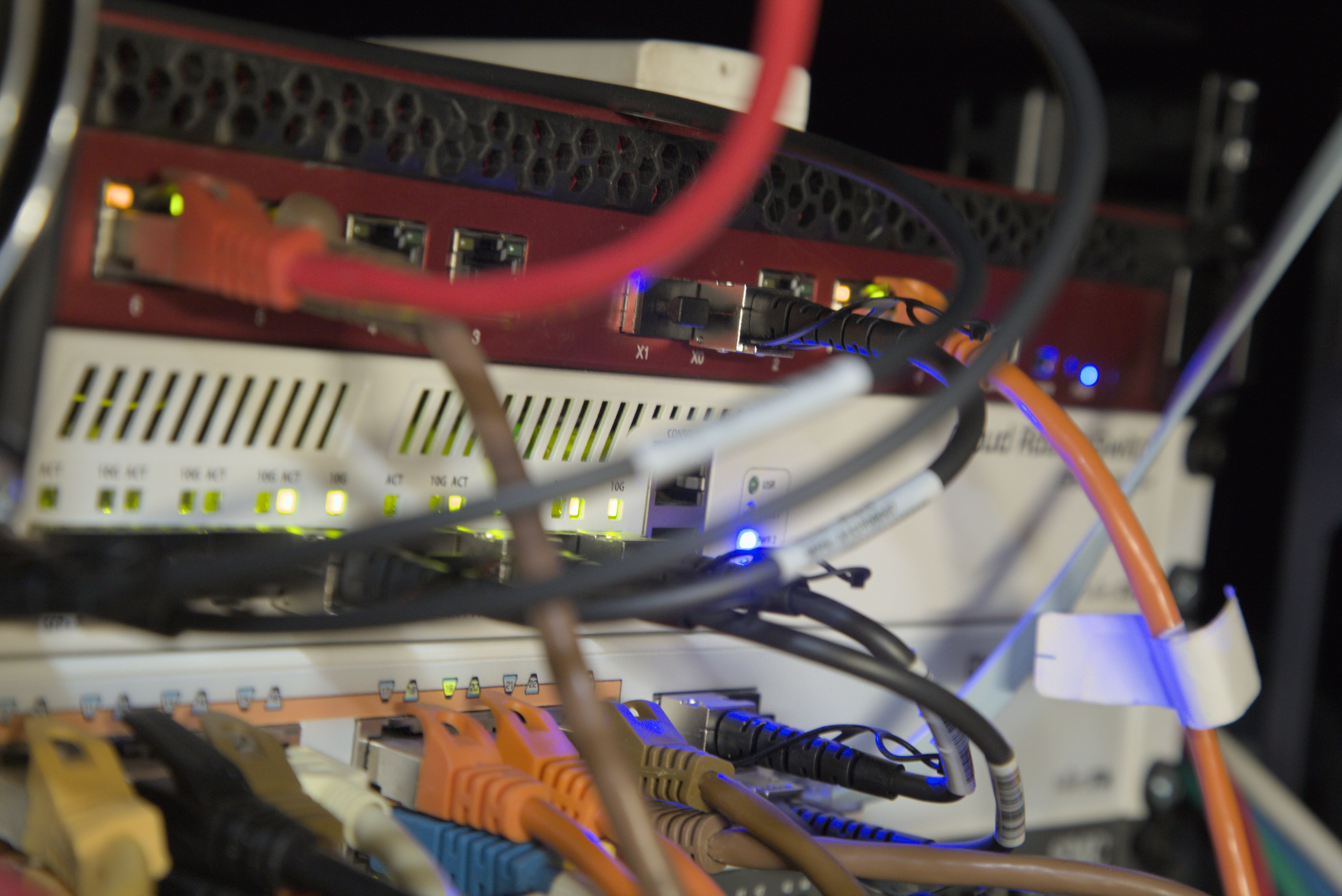
For networking infrastructure I like Mikrotik devices, as they offer features that are simply not available anywhere else at their price point. Professional-level features that they offer were available in switches starting at around $25,000 not long ago. Great for learning about networking topics and separating your traffic.
As I currently work 100% remote, I require a stable Internet connection. In order to be independent of all other “toys,” I make life easy for myself and run a BSD-based OPNSense appliance that provides internet and a bunch of other security services. It lives on top of my 19″ rack, which also contains all other network switches.
To complete the picture, there’s a rented hardware box at Hetzner used to run my wife’s website and our mail infrastructure.

And what software?
Where to start? So many fantastic tools available nowadays! Wherever possible I prefer to use Linux and open-source software.
Currently, mostly Debian and Ubuntu. Preferred desktop is Gnome, preferred shell is ZSH. For terminal management I use tmux in combination with Oh My Zsh. The theme is powerlevel10k.
On two machines I have migrated to use starship as my prompt. I rely on Atuin to synchronize shell history between machines. I use AutoKey to automate things within the desktop session. Not to forget all those great system-level tools like Unbound. Utilizing the idea of block lists at the DNS level is a neat way to increase your security and privacy. I use BIND to run a hidden primary DNS to manage external resources on the web. I use Quad9 as reliable, safe upstream DNS resolvers.
To keep an overview of the security status of my boxes, I use Wazuh.
I use FreeIPA as my identity management platform and rely on Proxmox for virtualization. I use a few LXC containers, but mostly use QEMU VMs. I use Terraform/OpenTofu for building infrastructure and Ansible for provisioning of the infrastructure. For monitoring I use Elasticsearch, OpenSearch, Prometheus, and Grafana, which are running on a Raspberry Pi-based K3s Kubernetes cluster.
For development, I rely heavily on IDEs made by JetBrains, with the awesome VI plugin enabled. If not using an IDE, I rely on Vim/gVIM, but I also like Kate and more recent options like Zed. A veteran like the Eclipse IDE still provides a good solution as well.
Over the last few years, a number of technologies became part of my tech stack when working on different projects.
First, there’s Perl, Bash, Python, Java, Golang, Rust, and the various containers technologies like LXC/ LXD, Docker, or Podman. When working with Java, I enjoy utilizing the Spring Boot framework. I use that combo to run my wife’s website so that she can edit the content of the pages herself. I use a self-hosted GitLab instance to build things.
I write notes using XWiki and anytype. “Office” documents are edited using LibreOffice. Depending on the complexity of the document, I still like to use LaTeX. TeXstudio or Eclipse with the TeXlipse plugin are handy when editing LaTex documents.

I use Audacity for editing audio tracks, Clementine to access my music library, and MiniDLNA to stream media. For image-related work I use Darktable and GIMP.
What’s your keyboard setup like? Do you use a custom layout or custom keycaps?
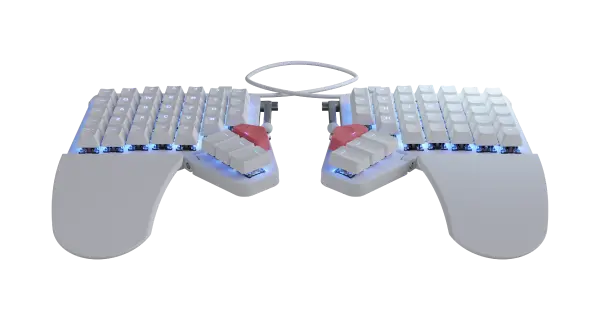
As this is my first adventure into the world of customizable, mechanical keyboards I tried to keep things as simple as possible. I stuck with the switches and default printed keycaps recommended by ZSA. I use the EurKEY European keyboard layout for the Desktop session. That layout enables German umlaut characters to be used.
I kept changes on Layer0 as few as possible at first. As I was used to a QUERTZ layout, I kept Y and Z where they were and swapped the keycaps. The momentary layer switch to Layer1 was kept where it was.
Layer1 was modified quite a bit, and I moved symbols around, depending on how things felt the first few weeks when writing code. Getting used to the number pad was less of a challenge. However, I have to admit that typing the 0 using the index finger while holding down the momentary layer switch with the pinky finger of the right hand still needs a moment to think about.
I found an example of a layout that defined a VI layer that put the arrow keys on the H, J, K, and L keys. I copied that idea, extended it a bit. I activate it with a momentary layer switch when holding down the F key on layer 0. A tap on the key in far-right upper corner executes :wq! Enter, realizing an Esc key for leaving the VI session without changes. Tapping the lowest key of the right thumb cluster executes :wg Enter, closing the current VI session with saving the file. Esc remained Escape on Layer0, but I added a hold action that executes F11. Ctrl-Tab was added on the second key from the left on the lowest row for easy switching between tabs in browsers or the last edited files in my IDE. Undo/Redo are assigned to the key right next to that. It executes Strg+Z when tapped and Strg+Shift+Z when double-tapped.
As my current job requires a lot of copying and pasting commands or output of commands to and from the terminal, documentation, or a support thread in Mattermost, I wanted a better solution for Ctrl+C and Ctrl+Shift+C in terminal windows.
First I used different key actions on the same key. I assigned the following sequence to the C key: “When tapped C”, “When held Ctrl+Shift+C”, “When double-tapped Ctrl+C”. But using a double tap to copy and paste in pretty much every app and then using the hold action when being inside a terminal window was not a good flow.
I really wanted to be able to test the smart layers feature because I wanted to use this to solve the issue outlined above. By providing the Kontroll API, ZSA enables the use of smart layers on Linux with just a tad of glue code required.
After hooking into the required events on Gnome, I was able to retrieve the name of the window that has focus. Using that information, one can switch the layer using the Kontroll API. I copied Layer0 and left all keys the same as on Layer0 but swapped the operation on the keys C and V. I settled for a tap-and-hold action to trigger the copy/ paste operation.
In every window, tapping and holding C executes Strg+C. Switching the window focus to a Gnome terminal window activates Layer1, and tapping and holding C executes Strg+Shift+c. This is so convenient—I really like the idea of smart layers.
After reading about Combos I created a combo called ‘home_path’ on the keys . -.
This combo prints ~/ more quickly than switching to the symbol layer to type the tilde and typing the slash afterwards. I use that combo often in shell sessions when I want to access files inside my home directory like ~/.config/.... It’s useful as well while using the Dolphin file manager. The combination of Strg+L puts the focus in the address bar, enter ~/ via the combo and hit Fnter to get back to your home directory.
I use another combo on keys i o, called ls_curr_dir that creates la and presses the Enter key. la is a shell alias for ls -lA I define via my shell configuration. A bit silly, but the combo is still faster than typing la Enter.
Still, this all feels just like having started to explore all the capabilities of customizable keyboards. Overall I’m really happy with my choice of the Moonlander keyboard as well as the outstanding support provided by ZSA, answering any questions swiftly and competently in no time. Recently I took the Moonlander on a business trip and was also really satisfied with the sturdy, solid platform. Just take everything out of the neoprene sleeve, unfold it and enjoy your usual tenting position in no time.
What would be your dream setup?
Self-ordering cables would be very much appreciated. Being able to keep my current setup, but somehow “motorize” the desk and make it height adjustable would be great. If dreaming includes winning the lottery, I would probably go for an extended setup like those the stock exchange guys have. Second row of monitors above the first, all nicely held by those fancy VESA holders.
I would replace my server with an AMD Ryzen-based system and add an NVIDIA Blackwell card.
Keyboard-wise I would keep things like they are right now. If I ever have to go back to a hybrid work situation, I would probably consider adding ZSA’s more recent Voyager.
Keycaps that have elevated marks like the F and J key but have just a horizontal line like the outer rows of the Moonlander would be helpful. I would replace my Tab key with the one with the elevated mark. Going off the rails completely: Keycaps that are actually tiny little screens that could display whatever the user wanted would be an interesting development.
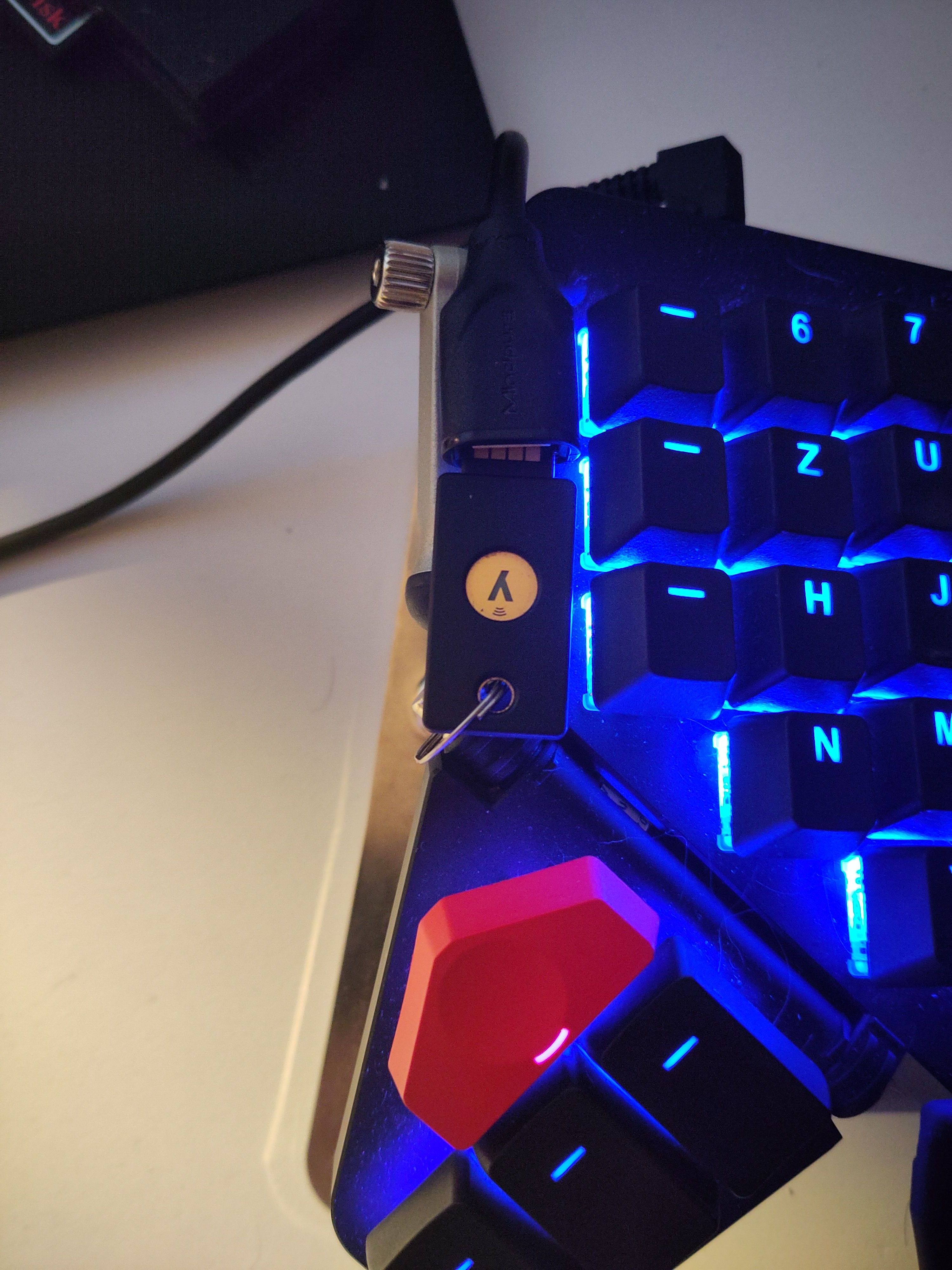
I'm thinking about replacing the standard cables with a set made by KingCables, maybe something like this pre-made set. Maybe I could integrate the separate USB cable I use for my YubiKey into a custom cable setup. As I get nowhere nowadays without my YubiKey, it's really handy to have it right up on the right half of the Moonlander.